
Your business needs a more reliable way to engage with mobile users, and retain their top customers.
And that way is a mobile app.
When you convert your website into a mobile app, you build a stickier, mobile-first user experience.
The mobile app keeps users engaged for longer, and allows you to build long-term relationships and greater mindshare, with push notifications and an icon on your user’s home screen.
Today, most websites are good enough on mobile to make a smooth transition into a mobile app. There also happens to be a number of well-established tools on the market to help you turn your website into an app.
In this article, we’ll break down:
- The best tools
- The main benefits of each
- What kind of website or business each tool is best suited for
The goal? To help you make an informed decision when turning your website into a mobile app.
Three Approaches to Converting a Website into an App
Before comparing individual tools, it helps to understand the fundamentally different approaches available. Each makes different tradeoffs between cost, time, control, and fidelity to your existing website.
Here's a quick overview of each of the approaches you can take, and what's involved with each one:
| Website-to-App Tools | Dev Frameworks | Progressive Web Apps | |
|---|---|---|---|
| How it works | Turn your existing site into an app | Rebuild from scratch in code | Make your site "feel" like an app |
| Website parity | Full | Need to rebuild | Full (it IS your site) |
| App Stores | iOS + Android | iOS + Android | Android only (via TWA) |
| Push notifications | Full native support | Full (if you build it) | Limited (esp. iOS) |
| Time to launch | Days to weeks | 3-9+ months | Days |
| Cost | $25-$1,499+/mo | $50K-$250K+ (plus ongoing maintenance) | Low (your web team's time) |
| Dev resources | None to minimal | Full dev team | Minimal |
| Ongoing work | Low (app + site in sync) | High (dedicated dev team, duplicate work) | Low (one platform to maintain) |
| Examples | MobiLoud, Median, AppMySite | React Native, Flutter | PWABuilder, custom build |
Website-to-App Conversion (Managed or Self-Serve)
This is the most literal interpretation of "converting" a website into an app. This path takes your live website and delivers it inside a native app container with native features layered on top: push notifications, deep linking, native navigation, and App Store distribution.
Your website stays your primary source of content and functionality. Update your site, and the app reflects those changes automatically. No duplicate work.
The key difference within this category is the level of service. Managed website to app services like MobiLoud handle design, build, App Store submission, and ongoing maintenance for you. Alternatively, there are self-serve tools that give you a dashboard to configure the app yourself; which are cheaper, but more labor-intensive.
This approach works best when your website is already mobile-responsive and well-built. If your mobile web experience is strong, a website-to-app tool preserves everything you've invested in it.
Cross-Platform Development Frameworks
Frameworks like React Native, Flutter, and Capacitor/Ionic let developers build mobile apps that run on both iOS and Android from a single codebase.
They’re more extensive - and expensive - ways to convert your website into a mobile app. In reality, you’re rebuilding your website as a mobile app.
This route makes sense if you need a highly custom mobile experience that goes beyond what your website offers, things like offline functionality, complex animations, or device-specific features.
The tradeoff is that it requires a lot more engineering resources, months of development time, and ongoing maintenance of a separate codebase.
Progressive Web Apps (PWAs)
A PWA is a set of web technologies that make your website behave more like an app. Users can add it to their home screen, it can work offline to some degree, and on Android, it can send push notifications.
PWAs don't require App Store submission and cost very little to implement. But they come with significant limitations: no App Store distribution (which means no discoverability), restricted push notification support on iOS, no access to many native device features, and no real way to create a differentiated app experience.
Tools like PWABuilder can help you package your PWA for distribution, but the underlying technology constraints remain.
What to Consider Before You Convert Your Website Into an App
We’ve helped over 2,000 businesses turn their websites into mobile apps (and held consultation calls with perhaps tens of thousands more).
In this time, we’ve seen a lot of people jump in too fast; thinking that turning their website into an app will fix a poor experience on the web, or launching something that gets rejected by the app store.
Here’s what to ask before you dive in:
Is Your Website Ready?
A website-to-app tool is only as good as the mobile website it's built on. And for most businesses, mobile web will still get more traffic overall (since this is where new users land).
Turning your site into an app shouldn't be a way of compensating for a poorly built mobile site. It's a way of extending your site into a stickier more mobile-native experience.
Before choosing a tool, make sure your site meets these criteria:
- Responsive design. Your site needs to render cleanly on mobile screen sizes. If it doesn't, fix that first; the app will inherit whatever mobile experience your site currently provides.
- Reasonable page speed. Slow-loading pages on mobile web will be slow-loading pages in the app. Aim for Core Web Vitals scores in the "good" range at least.
- Working checkout and account flows. Particularly for ecommerce brands, make sure your mobile checkout, customer accounts, and payment integrations work smoothly on mobile Safari and Chrome. The app will use the same flows.
The better your website is on mobile, the easier it will be to convert to an app.
Will Apple Approve Your App?
This part is crucial. Apple's App Store Review Guideline 4.2 specifically addresses apps that are "simply a website bundled as an app."
Apps that don't offer functionality beyond what a mobile website provides risk rejection.
What does this mean? It means your app needs to add genuine native value: push notifications, native navigation, deep linking, a login experience, or other features that go beyond what the browser can offer.
Tools that simply package a URL into an app binary without adding native functionality often run into approval problems.
Managed services like MobiLoud handle App Store submission and approval as part of the service, including the native feature layer that satisfies Apple's requirements. With self-serve tools, you're responsible for navigating this yourself.
What Features Do You Actually Need?
The flipside of a low-effort website to app converter is one with hundreds of bells and whistles you don’t need.
You may find a tool with hundreds of native plugins and fancy native features. This all means more complexity to maintain (and not a lot of extra value above the core functionality of your website).
The same thing is often true for custom builds. Sometimes you need the extra functionality you can only get with native APIs. But you’ll pay for it - so be sure you’re getting commensurate value.
The Best Tools to Turn Your Website Into an App
There are many ways to turn a website into an app - from managed services like MobiLoud, to DIY custom development via React Native or Flutter, or a halfway measure like a PWA.
Let's take a look at the best options in more depth.
1. MobiLoud (Managed Website-to-App Service)
Best for: Businesses that want a high-performing mobile app - without the burden of building and managing it themselves.
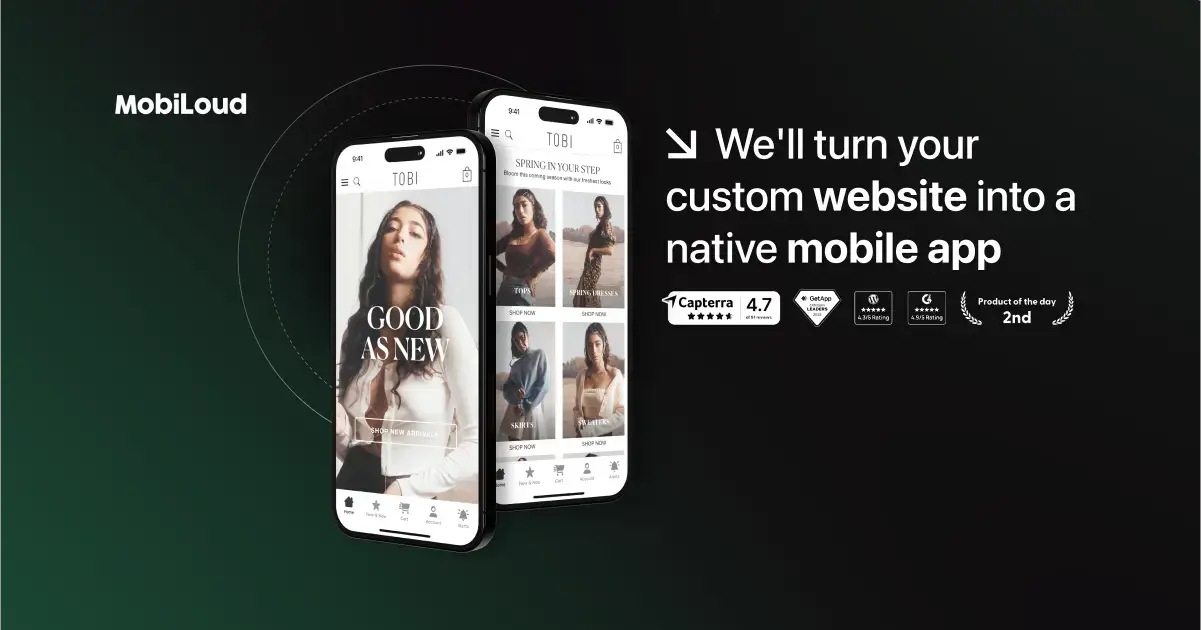
MobiLoud is the best way to turn a website into a mobile app. MobiLoud has published more than 2,000 apps since 2013, has 200+ reviews averaging 4.8/5, and supports customers like Bestseller, Vero Moda, Jack & Jones, John Varvatos and Estee Lauder.
MobiLoud isn’t just another app builder. It’s a done-for-you service, backed by a team of mobile experts who manage every aspect of your app - from development and launch to growth and ongoing optimization.
Most platforms on this list hand you a set of tools and leave you to figure things out. In contrast, MobiLoud acts as a partner.
We work directly with your team to ensure your app isn’t just live, but thriving - driving engagement, conversions, and long-term retention.
We convert your existing website (no matter how complex) into fully functional iOS and Android apps that look and feel like true native apps.
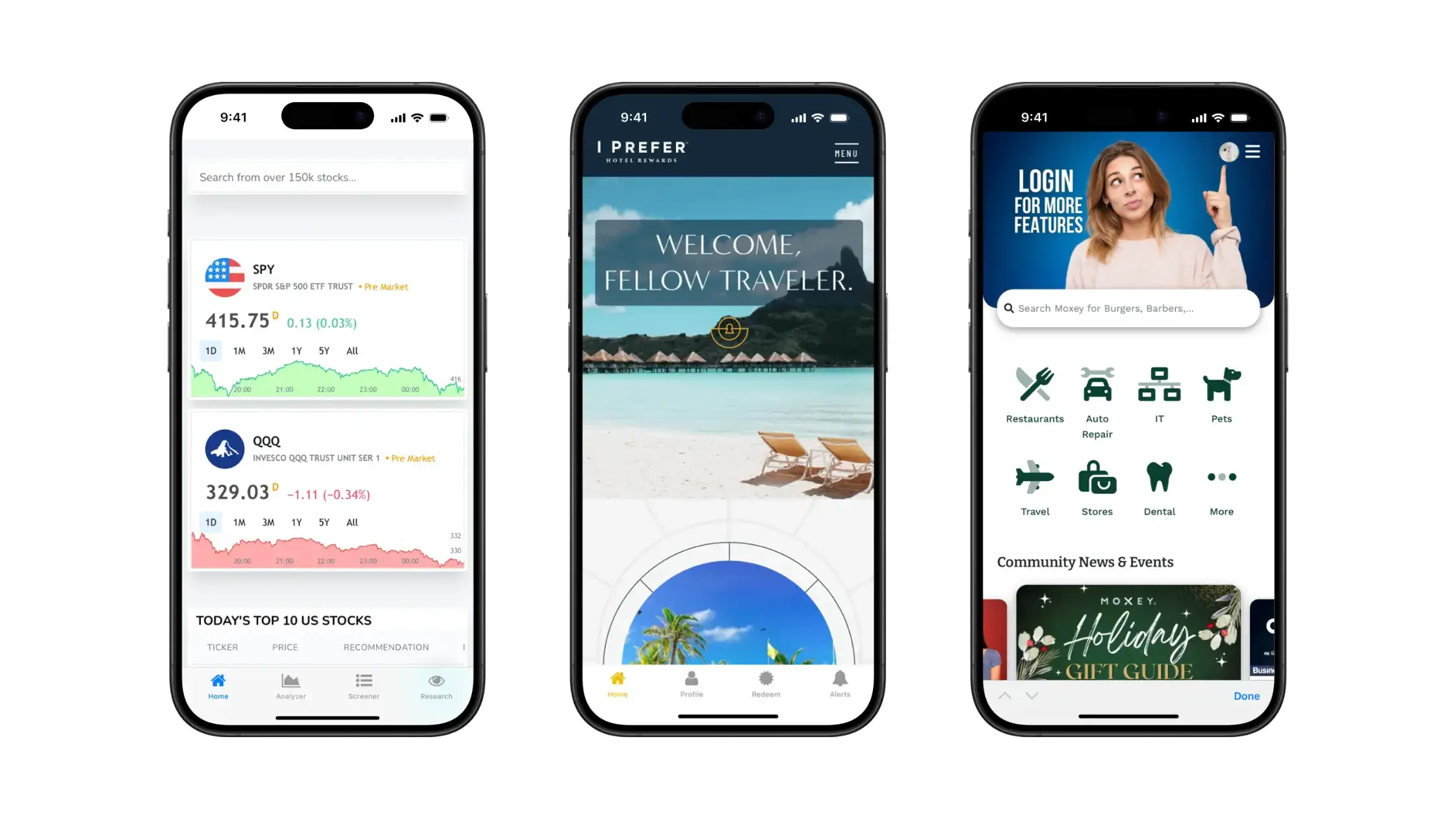
Everything on your app works exactly as it does on your site, including:
- Ecommerce flows
- User logins
- Third-party tool integrations
- Analytics & testing
- Dynamic content, custom features and more
But it's not just a plain repackaging of your website as an app. We enhance your app with native features like navigation UI, in-app menus, push notifications and app-exclusive experiences, to make your native app feel like a native app.
The bottom line: MobiLoud is a full-service mobile team, without the overhead.
You don’t just get software. You get:
- Pietro, our founder, who is actively involved in strategic guidance
- Diego, your main contact, supporting post-launch promotion and user growth
- Jason, ensuring your app is thoroughly QA tested before launch
- Vitor, managing technical support and platform stability
We’re available via Slack, email, and calls. And we work in your timezone for smooth collaboration.
If you’re running an ecommerce store, content site, or SaaS app, and mobile is critical to your business, MobiLoud helps you get there faster, with less effort, and without ever touching a line of code.
Why choose MobiLoud:
- Preserve 100% of your website’s features (no rebuilding required)
- Launch in around 6-8 weeks
- Unlimited push notifications to drive retention and LTV
- Native navigation, sharing, and mobile UI enhancements
- Fully managed app store submission, compliance, and updates
- Ongoing support from a real, experienced team
- No revenue share. No platform lock-in. No duplicated workflows.
Pricing: MobiLoud is a premium service starting from $1,499/month plus a one-time setup fee. (Learn more about pricing here)
Wondering if MobiLoud is right for you? Get all your questions answered, before you pay anything or sign up for a trial. Get in touch and book a free consultation to discuss your project.
2. AppMySite (Self-Serve Website-to-App Converter)
Best for: WordPress and WooCommerce site owners seeking a fast and affordable native app.
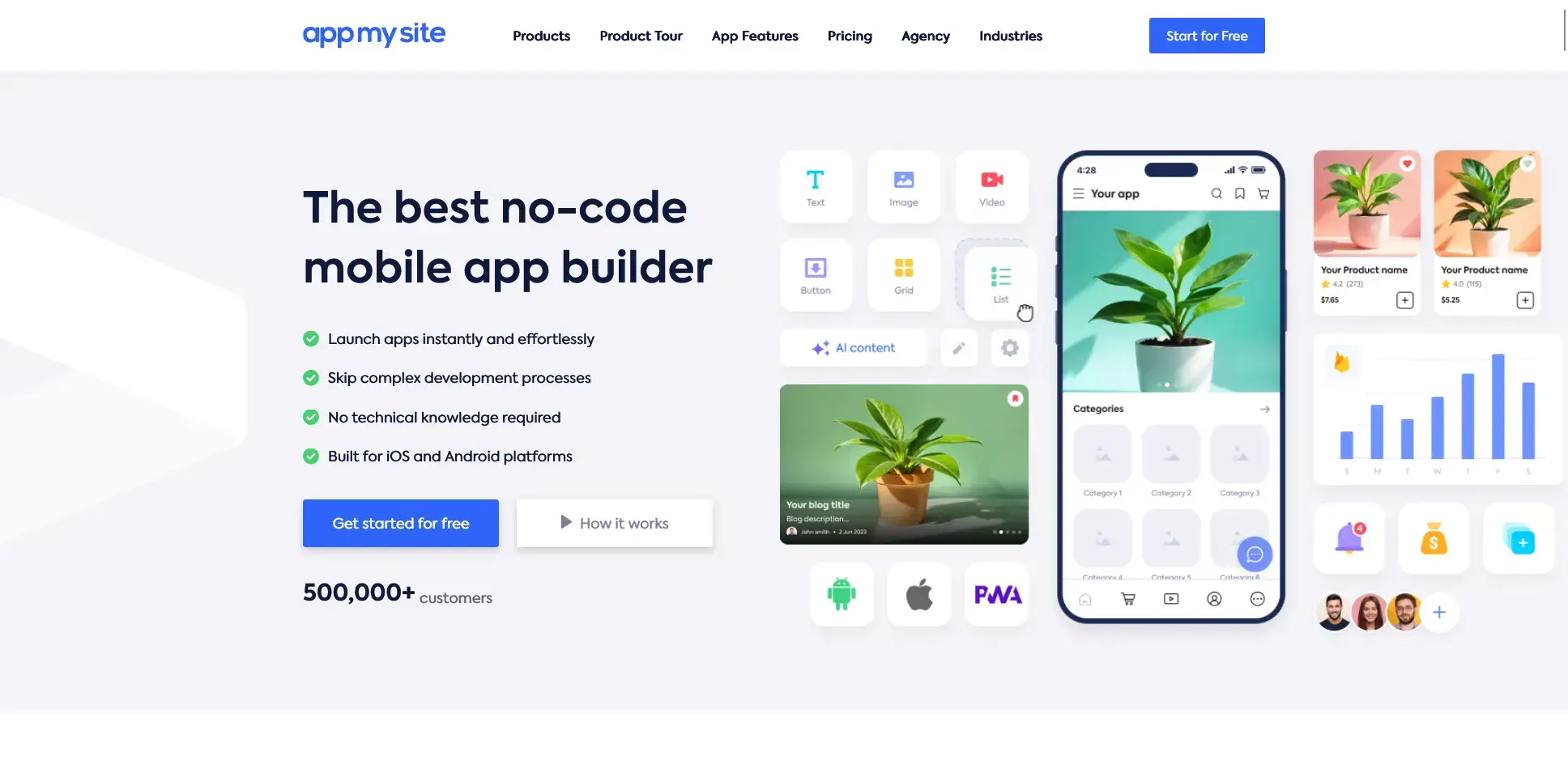
AppMySite offers a fast conversion experience for WordPress and WooCommerce sites. This no-code platform automatically imports your website's content, menus, and products, allowing you to customize your app through a visual editor.
You'll appreciate how quickly you can go from website to app; it's possible to complete the process in just a few hours. The platform handles the technical aspects while giving you control over branding and design elements.
The tradeoff for speed and simplicity is in functionality, though. You will run into limitations if you want to expand past a very simple app experience.
Why choose AppMySite:
- Zero coding required. Build a mobile app in just four steps
- Real-time preview via built-in emulators
- Automatic content syncing with your WordPress site
- Support for WooCommerce, including in-app purchasing
- Free tier to design and preview your app before paying
Pricing: Plans start from around $49/month, with options for single-platform (Android only) or dual-platform (Android and iOS) apps.
3. Twinr (Self-Serve Website-to-App Converter)
Best for: Rapid mobile app launches.
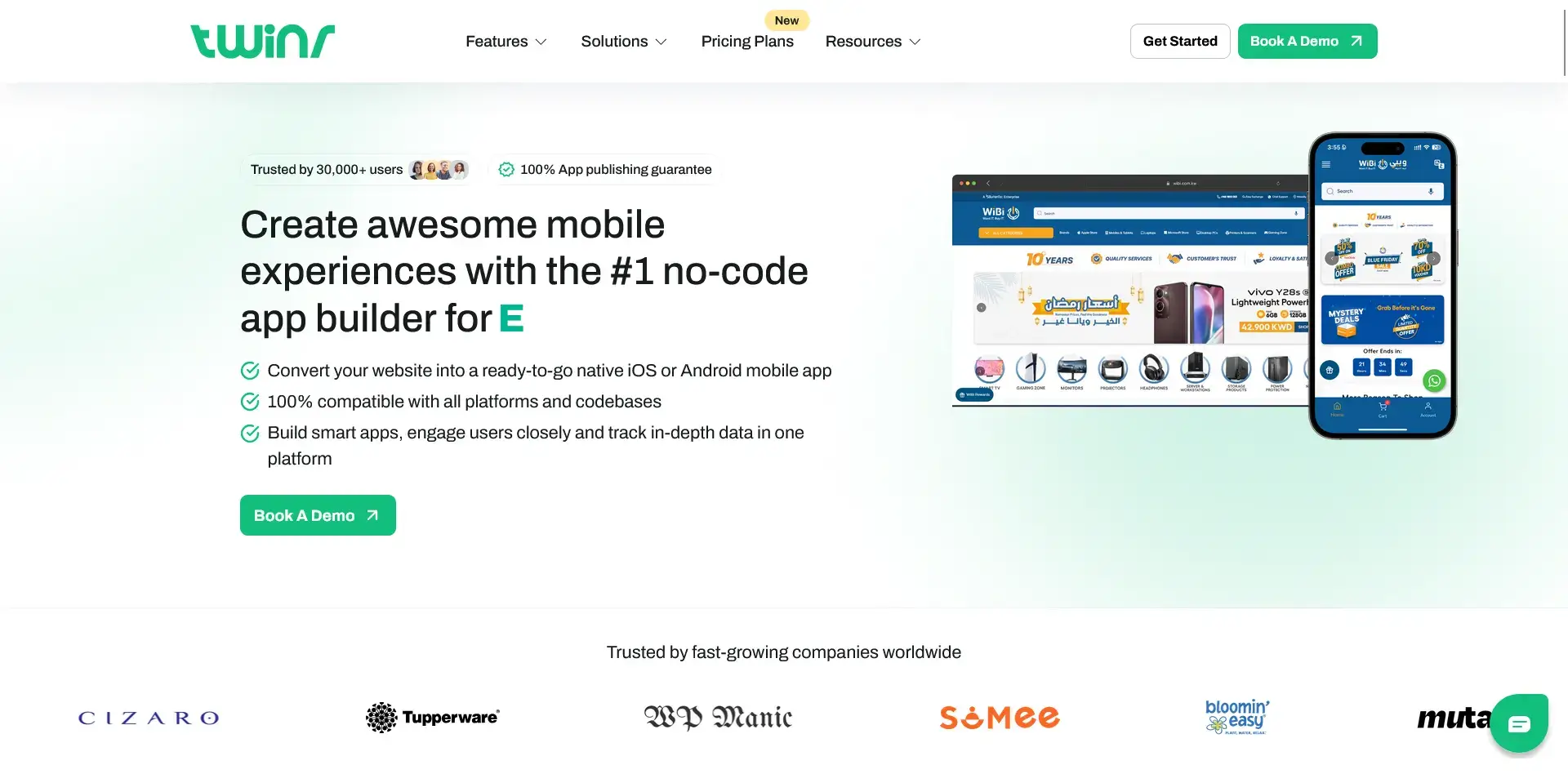
If you need to launch an app quickly, Twinr is an option. This platform converts your existing site into a native app shell while adding mobile-specific features like push notifications.
Along with a drag-and-drop app builder, the platform offers abandoned cart push notifications, native navigation elements, and guaranteed app store approvals, at a much lower price than building from scratch.
Why choose Twinr:
- Convert any website into a mobile app "in just minutes"
- Send personalized push notifications, including cart abandonment reminders
- Add native elements like bottom navigation and custom splash screens
- Support for in-app purchases and AdMob integration
- 14-day free trial with no credit card required
Pricing: Affordable tiered plans ranging from $25/month (Basic) to $125/month (Premium).
4. Median.co (Self-Serve Website-to-App Converter)
Best for: Technical teams wanting granular control over native app behavior.
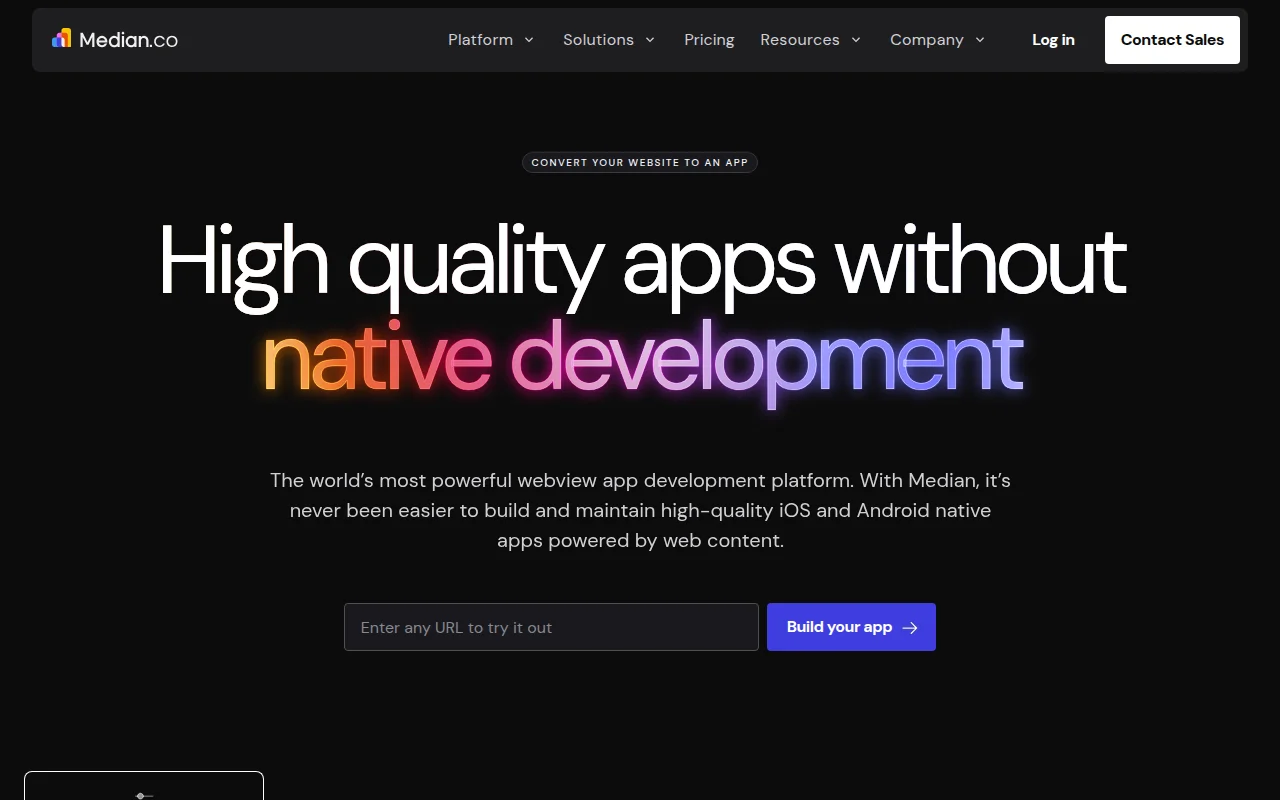
Median (formerly GoNative) is a developer-oriented platform that converts websites into native apps with an extensive JavaScript Bridge for web-to-native communication.
If your development team wants fine-grained control over how the app interacts with native device features, Median offers more technical depth than other self-serve tools. Its JavaScript Bridge has an NPM package for React, Angular, and Vue, and supports both a helper library and a low-level protocol for web-to-native calls.
The major advantage is flexibility. Median supports third-party SDK integrations (Branch.io, Adjust, Facebook, AdMob), push notifications via OneSignal, and deep linking, giving experienced developers a lot of room to customize.
Why choose Median.co:
- JavaScript Bridge API for deep web-to-native communication
- NPM package for popular frontend frameworks
- QR/barcode scanning, camera access, offline functionality
- Third-party SDK support (Branch.io, Adjust, Facebook, AdMob)
- Push notifications via OneSignal
Pricing: Free for testing; paid plans from ~$490/year (self-serve) to $18,000+ (enterprise with full-service support).
5. AppPresser (Self-Serve, WordPress Plugin)
Best for: WordPress-powered sites needing strong plugin integrations.
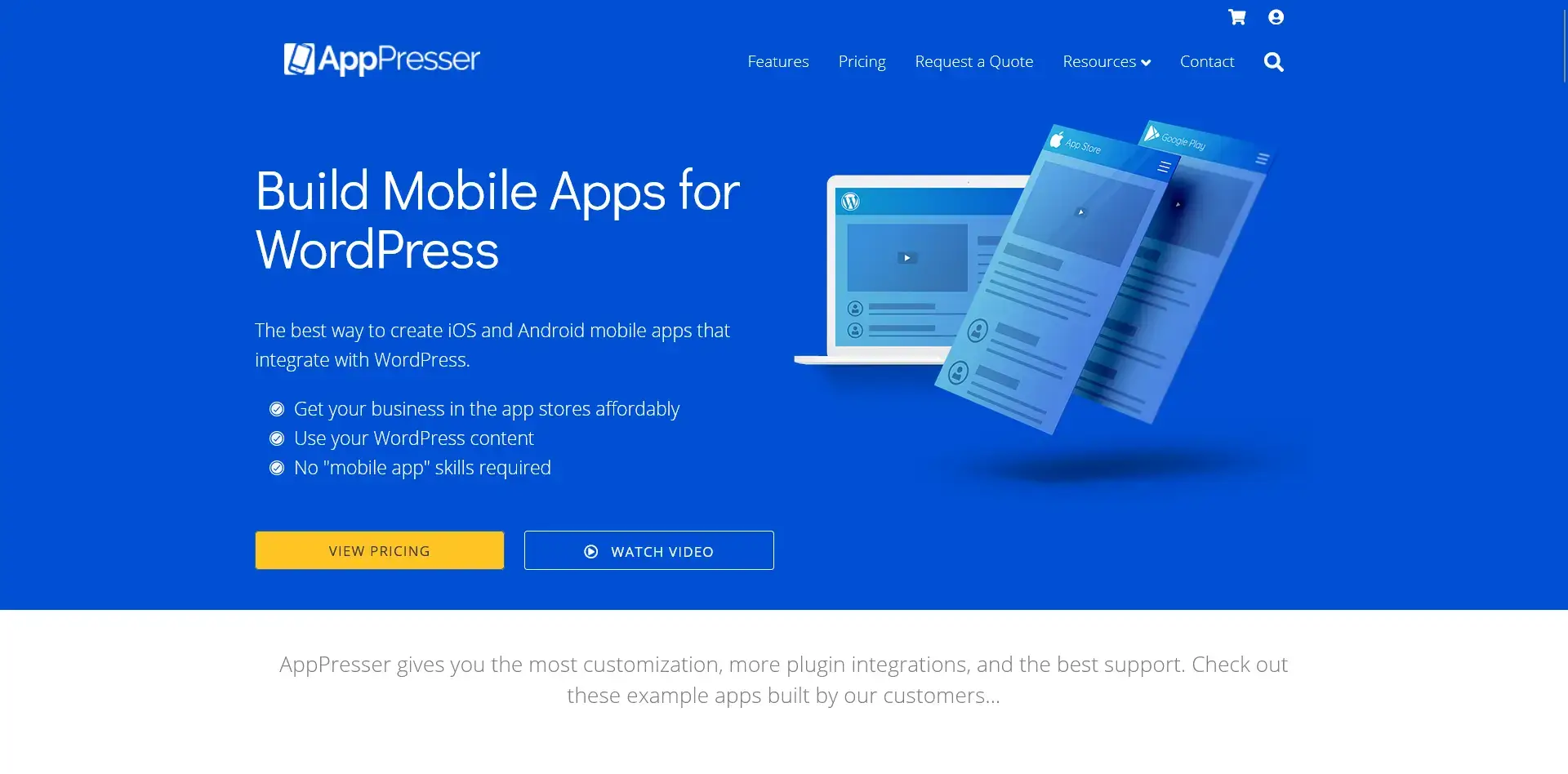
If your website runs on WordPress, AppPresser may be a good fit.
It has dedicated integrations for popular plugins: e.g., WooCommerce (for ecommerce in a content app), BuddyPress or BuddyBoss (for community/forums), LearnDash (for online courses), and allows you to build and customize your app within WordPress itself.
Like AppMySite, there’s a ceiling to how good your app can be. But if you’re looking for a simple and affordable solution, that allows you to work within the ecosystem you’re already familiar with, it’s worth a look.
Why choose AppPresser:
- Build and manage your app directly from your WordPress admin panel
- Seamless integration with popular WordPress plugins
- Trigger push notifications from WordPress when publishing new content
- Add custom CSS/JS to fine-tune your app's appearance
- Preview changes instantly before building
Pricing: Between $59–$79/month (billed annually), plus a potential app store submission fee (often waived with annual plans).
6. Natively (Self-Serve Website-to-App Converter)
Best for: Non-technical users and small businesses wanting a basic app on a budget.
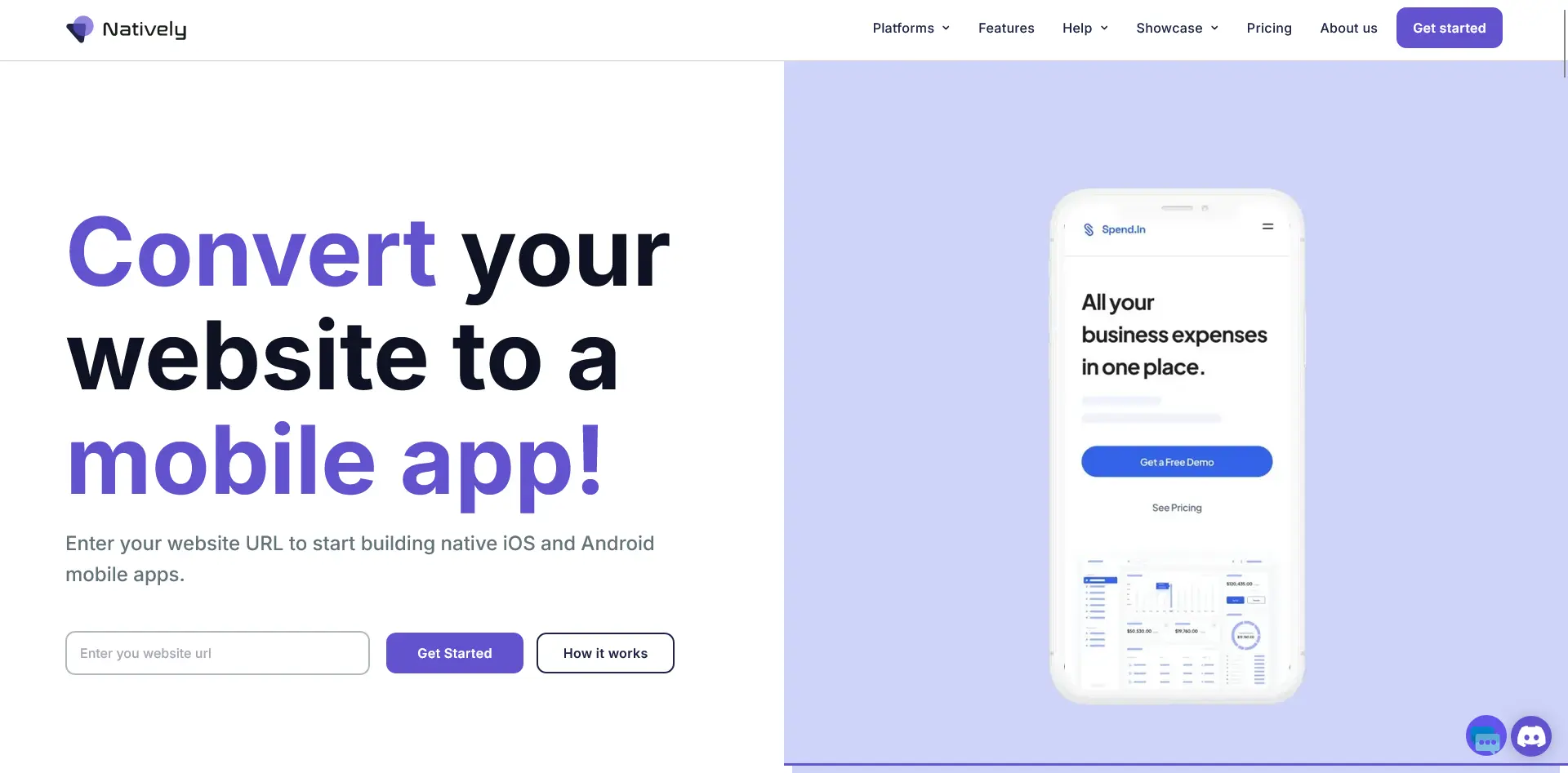
Natively is a no-code website-to-app converter designed for simplicity. Enter your URL, configure basic settings (icon, splash screen, native features), and Natively generates app binaries for both iOS and Android.
It supports WordPress, Shopify, Webflow, Wix, Tilda, Bubble, and other platforms, and all features are included on every paid tier, so you don't have to worry about upgrading to unlock specific capabilities.
The lifetime pricing option ($699 one-time) is particularly attractive for budget-conscious projects. The tradeoff - you should expect to be handling most (or all) of the maintenance for your app yourself.
Why choose Natively:
- No-code setup; works with virtually any website platform
- Push notifications, in-app purchases, geolocation
- 100% App Store release guarantee
- Unlimited rebuilds and automatic iOS uploading
- All features included on every paid tier (no feature gating)
Pricing: From $49/month (or $32/month billed annually). Lifetime option at $699. 14-day free trial.
7. Cordova/Capacitor (Cross-Platform Framework)
Best for: Web-based SaaS businesses maximizing existing web development skills.
If you or your team are already proficient with web development, Apache Cordova (and its modern variant Capacitor by Ionic) offers a developer-friendly approach.
These frameworks wrap your existing web application in a native container, allowing it to run as a mobile app while accessing native device features.
The major advantage here is code reuse. You can literally take your responsive web app and bundle it as is. This is perfect for SaaS products where the web app is the primary platform, and you want to offer an app version without rebuilding from scratch.
Of course, there’s a greater development load and expertise barrier with this than a ready-made tool or service, so if you’re looking for a no-code solution, try one of the options mentioned earlier.
Why choose Cordova/Capacitor:
- Maximum code reuse. Maintain one codebase for web and mobile
- Freedom to use any web technology stack (React, Angular, Vue, etc.)
- Access to device features via plugins (camera, GPS, push notifications)
- Unified development and maintenance process
- Ability to debug in browser environments
Pricing: Free and open-source. Your only costs come from development time and app store accounts.
8. React Native (Cross-Platform Framework)
Best for: SaaS or tech startups wanting high-quality, native-feeling apps.
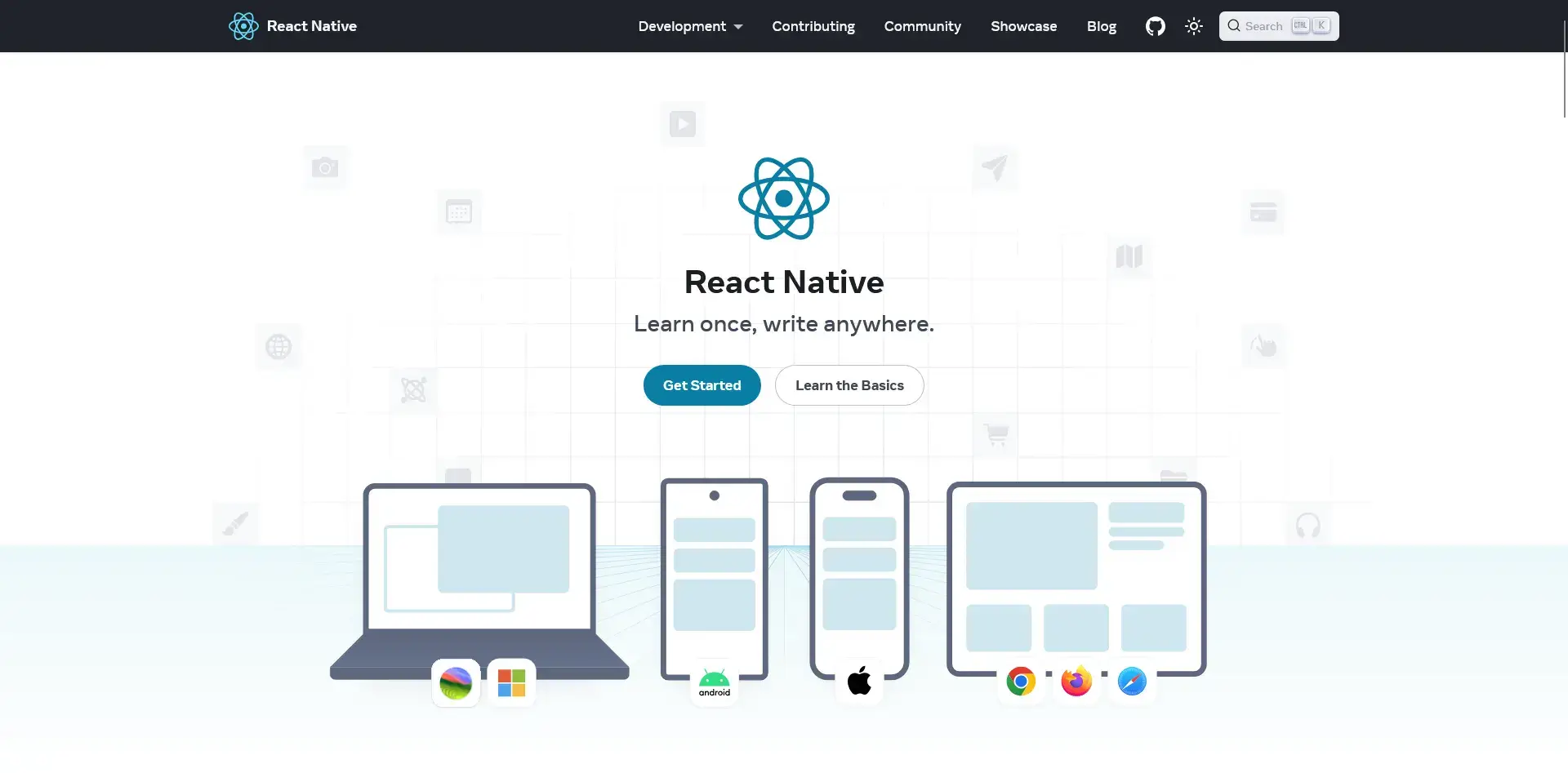
If you're looking for apps that truly feel native but don't want to build separate codebases for iOS and Android, React Native offers an excellent middle ground. This framework uses JavaScript and React to create mobile apps with real native UI components.
Unlike webview-based approaches, React Native produces apps that perform very much like fully native ones. This is ideal for SaaS dashboards or interactive applications where user experience quality matters, but you still want cross-platform efficiency.
Why choose React Native:
- Native look and feel with a single codebase (typically 85%+ shared code)
- Excellent performance for most app interfaces
- Hot reloading for faster development cycles
- Huge ecosystem of libraries and support
- Used by major companies like Facebook, Instagram, and Tesla
Pricing: Free and open-source. You'll only pay for development time and app store accounts.
Read more: React Native vs Native Development (How to Save on the Cost of Building an App)
9. Flutter (Cross-Platform Framework)
Best for: High-performance, visually impressive cross-platform apps.
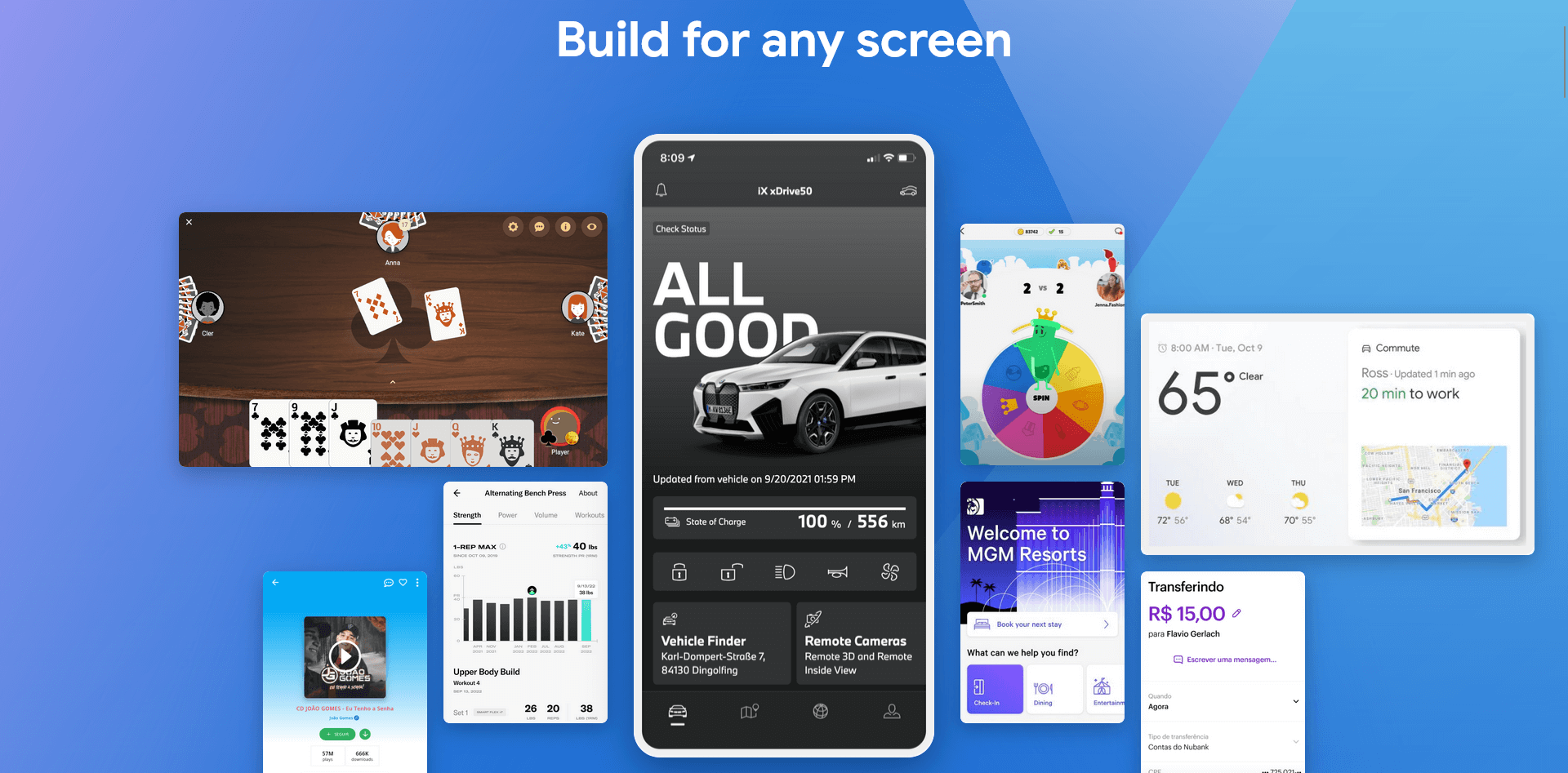
Google's Flutter takes cross-platform development to another level by using its own rendering engine to draw the UI. The result? Exceptionally smooth animations and pixel-perfect designs that look identical across iOS and Android.
Flutter is particularly well-suited for apps with custom designs, rich animations, or complex visual elements. If you want your app to stand out visually while maintaining high performance, Flutter delivers impressive results.
Why choose Flutter:
- High-performance UI with 60fps animations (or 120fps on capable devices)
- Complete control over every pixel of your design
- Hot reload for incredibly fast development iterations
- Full customization of the look and feel
- Growing ecosystem of packages and plugins
Pricing: Free and open-source. Your costs come from development time and app store accounts.
Read more: Flutter 101: what you need to know about the #1 cross-platform framework
10. Progressive Web App (PWA) + Wrapper
Best for: Businesses prioritizing speed, efficiency, and minimal development effort.
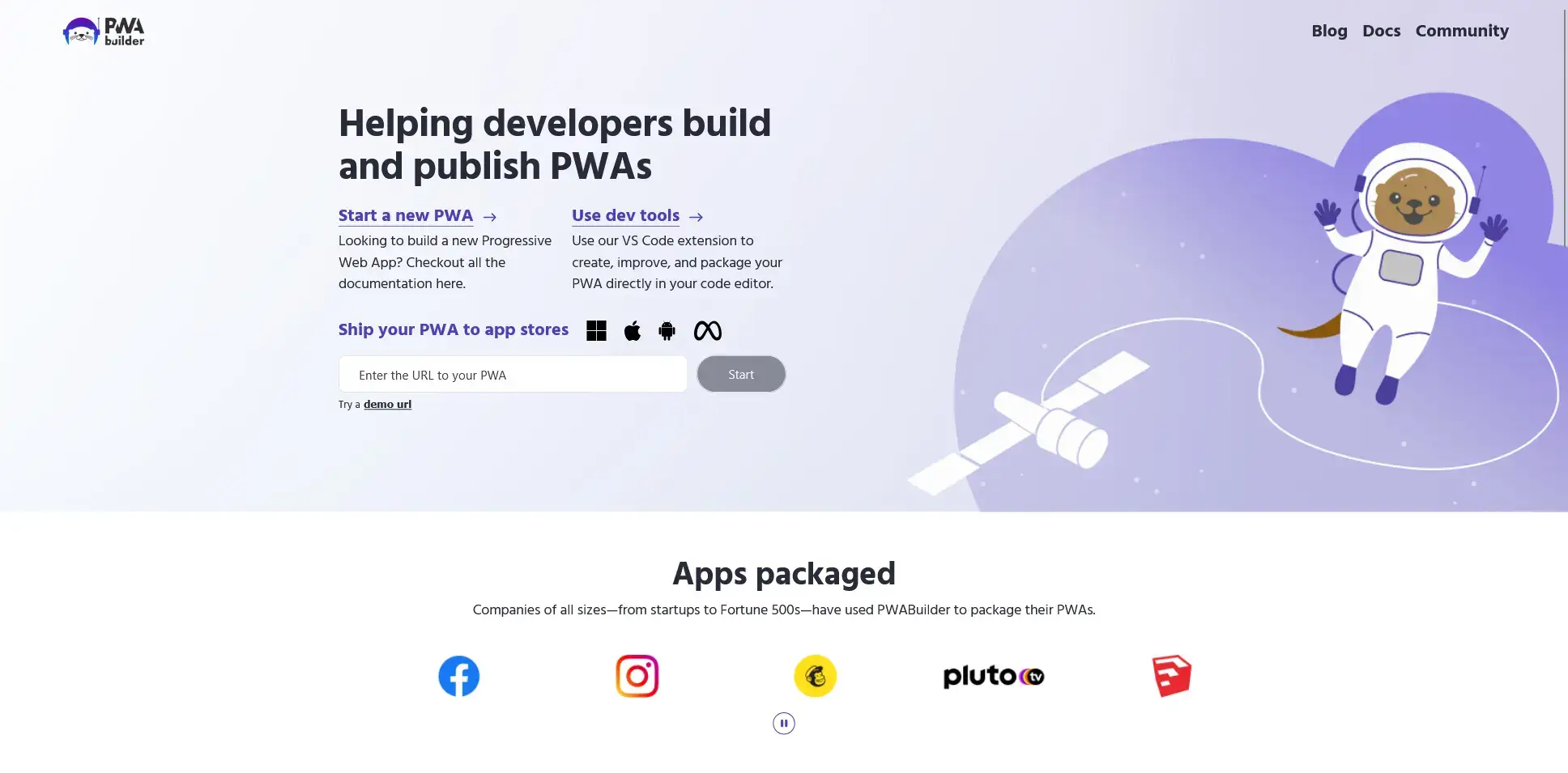
The Progressive Web App approach represents the most efficient path from website to app-like experience. By transforming your website into a PWA (with features like offline support, home screen installation, and push notifications), you can deliver an app-like experience without building a separate app.
For Android, you can submit your PWA to the Play Store using Trusted Web Activities (TWA). For iOS, you'll need a native wrapper around your PWA (plus some level of native functionality) to get into the App Store.
Tools like PWABuilder make this process relatively straightforward. Though be warned it may take some work before you can get your app approved for publishing.
Why choose the PWA approach:
- Minimal development effort if your site is already responsive
- Update your "app" just by updating your website
- No app store reviews for content updates
- Push notifications on Android (and now iOS 16.4+)
- Cost-effective and fast to implement
Pricing: Mostly free to implement as a PWA, with potential minimal costs for solutions that wrap it as a mobile app.
Final Thoughts
When selecting the right tool to convert your website into a mobile app, consider your specific requirements:
- Need a premium, hands-off solution? MobiLoud delivers exceptional quality with minimal effort from you. It’s perfect for ecommerce, publishers, SaaS and basically any web-first business looking to launch a revenue-generating app.
- Looking for a simple, drag-and-drop solution? Try cheap solutions like Twinr or AppMySite.
- Want extensive customization without coding? BuildFire's plugin marketplace gives you flexibility.
- Want to develop the app yourself? Developer-oriented options like React Native, Flutter, or Cordova offer the best balance of quality and efficiency.
Whatever your choice, transforming your website into a mobile app is a great way to future-proof your digital presence and engage your audience more effectively.
We feel, for most small to medium-sized businesses, MobiLoud is the best choice. It’s the best mix of service, functionality, and simplicity in converting your existing web features into a mobile app.
It’s a much more dependable option for revenue-generating apps than cheap drag-and-drop tools, and doesn’t require the development load that comes with hybrid/cross-platform frameworks like React Native and Apache Cordova.
If you want to see what MobiLoud can do, get a free preview of your app now, and get an interactive demo of your very own branded native app.