Mobile apps for Adobe Commerce
Launch a branded mobile app with your theme, your modules and your checkout intact. B2B accounts, shared catalogs and multi-website all keep working, with no rebuild and no second codebase.
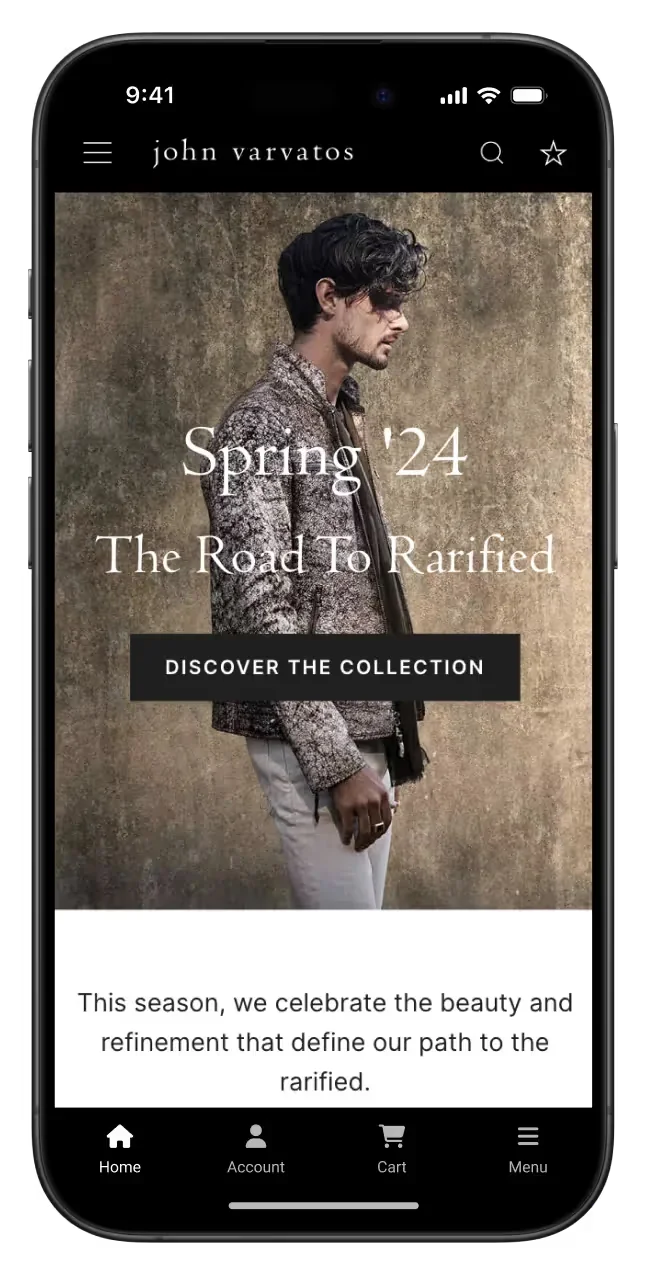
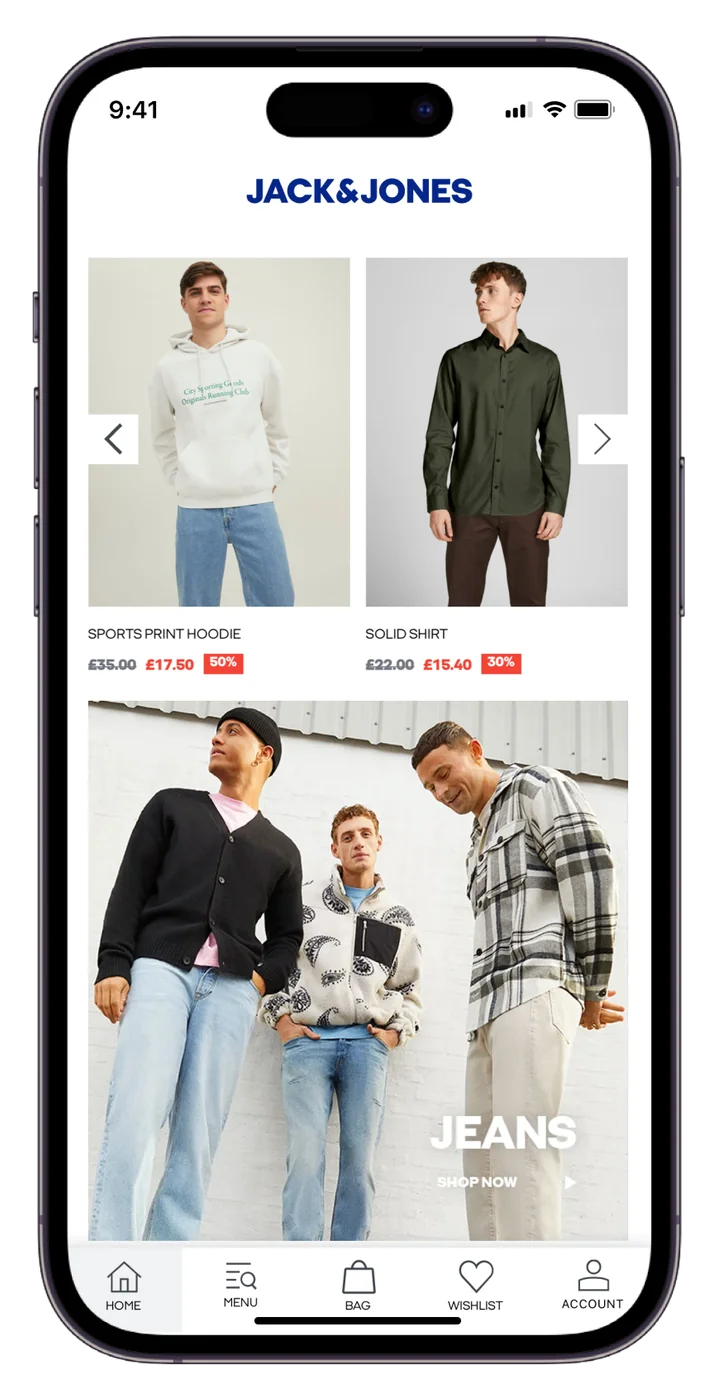
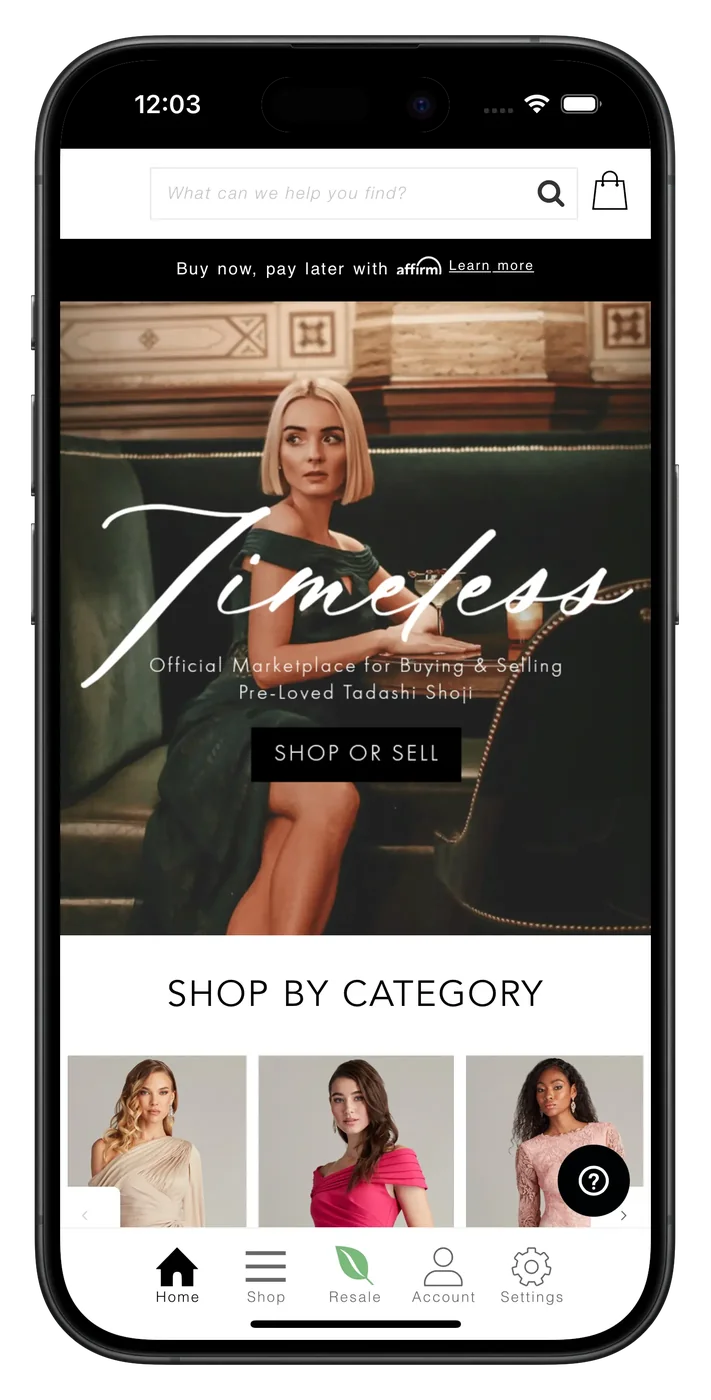
2,000+ apps published since 2013








How it works
MobiLoud turns your existing Adobe Commerce storefront into full featured native apps for iOS and Android. It's powered by your live storefront, so every module, every extension and every custom enhancement works in your app as it does on the web.
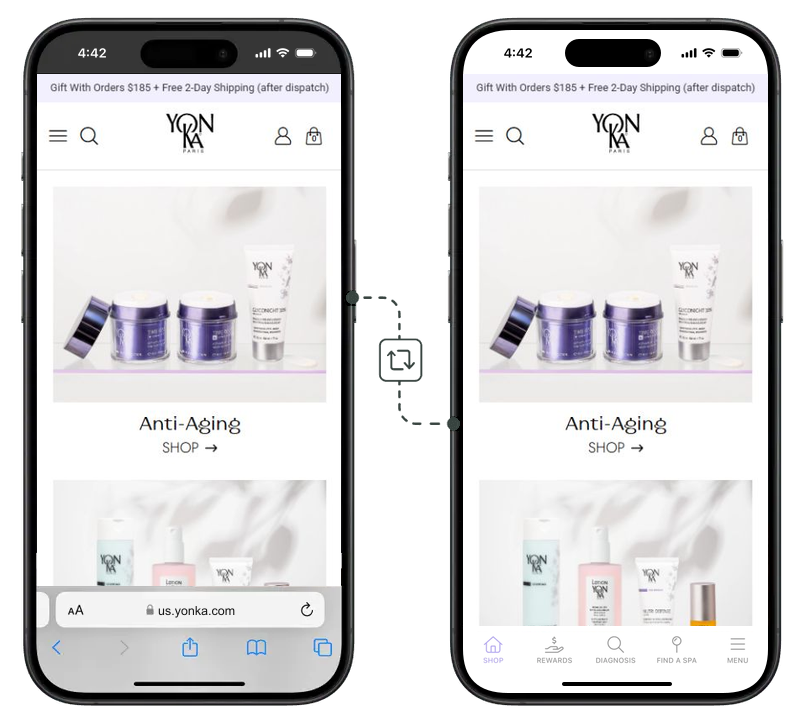
No templates, and nothing rebuilt against GraphQL. The app loads the storefront you already run, so your theme, your modules and your checkout come with it.
MobiLoud's team adds the native pieces: tab bar and navigation, push notifications, deep linking, social sign-in and UI tweaks, then ships your app as iOS and Android binaries.
Our team handles store review and submission, and the app goes live under your own Apple and Google accounts. You keep merchandising from the Adobe Commerce admin exactly as you do now.
You get an app with all the features customers expect from a native app: tab bar, navigation, gestures, push and login, all native, all built into the app. We've had 2,000+ apps published on the App Store and Google Play, and know what your app needs to look and perform at its best.
What carries over
Most app builders can't replicate what an Adobe Commerce storefront does. They rebuild your catalogue against GraphQL, and the custom modules, B2B rules and pricing logic you have spent years on are left behind.
MobiLoud is not most app builders. MobiLoud keeps everything from your storefront in the app, including the customization that makes it yours.
Luma, a custom theme, Hyvä or a PWA Studio build, the app renders whatever you serve. Years of front-end work carry over unchanged.
Marketplace extensions and the bespoke modules your agency wrote keep working, because they keep running on your storefront rather than being re-integrated.
Company accounts, shared catalogs, requisition lists, negotiable quotes and purchase orders behave in the app the way they behave on the web.
Multiple websites, store views, currencies and languages work in one app, and each can get its own menu, push notifications and onboarding.
Customers check out through your existing checkout, with your payment methods, tax rules, shipping logic and any custom checkout steps intact.
Customer groups, tier pricing, catalog price rules and cart price rules apply in the app exactly as configured, so a logged-in buyer sees their own prices.
Landing pages, dynamic blocks, Live Search and Product Recommendations are live in the app the moment they are live on the web.
Everything integrated behind the storefront stays integrated. There is no second data path to build and no sync job to maintain.
Works with:
...And every other extension on your storefront. See all integrations
The operating model
The real cost of a mobile app isn't the build: it's the operational tax of having to manage a separate platform. MobiLoud removes all of that. Your team manages the app from the Adobe Commerce admin, and we take care of the native side.
Your team
Continues working as you do today
Our team
Handles the native updates and technical maintenance
No second CMS. No second release cycle. No new headcount.
A new retention channel
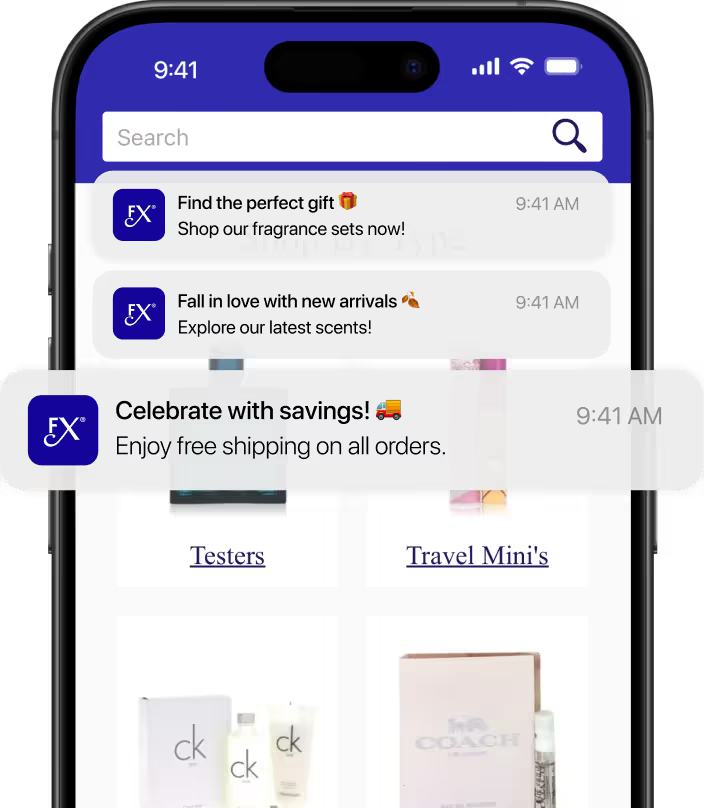
An app unlocks a channel your website cannot. Push notifications land on the lock screen in seconds, with no promotions tab, no spam filter and no cost per send.
Run push notifications for promotions, new product drops and launches, back-in-stock alerts, abandoned carts, loyalty reminders and more, driving free engagement from your highest-intent customers.
The proof
10x
revenue per user vs mobile web
Tadashi Shoji
8.3x
higher conversion rate
Tadashi Shoji
10x
revenue per user vs mobile web
John Varvatos
63%
of online revenue through the app
Pharmazone
"Everyone in management loves it. Tadashi Shoji himself saw the app and was thrilled. Because we're using an app, we have the ability to leverage native device features and capabilities that are not available to a web browser."
"MobiLoud keeps this whole thing simple and streamlined. No more juggling two different platforms, no more wasted time on maintenance. We can just focus on marketing and growing the business."
MobiLoud vs the alternatives
Traditional app development methods aren't a great fit for an Adobe Commerce storefront. They limit you to what an API can expose, or leave you with a codebase that costs far too much to maintain.
MobiLoud
Template app builders
Custom native
Weighing us against one builder in particular? See all comparisons.
Getting live
We do the work. You bring the assets, and input where it's needed.
Week 1
Onboarding call to align on configuration and launch plan, plus access to your storefront and developer accounts.
Weeks 2 to 3
We build and configure the app on your live storefront, with tab menus and navigation rules. Every module and extension carries across, and you have a working preview in your hands by week two.
Week 4
Design and navigation tuned to your brand, push wired into your Klaviyo or OneSignal account, analytics into GA4 and Firebase. QA across iOS and Android, then final approval from you.
Weeks 5 to 8
Submitted to the App Store and Google Play under your developer accounts. We manage both store reviews, typically one to two weeks, then the launch playbook goes live.
We can deliver everything your legal, security and finance teams will ask for:
Have any more questions we didn't answer? Book a 30-minute call or send us a message to clear it all up.
Book a callYes. A MobiLoud app loads your live storefront, so every Marketplace extension and every bespoke module your agency has written keeps working, because it keeps running on your storefront. There is nothing to re-integrate, no compatibility list to check, and no module that has to be ported to a second stack.
Yes. Company accounts, company user roles, shared catalogs, requisition lists, negotiable quotes and purchase orders all behave in the app the way they behave on your storefront. A logged-in buyer sees their own shared catalog and their own contract pricing, because the app is rendering the same storefront that already applies those rules.
Yes. A multi-website or multi-store-view setup can run as a single app that switches between them, or as separate apps, whichever fits how you sell. Each website or store view can have its own navigation, push notification audience and onboarding, and multi-currency and multi-language work exactly as they do on the web.
No. MobiLoud works with whatever front end you serve today, whether that is Luma, a custom theme, Hyvä or a PWA Studio build. There is no replatforming prerequisite, and if you migrate your front end later the app points at the new one rather than being rebuilt.
No. Customers check out through your existing checkout, with your payment methods, tax configuration, shipping rules and any custom checkout steps intact. No payment routing moves to a third party, and your order flow is unchanged.
Most Adobe Commerce storefronts go live on the App Store and Google Play in 6 to 8 weeks from kickoff. That covers discovery and design in week one, the build in weeks two and three, QA and your sign-off in week four, then submission and store review, which typically takes one to two weeks.
Very little. We need storefront access and your developer accounts at kickoff, then input at design review and sign-off. There is no module to write, no GraphQL schema to extend and no app QA gate on your release cycle. After launch your team keeps shipping to the storefront exactly as it does now.
You do. Apps are submitted under your own Apple Developer and Google Play Console accounts, so the listings, ratings, install base, analytics and customer data all belong to you. If you ever move on, the listings and the users stay with you.
We go through enterprise procurement regularly. We provide a Data Processing Agreement and GDPR documentation, complete security questionnaires, supply insurance certificates on request, and work with custom contracts, redlines and invoice payment terms. Customer and order data stays in Adobe Commerce, not on our servers.
We'll build a working preview from your live storefront for you to see. No commitment, no credit card, and nothing to install on your storefront.




