
A mobile app gives your Shopify brand something the mobile web can't: a permanent spot on your customer’s home screen.
On top of that: a messaging channel (push notifications) that reaches customers instantly, on their lock screen, for zero cost. A smoother buying experience for the people who shop with you the most. And a brand asset that instantly elevates your image.
The hard part isn’t deciding you want an app. The hard part (traditionally) has been building it.
That’s easier today, with hundreds of Shopify mobile app builders that let you launch your own branded mobile app, without the huge cost of a custom app build. But with how crowded the category has become, it’s increasingly difficult to separate the worthwhile tools from the rest.
We’ve been working with Shopify stores for nearly ten years. I, personally, have been in the SaaS & ecommerce space for eight. So I know a little about what’s important to ecommerce brands, and how to read between the lines of all the marketing fluff you see online.
This guide covers everything you need to know for Shopify stores looking to launch an app for their site. We’ll look at a range of tools, with options to suit different priorities and revenue brackets, from SMBs through to global enterprise brands.
The Short Version
MobiLoud is the best Shopify mobile app builder if you want a native app built and managed for you, running on your existing tech stack (standard Shopify, Shopify Plus, headless, or any other platform), with full feature parity and no second storefront to maintain. It's a higher entry cost, but great value for mid-market and enterprise brands.
If you're looking for a DIY tool which lets you run the app independently, through its own CMS, Tapcart has been the go-to for brands for a long time. There are many other tools that fit this bill as well. If you're looking specifically for a low-cost app builder, MageNative, Shopney, or Hulk are good places to start.
How to Choose a Shopify Mobile App Builder For Your Store
Before the list, here's what to look at if you're evaluating these tools yourself. These are the kind of things I looked at when putting this list together.
- How the app stays in sync with your site. Most builders connect to Shopify and let you rebuild your storefront inside their editor, which means you're maintaining two storefronts: your website and your app. A smaller number run the app off your existing site, so changes flow through automatically. Decide how much double-work you're willing to own.
- Integrations. Most app builders only support a certain number of integrations with other Shopify apps and third-party tools. If your store relies on a specific loyalty app, subscription tool, reviews widget, or custom checkout, confirm it's supported before you commit to building an app with any platform.
- Design and customization. You're rebuilding your store inside the builder's blocks and themes. Some are deliberately tight, which makes them fast to launch but limited. Others are wide open, which gives you more control but more work. That ceiling is roughly what your app will look like for the next few years.
- Who does the work. Some tools are self-serve builders you operate yourself. Others are managed services where a team builds and runs the app for you. Neither is better in the abstract; it depends on whether you have the time and people to run an app as its own channel.
- The total cost (not just the sticker price). Look past the monthly base. Add any one-time setup fee, any success fee or revenue share (several tools take a percentage of in-app sales), and the internal hours it takes to build and maintain the app. The cheapest monthly plan isn't always the cheapest app.
- Customization (beyond blocks and templates). If you’re running a straightforward storefront, you might be fine with a simple app builder. But if you have any kind of custom features, or theme customizations, or any unique elements to your site (like Hydrogen-powered headless setups), you want to find an app builder that works with all of this.
Shopify Mobile App Builders: At a Glance
| Tool | Starting price | Rating (Total Reviews) | Best for |
|---|---|---|---|
| MobiLoud | $1,499/mo + one-time setup | 4.7 (Capterra, 109) | A managed app on your existing stack |
| Tapcart | $500/mo | 4.6 (Shopify, 337) | Design-led brands running the app in-house |
| Appbrew | $499/mo | 5.0 (Shopify, 64) | AI-assisted, marketer-run apps |
| Appmaker | $999/mo + 1% of in-app sales | 4.9 (Shopify, 34) | Custom apps with code access |
| Superfans | $150/mo | 4.9 (Shopify, 856) | Live selling and a loyalty channel |
| Shopney | $149/mo | 5.0 (Shopify, 740) | A fast launch with hands-on support |
| StoreLab | $499/mo | 5.0 (Shopify, 36) | Small brands wanting it done for them |
| Apptile | $200/mo (free tier with 5% fee) | 4.9 (Shopify, 125) | AI-assisted building at a lower price |
| MageNative | $99/mo | 4.8 (Shopify, 328) | Broad features on a budget |
| Hulk | $79/mo | 5.0 (Shopify, 70) | A low-cost app within the HulkApps ecosystem |
Pricing taken from each vendor's own site, current as of June 2026. Ratings from the Shopify App Store unless noted.
The Top Ten Shopify Mobile App Builders
There’s never been a better time to build a mobile app for your Shopify store.
The cost of Shopify mobile app development has dropped significantly from where it once was - brands needing to spend hundreds of thousands to hire developers and build a custom app from scratch.
The app builders below make mobile apps accessible for any brand, letting you occupy the most valuable real estate in ecommerce; your customer’s home screen.
Let’s run through the top choices for Shopify stores to launch their own mobile apps now.
1. MobiLoud
Best for: Brands that want a native app built and managed for them, running on their existing tech stack, with full parity and no in-house app team.
Key features: App built from your existing website, fully managed build and launch, unlimited push notifications and automations, cart abandonment sequences, deep linking, works with any platform (Shopify, Shopify Plus, headless, and beyond).
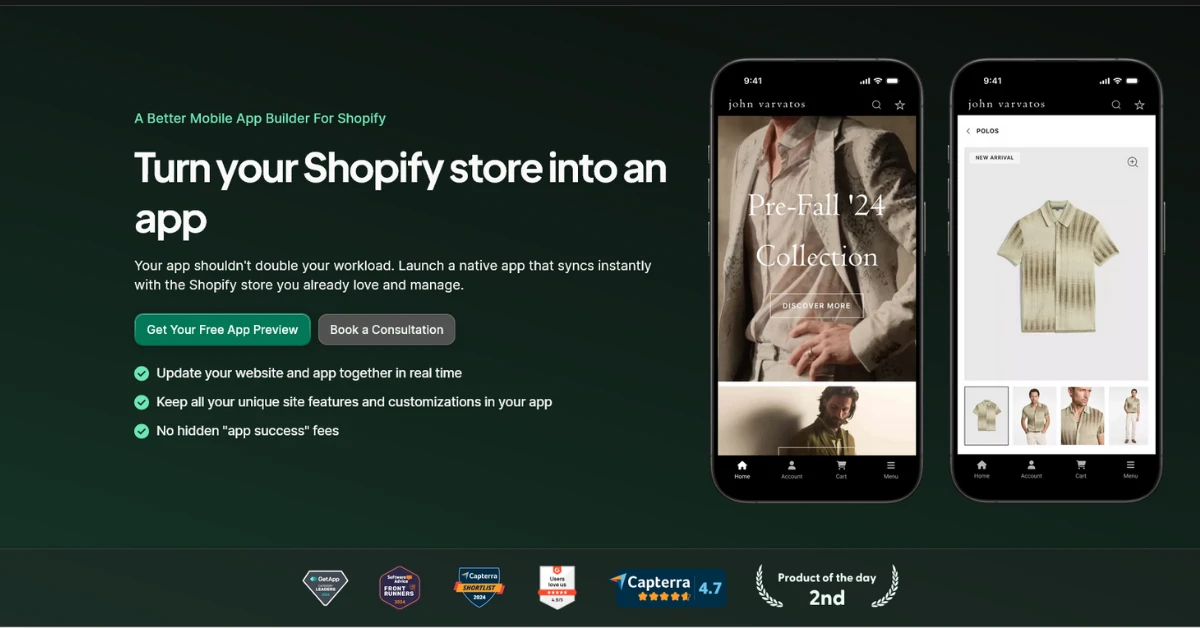
MobiLoud is a fully managed service that turns your existing website into native iOS and Android apps.
The model is different from most of the category, and it’s why we hesitate to call ourselves an “app builder” in the same sense. Instead of building your app as a separate platform, running in a separate CMS, MobiLoud lets you build a custom app powered by your existing site.
That means whatever you can build for the web (new collections, theme changes, third-party integrations, custom features) flows into the app automatically. There's no second storefront to maintain, and because the app runs on the same stack as your site, your integrations and custom work carry over without being rebuilt.
It’s also a fully managed service, not a DIY builder. The responsibility isn’t on your team to build and maintain the app. You’re not getting access to a tool; you’re getting a partner, as committed to your app’s success as you are.
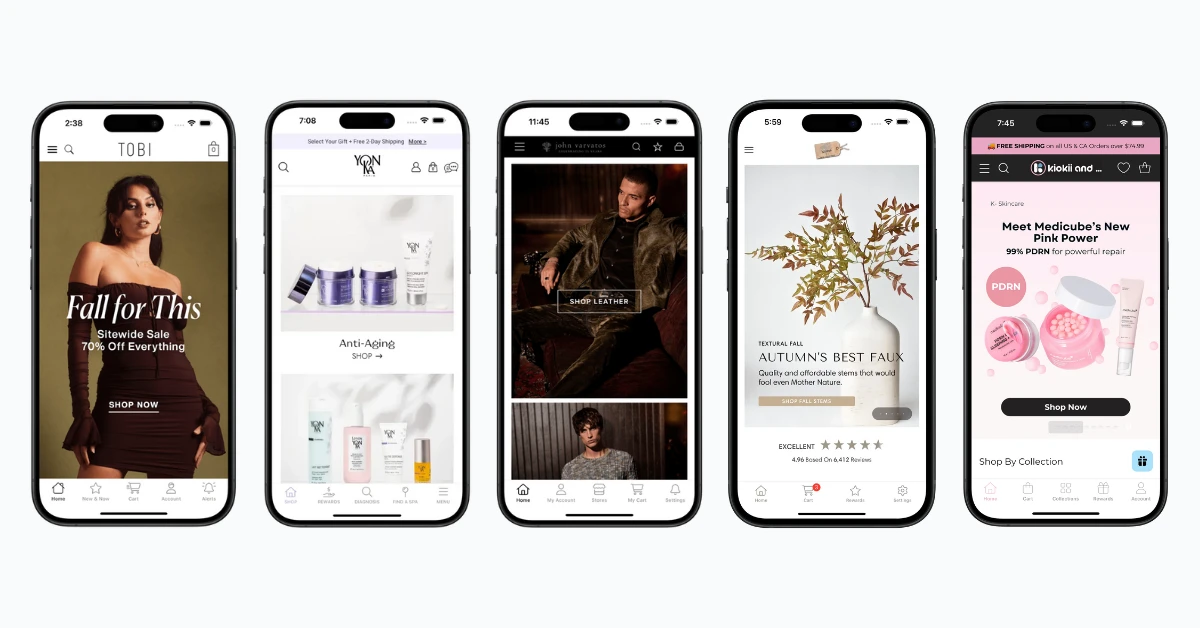
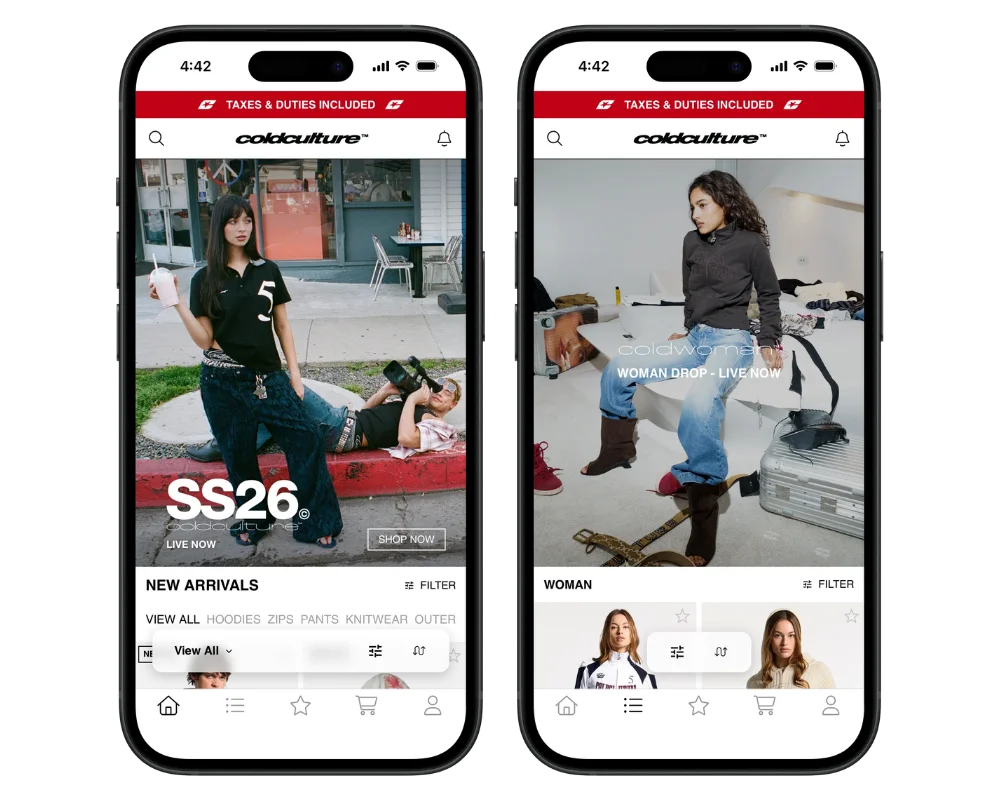
MobiLoud has published 2,000+ apps since 2013, including apps for Shopify brands such as Cold Culture, Kiokii, XCVI and Pharmazone.
"MobiLoud keeps this whole thing simple and streamlined. No more juggling two different platforms, no more wasted time on maintenance. We can just focus on marketing and growing the business."
- Eric Lowe, Director of Ecommerce, XCVI
Pricing is a little higher than your entry-level app builder, which reflects the higher-touch service than a DIY app builder. It starts at $1,499 per month, plus a one-time setup fee. It’s not the cheapest way to get an app - but it’s the most reliable, especially for custom brands that don’t fit inside a template.
2. Tapcart
Best for: Design-forward Shopify brands with the in-house resources to build and run the app as its own channel.
Key features: Block-based App Studio editor, App Studio AI, For You personalized product feed, AI-driven push notifications, one-step native checkout.
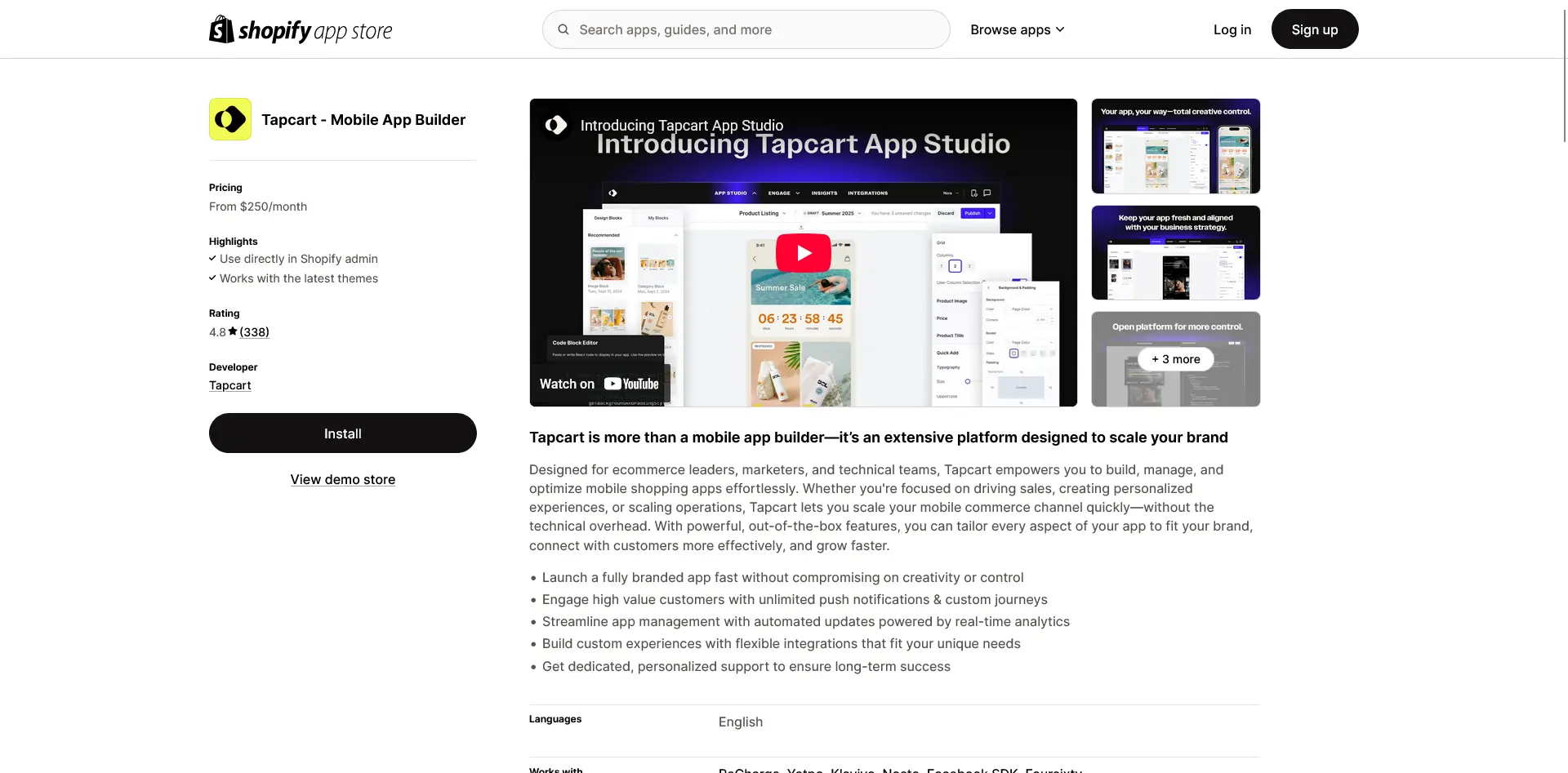
Tapcart is the most established name in the category and the one most Shopify brands have heard of. It works on a self-serve model: you rebuild your store inside Tapcart's block-based App Studio editor, picking from design components, and Tapcart produces the native iOS and Android apps around it.
The app connects to Shopify and syncs in real time, but it's a separate storefront from your website, so changes generally have to be mirrored into the app. For teams that want the app to look and merchandise differently from the web, that separation is the point.
Tapcart has leaned hard into in-app personalization and AI lately, with a For You product feed, automated AI push notifications, and AI tools for generating app imagery and video. The integrations marketplace is one of the deepest in the category, covering Klaviyo, Recharge, Yotpo, and Gorgias. It's used by brands like Princess Polly, BÉIS, and Aviator Nation.
Pricing starts at $500 a month for Growth, with Scale at $1,250 and Enterprise+ from $2,850, plus add-ons such as Tapcart AI at $250 a month. Tapcart holds a 4.6 out of 5 rating across 337 reviews on the Shopify App Store.
"It allows us to build the app exactly the way we want, and if we need custom screens, the Tapcart team is there to help."
- Nutricost, Shopify App Store
3. Appbrew
Best for: Shopify and Shopify Plus brands that want an AI-assisted app a marketing team can run, with the build handled during onboarding.
Key features: Milo AI growth assistant, AI content and creative generation, segment- and tag-based personalization, native video shopping, app-exclusive promotions.
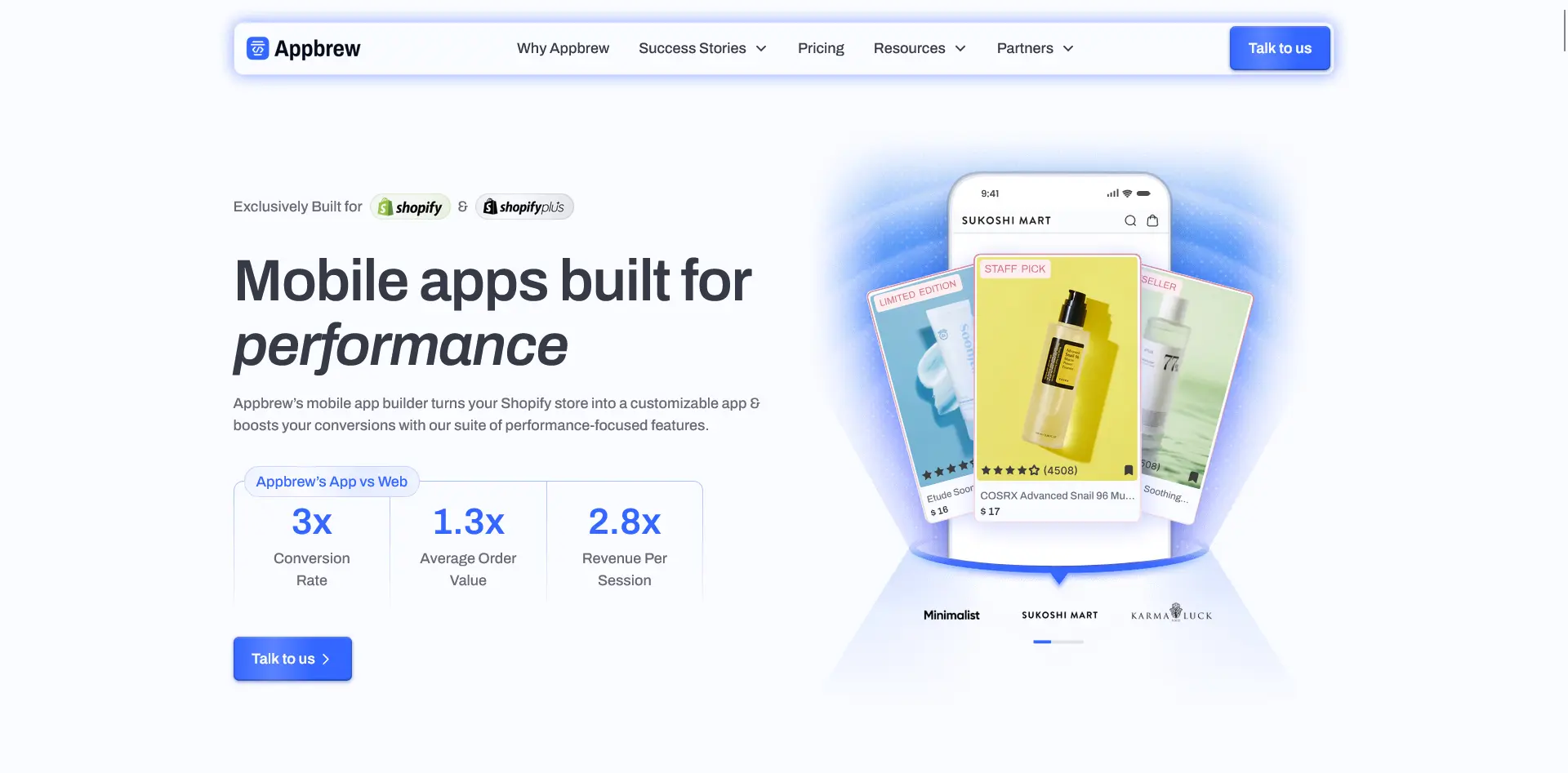
Appbrew is an AI-native Shopify app builder aimed at marketers rather than developers. Appbrew's team builds the initial app from your brand guidelines during onboarding, and from there a marketing team manages it through a dashboard that lives inside Shopify.
The AI layer is their headline feature. Milo, Appbrew's AI growth assistant, segments your audience and drafts and schedules push campaigns, and there are AI tools for content, creative, and personalization, plus vertical features like an AI size chart.
There's also native video shopping and an engine for app-only discounts, bundles, and gifts. Appbrew works with Shopify and Shopify Plus, and is used by brands including SUGAR Cosmetics, Minimalist, and Kiyoko Beauty.
Pricing starts at $499 a month on the Pro plan, with custom Enterprise pricing. It holds a 5.0 out of 5 rating across 64 reviews on the Shopify App Store.
"It's amazing how we can build out a fully functional app without needing a lot of expertise."
- Kiyoko Beauty, Shopify App Store
4. Appmaker
Best for: Brands that want customization depth and developer access rather than a purely templated app.
Key features: Appmaker Studio drag-and-drop builder, conditional blocks for personalization, John AI assistant, full developer and code access on Enterprise, unlimited push.
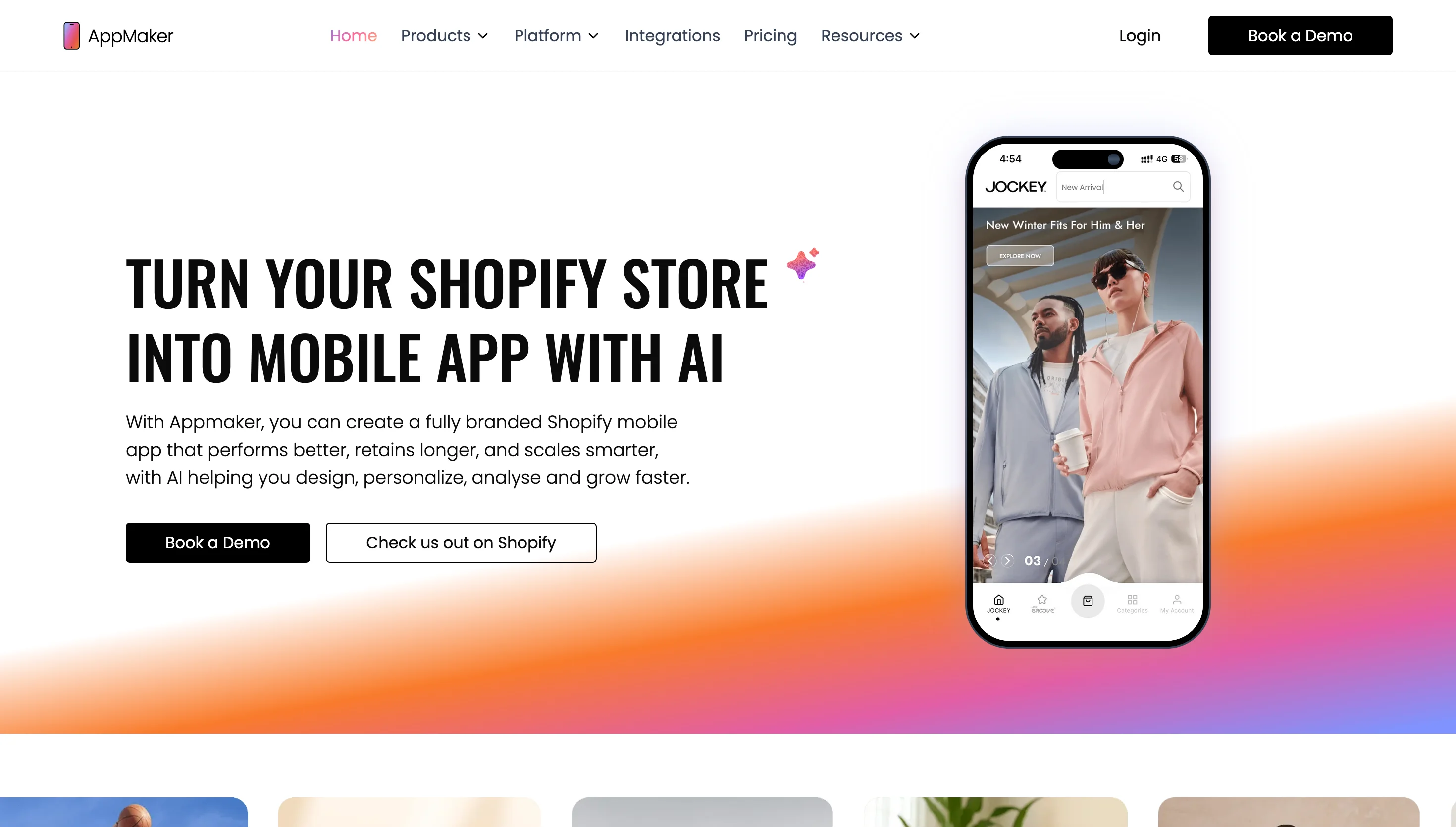
Appmaker is a Shopify app builder that leans on customization depth. You build in Appmaker Studio, a drag-and-drop editor with live preview, and the app syncs your products, orders, and customers from Shopify in real time.
What distinguishes it is the developer access: the Enterprise tier opens up full code access, custom APIs, and extensions, so brands that want a fully custom app rather than a templated one have room to build. There's also an AI layer, including John AI for analytics and campaigns and Rubick's AI for in-app personalization.
Appmaker is used by brands including boAt, Supertails, and Bombay Shirt Company, with a customer base that skews toward Indian D2C. Pricing is $999 a month on the Growth plan plus 1% of in-app sales, and Enterprise starts at $2,000 a month, also plus 1%, with one-time development fees quoted separately. Appmaker holds a 4.9 out of 5 rating across 34 reviews on the Shopify App Store.
"Appmaker is perfect for converting our Shopify store into a smooth iOS & Android app."
- Okka, Shopify App Store
5. Superfans
Best for: Shopify brands that want live selling and a dedicated channel for their most loyal customers.
Key features: Live selling (in-app and Facebook streams), unlimited segmented push, app-exclusive drops and discounts, in-app live chat, 70+ integrations.
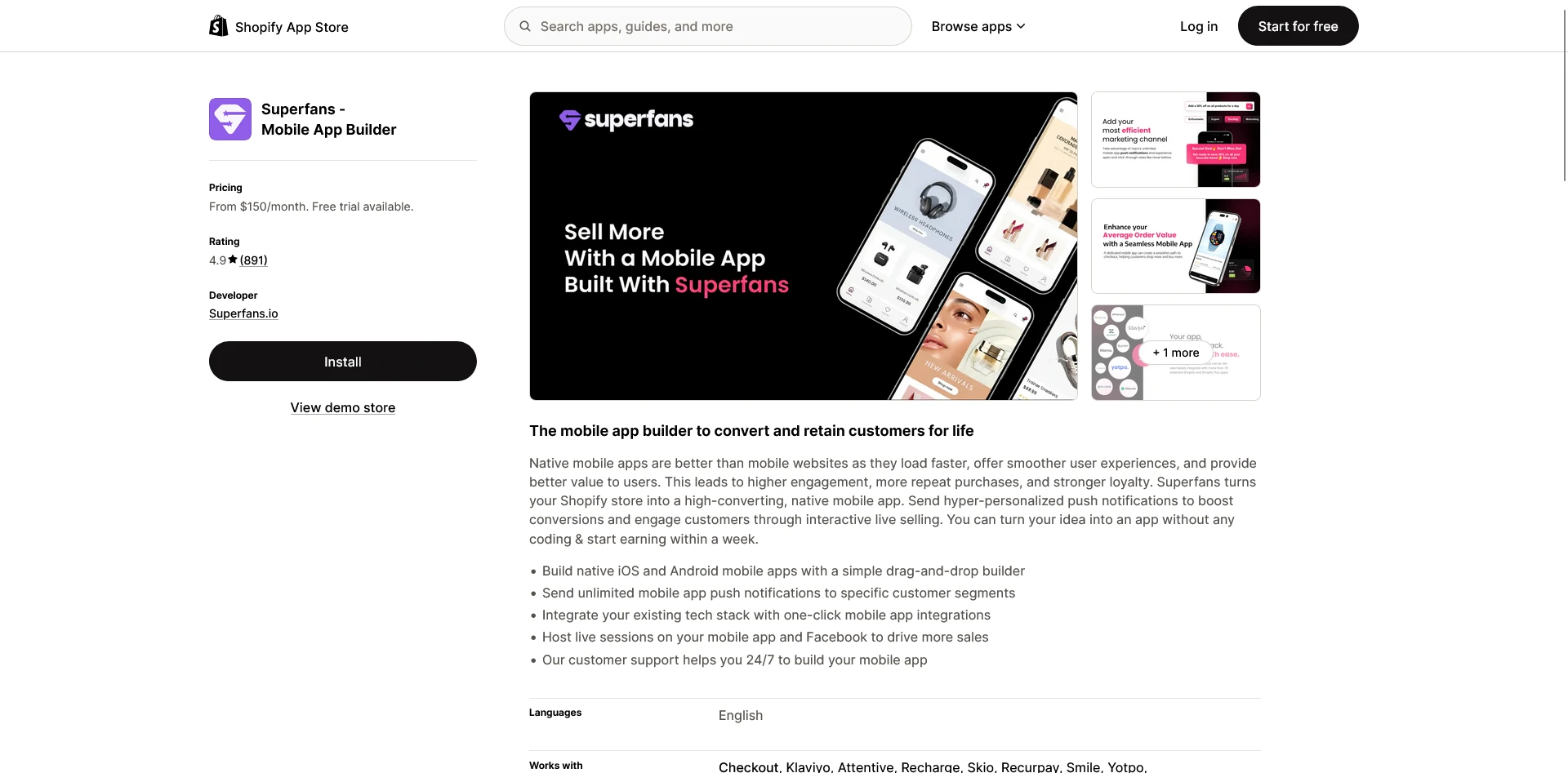
Superfans is the rebrand of Vajro, a long-running Shopify app builder, repositioned around retention and loyalty. The drag-and-drop builder turns your store into native iOS and Android apps with real-time sync, and the support team is hands-on during setup, with a dedicated design and account manager on the top plan.
Its most distinctive feature is live selling. Superfans lets you run interactive live streams inside the app and on Facebook, with shopping built into the stream, which has been core to the product since its Vajro days and remains so.
Around that sit unlimited segmented push, app-only drops and discounts, and in-app live chat, with the broader pitch being a third owned channel for your best customers alongside email and SMS.
Pricing starts at $150 a month on the Starter plan and runs to $1,000 a month on Unlimited. Superfans holds a 4.9 out of 5 rating across 856 reviews on the Shopify App Store, accumulated under the original Vajro listing.
"Setting up the app has been great! The team has been very helpful explaining each step."
- Niu Boutique, Shopify App Store
6. Shopney
Best for: Small and mid-sized Shopify stores that want a fast launch with strong, hands-on support.
Key features: Industry-specific themes, drag-and-drop design editor, in-app live chat, unlimited AI push notifications, managed launch.
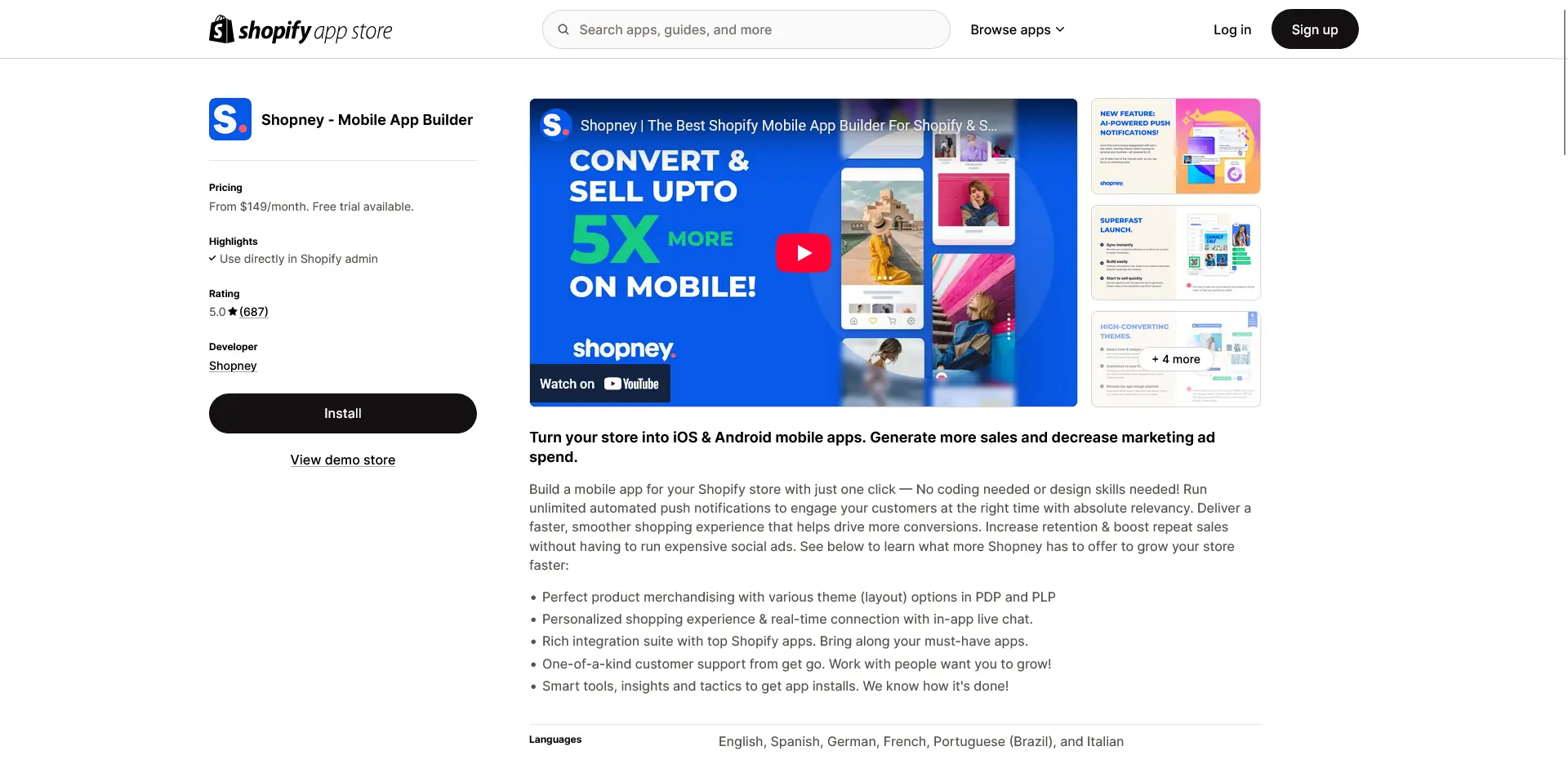
Shopney is built around getting a credible app live quickly with a lot of help along the way. You start from one of its industry-specific themes, customize it in a no-code editor, and Shopney's team helps you launch, including handling the store submission.
The home screen is fully editable; while the product, cart, and checkout screens follow set layouts with lighter customization, which is part of what keeps launches fast.
The feature set covers the essentials well, with unlimited push notifications included on every plan, in-app live chat, AR, and Shopify Markets support for multiple languages and currencies.
What customers consistently single out, though, is the support. It comes up again and again in reviews as the reason brands stick with it.
Shopney works with Shopify and Shopify Plus, and is used by stores including Shopi Go and Teami. Plans run from $149 a month (Silver) up through Gold, Platinum, and a $1,299 Enterprise tier, with no revenue fee. It holds a 5.0 out of 5 rating across 740 reviews on the Shopify App Store.
"Amazing app with amazing customer support especially LARA."
- Sky Medical, Shopify App Store
7. StoreLab
Best for: Small Shopify brands that want the app handled for them as part of a wider growth service.
Key features: Fully designed white-label app, done-for-you build and management, unlimited push, dedicated account manager, optional Meta ads management and coaching.
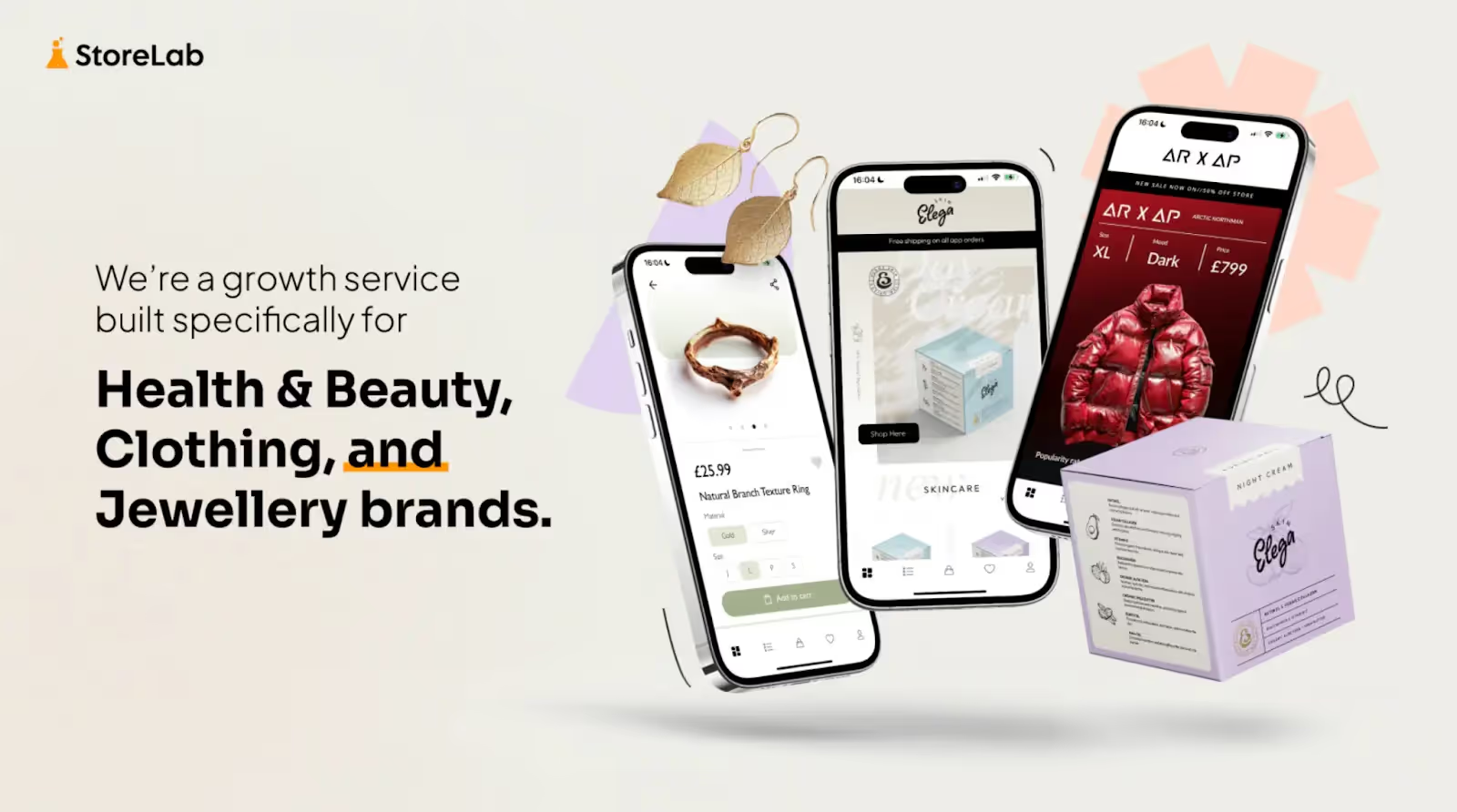
StoreLab’s app builder is a no-code tool, in the same manner as most other Shopify app builders. But their company is distinctly more than this. They operate a managed growth service for Shopify brands, which can include management of your app (alongside Meta ad management).
On the Professional plan, StoreLab's team designs, launches, and continually manages the app for you, with a dedicated account manager and monthly reporting; on their entry-level plan, you build it yourself with monthly expert guidance.
The app is white-label and synced to your Shopify store, with unlimited push notifications and a website banner to drive downloads.
Reviews skew heavily toward praise for the people and the service rather than software features, which fits the model. Pricing is $499 a month on the Guided plan and $999 on Professional, with the ads management sold separately. It's a smaller operation than most here, with a 5.0 out of 5 rating across 36 reviews on the Shopify App Store.
"Great customer support and super helpful team, integration was seamless."
- Multisport Distribution, Shopify App Store
8. Apptile
Best for: Shopify brands that want an AI-assisted builder at a lower price point, with the option of code-level access.
Key features: Tile AI (generate an app section from a prompt), drag-and-drop tile editor, live selling, real-time over-the-air updates, source code access.
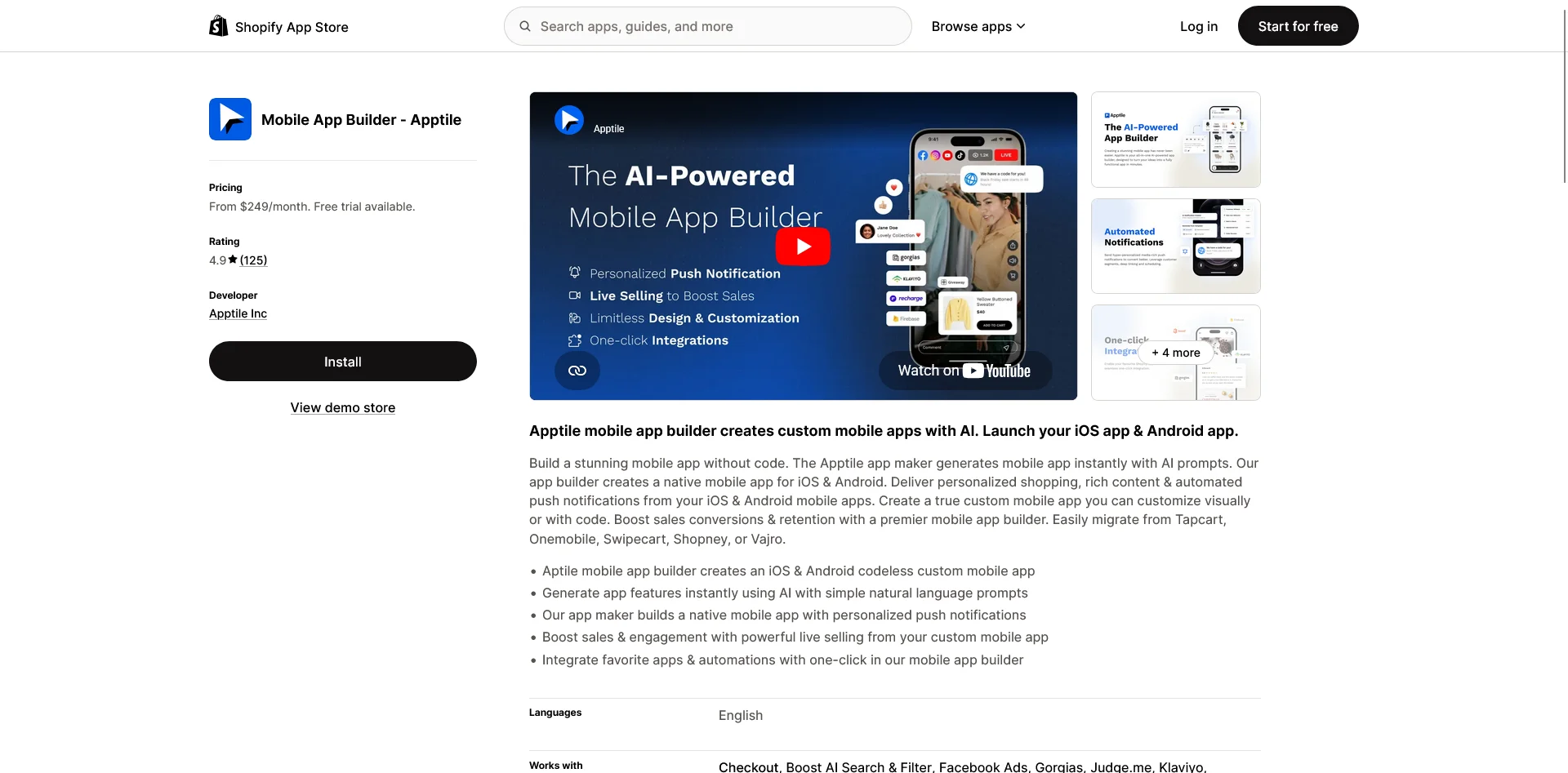
Apptile is a Shopify app builder that leans on generative AI as part of the build process. You assemble the app in a visual editor from a library of more than 100 "tiles" (content and layout blocks), and Apptile's Tile AI can generate a section or feature from a text prompt.
The apps are native iOS and Android, with real-time over-the-air updates, and higher tiers offer code-level and source code access for teams that want to go further than the no-code editor allows.
Alongside the AI part, there's live selling with in-stream checkout, automated push flows, and app-only discounts. The AI is best understood as a capable assist layer on top of a drag-and-drop builder rather than a fully generative engine, but the combination of AI help, a low entry price, and code access is a genuine point of difference.
Apptile is used by brands including Harney & Sons and Monos. Pricing on its site runs from a free tier (with a 5% fee on app sales) up through Pro at $200 a month and Plus at $500, with paid plans charging no commission. It holds a 4.9 out of 5 rating across 125 reviews on the Shopify App Store.
"Such an easy process to launch an app! We shopped around a ton and was so impressed with Apptile's features and price."
- House of Cottonwood, Shopify App Store
9. MageNative
Best for: Cost-conscious stores that want broad feature coverage at a low monthly price.
Key features: Drag-and-drop Design Blocks, real-time auto-sync, segmented push, AR product previews, image and visual search, live video selling.
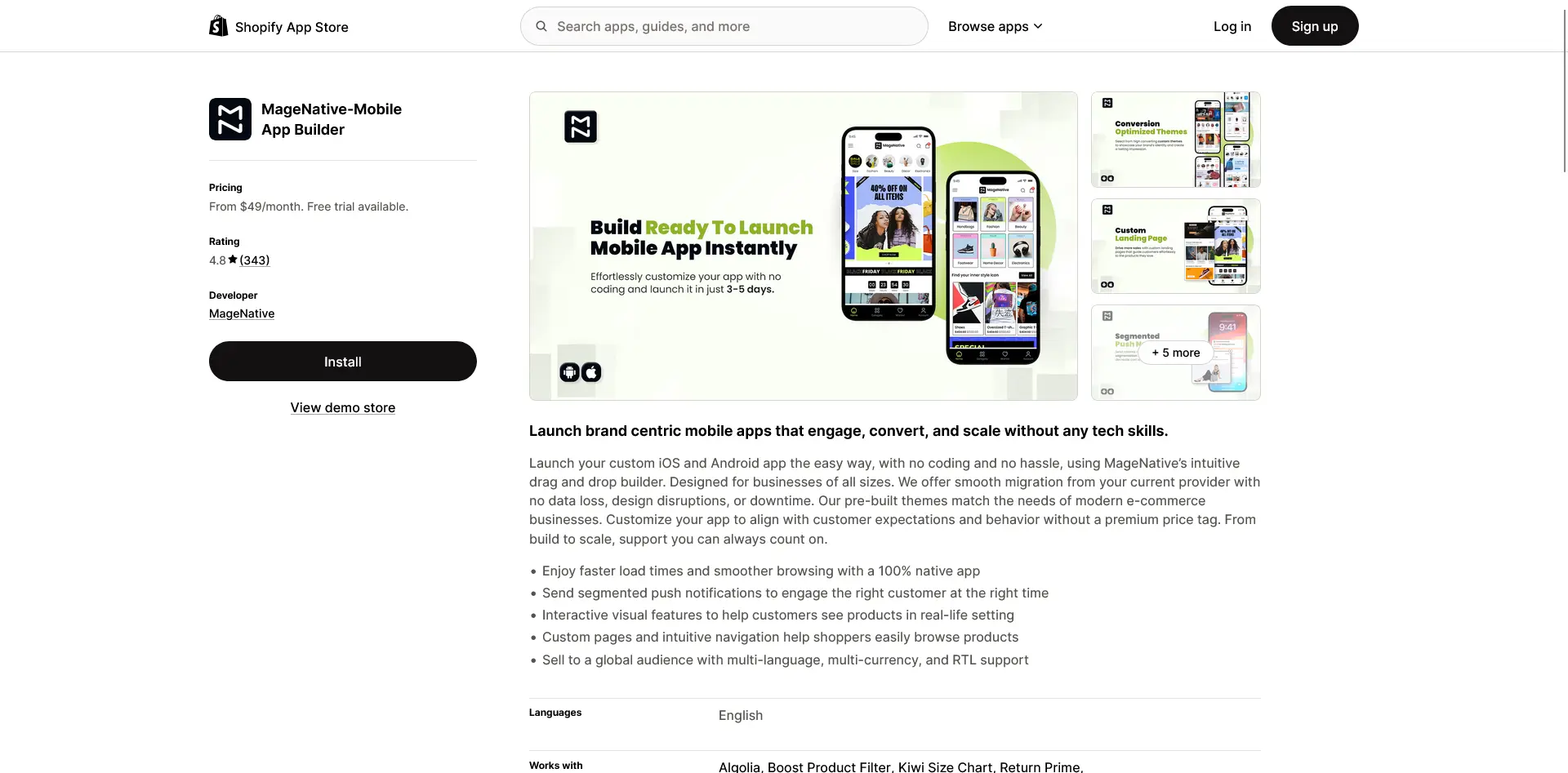
MageNative packs an unusually broad feature set into a low price. It converts your store into native Android and iOS apps from a single backend, with real-time auto-sync keeping the catalog, orders, and inventory in step, and you design the app with no-code Design Blocks.
What stands out is how much is included at the entry tiers: AR product previews, image and visual search, and live video selling are all features that competitors often reserve for higher plans or don't offer at all.
That makes MageNative a solid pick for stores that want a lot of capability without paying flagship prices. It's used by stores including Cheeky Bliss and House of Kari. Pricing starts at $99 a month (Starter), with Standard at $149 and Premium at $249, and no revenue fee. MageNative holds a 4.8 out of 5 rating across 328 reviews on the Shopify App Store.
"The app is fast, intuitive, and syncs perfectly with our store."
- ECOROSES, Shopify App Store
10. Hulk Mobile App Builder
Best for: Cost-conscious Shopify stores that want an affordable native app from an established app maker, especially if you already use other HulkApps tools.
Key features: No-code drag-and-drop builder, niche design templates, native iOS and Android apps, push notifications, app-exclusive offers and automations, native B2B mobile commerce, 40+ integrations.
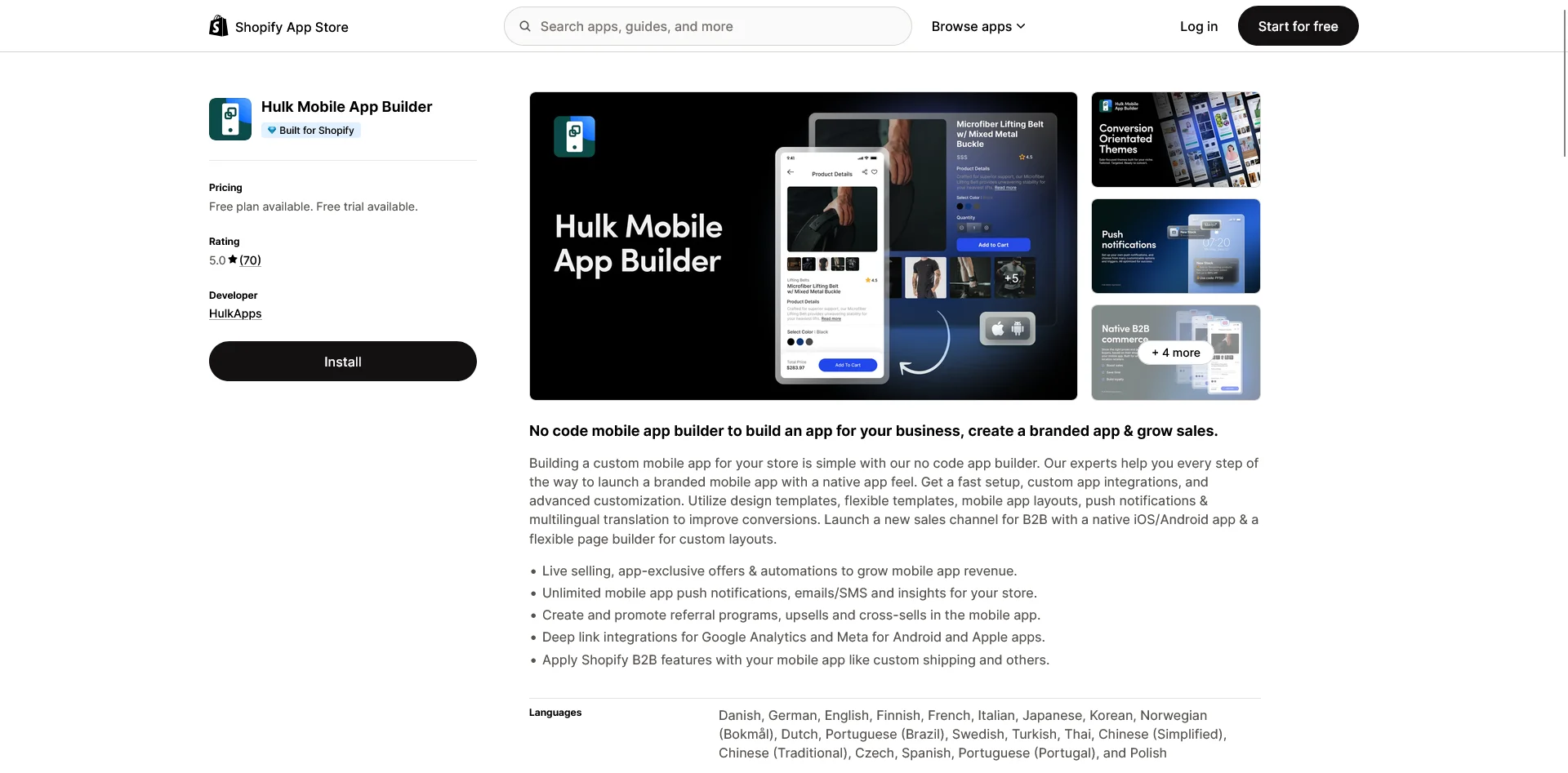
Hulk Mobile App Builder is the mobile app product from HulkApps, one of the larger Shopify app developers, with a catalog of other store apps (product options, volume discounts, form builders, and more). If you already run some of those, the app builder fits into a suite you already know, and that's a genuine part of its appeal.
The product itself is a no-code drag-and-drop builder. You start from a niche design template, customize it in the editor, and Hulk produces native iOS and Android apps; the company says a store can launch in around 30 minutes. It carries a Built for Shopify badge, Shopify's mark for apps that meet its performance and design standards.
The feature set is broad for the price: push notifications, app-exclusive offers, abandoned cart and product review automations, upsell and cross-sell, referral programs, and deep link tracking for Google Analytics and Meta. It also supports native B2B mobile commerce with localized pricing, which is less common at this tier, and connects to more than 40 apps including Recharge, Judge.me, and Yotpo.
Pricing starts at $79 a month on Basic (up to 30 push notifications), with Pro at $149 (unlimited push) and Pro+ at $249 adding the automation and upsell features, all billed with no revenue share. Hulk Mobile App Builder holds a 5.0 out of 5 rating across 70 reviews on the Shopify App Store.
"Hulk Mobile App Builder has been a great solution for turning our Shopify store into a mobile app. Setup was straightforward, the app runs smoothly, and it looks professional."
- Meremiamx, Shopify App Store
Our Perspective on Shopify Mobile App Builders
We're MobiLoud, so we're obviously not a neutral party here (you might have noticed the name in the website header is the same as the one ranked #1 above). We're at #1 because we honestly believe we're the best way for a Shopify store to launch an app. But that doesn't mean we're the best in every situation.
Here's what we think we do better, and it comes down to the model.
MobiLoud is a managed service, so the build, the launch, and the ongoing maintenance are handled for you. Your app stays in full sync with your website, because it runs on the same site rather than a separate storefront you maintain twice. That makes the app easier to manage, and in most cases it's more flexible, not less.
That last point runs counter to a claim you'll sometimes see about MobiLoud: that you're limited to whatever your website can show.
In practice it's usually the opposite. There's very little you can't build on the web today, especially with a flexible Shopify Plus or Hydrogen setup and the agentic storefront features Shopify is starting to roll out. Anything you can build on the web, you can ship in your app, which means you can launch a genuinely custom app with an app-exclusive experience, not a website in a box.
That said, we won't pretend MobiLoud is the right answer for every brand. There are a couple of legit reasons to choose something else:
- It costs more than a lot of app builders. If your goal is an app for $250 per month, we're not the right fit, and that's fine.
- If you genuinely want your app and website kept separate, running the app as its own channel inside something close to its own CMS, most other app builders are made specifically for that.
If you expect to make a lot of incremental, app-only changes and run the app almost like a second storefront, or you're in a lower revenue band (under $1M a year), you'll likely be better served by Tapcart or one of the other tools on this list. If what we've described is what you're after, get in touch.
Shopify App Builder FAQs - Frequently Asked Questions
What is the best Shopify mobile app builder?
There's no single best tool for every store. MobiLoud is the strongest option for brands that want a managed app on their existing stack with no second storefront to maintain. Tapcart is the most established self-serve app builder, Shopney and MageNative are strong low-cost picks, and Superfans is built around live selling. The right choice depends on your budget, your stack, and whether you want to run the app yourself or have it managed.
How much does a Shopify mobile app builder cost?
Entry pricing in this list ranges from around $79 (Hulk Mobile App Builder) to $1,499 a month plus setup (MobiLoud). But the monthly base isn't the whole cost. Watch for one-time setup fees, success fees or revenue shares (tools charging a percentage of app sales), and the internal time it takes to build and maintain a self-serve app. Add those up before comparing prices.
Are these apps actually native, or just my website in an app?
Most builders produce native iOS and Android apps and rebuild your storefront inside their system. Some tools, render your existing website inside a native container (a WebView), which is faster to set up but closer to your mobile site. MobiLoud takes a hybrid approach, building native apps that run on your existing website with native navigation and features layered on top. What matters most for shoppers isn't the label, it's whether the experience is fast and smooth.
Do Shopify app builders charge a percentage of sales?
Some do. A few tools on this list take a success fee or a percentage of in-app sales on top of the monthly price, and others have moved to usage-based charges. Others, including MobiLoud, Shopney, and MageNative, are flat subscriptions with no revenue share. If your app does meaningful volume, a percentage fee can become the largest line item, so check the billing model carefully.
Can I get a mobile app for a non-Shopify or headless store?
Most tools in this category are Shopify-only. A few tools have some support beyond Shopify, but if you're running headless, a complex Shopify Plus setup, or another platform like Adobe Commerce, Salesforce Commerce Cloud, or a custom build, MobiLoud is the option here built for those stacks, because it builds the app from your existing site, rather than an app expressly linked to Shopify.
Learn more: The Best Ecommerce Mobile App Builders (For Any Platform)
The Bottom Line
The Shopify mobile app builder category has matured to the point where there's more than enough choice, and enough variety to suit every kind of store.
Realistically, there’s no feature set that puts one app builder above all the other. It comes down to the feel of the platform, the kind of support you get from the team, and how well their templates and integrations sync with what you’ve built for the web.
In MobiLoud’s case, your app will be fully consistent with your website, by default. Whatever you build on the web, no matter how unique, is guaranteed to carry over to your app.
“You don’t need to maintain two systems - you update the website, and it shows up in the app. That saves us so much time.”
- Summer Duan, Ecommerce Manager, Kiokii
MobiLoud is the best choice for brands that want full feature parity between their website and app. Others, like Tapcart, Appbrew, Appmaker (and more) are great choices if you want your app to operate more as a second storefront than an extension of your site.
Either way, you should have an app, and any of these app builders are a great place to start.
If MobiLoud’s approach sounds like it might be a fit, get in touch and we’ll give you a free preview of your app to see what it could look like before you commit, and to help you understand the best way to turn your Shopify store into a real mobile app.