Building a mobile app used to mean hiring developers or an agency, spending $100K+ to do it, and waiting months to launch, with a maintenance bill that never stopped after that.
Unless you were Adidas or Nike, a real app simply wasn't worth it.
Yet an app is one of the most valuable assets an ecommerce brand can own. It puts you on your customer's home screen, gives you push notifications that reach them for free, and consistently drives higher repeat purchase rates, order values, and lifetime value than the mobile web.
Brands with an app have one of the highest-ROI retention channels in ecommerce; one their competitors likely do not.
Mobile app builders have opened apps up to a far greater number of brands. Instead of building from scratch, you can turn your existing store into a native app for a fraction of the cost, with either software you run yourself or a team that builds it for you.
In this guide, we’ll break down the best ecommerce mobile app builders for brands who want to launch a high-impact branded mobile app - providing a variety of options to fit brands on any platform, and any size and shape.
The Quick Answer
If you want a native app built and managed for you that runs on your existing store, on any platform, with everything carried over, MobiLoud is the best option here. It’s also the only one that runs on your existing site regardless of platform, including headless and custom builds.
From there it comes down to your platform and how hands-on you want to be. On Shopify, Tapcart leads for design-led teams that want to build it themselves, and Appbrew for an AI-assisted app a marketing team can run; Shopney for a fast, well-supported launch.
On WooCommerce, ShopApper is the done-for-you pick. And for multi-platform or B2B brands, JMango360, Shopgate, and Unbound Commerce each handle complex, cross-platform setups.
What Is an Ecommerce Mobile App Builder?
An ecommerce mobile app builder is a tool or service that turns your online store into a native iOS and Android app, without building one from scratch.
A from-scratch custom app traditionally meant a six-figure development project and close to a year of work. A builder gets you onto the App Store and Google Play for a fraction of that, either through software you operate yourself or a team that builds it for you.
It's a wide category. Some are self-serve, no-code app builder tools. Some are fully managed, done-for-you services. Some are custom-build shops.
All these things could be broadly considered a “mobile app builder”. The main idea is that it gets you to a working mobile app, faster and more affordably than a fully custom build.
How Mobile App Builders Work
One important thing to understand is how app builders work on the backend.
Your mobile app needs to link up with your website. Things like inventory, product details, orders and accounts all need to be in sync across channels, or running both would be like running two separate businesses.
Most mobile app builders sync this up using your ecommerce platform's APIs. Most ecommerce platforms (Shopify, WooCommerce, BigCommerce, etc) have their own API endpoints that developers can use to build software on top of.
The app builder uses this to pull your store details into a new UI, and syncs it up on the back end.
This is ok - until it isn’t. You may run into limitations on what the platform API allows. And, importantly, it locks your app to that platform, so migrating your store to another platform means your app no longer works.
Some app builders use a different approach, API-free and platform agnostic. Keep that in mind when researching the different app builders listed below.
How to Choose an Ecommerce Mobile App Builder
Here's what to weigh, roughly in order of how much it narrows the field:
- Platform fit, first. Most builders are Shopify-only. Confirm the tool supports your stack (WooCommerce, Magento, BigCommerce, SFCC, headless) before you look at anything else.
- How the app stays in sync. Some run on your existing site so changes flow through automatically; most rebuild your storefront in their own system, which you then maintain alongside your website.
- Who does the work. Self-serve (you build and run it), managed (a team builds it, you run it), or full-service (a team builds and maintains the whole thing).
- Native vs. web-to-app, and what carries over. Check that your integrations, custom features, checkout, and any B2B logic make it into the app.
- B2B needs. If you sell wholesale, confirm login-gated pricing, customer groups, and quotes work in the app. Most template builders can't carry them.
- Total cost. The monthly price plus any setup fee, any revenue share or percentage of in-app sales, and the internal time to build and maintain it.
Learn more: How to Build Mobile Apps (If You're Not on Shopify)
Comparing The Top Mobile App Builders for Ecommerce: At a Glance
| Tool | Platforms | Type | Best for |
|---|---|---|---|
| MobiLoud | Any platform | Managed, runs on your site | A managed app on any platform |
| Tapcart | Shopify | Self-serve builder | Design-led Shopify brands, in-house |
| Appbrew | Shopify | AI builder, managed onboarding | AI-assisted, marketer-run Shopify apps |
| Shopney | Shopify | Self-serve builder, managed launch | A fast Shopify launch with support |
| Appmaker | Shopify | Builder + developer access | Custom apps with developer access |
| ShopApper | WooCommerce / WordPress | Full-service (done-for-you) | A done-for-you WooCommerce app |
| JMango360 | Shopify, BigCommerce, Magento, SFCC | Managed native + B2B | Multi-platform brands and B2B |
| Shopgate | Shopify, BigCommerce, Magento, Shopware | Enterprise omnichannel platform | Enterprise omnichannel retailers |
| Unbound Commerce | BigCommerce, Shopify, Magento, SFCC | Custom native build | Fully custom B2C or B2B apps |
The 9 Best Ecommerce Mobile App Builders
Let’s dive in. Here are nine ecommerce mobile app builders you can trust to launch a publish-quality mobile app for your online store.
1. MobiLoud
Platforms: Any platform (Shopify and Shopify Plus, BigCommerce, Adobe Commerce/Magento, Salesforce Commerce Cloud, WooCommerce, headless, custom).
Best for: Brands that want a custom app built and managed for them, running on their existing stack, with full feature parity with their site.
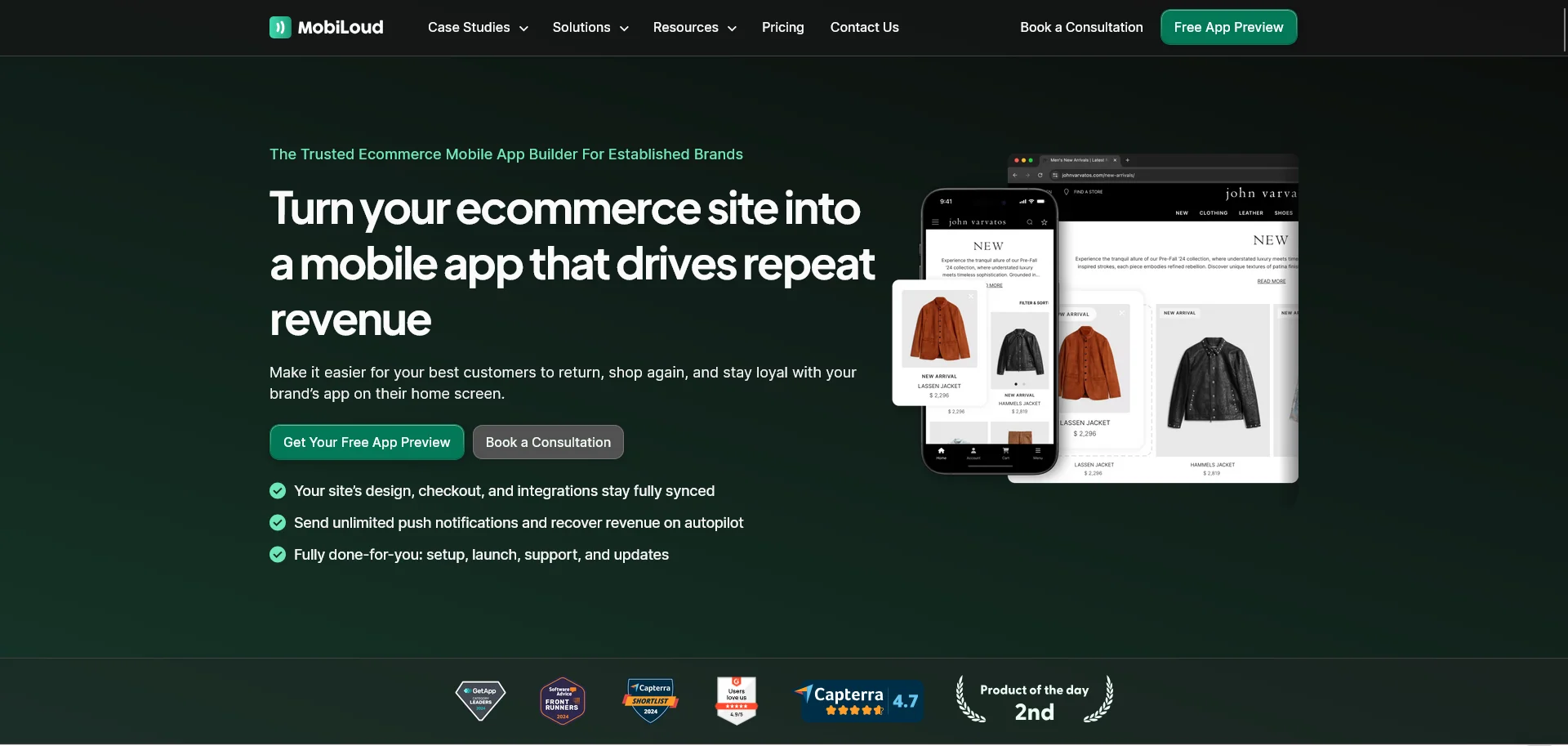
MobiLoud is a fully managed service that turns your existing website into native iOS and Android apps.
It’s unique to every other mobile app builder on the market in two ways.
First, the service aspect. MobiLoud is more of an app development partner than an “app builder”. It’s not a self-serve tool, but a white glove service, handling everything about the app, so you don’t have to pull resources from other areas of your business or add headcount to manage it.
Second: the app runs on the same tech stack as your website. Not a separate build, which you need to juggle to keep in sync.
This means it’s easier to manage and update your app, since everything’s done through your existing workflows. And it works with all the features on your website, by default (while most app builders rely on pre-built integrations with your web features).
It also means that MobiLoud works for literally any ecommerce site on any platform - from Shopify (including Plus or Headless Shopify Hydrogen builds), BigCommerce, WooCommerce, Salesforce Commerce Cloud… and even fully custom ecommerce stores.
That makes MobiLoud perfect for enterprise and multi-platform brands the Shopify-only tools can't serve.
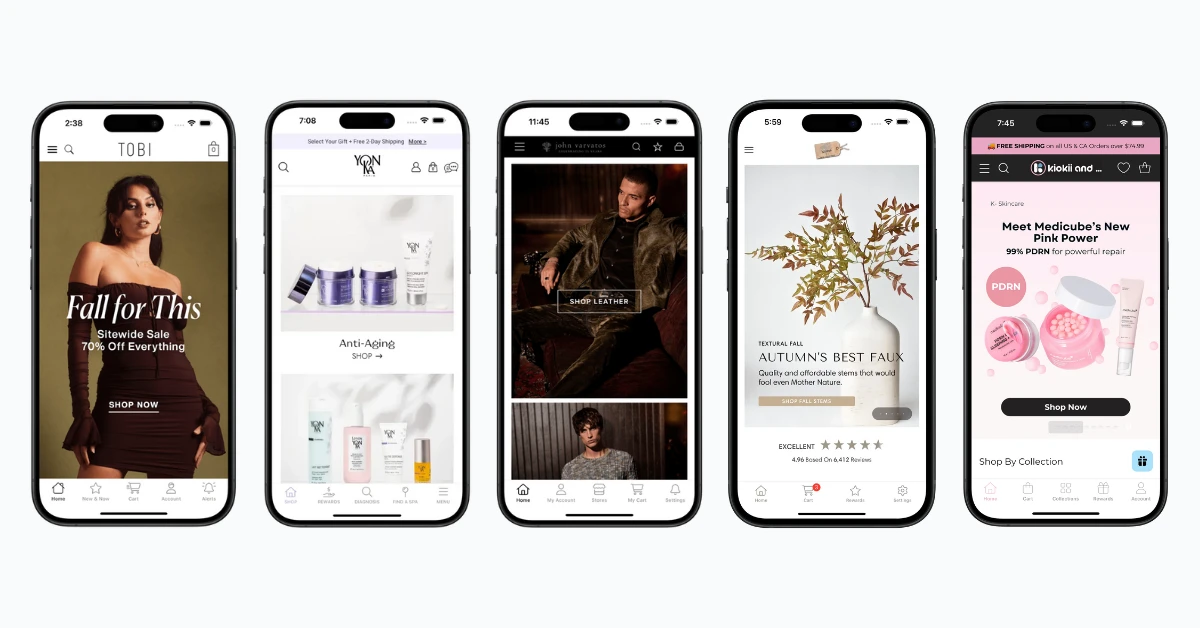
It's used by brands like John Varvatos, Tadashi Shoji, and the BESTSELLER group. Pricing is $1,499 a month plus a one-time setup fee, with no revenue share. MobiLoud holds a 4.7 out of 5 rating across 109 reviews on Capterra.
"We don't have to worry about the app. MobiLoud handles everything on the backend, and our website updates are automatically reflected."
Nick Barbarise, Director of IT, John Varvatos
2. Tapcart
Platforms: Shopify and Shopify Plus.
Best for: Design-forward Shopify brands with the in-house resources to build and run the app themselves.
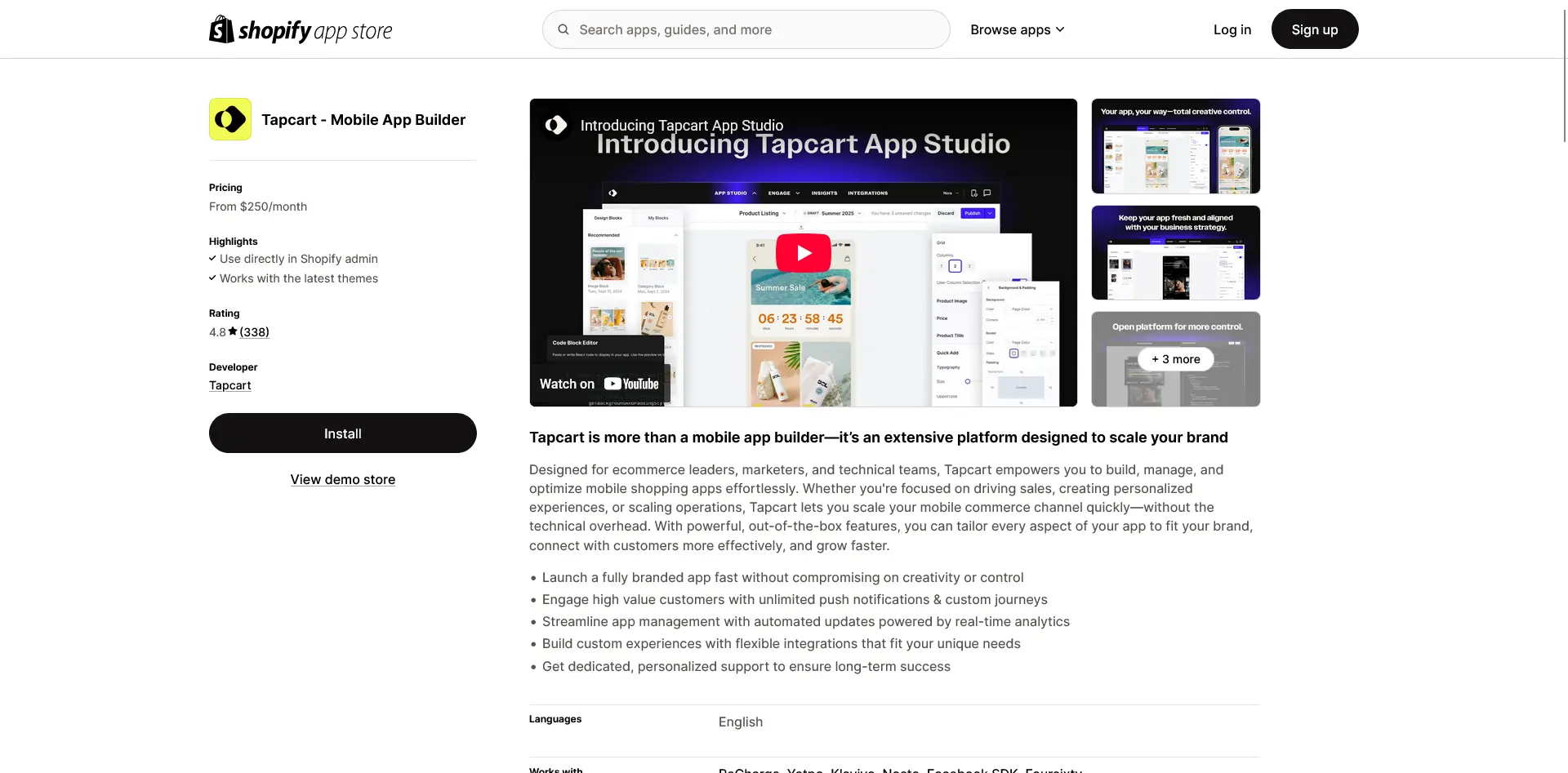
Tapcart is the most established name in the Shopify app-builder space. It works on a self-serve model: you rebuild your store inside Tapcart's block-based App Studio editor, and Tapcart produces the native iOS and Android apps around it.
The app connects to Shopify and syncs in real time, but it's a separate storefront from your website, so changes generally have to be mirrored into the app. For teams that want the app to look and merchandise differently from the web, that separation is the point.
Tapcart has leaned into in-app personalization and AI, with a For You product feed, automated AI push notifications, and a deep integrations marketplace covering Klaviyo, Recharge, and Yotpo. It's used by brands like Princess Polly, BÉIS, and Aviator Nation.
Pricing starts at $250 a month (Core) and $500 (Ultimate), with custom Enterprise pricing. It holds a 4.6 out of 5 rating across 337 reviews on the Shopify App Store.
"It allows us to build the app exactly the way we want, and if we need custom screens, the Tapcart team is there to help."
Nutricost, Shopify App Store
3. Appbrew
Platforms: Shopify and Shopify Plus.
Best for: Shopify and Plus brands that want an AI-assisted app a marketing team can run, with the build handled during onboarding.
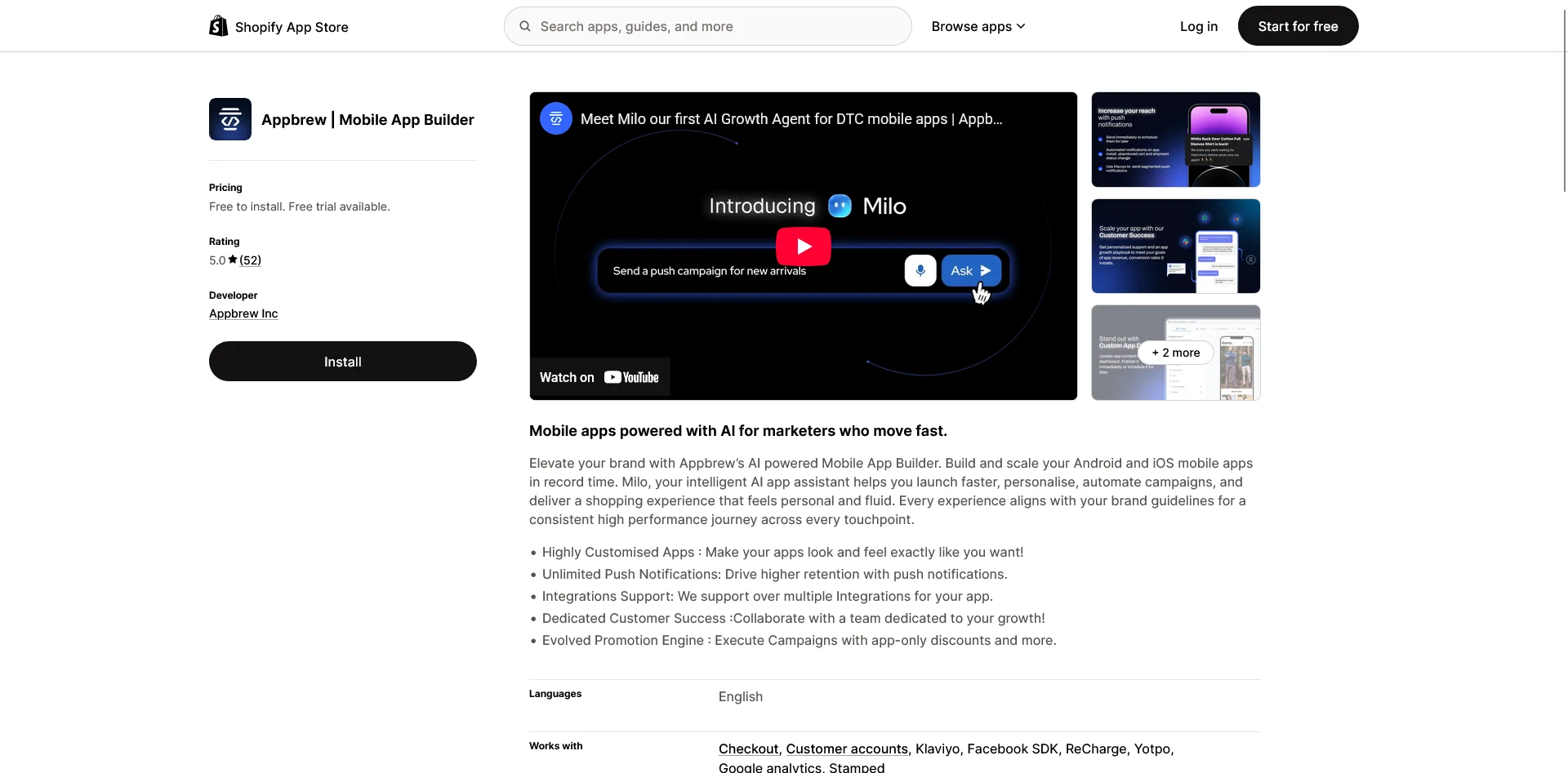
Appbrew is an AI-native Shopify app builder aimed at marketers rather than developers. Appbrew's team builds the initial app from your brand guidelines during onboarding, and from there a marketing team manages it through a dashboard inside Shopify.
The headline is its AI layer: Milo, an AI growth assistant that segments your audience and drafts and schedules push campaigns, plus AI tools for content, creative, and personalization.
There's also native video shopping and an engine for app-only discounts, bundles, and gifts. Appbrew is used by brands including SUGAR Cosmetics, Minimalist, and Kiyoko Beauty.
Pricing starts at $499 a month on the Pro plan, with custom Enterprise pricing. It holds a 5.0 out of 5 rating across 64 reviews on the Shopify App Store.
"It's amazing how we can build out a fully functional app without needing a lot of expertise."
Kiyoko Beauty, Shopify App Store
4. Shopney
Platforms: Shopify and Shopify Plus.
Best for: Small and mid-sized Shopify stores that want a fast launch with strong, hands-on support.
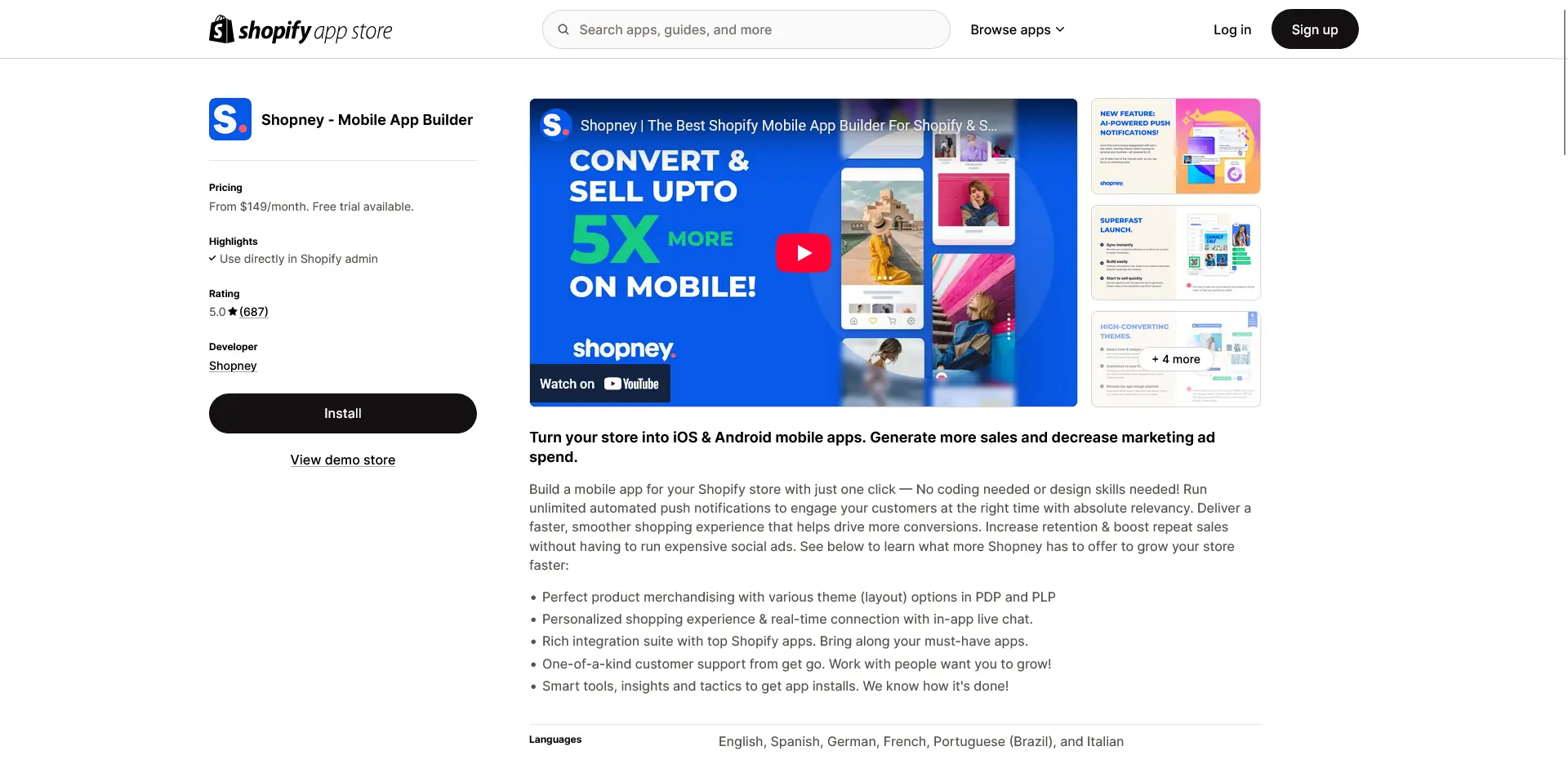
Shopney is built around getting a credible app live quickly with a lot of help along the way. You start from one of its industry-specific themes, customize it in a no-code editor, and Shopney's team helps you launch, including handling the store submission.
The home screen is fully editable, while the product, cart, and checkout screens follow set layouts, which is part of what keeps launches fast.
The feature set covers the essentials well, with unlimited push notifications on every plan, in-app live chat, and Shopify Markets support for multiple languages and currencies. What customers single out most is the support, which comes up again and again in reviews.
Plans run from $149 a month (Silver) up through Gold, Platinum, and a $1,299 Enterprise tier. Shopney holds a 5.0 out of 5 rating across 740 reviews on the Shopify App Store.
"Amazing app with amazing customer support especially LARA."
Sky Medical, Shopify App Store
5. Appmaker
Platforms: Shopify.
Best for: Brands that want customization depth and developer access rather than a purely templated app.
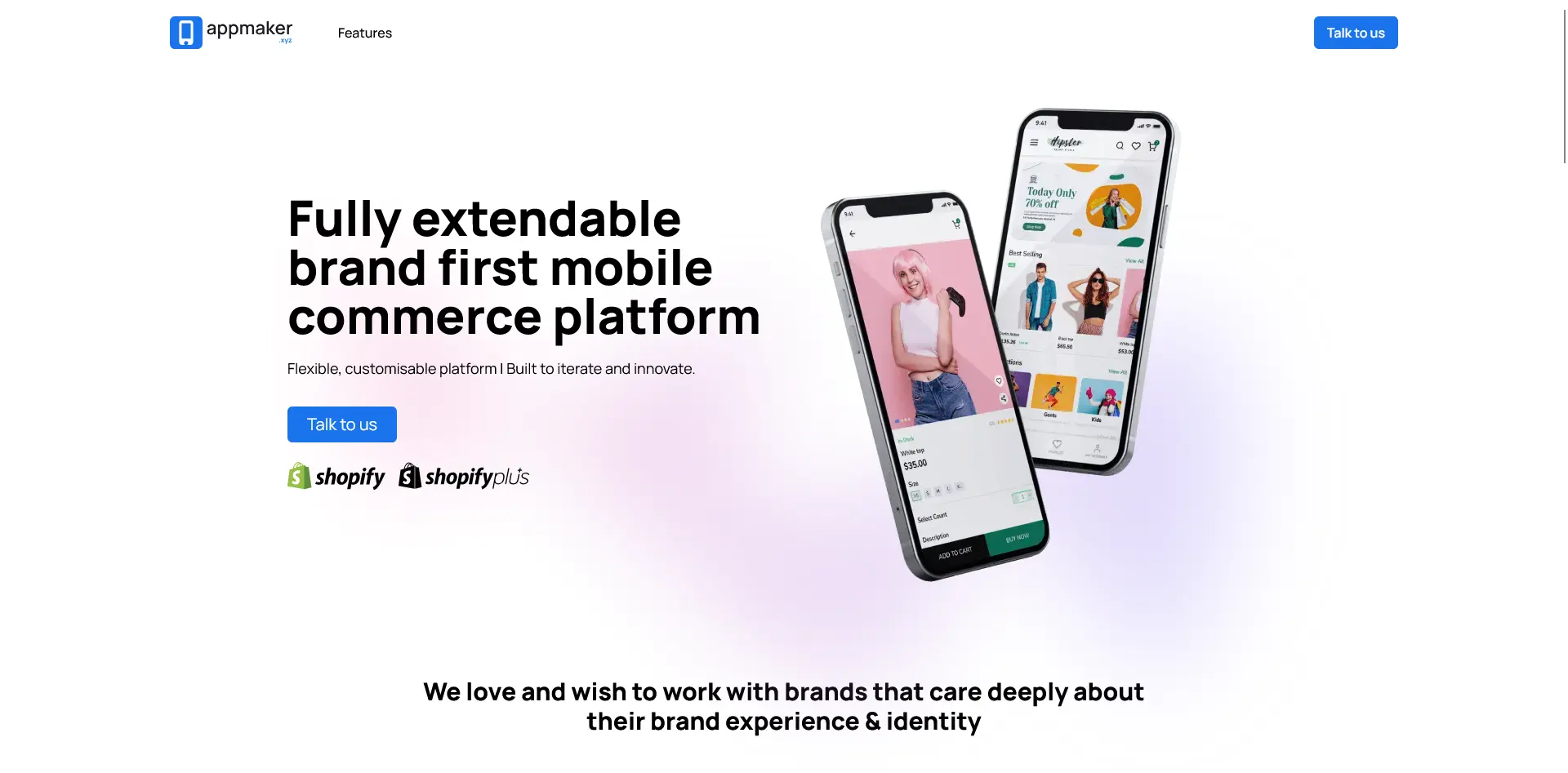
Appmaker is a Shopify app builder that leans on customization depth. You build in Appmaker Studio, a drag-and-drop editor with live preview, and the app syncs your products, orders, and customers from Shopify in real time.
What sets it apart is developer access: the Enterprise tier opens up full code access, custom APIs, and extensions, so brands that want a custom app rather than a templated one have room to build, alongside an AI layer (John AI for analytics and campaigns, Rubick's AI for personalization).
It's used by brands including boAt, Supertails, and Bombay Shirt Company. The Growth plan is $999 a month plus 1% of in-app sales, and Enterprise starts at $2,000 a month, also plus 1%. Appmaker holds a 4.9 out of 5 rating across 34 reviews on the Shopify App Store.
"Appmaker is perfect for converting our Shopify store into a smooth iOS & Android app."
Okka, Shopify App Store
6. ShopApper
Platforms: WooCommerce and WordPress.
Best for: WooCommerce and WordPress stores that want a native app built and maintained for them.
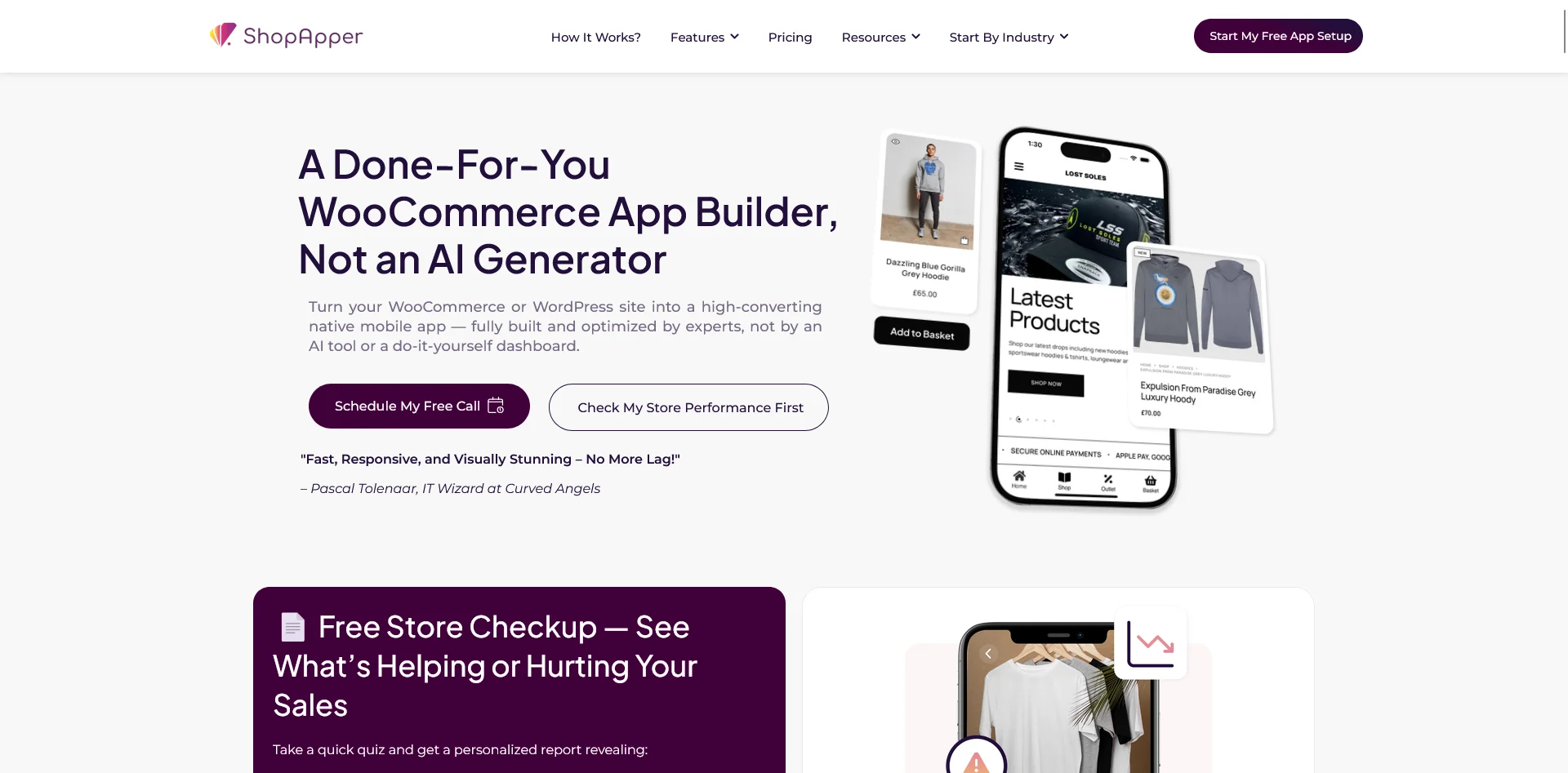
ShopApper is a full-service app builder for WooCommerce and WordPress stores. You install its plugin, and ShopApper's team builds the entire native iOS and Android app for you, from design and layout to checkout, plugin compatibility, and App Store and Google Play submission.
It's a fully done-for-you model rather than a builder you operate yourself. It adapts to your existing WordPress setup, including memberships, wholesale pricing, subscriptions, and shipping rules, and supports WooCommerce's plugin ecosystem.
It's a smaller, focused operation aimed squarely at small and growing businesses. Pricing is published and SMB-friendly: from $245 a month on the Starter plan (which adds a one-time $495 publishing fee, included from the Growth plan up) to $795 on Scale, with no setup cost and a 30-day free trial. It has a 4.0 out of 5 rating across 4 reviews on its WordPress.org plugin listing, plus case studies from brands like Blazy Susan, Capital Carp Competitions, and Jako Sushi.
"Easy to set up and great support. Works well with WooCommerce subscriptions."
WordPress.org plugin review
7. JMango360
Platforms: Shopify, BigCommerce, Adobe Commerce/Magento, Salesforce Commerce Cloud.
Best for: Multi-platform brands and B2B sellers that want a managed native app.
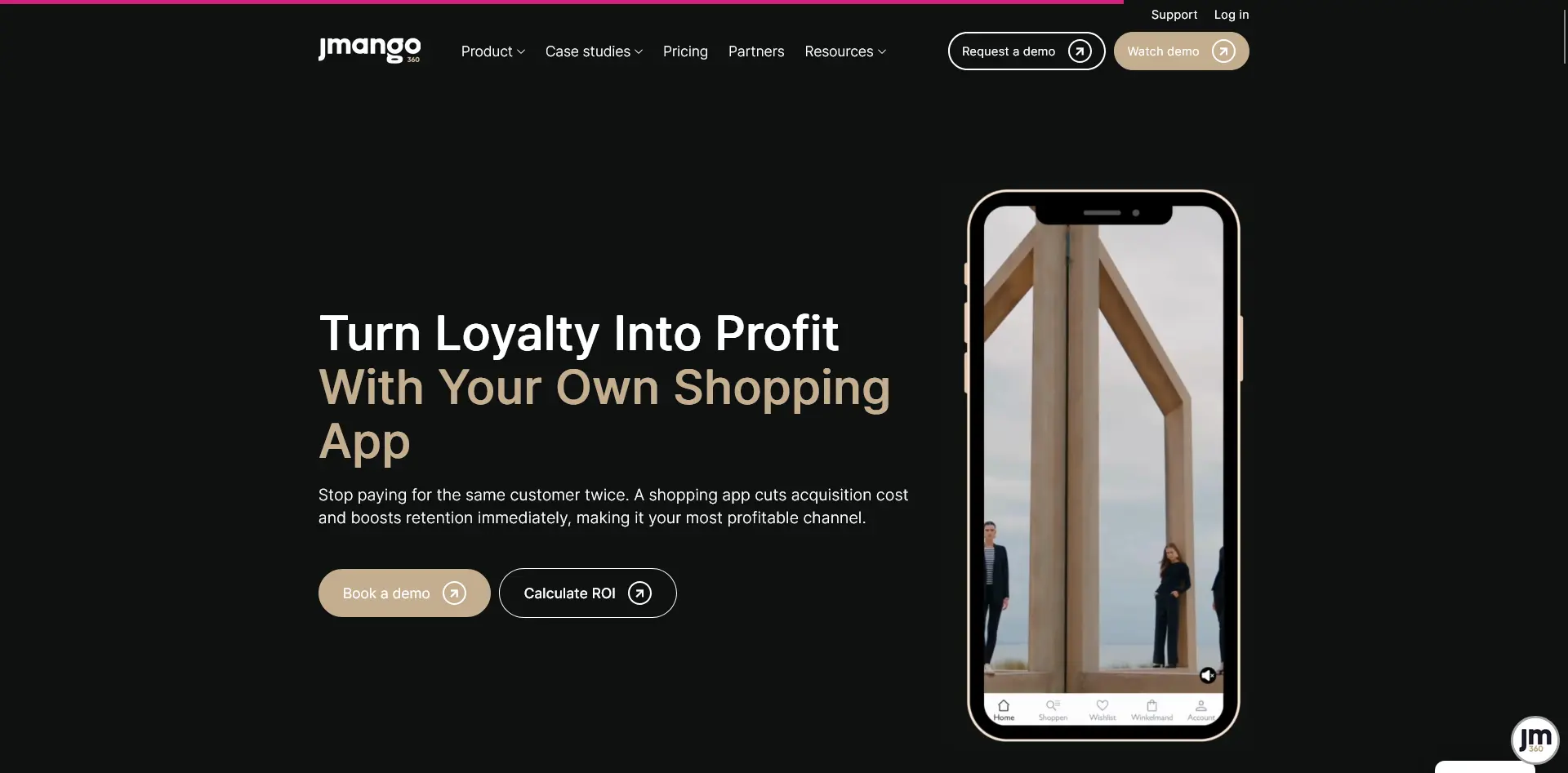
JMango360 is a managed app builder with a multi-platform reach, which is rarer than it sounds in this category. Its plugin connects to your store's backend and syncs your catalog, inventory, payments, and shipping in real time, and the apps are native, built from your store's data through the integration.
The model is done-for-you, with design and customization handled alongside a dedicated app success manager.
For B2B brands it's a natural fit: the platform supports user groups and prices behind login, so wholesale and trade customers see their own pricing in the app. It's used by brands including Balmain, Leica, and Subdued.
Pricing isn't published upfront; JMango360 quotes each build through a demo. It holds a 4.8 out of 5 rating across 13 reviews on Capterra.
"Jmango makes it extremely easy to get a native mobile app for your website. We use BigCommerce, and Jmango's integration makes setting everything up simple."
Shane B., IT Director (Via Capterra)
8. Shopgate
Platforms: Shopify, BigCommerce, Magento, Shopware.
Best for: Established and enterprise retailers that want omnichannel features bridging their stores and their app.
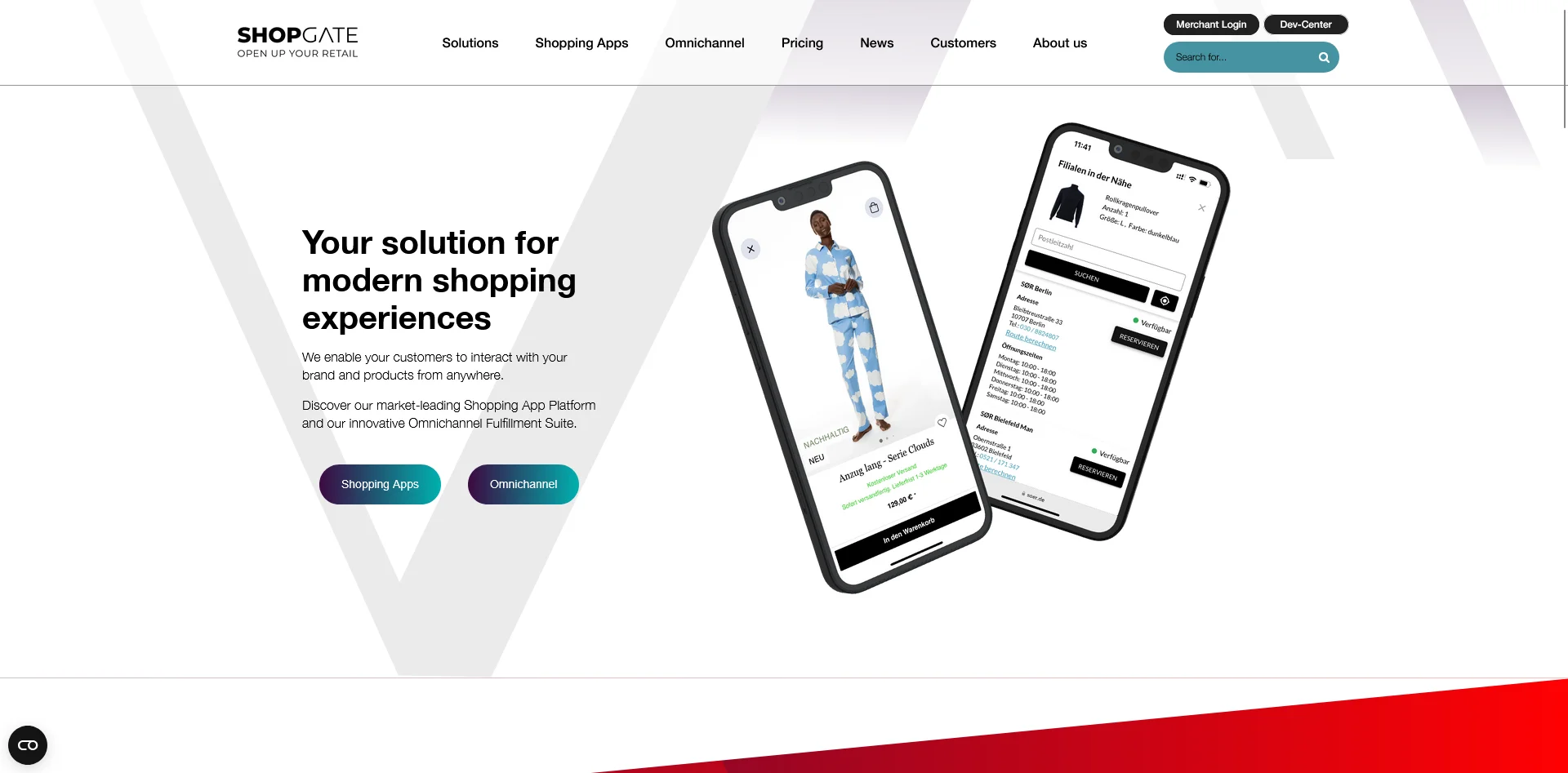
Shopgate has been in mobile commerce since 2009, and it's less a lightweight builder than a full mobile-commerce and omnichannel platform. It installs as an integration that connects Shopgate's commerce backend to your store and produces native iOS and Android apps, with Shopgate handling submissions, OS updates, and maintenance.
What distinguishes it is omnichannel depth: store-level inventory, Click and Collect, reserve-in-store, ship-from-store, and in-store clienteling tools, which makes it a strong fit for retailers that bridge physical and digital.
It works across Shopify, BigCommerce, Magento, and Shopware, and is used by brands including Harbor Freight Tools, Alpha Industries, and Just Spices. Pricing is custom. Shopgate holds a 4.0 out of 5 rating across 33 reviews on G2.
"We use Shopgate for over 7 years now, for 3 different online shops. In those 7 years we experienced great customer support and are very happy with the solution overall."
Verified User in Consumer Goods, G2
9. Unbound Commerce
Platforms: BigCommerce, Shopify, Magento, Salesforce Commerce Cloud.
Best for: Brands that want a fully custom native app, B2C or B2B, built and maintained for them.
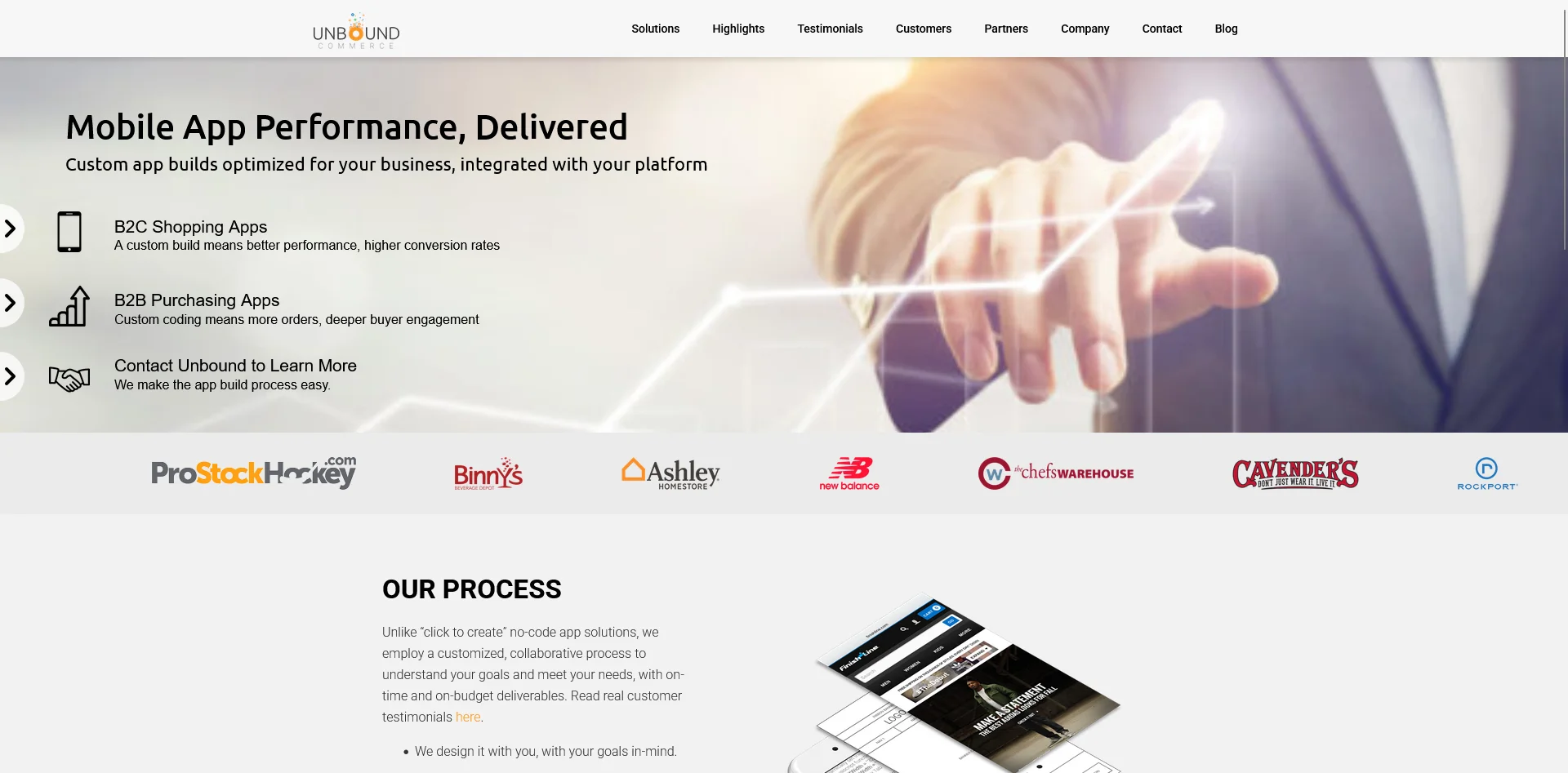
Unbound Commerce builds custom native apps as a done-for-you project. Rather than a self-serve tool, you work with its US-based team to design, build, and launch the app, and Unbound maintains it afterward.
The build is native on the browsing and engagement screens, with cart and checkout running through customized versions of your storefront, and a server-side integration ties it to your store so orders flow back in.
It covers both B2C shopping apps and B2B/wholesale apps, and has been doing this since 2008, with apps for brands including Ashley Furniture, Rockport, New Balance, and Finish Line. Pricing is custom and project-based, with no revenue share.
It holds a 4.56 out of 5 rating across 9 reviews on the BigCommerce App Marketplace.
"They will base your app off your store, so it will have all your products already available. The team is great: US based, easy to communicate with, and familiar with the platform."
BigCommerce App Marketplace review
The State of the Ecommerce Mobile App Builder Market
The ecommerce mobile app builder market is growing rapidly. We’ve been in the app business for over ten years, and have seen this growth first-hand.
What we’re also seeing right now, with the advent of vibe coding, is a massive number of new tools springing up, promising to turn your ecommerce site into an app quickly and easily.
A lot of these brand new tools are likely not worth your time. Some are; but many are projects whipped up in a weekend, which are likely unreliable and poorly supported.
For some software categories, this isn’t a huge problem. But for a tool to build and power your mobile app - a channel that could one day drive 30% of your online revenue - you need reliability more than anything else.
That’s why we’ve provided the list above. These are all real companies, with a track record of shipping apps for real brands.
You can argue over which is the best, which one lets you ship a better app, which one supports you the most.
But they’re all real, and worth checking out. None will waste your time with a flashy website that has nothing behind it.
Final Thoughts
There’s a perfect mobile app partner out there for every brand.
Some need a powerful, high-touch partner and dedicated service, while other brands really just need an affordable tool they can manage themselves. That’s fine - and there’s an option in the list above for any perspective.
For full disclosure, we're MobiLoud, so we're not a neutral party in this list. We rank ourselves first because we believe we're the best choice for brands that want a native app built and managed for them, on any platform, with everything from their website carried over.
But that's a specific fit, and it isn't everyone's. If you're a Shopify brand that wants to design and run the app yourself, Tapcart or Appbrew will serve you better. If you want the lowest starting price, look at Shopney (or search the Shopify App Store for other low-cost app builders). If you're on WooCommerce and want it handled, ShopApper is built for exactly that.
Either way, if you're a growing ecommerce brand, you should probably have an app. If MobiLoud's approach sounds like a fit, get in touch and get a free preview to see what your store would look like as a native app.