Push notifications and SMS have a lot in common.
Both deliver short messages directly to a customer’s phone. Both are mobile-first, low-friction channels, great for time-sensitive messages that might get lost in an email inbox.
But the two channels work very differently, and are best for different audiences.
SMS gives you broader reach because customers don’t need to install an app. While push notifications give you a low-cost way to reach the customers who have installed your app - who are your most engaged and valuable users.
Both are great revenue channels, with huge ROI potential. The question, for ecommerce brands, is when to use each channel, and for what job.
That’s what we’ll share with you below.
Push Notifications vs SMS: The Short Version
- Use SMS when reach and urgency matter most. It works without an app and can reach almost anyone who has opted in with a phone number.
- Use push notifications for frequent, personalized engagement with app users. There is no carrier or per-message charge, and notifications can send customers directly into a specific page of your app.
- Use both as part of a coordinated retention strategy. Push can handle more frequent app-user communication, while SMS can be reserved for selective, high-value moments.
What Are Push Notifications?
Push notifications are short messages sent by an app to a user’s device.
They can appear on the lock screen, in the notification center or as a banner while the customer is using their phone. Tapping the notification can open the app’s home screen or take the customer directly to a product, cart, offer or other specific screen.
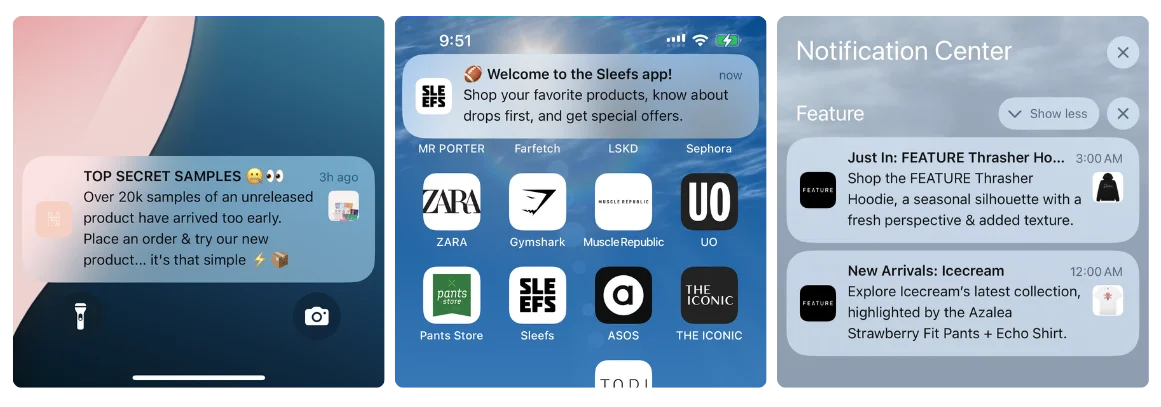
On Apple devices, native push notifications are delivered through Apple Push Notification Service. Android apps commonly use Firebase Cloud Messaging.
Customers must have the app installed and allow it to send notifications. Apple requires apps to request authorization, while Android also requires runtime notification permission on Android 13 and later.
One important feature from a business standpoint: push notifications cost nothing to send.
There's no per-message fee, no carrier involvement, no third-party billing. Once you have an app with push capability, you can send 1,000 or 1,000,000 notifications at the same marginal cost: zero.
What Is SMS Marketing?
SMS marketing uses text messages to communicate with customers through their phone numbers.
SMS doesn’t require an internet connection, a smartphone, or an app. If someone has a phone number, you can text them. It’s just in the last 10-15 years that SMS has moved from a primarily person to person channel, to a legit B2C (business to consumer) one.
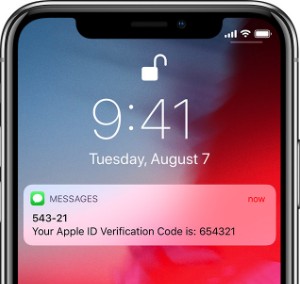
Standard SMS messages are delivered through the cellular network, although modern marketing platforms may also support MMS or RCS for images and more interactive content.
SMS can be used for both promotional and transactional communication, including:
- Sale announcements
- Abandoned-cart reminders
- Back-in-stock alerts
- Order confirmations
- Shipping updates
- Delivery notifications
- Customer-service conversations
Unlike push notifications, SMS normally carries a cost for every message or message segment sent. That cost varies by destination, message length, sending number, platform and carrier fees.
SMS also comes with a more demanding compliance environment. In the United States, automated marketing texts are governed by the TCPA and require appropriate consent. Senders must also follow carrier and messaging-industry rules around identification, opt-ins and opt-outs.
Rules differ between countries, so brands operating internationally need to account for each market in which they send.
The Key Differences Between Push Notifications and SMS
Here’s a quick summary of the functional and practical differences between push notifications and SMS marketing:
| Factor | Push notifications | SMS |
|---|---|---|
| Audience requirement | App installed and notifications enabled | Phone number and appropriate consent |
| Cost structure | No carrier or per-message charge; app and platform costs may apply | Usually charged per message or segment, plus platform and carrier fees |
| Potential reach | Limited to opted-in app users | Can reach a broader audience without an app |
| Connection required | Requires an internet connection for delivery | Requires cellular service but not mobile data |
| Content options | Text, images, action buttons and deep links, depending on implementation | Primarily text and links; MMS or RCS can add media and interactivity |
| Destination | Can open a specific page or action inside the app | Usually opens a webpage unless the link is configured to open an app |
| Replies | Generally one-way, although buttons can provide actions | Can support two-way conversations |
| Consent and compliance | Operating-system permission, platform policies and applicable privacy rules | Telecom, carrier, marketing-consent and privacy requirements |
| Best suited to | App engagement, automation and higher-frequency messaging | Broad-reach, urgent and conversational communication |
Now, let’s explore the differences in a little more detail.
1. Cost
Push notifications don’t carry a fee every time a message is sent.
You might pay for your app and the platform used to manage your notifications, but sending 10,000 notifications doesn’t give you a carrier bill for 10,000 individual messages.
SMS is different. Each message has a direct cost, and longer messages can be divided into multiple billable segments. Images and other media may turn the message into a more expensive MMS.
That difference matters a lot as your audience and sending frequency grow.
A loyalty update, product recommendation or weekly promotion may be economical through push but unnecessarily expensive through SMS. SMS should generally be reserved for messages where the expected value justifies the cost.
2. Reach
SMS has a larger potential audience.
A customer only has to give you their phone number to get on your SMS list. They don’t need to download your app or enable notifications through their phone’s settings.
Push notifications reach a smaller group: customers who have installed your app and have notifications enabled.
That smaller group can be extremely valuable, however. Someone who’s made space for your brand on their home screen has shown more intent than the average website visitor or email subscriber.
SMS gives you breadth. Push gives you a direct channel to a more self-selected audience.
3. Visibility and Engagement
Both channels are highly visible because their messages can appear directly on a customer’s phone.
However, headline “open-rate” comparisons between SMS and push should be treated cautiously.
SMS open rates are often estimated rather than directly measured. Most standard SMS systems can report delivery and link clicks, but they can’t reliably tell you whether every recipient opened and read the text.
Push platforms generally count an open when someone taps the notification. That doesn’t capture people who saw and understood the message on their lock screen without tapping it.
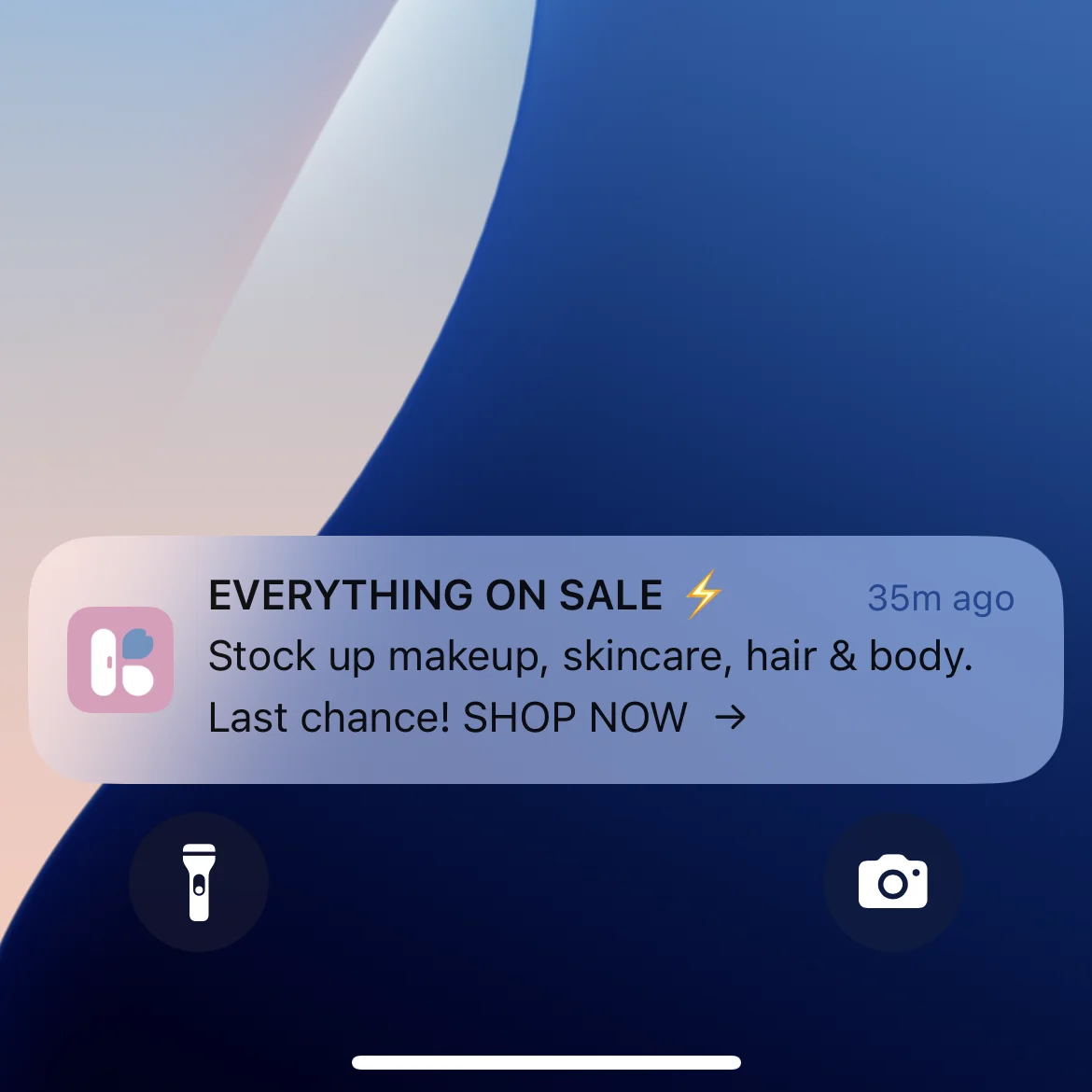
The better comparison is business performance:
- Did the message generate a click?
- Did the customer open the app or website?
- Did they complete the intended action?
- Did the campaign generate incremental revenue?
- Did opt-outs, notification disables or app uninstalls increase?
Delivery, opens and clicks are useful diagnostic metrics, but conversion and revenue tell you whether the channel is doing its job. Klaviyo similarly recommends evaluating mobile push through delivery, open and conversion performance rather than relying on one headline number.
4. Content and Customer Journey
Push notifications give you more control over what happens after the customer engages.
A notification can have an image, use action buttons and deep-link into a specific location in the app. A back-in-stock notification can open the exact product. An abandoned cart notification can take the customer back to their cart. A loyalty notification can open the rewards screen.
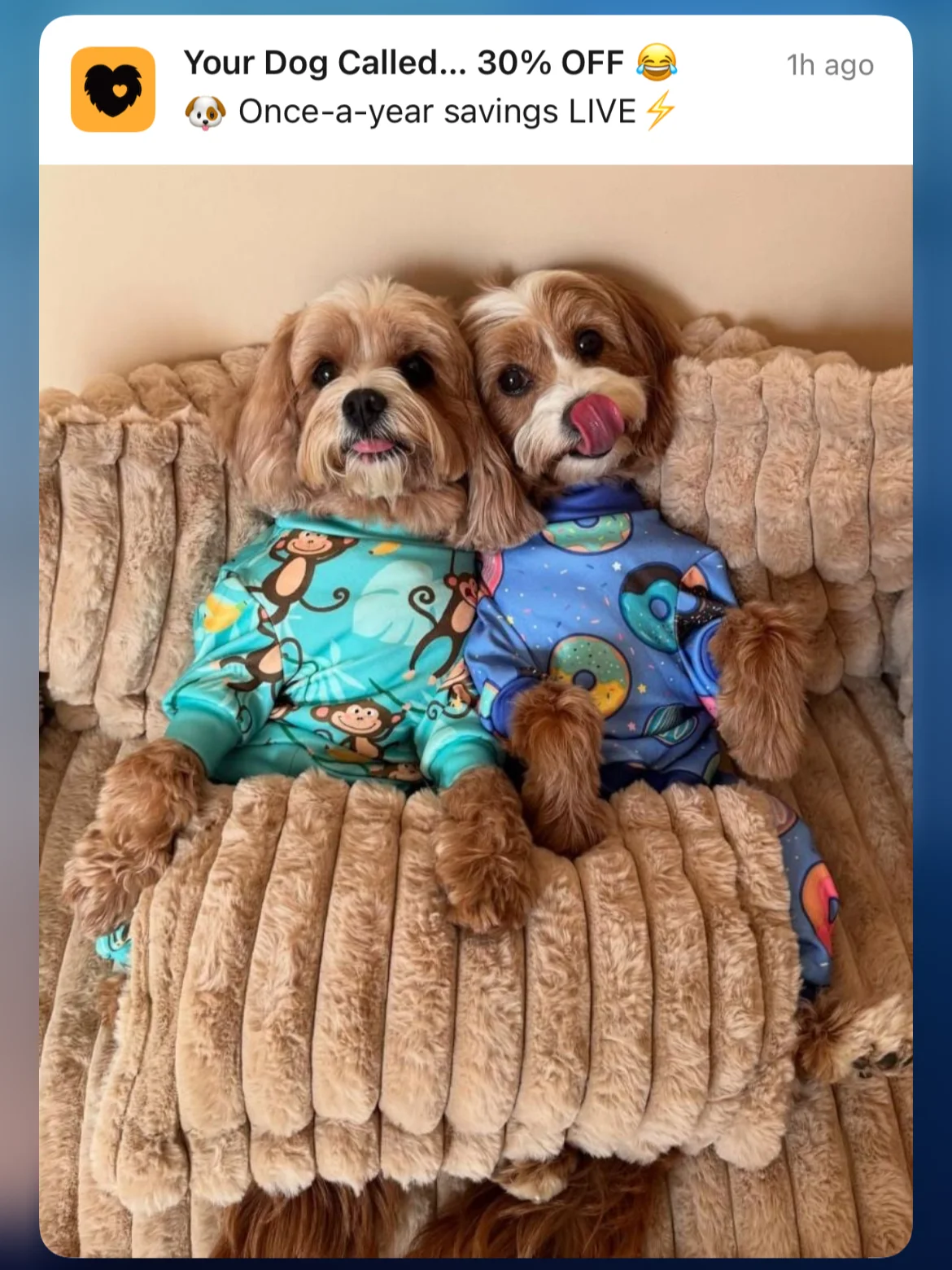
The entire journey remains inside the app, where the customer may already be logged in and have their preferences or payment details saved.
SMS is more limited in its standard format. You can send text and a link, but the link will usually open a mobile webpage unless app links are configured. MMS and RCS can support richer content, although availability, rendering and pricing differ.
Push action buttons and rich media support also depend on the device, operating system and app implementation, so campaigns should always be tested across platforms.
5. Conversations
SMS is naturally better suited to two-way communication.
Customers can reply to a text to ask a question, confirm an appointment, provide feedback or speak with customer support. Ecommerce SMS platforms can route those replies to human agents or automated conversational tools.
Push notifications are normally one-way. Customers can tap the message or choose from configured action buttons, but they don’t usually reply to a notification as they would to a text.
This makes SMS stronger for conversational commerce and customer service, while push is better suited to driving customers into the app.
6. Consent and Compliance
Both channels require responsible consent management, but SMS has more specific regulatory and carrier obligations.
In the United States, the TCPA generally requires prior consent for automated texts, with stricter requirements applying to marketing messages. Customers must also be able to revoke consent through reasonable methods.
Carrier and industry standards add another layer. Brands might need to register their sending numbers and campaigns, clearly identify the sender, document opt-ins and promptly honor opt-out requests.
Push permission is managed primarily through the device’s operating system. The customer approves or denies the permission prompt and can later change notification settings for the app.
Push therefore avoids much of the telecom-specific compliance involved in SMS. That doesn’t mean it’s regulation-free. You still need to respect privacy laws, platform policies, customer preferences and rules governing how user data is collected and used.
But that toggle in the customer’s phone settings to allow push notifications from your app does a lot of heavy lifting, and realistically, you’re very unlikely to run into any compliance issues with push.
7. Delivery
Push notifications require an internet connection. If the device is offline, delivery might be delayed until it reconnects, depending on how the notification is configured and handled by the operating system.
SMS doesn’t require mobile data or Wi-Fi, but it does require cellular connectivity. Texts may also be delayed or filtered by carriers, device-level spam protection or the customer’s messaging settings.
Neither channel guarantees immediate delivery. SMS is generally more reliable for time-sensitive messages, but in areas where 24/7 mobile data connectivity is the norm, there’s unlikely to be any real difference.
When Should You Use SMS?
SMS is best when you need broad reach, urgency or a two-way conversation.
Reaching Customers Who Don’t Have Your App
Most of your customers probably won’t have your app installed. Even for a high-performing mobile app, you’re looking at just around 15-25% of your customer base.
SMS lets you reach people who haven’t bought from you before, customers who have bought once or twice, as well as regular customers who haven’t downloaded your app yet.
That gives you a much broader surface area to reach.
Urgent, High-Value Messages
SMS works well for messages where timing has a clear financial or customer-experience impact:
- A flash sale ending in several hours
- A product that is almost sold out
- Early access to a limited release
- A delivery problem requiring customer action
- A high-value abandoned cart
- A security or account alert
It should be used selectively, though - because each send costs money and arrives in a personal inbox, so the risk of annoying your customers by sending a barrage of texts is more than with push or email.
Transactional Updates
Order confirmations, shipping updates, delivery notifications and appointment reminders are natural SMS use cases.
Customers generally value these messages because they contain practical information about something they have already done.
Transactional and promotional consent requirements aren’t always the same, however. Avoid adding marketing content to a service message without confirming that your consent and compliance setup covers it.
Customer Service and Conversational Commerce
SMS gives customers a familiar reply mechanism.
It can be useful for:
- Product questions
- Order support
- Personal shopping
- Feedback collection
- Appointment management
- Replenishment reminders
- Assisted purchases
The channel is particularly effective when a real person can step into the conversation for higher-value customers or purchases.
Best SMS Marketing Apps for Ecommerce Brands
If you’re doing SMS marketing, you’ll need an SMS marketing app to facilitate the setup, automation and sending.
There are a number of good choices out there:
- Klaviyo: Best for brands already using Klaviyo for email. It keeps email, SMS and mobile push in the same customer profiles, segments and automated flows.
- Mailchimp: A convenient choice for brands already using Mailchimp. A mature marketing platform, which is cost-effective and has all the features you need to set up and run complex flows.
- Postscript: Best for Shopify brands that want an SMS-first platform with deep Shopify integration, advanced segmentation and conversational features.
- Attentive: Best suited to larger retail and ecommerce brands looking for advanced personalization, strategic support and enterprise capabilities.
- Omnisend: A good option for ecommerce brands that want to coordinate email and SMS through a relatively accessible all-in-one platform.
- Recart: Suits Shopify brands that want more hands-on help building and optimizing their SMS program.
Check each platform’s site for full details on their pricing structure, supported features, and more, to find the one that’s the best fit for your brand.
When Should You Use Push Notifications?
On a message-for-message basis, push is probably the strongest channel you have. It’s direct, high-visibility, and zero cost. In general, if you can send someone a push notification, that should be the go-to channel for them.
Here are a few specific situations where push stands out.
Abandoned Cart and Browse Abandonment Messages
Push notifications can bring customers directly back to the products they viewed or left in their cart.
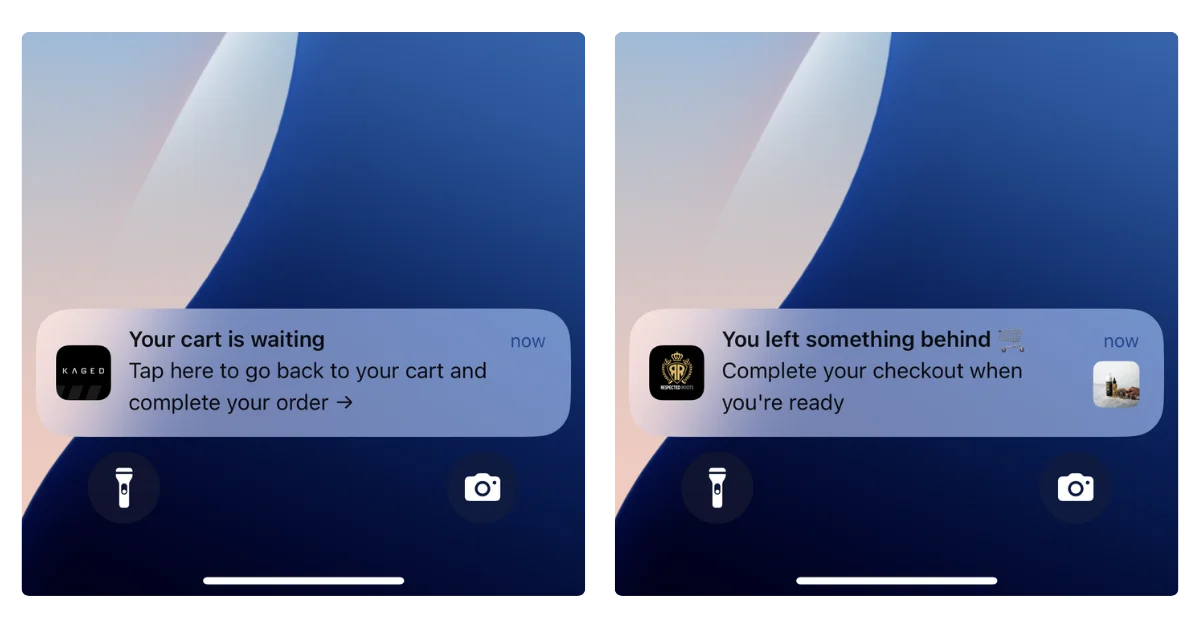
Because notifications can deep-link into the app, the path back to checkout is extremely short:
- The customer sees the notification.
- They tap it.
- The app opens on their cart or product.
- They complete the purchase.
For this reason, we’ve seen brands have incredible results with abandoned cart notifications. Some brands we’ve worked with at MobiLoud have seen $200,000 and up in recovered revenue per month, just through their abandoned cart campaigns.
The power of this one campaign is often more than enough, on its own, to pay for the cost of having an app in the first place.
Back-in-Stock and Price-Drop Alerts
These messages arrive when purchase intent is already high.
The customer has shown interest in a particular product and is waiting for a reason or opportunity to buy. A push notification can alert them immediately and take them directly to the relevant product page.
Loyalty and Rewards
Push is well suited to frequent loyalty messages such as:
- Points earned
- Rewards available
- Tier progress
- Member-only promotions
- Birthday rewards
- Expiring benefits
- App-exclusive products
Sending every small loyalty update by SMS could become expensive and intrusive. Push allows you to keep members informed without treating every update like a major campaign.
New Products, Promotions and Flash Sales
Push can combine concise copy, an image and a deep link to the relevant collection or product.
It is particularly useful for app-only offers, early access and new drops aimed at your most engaged customers.
Regular Re-engagement
Push helps keep the app (and your brand) top of mind.
You can use it for product recommendations, new content, replenishment reminders, seasonal campaigns and personalized offers.
This doesn’t mean sending every notification to every app user. Segmentation, frequency controls and customer preferences remain important.
A relevant weekly notification can strengthen retention; several irrelevant notifications a day can cause customers to disable push or uninstall the app.
Dive deeper: How to get free impressions in front of your best customers
Best Push Notification Services for Ecommerce
Like SMS, you’ll typically use a push service to set up automations and handle the sending of push notifications.
You can set this up manually with something like Firebase; but a real push service is better if you want to do real marketing automation with push.
The two services we recommend the most are Klaviyo and OneSignal.
Both are powerful automation platforms, with everything you need to set up and run push campaigns and workflows. If you’re already doing email and SMS with Klaviyo, it’s a great way to keep all your channels working together.
MobiLoud apps can also use our push notifications app for Shopify, which lets you automate push notifications for store events, such as order and shipping updates.
Push Notifications vs SMS: Which Is Better?
Like with anything, the answer is “it depends”. There’s no single “best” channel, better across the board than the other. Each has its own advantages and disadvantages, and use cases where it stands out the most.
SMS is better when:
- You need to reach customers who don’t have your app.
- The message is important enough to justify the per-send cost.
- You need the customer to reply.
- Cellular delivery is important.
- You’re sending a selective, time-sensitive message.
Push is better when:
- You’re communicating with app users.
- You want to send messages more frequently.
- You need to control messaging costs at scale.
- You want to deep-link into an app experience.
- You’re running behavior-triggered automations.
- You want to use images, buttons or app-specific destinations.
In practice, you’ll want to use both.
How SMS and Push Notifications Work Together
Push and SMS shouldn’t compete to send the same message to the same customer at the same time.
They should be orchestrated.
A customer who has your app and push enabled may not need an SMS for every promotion. You can reach them through push first and reserve SMS for more urgent or valuable moments.
Customers without the app can continue receiving SMS where appropriate.
For example, an abandoned cart sequence might work like this:
- Send an app push notification shortly after abandonment.
- Follow with an email containing more detail or product recommendations.
- Send an SMS only to eligible, high-intent customers if the cart remains incomplete or the offer is about to expire.
The exact sequence will depend on your products, margins and customer behavior. The important principle is to avoid unnecessary duplication.
Your messaging platform should know which channels each customer has enabled and apply rules such as:
- Don’t send an SMS if the customer already converted after receiving push.
- Don’t send identical push, SMS and email messages within the same hour.
- Prioritize push for app users when the message doesn’t require a reply.
- Reserve SMS for messages with enough urgency or expected value.
- Suppress customers who recently purchased or received another campaign.
This creates a better customer experience while reducing wasted SMS spend.
How to Add Push Notifications to Your Marketing Stack
To send native mobile push notifications, you need a mobile app.
The traditional route is to design, develop and maintain separate iOS and Android apps, then connect them to a push provider and your ecommerce data.
MobiLoud offers a simpler route.
MobiLoud turns your existing ecommerce website into native iOS and Android apps. Your site remains the foundation of the app, so your storefront, checkout, customer accounts, custom functionality and existing integrations stay in place.
A native layer adds the app-specific features you need, including navigation, app-only experiences and push notifications.
MobiLoud also integrates with Klaviyo and OneSignal, so you can:
- Send one-off push campaigns
- Build customer segments
- Create automated flows
- Trigger abandoned-cart notifications
- Deep-link into products and other app pages
- Coordinate push with email and SMS
- Measure engagement and conversions
There is no need to rebuild your store in a separate app builder or develop the push-notification infrastructure yourself.
The result is a complete owned-channel stack:
- Email for depth and storytelling
- SMS for selective urgency and conversations
- Push for frequent, cost-efficient engagement with app users
Final Thoughts
Push notifications and SMS both give ecommerce brands a direct route to their customer’s phone.
But they shouldn’t be used interchangeably.
SMS offers broader reach and supports direct replies, making it valuable for urgent, transactional and conversational messages. Its per-send cost and regulatory requirements mean every message needs to earn its place.
Push notifications require an app, but they give you a highly efficient way to reach your most engaged customers. They are ideal for automation, loyalty, product alerts, promotions and regular app engagement.
The best strategy is to combine them.
Use SMS where its reach, urgency or conversational format creates additional value. Use push to communicate more regularly with app users without adding a cost every time you press send.
That gives you greater reach without paying SMS rates for every interaction, and a stronger direct relationship with your highest-value customers.
Frequently Asked Questions
Are push notifications better than SMS?
Push is better for frequent, app-based engagement because it doesn’t carry a per-message carrier fee and can deep-link into specific app pages. SMS is better for broader reach, urgent messages and two-way conversations. Most established ecommerce brands benefit from using both.
Are push notifications free to send?
Push notifications normally have no carrier or per-message charge. However, you still need an app, and your push notification platform may charge a subscription based on users, subscribers or features.
Do push notifications require an app?
Native mobile push notifications require an installed iOS or Android app. Web push can be sent without an App Store app, but it uses a different setup and subscription journey. On iOS, web push is available to supported web apps added to the Home Screen.
Can push notifications replace SMS?
Push can replace some SMS sends for customers who have your app and notifications enabled. It is particularly useful for promotions, loyalty messages, abandoned carts and product alerts. It can’t reach customers who haven’t installed your app, and it isn’t as well suited to two-way conversations.
Can you send push notifications and SMS through Klaviyo?
Yes. Klaviyo supports email, SMS and mobile push, allowing eligible customer data, segments and automated flows to be managed within the same platform. A compatible mobile app and push integration are still required.
Is SMS more reliable than push notifications?
SMS can work without an internet connection, while push requires Wi-Fi or mobile data. However, SMS can still be delayed or filtered by carriers and device-level spam controls. Neither channel guarantees instant delivery in every situation.
Which channel is cheaper?
Push is usually significantly cheaper at higher sending frequencies because there is no charge for each individual notification. SMS incurs a cost for each message or segment, along with any platform and carrier charges.