If you run an international Shopify brand, building a mobile app can get complicated quickly.
Your app may need to support Shopify Markets, multiple currencies, multiple languages, and regional storefronts.
Customers in France should see the right language, catalog, prices, payment options, and delivery information. A shopper who switches from the UK to the US store shouldn't land in the wrong checkout or lose their account.
Plenty of Shopify mobile app builders say they support international selling. The differences only become clear when you look at how your store is structured.
There’s a big gap between serving several countries from one Shopify store and running separate Shopify expansion stores for the US, UK, Europe, and Australia. A platform that handles the first setup may have no practical way to combine the second into one customer-facing app.
We compared the leading options around that exact problem. Here are the best Shopify mobile app builders for international brands in 2026:
- MobiLoud: Best for complex international and multi-storefront setups
- Venn Apps: Best premium native platform for Shopify Plus expansion stores
- Shopney: Best lower-cost option with both Markets and multi-store support
- Tapcart: Best established platform for a single Shopify store using Markets
- Appbrew: Best for location-based pricing and regional app personalization
MobiLoud is our own platform, so we have an obvious stake in this comparison. But we’ve still tried to make the recommendations specific. There are setups where Venn, Shopney, Tapcart, or Appbrew may make more sense.
Regardless - we’ve compared each option objectively against each other, so you can see which one is best for your own setup.
The Best Shopify Mobile App Builders for International Brands at a Glance
| Platform | Best For | Shopify Markets & Localization | Multiple Shopify Stores in One App | Starting Price for International Use |
|---|---|---|---|---|
| MobiLoud | Complex regional storefronts and international sites with custom features | Yes — carries your existing storefront, languages, and currencies into the app | Yes | $1,499/month for Business; multi-region setups use custom Enterprise pricing |
| Venn Apps | Shopify Plus brands wanting a premium, localized native app | Yes — Markets, plus multiple languages and currencies | Yes, including expansion stores | Pro from $1,999/month; expansion stores and multi-language support are listed under Enterprise |
| Shopney | Brands that want a lower-cost entry point and a supported upgrade path to multi-store | Yes, from Gold — languages and currencies by region | Yes, on Enterprise | Gold $299/month; Enterprise from $1,299/month per connected store |
| Tapcart | Established brands with one Shopify store using Markets | Public page describes Markets, regional language, and currency, but also shows a "Coming Soon" label | No clearly documented one-app multi-store option; Enterprise+ lists multiple regional apps | Growth $500/month; Enterprise+ starts at $2,850/month |
| Appbrew | Brands focused on location-based currency, pricing, and custom regional experiences | Yes, with documented multi-currency; broader localization needs confirmation | Not clearly documented | $199/month (custom pricing for Enterprise features) |
The table gives you the short version. Before choosing, it helps to identify which kind of international Shopify setup you have.
Shopify Markets and Multiple Regional Stores Aren't the Same Thing
This is a common source of confusion for merchants we talk to.
Shopify Markets lets one store present different experiences to different groups of customers. You can change the currency, product catalog, pricing, language, domain, theme content, duties, taxes, and, on Shopify Plus, the business entity assigned to a market.
That gives international brands several possible architectures:
| Your Setup | What It Means | What the Mobile App Builder Should Do |
|---|---|---|
| One store with Shopify Markets | One Shopify backend serves several countries or regions | Read and preserve the correct market, catalog, language, currency, prices, and checkout |
| One store with international domains or subfolders | Regional web experiences use different URLs but share a Shopify backend | Keep the shopper in the correct domain, market, and language throughout the app journey |
| Several Shopify expansion stores | Each region has its own Shopify store, inventory, settings, or integrations | Connect several stores to one app, or maintain several separate regional apps |
| A mixed or custom regional stack | The brand uses separate sites, headless storefronts, or market-specific technology | Preserve each live storefront or fund a more custom mobile implementation |
This distinction is important because “multi-currency support” tells you very little on its own.
An app can show a converted price while browsing and still send the shopper into a checkout using the wrong market. It can translate product names while leaving its own navigation, banners, search, account screens, and push notifications in English.
For international brands, the whole journey needs to stay consistent.
The 5 Best Shopify Mobile App Builders for International Brands
Now let’s run through the best options for your mobile app.
1. MobiLoud
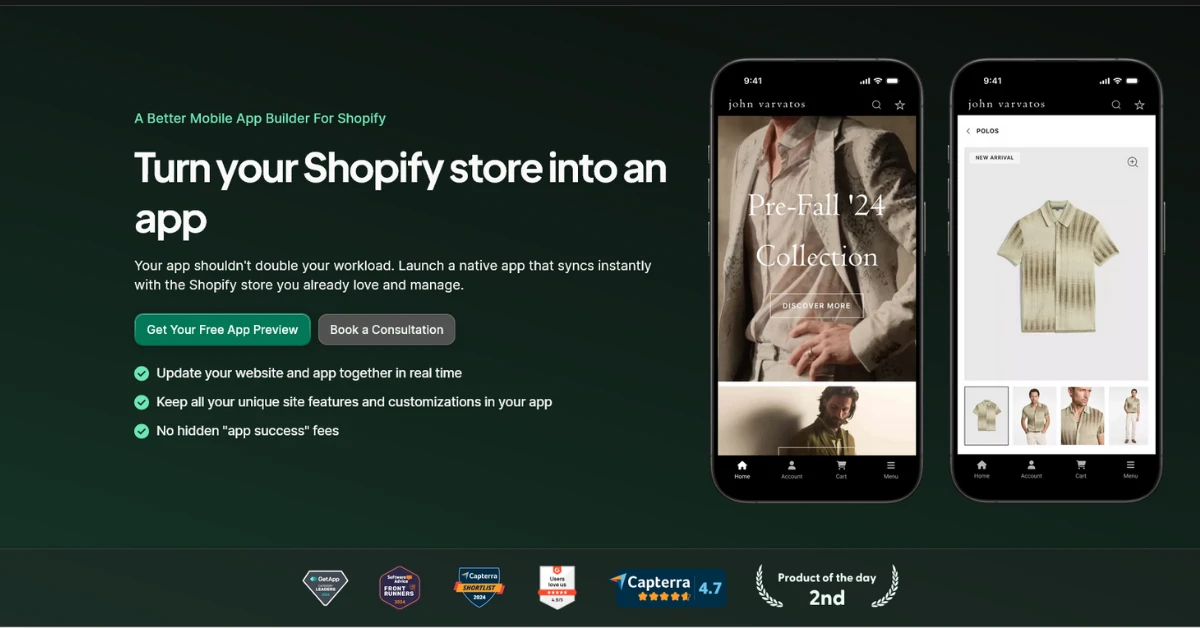
MobiLoud is the best mobile app builder for international brands whose regional storefronts already work well on the web and that don't want to rebuild the same logic inside a separate app platform.
This is especially relevant for brands with several regional websites, Shopify expansion stores, custom market selectors, local payment methods, market-specific promotions, or integrations that behave differently by country.
MobiLoud uses each existing storefront as the live app experience, then adds the native layer needed for navigation, push notifications, deep linking, app-only screens, and App Store distribution.
That approach means the app can carry across the setup you already use for:
- Regional products, inventory, and prices
- Languages and right-to-left layouts
- Local currencies, payment methods, taxes, and duties
- Country-specific content and merchandising
- Customer accounts and order history
- Loyalty, subscriptions, search, reviews, and other storefront integrations
For a multi-storefront brand, MobiLoud lets you run several complete storefront configurations inside one app.
Customers can be routed automatically or choose their own region, while each storefront keeps its own catalog, pricing, checkout, account system, analytics, and push segmentation.
The brand maintains one iOS app, one Android app, and one set of app store listings rather than shipping a different app for every country. This article on MobiLoud’s multi-storefront approach explains the model in more detail.
One of the best examples of this at work is BESTSELLER, which has used MobiLoud for brands including Jack & Jones, ONLY, and Vero Moda.
Their apps, such as the Jack & Jones app, serves customers across international markets without requiring separate “US,” “Germany,” or “Denmark” apps. The brand only has to manage one app, essentially - while shipping experiences for as many countries as they support on the web.
Where MobiLoud Fits for International Brands
MobiLoud's model is relevant when:
- You run several regional storefronts and want them in one app
- Your site already has complex localization or market-specific logic
- Important web integrations need to keep working in every region
- Your ecommerce team wants to manage the app through the same systems it already uses
- You'd rather have a partner build and maintain the app than operate a DIY builder
Pricing and Other Considerations
MobiLoud is a managed service model rather than a drag-and-drop interface. Its starting price is higher than the entry plans listed by Shopney, Tapcart, and Appbrew.
The service includes the build, design, configuration, submission, and ongoing maintenance, with a typical launch in six to eight weeks.
MobiLoud’s pricing starts at $1,499 per month, plus a one-time setup fee; though multi-region and multi-storefront projects will likely require Enterprise pricing.
See more about our pricing and get an estimate here.
Relevance for International Brands
MobiLoud supports one app around the regional storefronts a brand already runs. This is relevant when the priority is to preserve existing catalogs, integrations, and market rules rather than recreate them inside a separate app builder backend.
2. Venn Apps
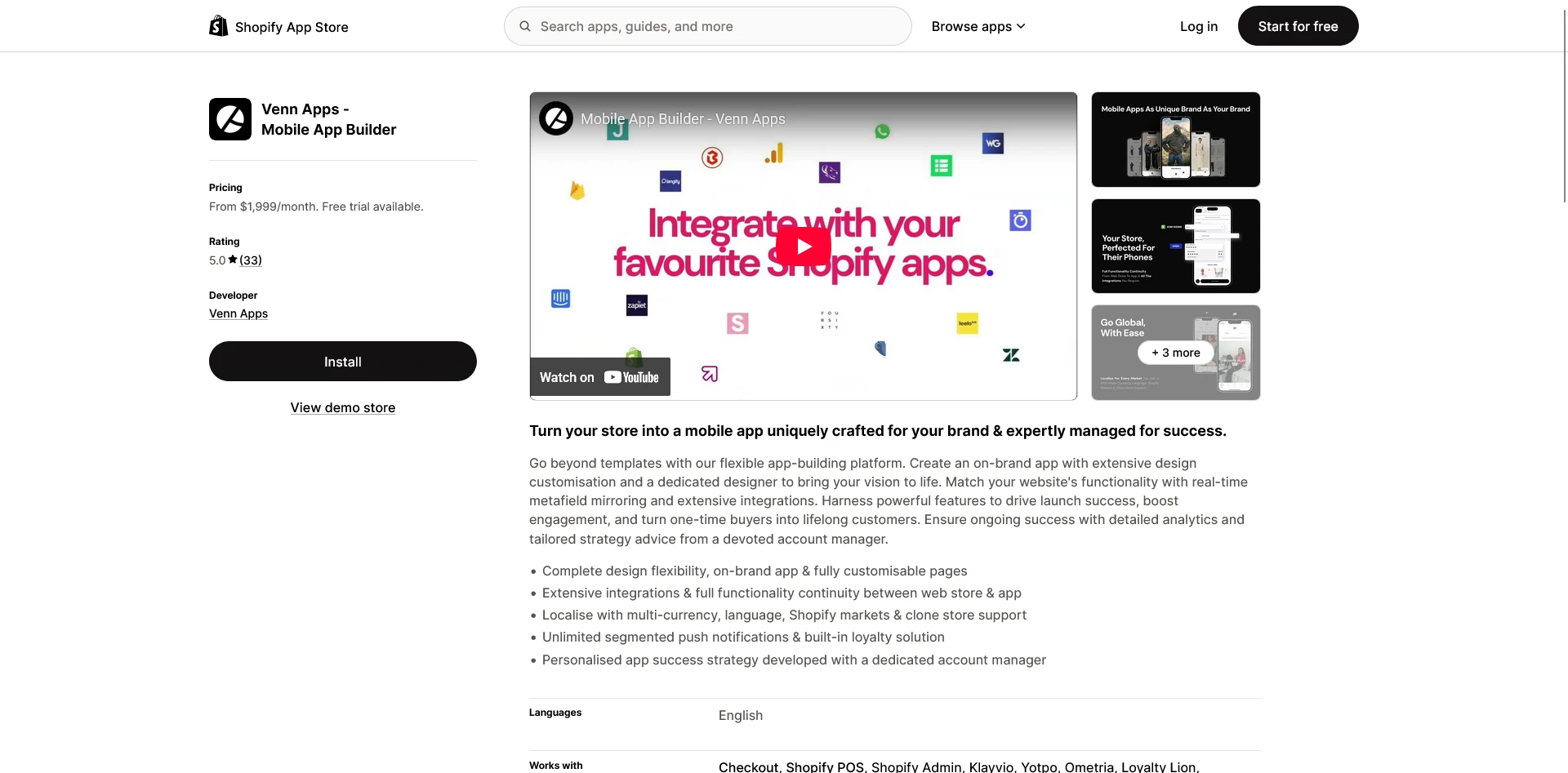
Venn Apps documents support for Shopify Plus brands that run separate expansion stores and want to combine them in one app-native customer experience.
Venn says its platform supports Shopify Markets, multiple languages, market-specific app imagery and content, geo-targeted push notifications, and Shopify expansion stores.
Its Enterprise plan is specifically positioned around fully localized apps for global brands. Venn’s global app capabilities and current plans spell out the differences.
A published example is Club L London. The fashion brand runs eight Shopify expansion stores across different regions. Venn combined them in one app, with IP-based market detection and a manual country selector.
Customers see the right language, currency, and product catalog for their region, while Club L manages a single app instance. Venn’s Club L case study gives a concrete example of the setup.
Where Venn Fits for International Brands
Venn's documented feature set is relevant when:
- You use Shopify Plus expansion stores for different regions
- You want one customer-facing app across those stores
- You want localized native content, not just translated Shopify data
- Regional app merchandising and geo-targeted push are important
- Can support a starting price of $1,999 per month, with expansion-store features on Enterprise
Pricing and Other Considerations
Venn is built specifically around Shopify. The Pro plan starts at $1,999 per month and includes multi-currency Shopify Markets support. Expansion-store support, multiple languages, localized in-app messaging, and geo-targeted push notifications sit on its custom-priced Enterprise plan.
This puts Venn's listed starting price above the entry plans from Shopney, Tapcart, and Appbrew. Test every important third-party tool across each region, since a platform can support the regional catalog while a loyalty, search, or subscription integration behaves differently in one market.
Relevance for International Brands
Venn directly documents Shopify Plus expansion-store support inside one app. Its Club L implementation shows this model working across eight regional stores, with market detection, manual country selection, and localized language, currency, and catalogs.
3. Shopney
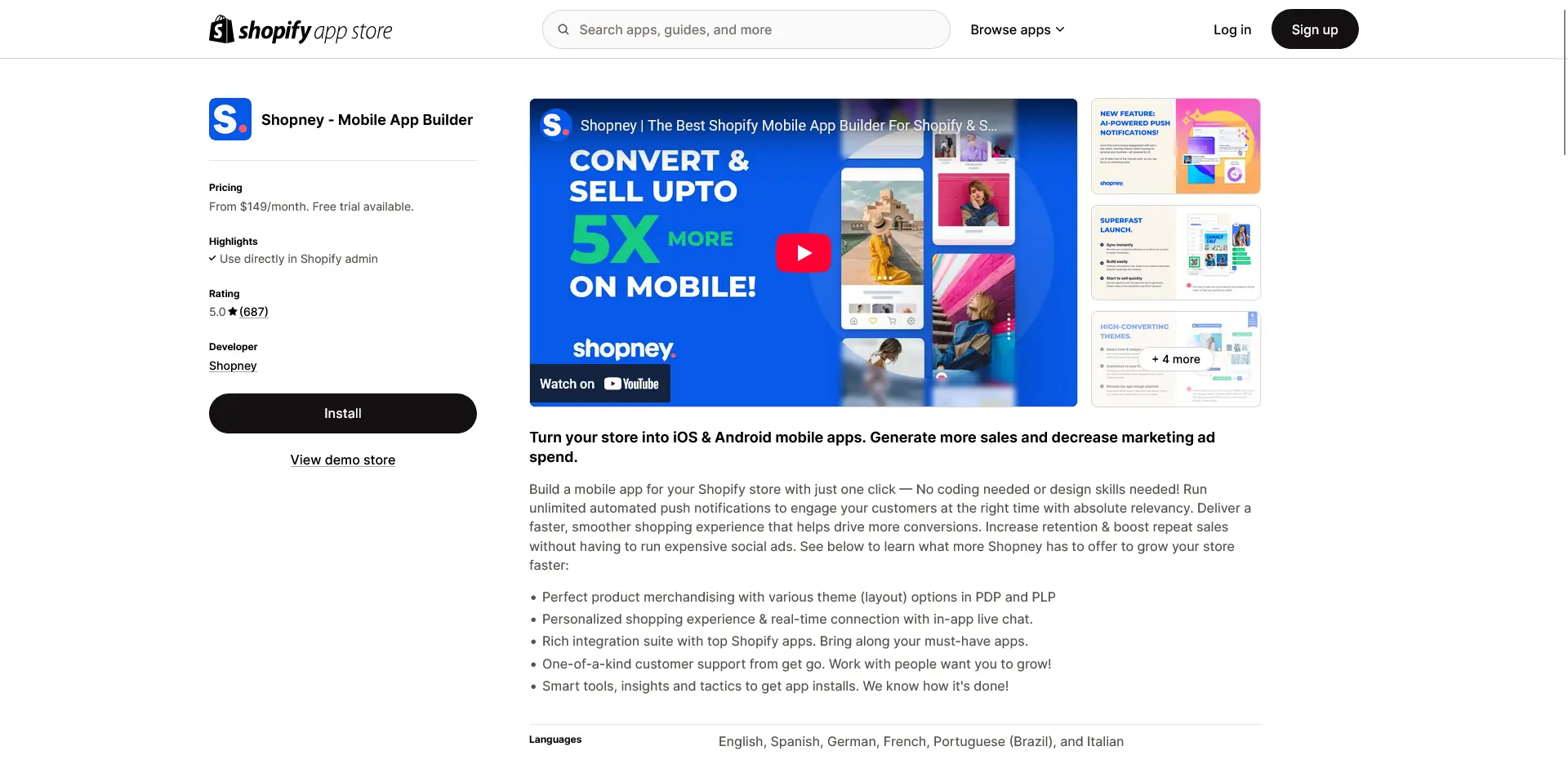
Shopney supports two international configurations: one Shopify store using Markets, and a separate Enterprise multi-store setup for brands that connect several regional stores.
For a single-store setup, its Shopify Markets integration supports region-specific languages, currencies, payment methods, pricing, taxes, and shipping. The integration is available from the Gold plan, currently listed at $299 per month.
Shopney also documents a multi-store feature. Separate Shopify stores can sit inside one published mobile app, with one store acting as the main app and the others operating as child stores. Customers choose a store when they enter, that choice is remembered, and they can switch later from the app menu.
Each store keeps its own products, collections, inventory, and settings. This lets regional stores remain operationally separate. Shopney says integrations must be configured separately for each store, apart from Google Analytics.
Shopney’s multi-store documentation explains more about how this works with their platform.
Where Shopney Fits for International Brands
Shopney's documented setup is relevant when:
- You have one Shopify store using a fairly standard Markets setup
- You want a lower monthly starting point than MobiLoud or Venn
- You need the languages, currencies, payments, pricing, taxes, and shipping covered by its Markets integration
- You may eventually combine separate Shopify stores in one app
- Your team is comfortable managing the app through a builder dashboard
Pricing and Other Considerations
The multi-store feature is only available on Shopney Enterprise, which starts at $1,299 per month. Shopney also requires every store included in the setup to subscribe to Enterprise.
That means the price scales with the number of regional stores. At the currently listed starting rate, four connected stores would imply at least $5,196 per month before any custom work. You'd also configure most integrations separately for each one.
For one store using Shopify Markets, the relevant Gold plan starts at $299 per month. For a group of expansion stores, calculate the subscription across every connected store and account for the need to configure most integrations separately.
Relevance for International Brands
Shopney provides a documented path for both a single store using Shopify Markets and several connected stores. For an expansion-store setup, compare the total subscription and integration workload across every store rather than using the starting Enterprise price alone.
4. Tapcart
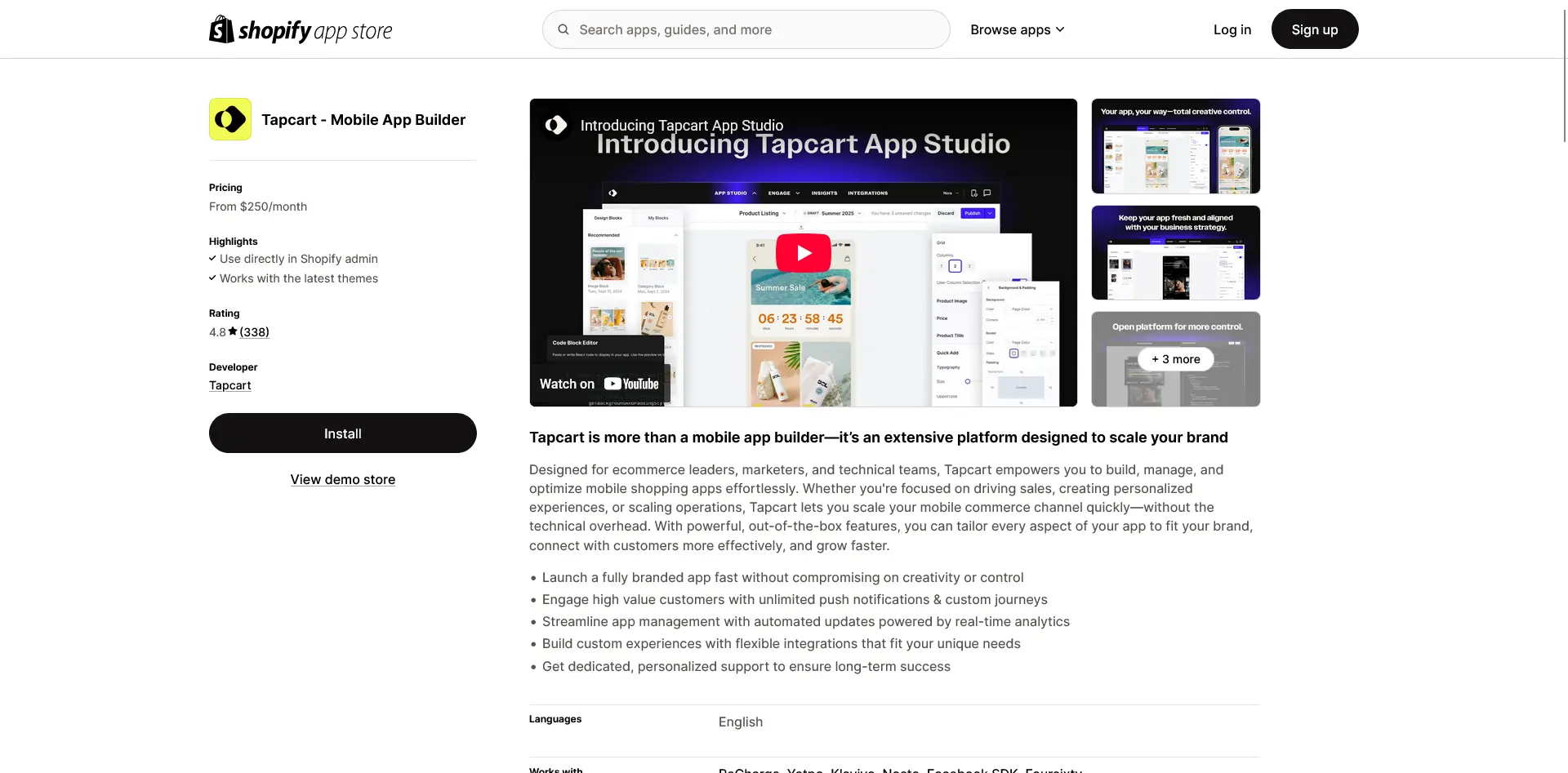
Tapcart is relevant to international brands that run one main Shopify store and use Shopify Markets or Global-e for localization and cross-border commerce.
Its Shopify Markets page describes regional language and currency selection inside the app, along with localized payments, taxes, shipping, and product restrictions.
Tapcart also has a Global-e integration for brands using that service for cross-border pricing, payment methods, duties, shipping, and returns.
Tapcart’s Shopify Markets integration and Global-e integration cover those workflows in more detail.
For a brand operating from one Shopify backend, those integrations cover regional language and currency selection, payments, taxes, shipping, duties, returns, and product restrictions. Tapcart also provides developer tooling for teams that want to create more tailored app experiences.
Where Tapcart Fits for International Brands
Tapcart's documented setup is relevant when:
- You run one Shopify store rather than several expansion stores
- Shopify Markets or Global-e already handles your international storefront
- You want an app-native Shopify platform
- The ecommerce integrations you need are available in Tapcart
- Your team wants to manage app content and testing separately from the website
Pricing and Other Considerations
Tapcart's current Shopify Markets page describes the integration in detail and lists it as available on all plans, while the same page also displays a prominent Coming Soon label.
Because both statements appear on the page, confirm current production availability and ask Tapcart to demonstrate your exact Markets setup in a test app.
Tapcart’s pricing currently starts at $500 per month for Growth, $1,250 for Scale, and $2,850 for Enterprise+. The Enterprise+ plan lists “multiple regional apps,” but the pricing page doesn't state that several regional Shopify stores can be combined in one app.
If you run expansion stores, confirm whether customers would get one global app or separate apps for different markets. See current Tapcart pricing here.
Separate regional apps may suit a brand that wants independent listings and experiences. They also split reviews, ratings, app updates, analytics, and promotion across several properties.
Relevance for International Brands
Tapcart documents international workflows for brands using one Shopify store with Markets or Global-e. Brands using separate expansion stores should confirm whether their setup would use one global app or several regional apps, as well as the current production status of the Markets integration.
5. Appbrew
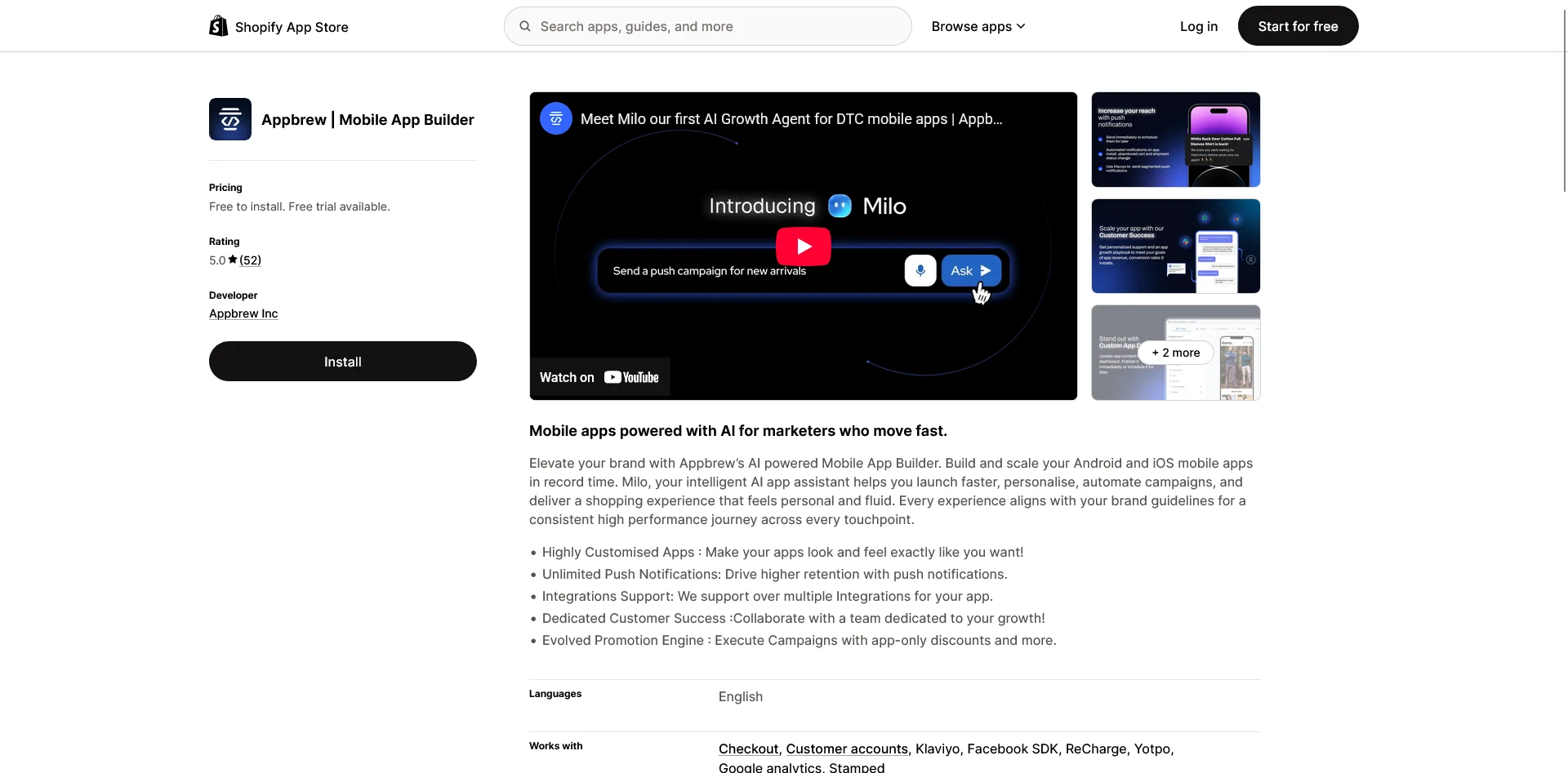
Appbrew documents location-based pricing and custom market-aware components for international Shopify brands using an app-native experience.
Its documented Shopify Markets integration detects a shopper’s location by IP address, then displays the relevant regional pricing and currency. This supports brands that set different prices, rather than just different display currencies, by market.
Appbrew’s Shopify Markets and multi-currency overview explains how it works.
Appbrew's case studies also cover regional logic beyond product prices. For Kiyoko Beauty, which sells in Canada and the US, it built a shipping progress bar that changes its currency and free-shipping threshold by market.
For Sukoshi Mart, it implemented local-currency shopping and location-level Klaviyo data for targeted campaigns. Kiyoko Beauty and Sukoshi Mart document these implementations.
Where Appbrew Fits for International Brands
Appbrew's documented features are relevant when:
- You run one Shopify store with market-specific prices
- Automatic currency and regional pricing are the main localization requirement
- You want custom market-aware app components
- Location-level segmentation and personalized campaigns are important
- You want market-aware components within an app-native experience
Pricing and Other Considerations
Appbrew’s public material documents Shopify Markets and multi-currency pricing. The materials reviewed for this article don't document full multi-language coverage, market-specific catalogs, separate expansion stores, or several Shopify stores inside one app.
Ask Appbrew to confirm those capabilities using your languages, catalogs, regional content, checkout, and integrations.
Appbrew’s pricing starts at $199/month, however multi-currency and Shopify Markets is likely to require their Enterprise plan, which comes with custom-quoted pricing.
Relevance for International Brands
Appbrew's documented international features center on local pricing, currency, and customized regional components. Brands using expansion stores or requiring broader localization should confirm those capabilities directly.
What International Brands Should Check Before Choosing an App Builder
Once you have a shortlist, give each vendor a clear picture of how your international Shopify setup works. Explain which markets, stores, currencies, languages, catalogs, and integrations you use, then ask how the platform would handle them.
You shouldn't need to build and test an entire app at this stage. The aim is to get specific answers about what the platform supports as standard, what requires custom work, and whether the vendor has an existing example it can show you.
How Will the App Keep the Correct Market Through Checkout?
Ask how the app identifies a customer's market, how customers can change it, and whether their language and currency selections persist through the cart and checkout.
The sales rep should also be able to explain how the app handles regional prices, taxes, shipping options, payment methods, and promotions.
The payment setup matters here too. Shopify says true local currency checkout is supported through Shopify Payments or Adyen. Orders placed through other third-party payment providers may be processed in the store’s default currency.
Shopify’s local currency limitations apply regardless of which app builder you choose.
How Does the Platform Handle Regional Catalogs and Pricing?
Ask whether the app automatically follows your Shopify catalogs, including products that are available in some regions but not others and fixed or adjusted market prices.
If you use regional sale prices, bundles, subscriptions, app-exclusive offers, or other custom merchandising rules, mention those specifically and ask whether they work without additional development.
Shopify’s Markets documentation explains how catalogs determine availability and pricing.
Which Parts of the App Can Be Translated?
Shopify may hold translations for products and collections, while the app builder controls other parts of the experience. Ask how the platform localizes:
- Navigation and tab labels
- App-managed homepage blocks
- Search, filters, and empty states
- Cart and account screens
- Onboarding and region selectors
- Push notifications and in-app messages
- Error messages and permission prompts
Ask who manages these translations, how updates are made, and whether the app supports right-to-left layouts if you sell in Arabic or Hebrew.
What Happens When a Customer Switches Regions?
Ask the sales rep to explain the region-switching experience, including what happens to the customer's cart, login, wishlist, loyalty balance, subscriptions, and order history.
This is particularly important if different regions run on separate Shopify stores rather than one store using Shopify Markets.
Will Our Integrations Work Across Every Market?
Give the vendor a list of the tools that power your customer experience and ask whether there are any limitations across separate stores, currencies, or languages. This may include:
- Loyalty and rewards
- Subscriptions
- Product search and filtering
- Reviews and user-generated content
- Personalization and recommendations
- Customer accounts and social login
- Customer support
- Tax, duties, shipping, and returns
- Analytics and attribution
The app builder may support Shopify Markets while a particular integration only supports one store, currency, or language.
Ask the vendor to confirm support for the integrations that matter most and explain who is responsible for configuring them.
How Can We Localize Push Notifications?
Ask whether campaigns can be targeted by market, storefront, language, currency, timezone, customer behavior, and consent status.
You should also confirm how deep links work across markets, so a notification doesn't send someone to a product or collection that is unavailable in their region.
How Do You Handle International App Store Listings?
Localization inside the app and localization in the app stores are separate jobs.
Apple lets you choose where the app is available and localize its name, description, keywords, screenshots, and previews. Google Play supports translated and country-specific custom store listings.
Apple’s availability controls, Apple’s metadata localization, and Google Play custom store listings are useful references here.
Ask whether the builder creates and maintains these localized assets and listings, what your team needs to provide, and whether this work is included in the quoted price.
Which Shopify Mobile App Builder Is Best for Your International Setup?
The right answer could be different from store to store. It depends largely on what you need from the app, and how your store is structured under the hood.
| If You Run... | Start With... | Why |
|---|---|---|
| One straightforward Shopify store using Markets | Shopney, Tapcart, Appbrew, Venn, or MobiLoud | All may fit, but compare exact localization, integration, and management needs |
| One Shopify store with lots of custom regional web logic | MobiLoud | It carries the working storefront into the app instead of rebuilding each rule |
| Several Shopify expansion stores in one app | MobiLoud, Venn, and Shopney Enterprise | All three publicly document a one-app multi-store model |
| A premium Shopify Plus app with localized native content | Venn | Its Enterprise offering and Club L implementation are designed around this use case |
| A lower-cost Shopify Markets app | Shopney | Markets support starts on the $299/month Gold plan |
| Separate regional apps with a mature Shopify platform | Tapcart Enterprise+ | It lists support for multiple regional apps, although this isn't the same as one global app |
| Market-specific pricing and custom regional components | Appbrew | It documents IP-based pricing, currencies, and custom market-aware experiences |
| A mixed, headless, or non-Shopify regional stack | MobiLoud | It can work from the live regional storefronts rather than requiring every market to use one app-builder backend |
For a relatively simple Shopify Markets setup, several platforms document relevant capabilities.
Once you add expansion stores, separate regional storefronts, custom catalogs, local integrations, or different ecommerce systems, fewer platforms publicly document support for the full setup.
Final Recommendation
Start by mapping your architecture before you book demos. Write down which stores serve each country, where language and currency are set, how catalogs differ, which tools touch the customer journey, and whether you want one app or separate regional listings.
For brands with one standard Shopify store, Shopney, Tapcart, Appbrew, or Venn may all be viable, depending on budget and how much control you want over the native experience.
MobiLoud's model is directly built for brands with several regional storefronts or a web experience full of market-specific logic.
It lets you build one app, powering your existing international setup. So your team doesn't have to go through the rigamarole of recreating and maintaining a second version of every market.
If you'd like to see what that looks like with your own storefronts, book a free app consultation with MobiLoud. We can map your regional setup and build a working preview from your existing sites.
Frequently Asked Questions
Does Shopify Markets Work in a Mobile App?
It can, but Shopify Markets support isn't automatic. The mobile app builder needs to pass the correct market, language, currency, catalog, pricing, and checkout context through the app. Test the full purchase journey rather than relying on a feature badge.
Can One Mobile App Connect to Multiple Shopify Stores?
Yes. MobiLoud, Venn Apps, and Shopney all publicly document ways to combine several regional stores or storefronts in one customer-facing app. The cost, maintenance model, account behavior, and integration setup differ significantly between them.
Do International Brands Need a Separate App for Every Country?
Usually, no. One app can be distributed in many countries, with localized store listings and an in-app market selector or automatic region detection. Separate apps may make sense when the brand, legal entity, product, or customer experience is genuinely different in each region, but they create more listings, reviews, releases, and campaigns to manage.
What's the Difference Between Multi-Currency Display and Local-Currency Checkout?
Multi-currency display changes the prices shoppers see while browsing. Local currency checkout lets them complete the order and receive refunds in that currency. On Shopify, the payment processor and Markets configuration affect whether that full flow is available.
What's the Most Important Question to Ask a Mobile App Builder?
Ask the vendor to show your exact international setup working in a test app. Include your markets, languages, currencies, regional catalogs, checkout, customer account, and most important integrations. A live demonstration will tell you much more than a generic "international features" list.