Shopify Subscriptions in Mobile Apps: How to Bring Your Full Subscription Experience Into an App

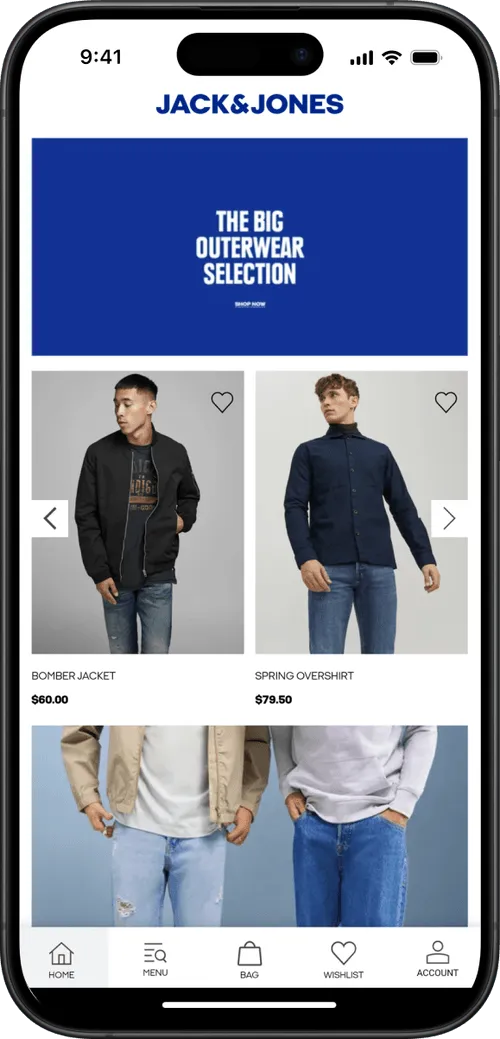
The venn diagram of brands that sell subscriptions, and brands that should have a mobile app, is essentially a circle.
Subscription brands are almost always selling consumable products, and are built on LTV - getting customers to come back regularly and buy over and over again.
That’s the same value prop for a mobile app.
The problem? Shopify subscription setups aren’t always easy to carry over to a mobile app. Doing so often means custom development, or settling for a subscription setup in your app that doesn’t match what’s on your site.
But there’s one way to avoid all the problems, and launch a mobile app for your Shopify store that’s fully compatible with your subscription experience (no matter how customized, no matter your subscription tech stack).
Keep reading and we’ll explain all you need to know.
Shopify Subscriptions in Mobile Apps: The Short Answer
Getting your full subscription experience to carry over to your mobile app is harder than it seems. Most Shopify mobile app builders only support a select number of subscription apps - and even then, they may not carry over all the functionality into your mobile app.
Some elements of the subscription app may not work in the app, any customizations certainly won’t work (without additional custom development in the app), and there’s also the risk of the integration breaking or introducing more complexity to your workflow.
MobiLoud is the only way to make sure your whole subscription experience carries over to your mobile app. It works on top of your existing tech stack, so whatever subscription app you use, and no matter how customized it is, it’ll work the same way in your app as it does on your website.
Why Subscription Brands Are a Natural Fit for Mobile Apps
If your brand sells subscription products, then you should probably have a mobile app too.
There are two angles to this. First, there’s a direct correlation between the categories that benefit the most from an app (repeat/consumable products) and those that run subscriptions.
The kinds of brands that do subscriptions - such as supplements, food & beverage, beauty products, pet supplies - are typically built around consumable products and repeat purchases.
And this is where mobile apps are an extremely powerful channel.
Mobile apps are built for repeat purchases. They give you a direct line to your customers, making it easier to reach them, and easier for customers to come back and buy again.
Second, a mobile app improves the subscription experience for your subscribers.
An app makes it easy for customers to log in and manage their subscriptions; they can check upcoming orders, skip a delivery, swap products, update their details or add a one-time purchase, all with less friction, and without the distractions of a mobile browser.
As a result, having a mobile app can lead to stronger subscription retention (which is the winning and losing condition for subscription brands), as well as helping to drive more non-subscription purchases, plus cross-sells and upsells to subscribers.
What Needs to Carry Over to Your Mobile App
When you build a mobile app for your store, your subscription integration needs to do more than just show a Subscribe & Save option on the product page.
It should carry over the full subscription experience customers already get on your website.
- The core purchase flow: choosing between a one-time purchase and a subscription, selecting a delivery frequency, seeing the correct discount, and completing checkout without friction.
- Subscription management: customers should be able to log in, view upcoming deliveries, skip or reschedule an order, swap products, update their details, add one-time purchases, and cancel or pause their subscription.
- Subscription-adjacent features: those built around the subscription itself. Your setup may include bundles, product quizzes, loyalty rewards, retention offers, custom account pages, upsells, or other tools connected to your subscription app.
A complete integration needs to carry all of this into your mobile app.
It’s not enough to just let people opt-in to a subscription through your mobile app. You need to provide at least the same functionality they get on your website - if not more.
Why Your Shopify Subscription Setup Breaks in Mobile App Builders
Most Shopify mobile app builders don’t bring your existing storefront into the app.
When you create your app, you’ll build a new frontend with their templates, then use separate, pre-built integrations to link any third-party tools you want to use in your app (like subscription apps).
This integration doesn’t always provide the full functionality of the subscription app.
There are a lot of Shopify apps - and each integration takes a lot of work to build. So in the interest of efficiency, a lot of integrations are built to translate the core functionality into your mobile app (but not all).
So a simple subscription setup might carry over with no problems. For a deeply optimized subscription setup, you might see some gaps.
If you’ve custom-coded any changes to your subscription flow, these definitely won’t carry over to your app (without more custom development on the app side).
And this is all assuming your subscription app is supported by the app builder in the first place. Not all are - so unless you’re using one of a select few apps, you may not be able to bring your subscriptions into your mobile app at all (without migrating your whole setup to a new tool).
How MobiLoud Brings Your Full Subscription Setup Into Your Mobile App
MobiLoud is a different kind of Shopify mobile app builder; and it’s the ideal fit for subscription brands launching their own mobile apps.
Instead of creating a separate storefront and asking you to rebuild your subscription setup inside it, MobiLoud lets you build an app on top of your existing tech stack.
That means your subscription experience carries over automatically (and completely).
Whatever subscription app you use, customers get the same purchase options, account portal, management features and subscription flows they already have on your website.
Your customizations carry over too.
If you’ve built custom bundles, product selectors, retention flows, account pages or other features around your subscription setup, they don’t need to be recreated specifically for the app. If they work on your mobile site, they’ll work in your mobile app.
The same applies to the rest of your tech stack. Your loyalty program, reviews, support tools, analytics, upsells and any other integrations from your store all work in your mobile app.
You can maintain both channels (app and website) in one place, which makes it much easier for testing and making changes to your subscription setup, since every change doesn’t have to be made twice.
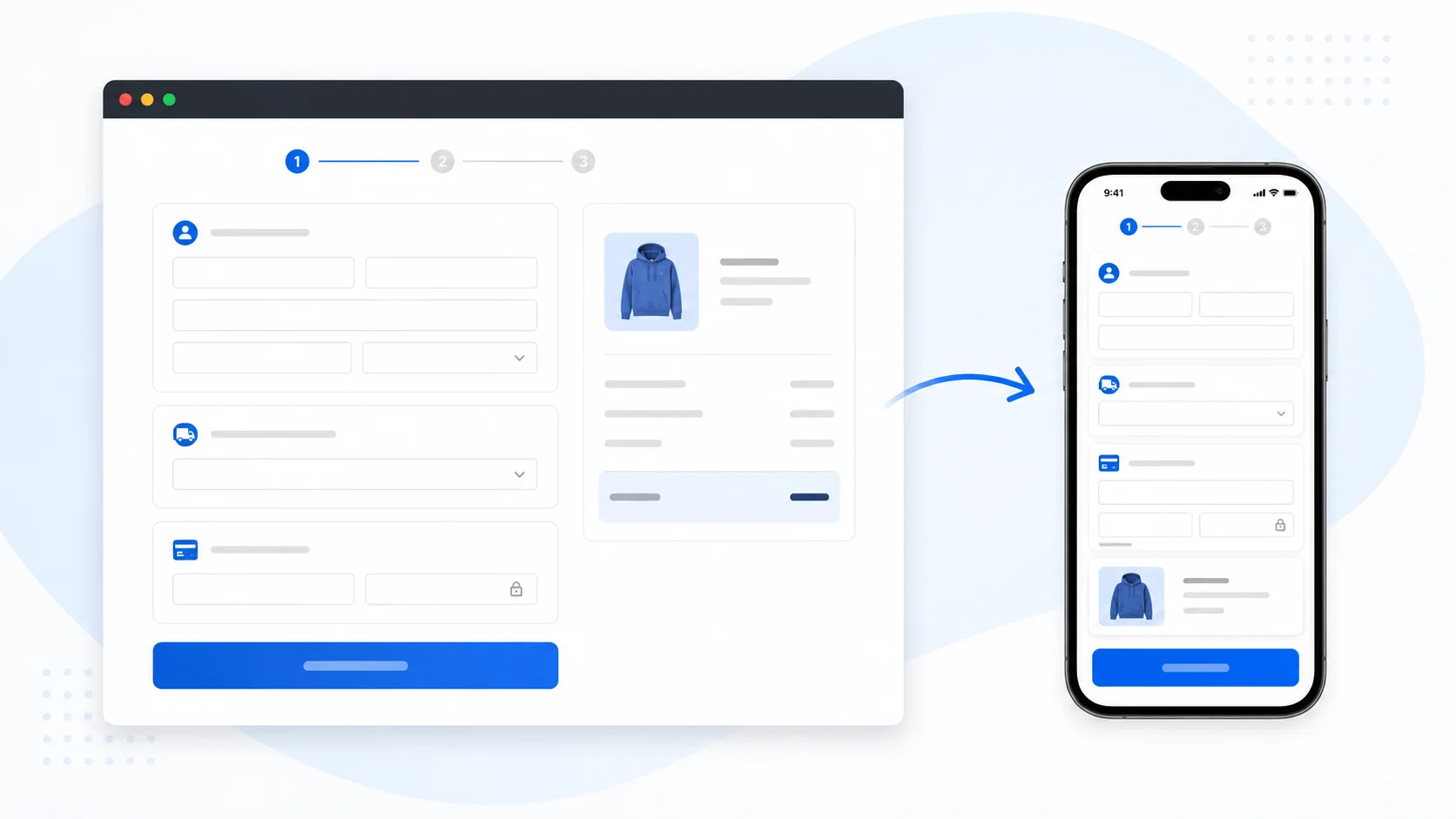
The result is full feature parity between your website and your mobile app, regardless of which subscription platform you use or how customized your setup is.
The Best Subscription Apps for Shopify (And How They Work With Your Mobile App)
Subscriptions are one of the biggest and most competitive app categories on Shopify.
And if you’re building a mobile app, your choice of app dictates, almost completely, how easy it is to carry your full subscription setup to your mobile app.
Here are a few of the top subscription apps used by brands we talk to:
Recharge

Recharge is one of the most established options in the category and is particularly strong for larger subscription programs.
Its broader retention toolkit includes customizable bundles, tiered discounts, loyalty and referral features, advanced analytics, APIs, and hands-on implementation on higher plans.
Easy Subscriptions
.webp)
Easy Subscriptions is an all-in-one subscription app supporting recurring products, prepaid plans, subscription boxes, memberships, build-your-own boxes, product swaps, customer portals, and failed-payment recovery.
It has a particularly broad set of bundle and promotional features, including mix-and-match boxes, quantity breaks, gifts, trials, upsells, cross-sells, and series-based subscriptions. It also charges no transaction fees across its plans.
Subi
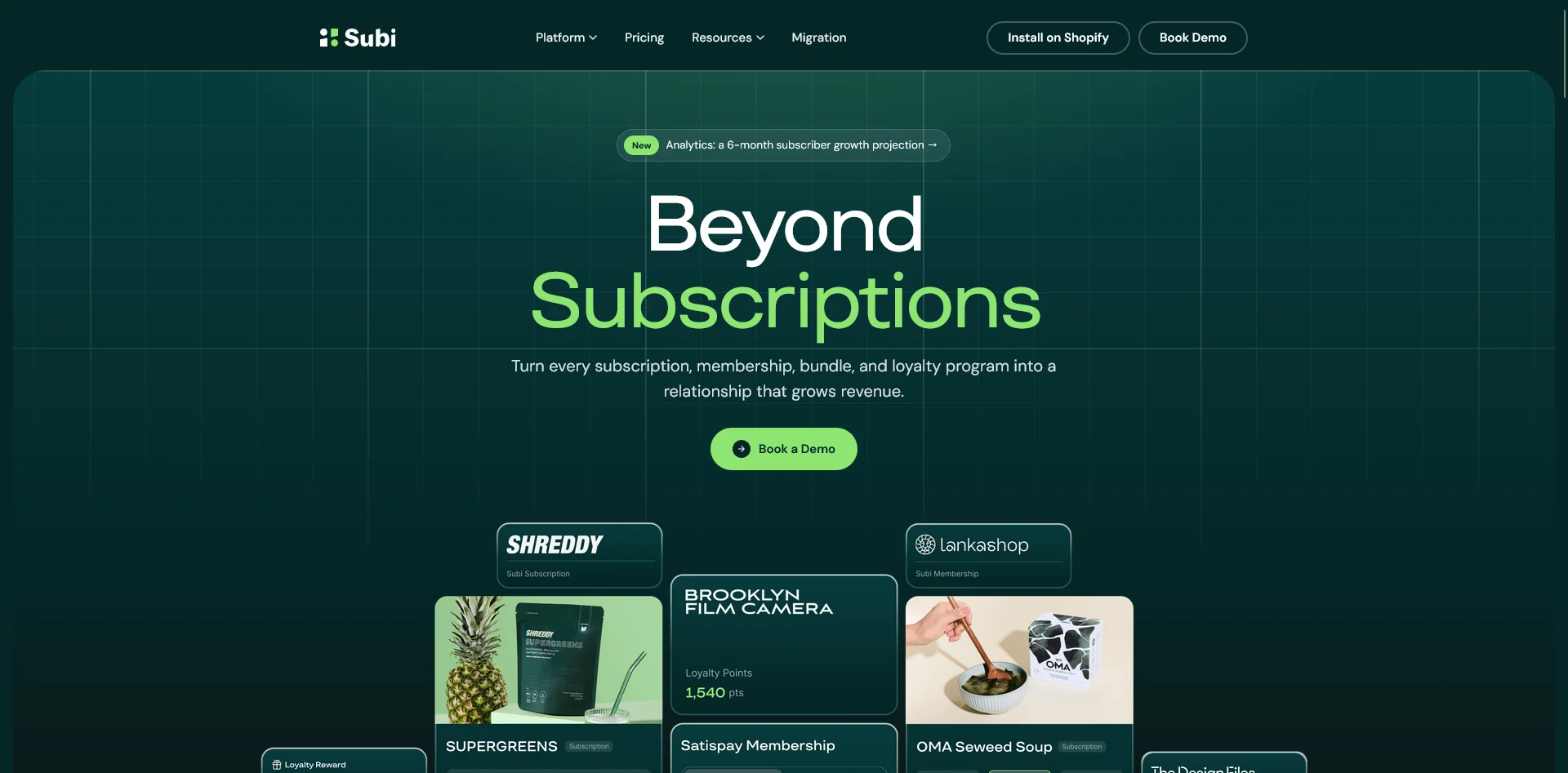
Subi combines subscription functionality with memberships and loyalty. It’s a Shopify app covering product subscriptions, subscription boxes, memberships, recurring services, customer portals, prepaid plans, bundles, discounts, and billing management.
Merchants can create membership tiers, offer points and rewards, provide exclusive benefits, issue store credit, and manage recurring products and member programs from the same app.
Loop
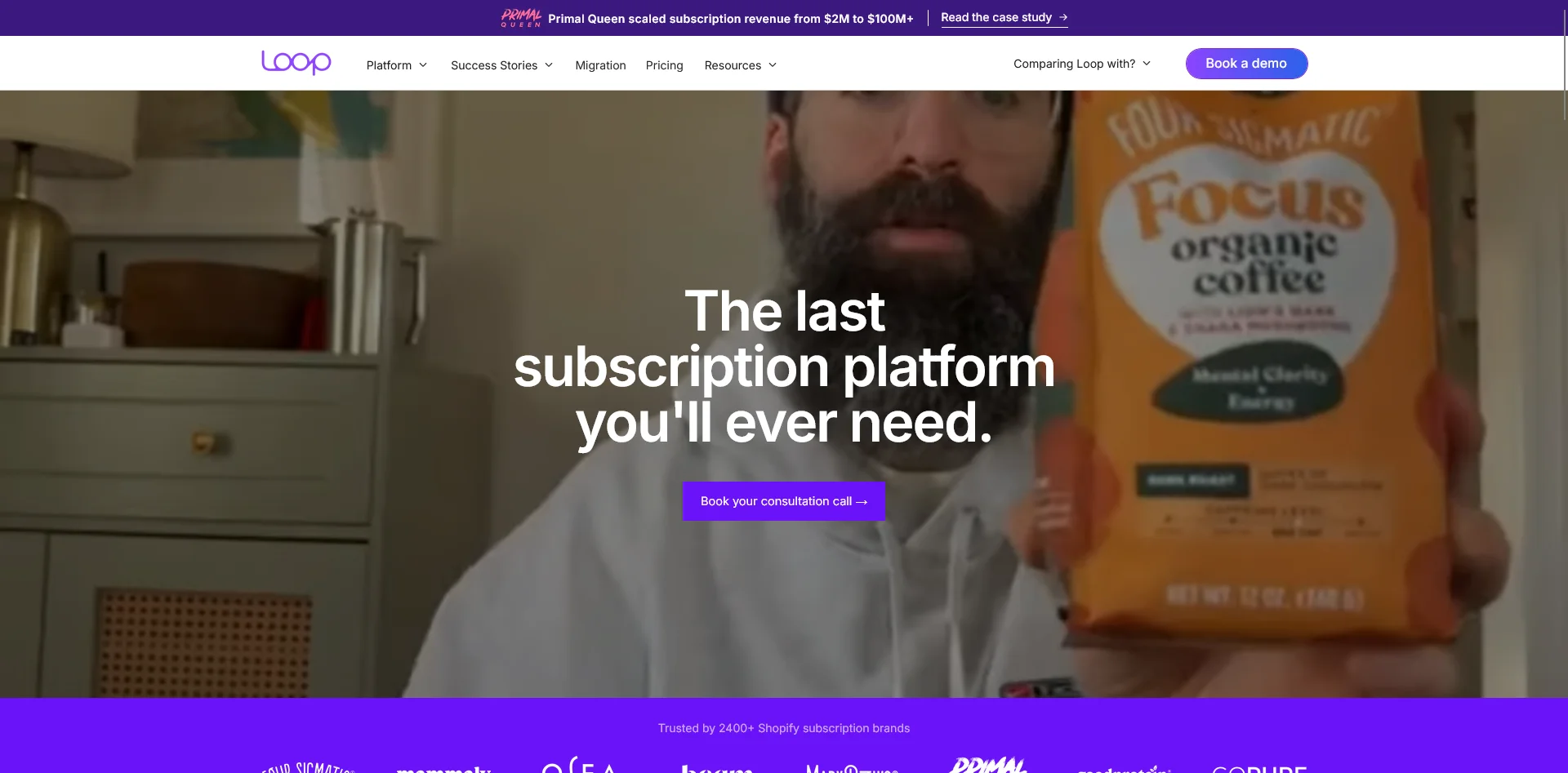
Loop is a subscription platform that supports recurring products, subscription boxes, flexible bundles, build-a-box experiences, dynamic discounts, and a self-service portal through which customers can manage orders, swaps, and skipped deliveries.
Loop places a strong emphasis on reducing churn and increasing subscriber lifetime value. Standout features include personalized cancellation offers, gamified subscriber journeys, customer-portal upsells, automated workflows, detailed retention analytics, and team permissions.
Bold Subscriptions
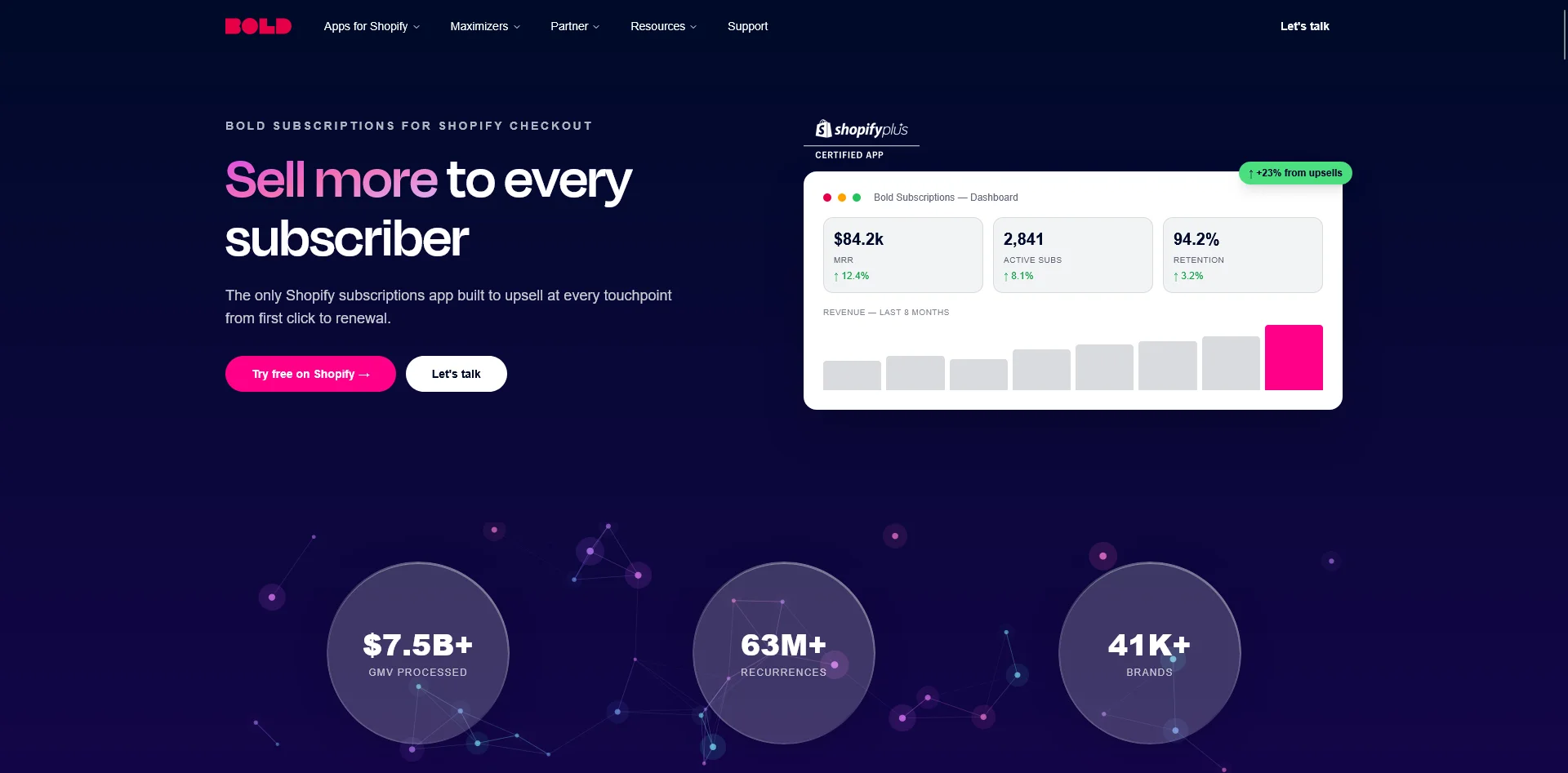
Bold Subscriptions is a long-standing Shopify subscription platform for recurring orders and prepaid plans (a big differentiating feature vs other subscription apps).
It supports flexible delivery schedules, subscriber upsells, payment recovery, cancellation flows and customer self-service.
How These Shopify Subscription Apps Carry Over To Your Mobile App
So the real question: if your subscription setup runs on any of these apps, will it carry over with a top Shopify mobile app builder?
For many of these apps, based on the publicly listed integration lists from popular app builders, the answer is no.
Here’s what we found from our research:
Just because the app doesn’t have a publicly listed integration, it doesn’t necessarily mean that an integration isn’t possible.
But it will likely mean more work, higher cost, and increased complexity.
On the other hand, all these apps (and any we haven’t included) carry over perfectly to your mobile app with MobiLoud. There’s no need to worry about integrations or compatibility, because MobiLoud is built to work with your storefront, not alongside it.
Final Takeaway
Subscription brands have a lot to gain by launching a mobile app.
There’s the LTV benefit of offering your customers an easier way to manage their subscriptions, with the reduced friction of a mobile app and the direct communication channel you get with push notifications.
There’s also the natural fit for mobile apps and consumable brands (which almost all subscription brands are).
The blocker is that most mobile app builders don’t let you carry over your full subscription experience into the app.
MobiLoud does - and that’s why it’s the best way for subscription brands to go live with their own branded mobile apps.
FAQs

Convert your website into a mobile app





.webp)