Web Push vs Native App Push Notifications: The Differences You Need to Know About

Most push notification services send web push notifications through the browser. These shouldn’t be confused with native app push notifications, sent from a real iOS/Android app. In practice, these are two completely different channels - and native push notifications are the type that really drive results for ecommerce brands.
Most push notification services send web push notifications through the browser. These shouldn’t be confused with native app push notifications, sent from a real iOS/Android app. In practice, these are two completely different channels - and native push notifications are the type that really drive results for ecommerce brands.
Quick Summary
- Web push notifications and native app push notifications use completely different infrastructure, and the differences matter for ecommerce
- Web push delivers roughly 33% of sent notifications on average; native app push delivers 95%+
- Web push on iOS requires users to install a PWA to their home screen first, a step very few will take, meaning you're effectively invisible to iPhone users
- Web push can't collect subscribers from in-app browsers (Facebook, Instagram, TikTok), so your social media traffic is a blind spot
- Shopify push notification apps like PushOwl and Firepush send web push only, not native app notifications
- Push notifications drive 15% of attributed ecommerce revenue from just 3% of message volume (Omnisend 2025), making them the most efficient marketing channel per send
- To unlock native push, you need a native mobile app. MobiLoud builds native iOS and Android apps on top of your existing store, with unlimited push notifications included
In this article, we’re going to break down the biggest misconception I see in online marketing for ecommerce - web vs native app push notifications.
They’re often lumped together, mixed up, treated as the same thing: when, in reality, they should be seen as two completely different channels.
Let’s explain.
What's the Difference Between Web Push and Native App Push Notifications?
The term "push notification" covers two fundamentally different channels. Understanding the difference is critical, because choosing the wrong one means leaving most of the channel's value on the table.
How Web Push Notifications Work
Web push notifications are sent through the browser.
When a visitor lands on your site, a permission prompt asks if they'd like to receive notifications.


If they opt in, you can send messages that appear on their device, even when they're not on your site, as long as their browser is running.
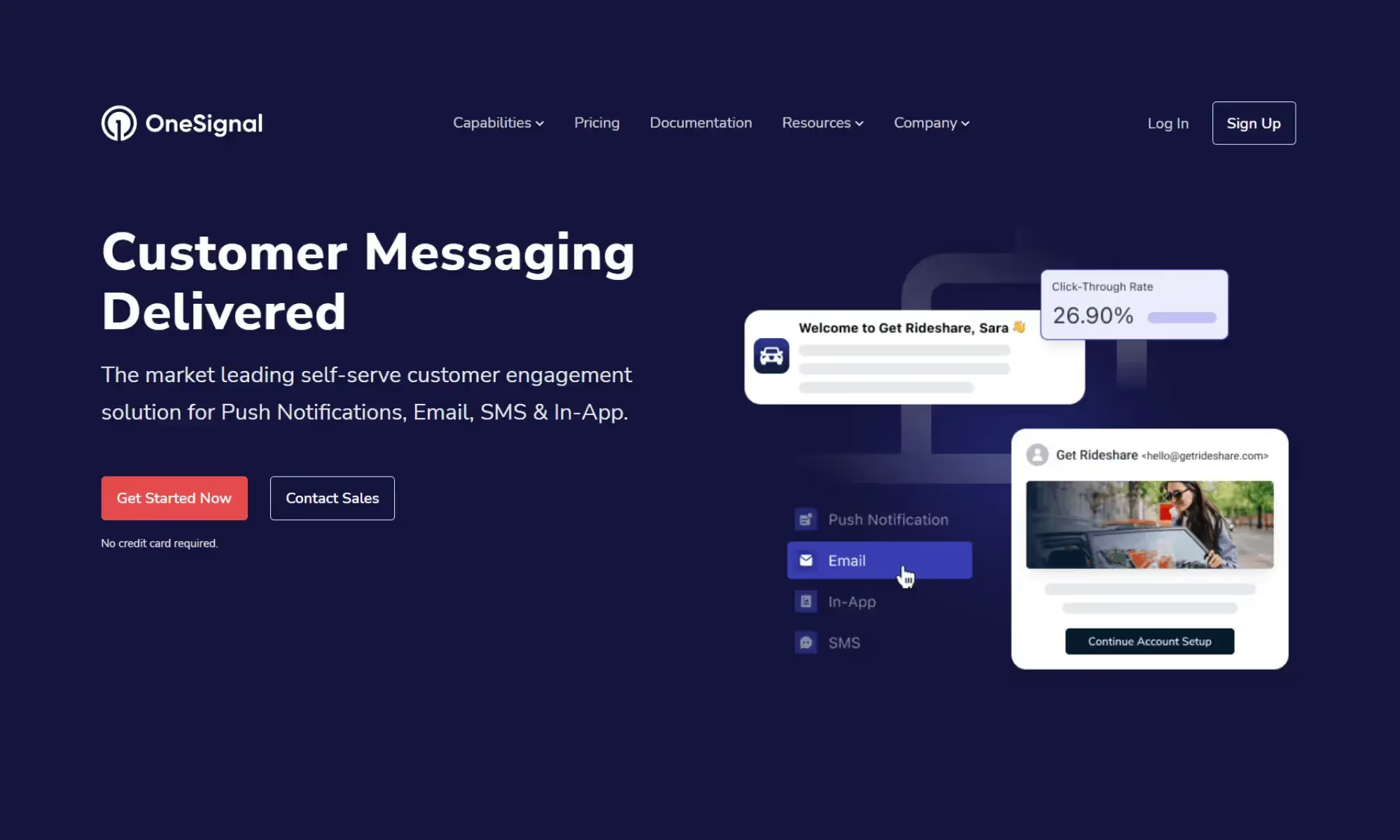
Popular web push tools for ecommerce brands include PushOwl (now Brevo), Firepush, PushEngage, PushWoosh and OneSignal. These are easy to set up: just install the app, configure a prompt, and start sending.
The catch: if you’re expecting these tools to send the kind of notifications that flash up on your lock screen, you may be disappointed - because that’s not what this channel does.
How Native App Push Notifications Work
Native app push notifications are sent through a mobile app installed from the App Store or Google Play.
They use the operating system's built-in notification infrastructure: Apple Push Notification service (APNs) on iOS and Firebase Cloud Messaging (FCM) on Android.
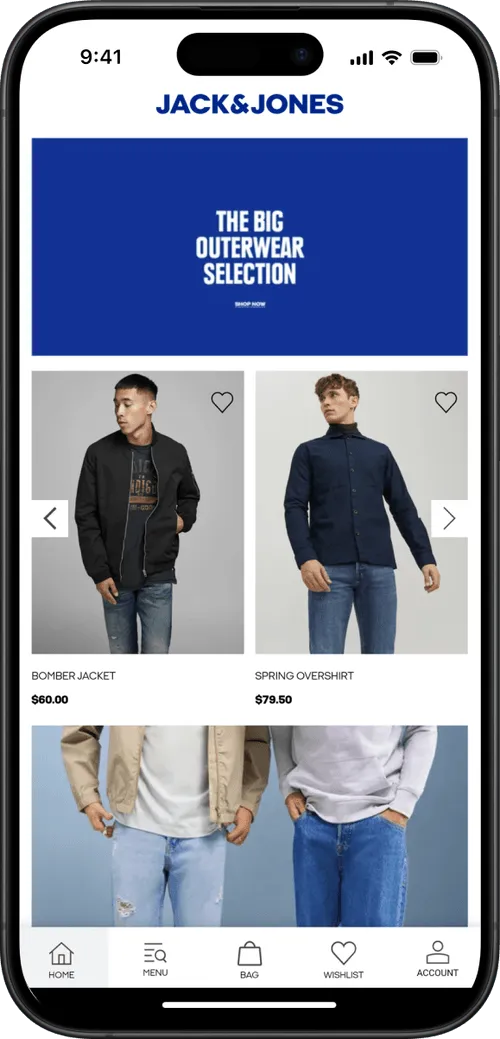
Because they're delivered at the OS level, native push notifications can include rich media, deep links directly into specific product pages, and behavioral triggers based on in-app activity. They're not dependent on a browser session and can reach users at any time.
Web Push vs Native App Push: Side-by-Side Comparison
The Practical Comparison: Performance & ROI of Web Push and Native App Push
We’ve covered the technical differences between web push and native app push.
But what really matters is how these channels actually perform in practice, and the business impact (cost & return) of each channel.
That’s what we’re going to look at now.
Visibility: Native Push Gets Seen
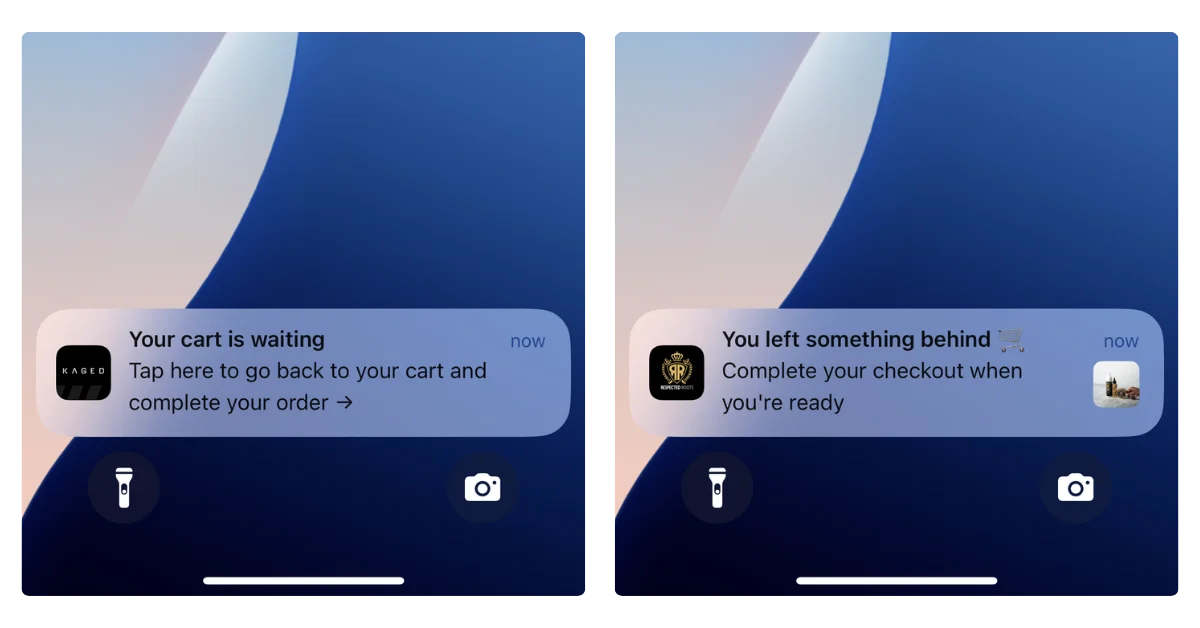
Native app push notifications appear instantly on your customer's lock screen, notification center, and as banners.
They're delivered through the operating system itself, so they show up whether the customer is actively using their phone or not. You can reach them at any time.
Web push, by contrast, depends on the browser. If the customer's browser is closed, the notification doesn't arrive.
According to PushPushGo's 2025 benchmark data, web push notifications have an average deliverability rate of about 33%. That means two out of three notifications you send never reach the user.
Web Push Is a Desktop Channel, Not a Mobile One
This is the thing most people get wrong. We think of push notifications as a mobile channel - we compare it to SMS, we think of it as reaching customers on the go.
Native app push, yes. Web push? No.
On iOS, web push barely works. Apple requires users to manually add your site to their home screen as a PWA before you can even ask for notification permission (and most won’t).
For US ecommerce brands, iOS matters the most - roughly 58% of mobile users are on iPhone, so that's more than half your mobile audience you simply can't reach.
On Android, web push works better, but it still requires the browser to be running. And only about 6% of mobile usage time is spent in browsers. The rest is in apps.
So even on Android, the window for web push delivery is narrow.
There’s a place for web push notifications. But it’s not as a mobile engagement channel.
Reach: Web Push Has Lower Friction (But Lower Results)
Web push has one clear advantage: reach potential.
Getting someone to opt in to web push is easier, from a practical perspective. You can get opt-ins with one click - no app download, no account creation.
To send someone native push notifications, they need to go to the App Store, install the app, open it, and then allow notifications.

That's objectively a longer path.
So in theory, web push can reach a broader audience. In practice, though, not many people opt in.
Think about your own habits: how often do you click "Allow" when a random website asks to send you notifications?
For most people, the answer is almost never. Web push opt-in rates for ecommerce sites average around 5-6% of visitors.
It’s also worth mentioning that app push subscribers are, by the nature of the longer path to opt-in, much stronger, higher intent, more engaged. They’re your best customers. So they’re also more likely to respond to your pushes.
Realistically, one native app push subscriber could be worth 10 subscribers to web push.
Barrier to Entry: Web Push Is Easier to Start
Web push is much simpler to set up.
Install a Shopify push notification app, configure a prompt, and you're live. You can be building your subscriber list and sending notifications within an hour.
Native push requires a mobile app. That's a bigger investment. But the revenue potential is proportionally bigger too. Push notifications drive 15% of attributed ecommerce revenue from just 3% of message volume (Omnisend 2025), and that stat comes from native app push.
MobiLoud customers have reported $200-300K per month in push notification revenue - we have brands getting $200K+ per month from abandoned cart push notifications alone.
However, if you want to know which channel is easiest to just dip your toes in and try out - that’s web push, without a doubt.
The Bottom Line
Web push is easier to set up, has lower opt-in friction, and theoretically can reach a lot more people. Performance-wise, native push is fundamentally better - higher visibility rates, more brands reporting strong revenue through this channel.
But the main takeaway shouldn’t be that native app push is “better”. It should be that they’re two completely different channels. They’re not taking away from, or realistically competing with each other.
It’s really an apples to oranges (or mangoes - let’s say mangoes) comparison.
Setting Up Web Push Notifications
Setting up web push notifications for your site is straightforward. Like, very straightforward.
Here's the broad overview.
The most popular push notification apps on the Shopify App Store include PushOwl (now Brevo), Firepush, PushEngage, and Hextom. Most offer a free tier to get started, with paid plans starting around $19/month for more features.
The basic process goes like:
- Install a push notification app from the Shopify App Store.
- Configure your opt-in prompt. Most apps let you customize the timing and appearance of the browser permission dialog.
- Set up your campaigns. Start with the basics: abandoned cart recovery, back-in-stock alerts, and promotional broadcasts.
- Build your subscriber list over time as visitors opt in.
(Many of these tools also work if you’re not on Shopify as well)
These tools are genuinely useful. PushOwl, for example, supports abandoned cart recovery, back-in-stock alerts, segmentation, and A/B testing. There’s little to no technical work to set them up, and the cost is minimal.
How to Set Up and Send Native Push Notifications
To send native push notifications, you need a native mobile app in the App Store and Google Play.
There's no way around this: native push uses the operating system's notification infrastructure (APNs on iOS, FCM on Android), which only works through installed apps.
You can’t install a Shopify app and start sending native push notifications from your site, or turn your site into a PWA and send native push (PWAs send web push notifications).
So does that mean you need an investment of $100K+, and a 6-12 month dev project to start sending native push notifications?
No - it does not.
The Easiest Way to Unlock Native Push: Turn Your Existing Site into a Native App
MobiLoud extends your existing website into a native iOS and Android app. Your app is your website - converted to a native app, with native capabilities.
Everything that works on your site (every page, every integration, every checkout flow) works in the app, with no rebuilding required.
This means you can unlock the full power of native push notifications without spending six figures on custom app development:
- Unlimited push notifications
- Automated abandoned cart notifications that detect when a customer leaves with items in their cart and trigger a recovery sequence automatically
- Integration with OneSignal/Klaviyo to for segmentation, and building powerful automations and personalized sequences
- Done-for-you setup: MobiLoud's team handles configuration, CRO optimization, and ongoing management
MobiLoud’s approach essentially lets you send mobile push notifications from your website. It’s the closest you can come to this; you don’t need a new codebase to manage, a mobile app development team, or a separate storefront.
You could go live with your app within weeks. MobiLoud has helped thousands of brands launch their own mobile apps, from small DTC startups to large enterprise retailers.
“The power of push notifications is so strong. In a world where people open email less and less each day, everyone is jumping into SMS which is crazy expensive, and people are starting to tune these out too, being able to do push notifications is the reason you do an app.”
-- David Cost, VP of Ecommerce at Rainbow Shops
Book a free consultation to see how MobiLoud can help you launch your own mobile app, and unlock your next top revenue channel in native push notifications.
FAQs

Convert your website into a mobile app