
Hybrid app development is the new way to build mobile apps. As frameworks and development tools have matured, it’s no longer absolutely necessary to build and maintain separate apps with separate codebases to serve users on different platforms.
Today, you can build once, and ship to Android, iOS, and sometimes the web as well, significantly cutting down the barrier of entry to launching a mobile app.
This article breaks down the technology behind hybrid mobile apps, so you can understand the best way to move forward with your app, and how to go live as efficiently as possible.
Note: We’re including cross-platform frameworks like React Native and Flutter here, though many would argue these don’t count as hybrid frameworks. However, they’re often included in the conversation, so we’ll include them in ours as well.
At a Glance: Hybrid App Frameworks Compared
| Framework | Best For | Language |
|---|---|---|
| Flutter | Custom UI & animations | Dart |
| React Native | JS teams & enterprise | JS / TypeScript |
| Ionic + Capacitor | Web devs wanting app stores | HTML / CSS / JS |
| Kotlin Multiplatform | Shared logic, native UI | Kotlin |
| .NET MAUI | Microsoft / .NET teams | C# / XAML |
| NativeScript | Direct native API access | JS / TypeScript |
| Framework7 | Prototypes & MVPs | HTML / CSS / JS |
| Apache Cordova | Legacy (declining) | HTML / CSS / JS |
How Do Hybrid App Frameworks Work?
The term "hybrid app framework" gets used loosely, and most guides treat every cross-platform tool as the same category. They are not.
Understanding the rendering approach behind each framework is the most important factor in choosing one, because it determines your app's performance ceiling, the skills your team needs, and how the finished app looks and feels to users.
There are four distinct approaches:
WebView-based hybrid (Ionic, Capacitor, Cordova, Framework7)
Your app is built with HTML, CSS, and JavaScript. A native container displays your web code inside a WebView, and a bridge layer (Capacitor or Cordova) gives that web code access to native device features like the camera, GPS, and push notifications.
This is hybrid development in the traditional sense. The advantage is maximum code reuse (95-100%) and the ability to use any web framework. The trade-off is a lower performance ceiling for animation-heavy or compute-intensive apps.
Native rendering via bridge (React Native, NativeScript)
You write your logic in JavaScript, but the framework translates your UI code into actual native components.
A React Native button is a real iOS UIButton or Android MaterialButton. The result looks and performs more like a native app than a WebView-based approach. You share 80-90% of code across platforms, though platform-specific UI tweaks sometimes require writing native modules.
Custom rendering engine (Flutter)
Flutter takes a different approach entirely. Instead of using native UI components or a WebView, it draws every pixel on screen with its own rendering engine (Impeller, formerly Skia). You write in Dart, and Flutter compiles to native ARM code.
This gives you complete control over how every element looks and animates, with consistent 60 FPS performance across platforms. The trade-off: Dart is specific to Flutter, and app bundle sizes tend to be larger.
Shared logic, native UI (Kotlin Multiplatform)
KMP shares business logic (networking, data models, validation) across platforms using Kotlin, but keeps the UI layer fully native. You write SwiftUI for iOS and Jetpack Compose for Android. This gives you truly native look and feel with no compromise, while eliminating duplication of core logic. The trade-off: you still need platform-specific UI developers, and the code sharing percentage (50-70%) is lower than other approaches.
The Best Frameworks for Hybrid App Development in 2026
Let’s break down the top hybrid app frameworks used today – how they work, what they’re best for, and which is the right choice for your project.
Flutter: Best for Custom UI and Rich Animations
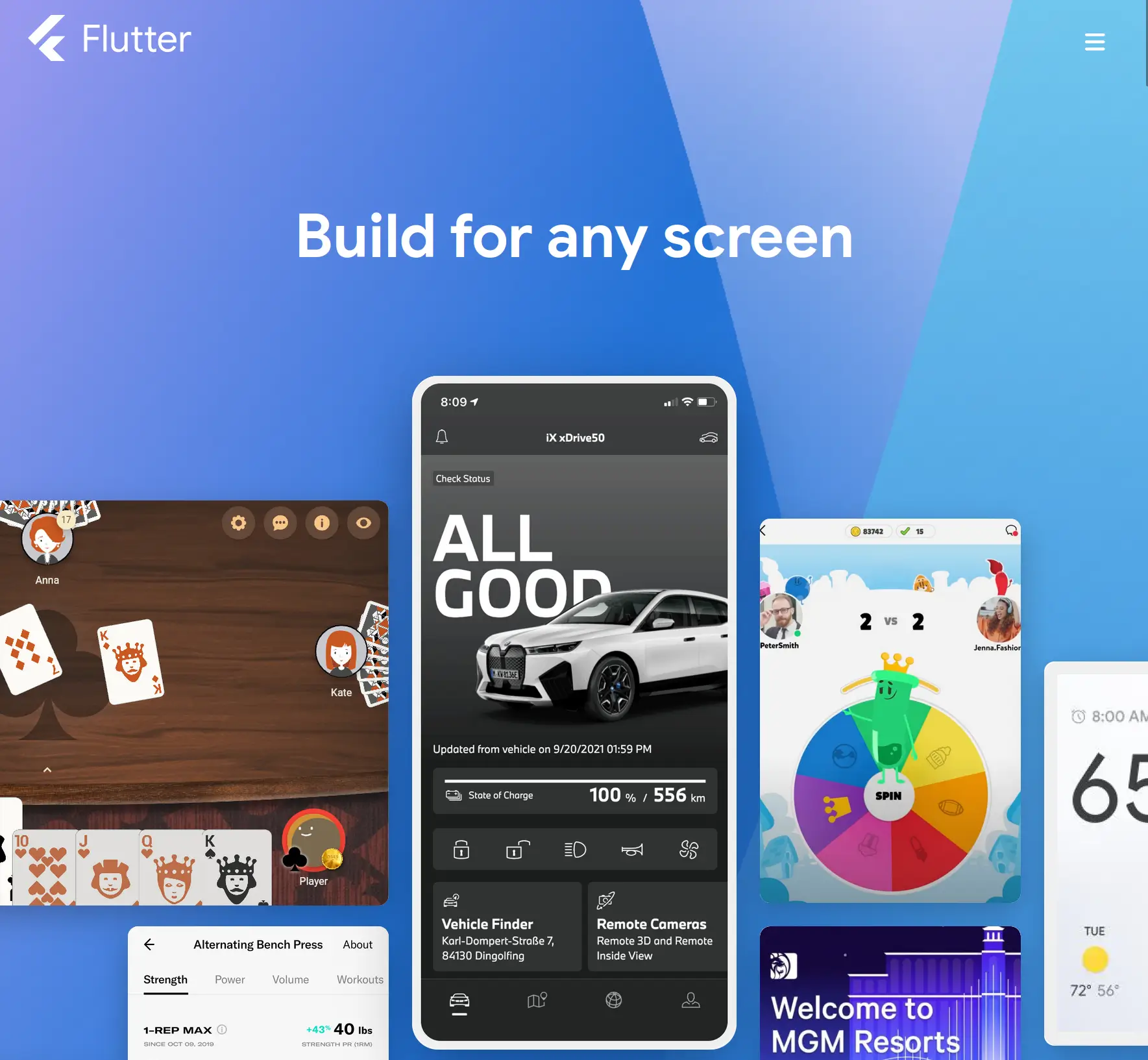
Flutter is Google's open-source UI toolkit, and it has become the most popular cross-platform framework by developer adoption. According to the 2025 Statista developer survey, 46% of developers building cross-platform apps use Flutter, up from 42% the year before.
The framework has over 174,000 GitHub stars and one of the most active package ecosystems in mobile development (pub.dev).
Flutter uses Dart, a language developed by Google that compiles to native ARM code. The framework's key technical advantage is its rendering engine. While most frameworks rely on the platform's built-in UI components, Flutter draws everything from scratch using Impeller (the successor to Skia). That means every button, animation, and transition looks identical on iOS and Android, and you have pixel-level control over the entire interface.
This rendering approach makes Flutter the strongest choice for apps with complex, custom interfaces. If your app needs rich animations, custom design systems, or highly interactive UI (think: fintech dashboards, media players, or interactive retail experiences), Flutter handles it with consistent 60 FPS performance.
Apps built with Flutter include Google Ads, BMW's connected car experience, Alibaba's Xianyu marketplace, eBay Motors, and Toyota's infotainment system.
The trade-offs are real. Dart is not widely used outside Flutter, so your team's skills do not transfer easily to other projects. Flutter apps also tend to have larger bundle sizes than React Native apps (the baseline binary adds roughly 4-5 MB). And while Flutter's package ecosystem is growing fast, it is still smaller than React Native's.
Choose Flutter if: your app demands custom UI, smooth animations, and visual consistency across platforms, and your team is willing to learn Dart.
React Native: Best for JavaScript Teams and Large Ecosystems
React Native is Meta's open-source framework for building mobile apps with JavaScript and TypeScript. It has been around since 2015, making it one of the most mature cross-platform options available. While Flutter leads in developer survey adoption, React Native has a larger footprint in production: 12.57% of the top 500 US Play Store apps use React Native, compared to 5.24% for Flutter.
The framework works by mapping JavaScript components to native UI elements through a bridge layer. A <View> in React Native becomes a UIView on iOS and an android.view.View on Android. Your code is JavaScript, but the rendered output uses real platform components, which gives apps a native feel without writing platform-specific code for most features.
React Native's New Architecture (Fabric renderer and TurboModules) is a significant upgrade that reduces the overhead of the JavaScript bridge. Apps built on the new architecture see lower memory usage and faster interactions, particularly in list-heavy and animation-heavy screens.
The ecosystem is the largest in cross-platform development. The npm package registry has thousands of React Native libraries, and finding experienced developers is easier than for any other framework. If your team already knows React for web development, the learning curve for React Native is manageable.
Instagram, Facebook Marketplace, Walmart, Discord, Shopify, and Tesla all use React Native in production.
The trade-offs: complex native interactions sometimes require writing native modules in Swift or Kotlin, which increases the skill requirements for your team. And while the New Architecture improves performance, heavy JavaScript thread usage can still cause frame drops in edge cases.
Choose React Native if: your team has JavaScript or React experience, you need access to a large ecosystem of third-party packages, or you are building an enterprise app that requires a proven framework with deep industry adoption.
Ionic + Capacitor: Best for Web Developers Who Want Native Distribution
Ionic is the leading framework for building mobile apps using web technologies. It pairs with Capacitor (Ionic's native runtime layer, which replaced Apache Cordova) to give web apps access to native device features and distribution through the App Store and Google Play.
The combination works like this: you build your app using any web framework you prefer (Angular, React, Vue, or plain JavaScript), then Capacitor packages it as a native app and provides plugins for camera access, push notifications, geolocation, biometrics, and other device features. Your app runs in a WebView, but Capacitor's plugin system bridges the gap to native APIs.
This approach has the highest code reuse of any framework (95-100%). If you already have a web application or your team primarily writes HTML, CSS, and JavaScript, Ionic + Capacitor lets you reuse that expertise directly.
Apps built with Ionic include MarketWatch, the NHS COVID-19 app, Target, and Cisco Webex. The framework has over 50,000 GitHub stars and a mature plugin ecosystem.
The trade-off is performance. WebView-based apps cannot match Flutter or React Native for complex animations, real-time data rendering, or graphics-intensive interactions. For content-focused apps, dashboards, and CRUD apps, the performance is more than sufficient. For games, media editors, or apps with complex gesture-driven interfaces, the WebView layer becomes a bottleneck.
Another consideration: while web-based apps look consistent across platforms, they do not automatically adopt platform-specific design patterns (Material Design on Android, Cupertino on iOS). Ionic provides pre-built components that mimic both platforms, but the result is an approximation rather than truly native styling.
Choose Ionic + Capacitor if: your team knows web technologies, your app is content-focused or form-based, and you want maximum code sharing between your web app and mobile apps.
Kotlin Multiplatform (KMP): Best for Shared Logic with Native UI
Kotlin Multiplatform is JetBrains' approach to cross-platform development, and it is rising fast. Unlike other frameworks on this list, KMP does not attempt to share UI code across platforms. Instead, it shares the business logic layer (networking, data persistence, validation, state management) while keeping the UI fully native on each platform. You write SwiftUI for iOS and Jetpack Compose for Android.
The result is an app that looks and behaves like a genuinely native app on every platform, because it is. There is no bridge, no WebView, and no custom rendering engine in the way. The shared Kotlin layer handles the parts of your app that do not need to look different across platforms, while the UI layer takes full advantage of each platform's design system and capabilities.
Netflix, Cash App, VMware, and Philips have adopted KMP for their mobile apps. Google has also endorsed KMP for Android development, and JetBrains continues to invest heavily in the tooling.
The trade-off is the lower code sharing percentage. Since you write UI separately for each platform, you share 50-70% of your total codebase (compared to 90-95% with Flutter). You also need developers who are comfortable writing native iOS and Android UI, in addition to the shared Kotlin logic layer. For teams without native mobile expertise, this increases hiring requirements.
Compose Multiplatform (JetBrains' experimental shared UI layer) aims to close this gap by letting you share Compose-based UI across platforms. It is maturing quickly but is not yet as production-ready as Flutter or React Native's UI sharing.
Choose KMP if: your team has Kotlin or native mobile experience, you prioritize truly native UI quality over maximum code sharing, and you want a future-proof approach backed by JetBrains and endorsed by Google.
.NET MAUI: Best for Teams in the Microsoft Ecosystem
.NET MAUI (Multi-platform App UI) is Microsoft's successor to Xamarin, and it uses C# with XAML to build apps for iOS, Android, Windows, and macOS. If your organization already invests in .NET and your developers write C#, .NET MAUI lets you extend that existing expertise to mobile without adopting a new language.
The framework uses native UI controls under the hood, so your app renders real platform components on each OS. Visual Studio provides a mature development environment with hot reload, debugging tools, and integrated testing. For enterprise teams already using Azure, Visual Studio, and .NET services, the integration is tight.
Apps built with .NET MAUI (or its predecessor Xamarin) include the UPS Mobile app, Alaska Airlines, and NBC Sports Next.
The trade-offs are notable. .NET MAUI has a smaller mobile developer community than Flutter or React Native, which means fewer third-party packages, fewer tutorials, and a smaller talent pool to hire from. The framework has also experienced stability issues since its initial release, with some developers reporting more bugs and edge cases than competing frameworks. Visual Studio for Mac (the primary IDE for macOS development) has been discontinued by Microsoft, which limits the development experience for iOS builds.
Choose .NET MAUI if: your team writes C#, your organization is invested in the Microsoft ecosystem, and you need mobile apps that integrate with existing .NET backend services.
NativeScript: Best for Direct Native API Access from JavaScript
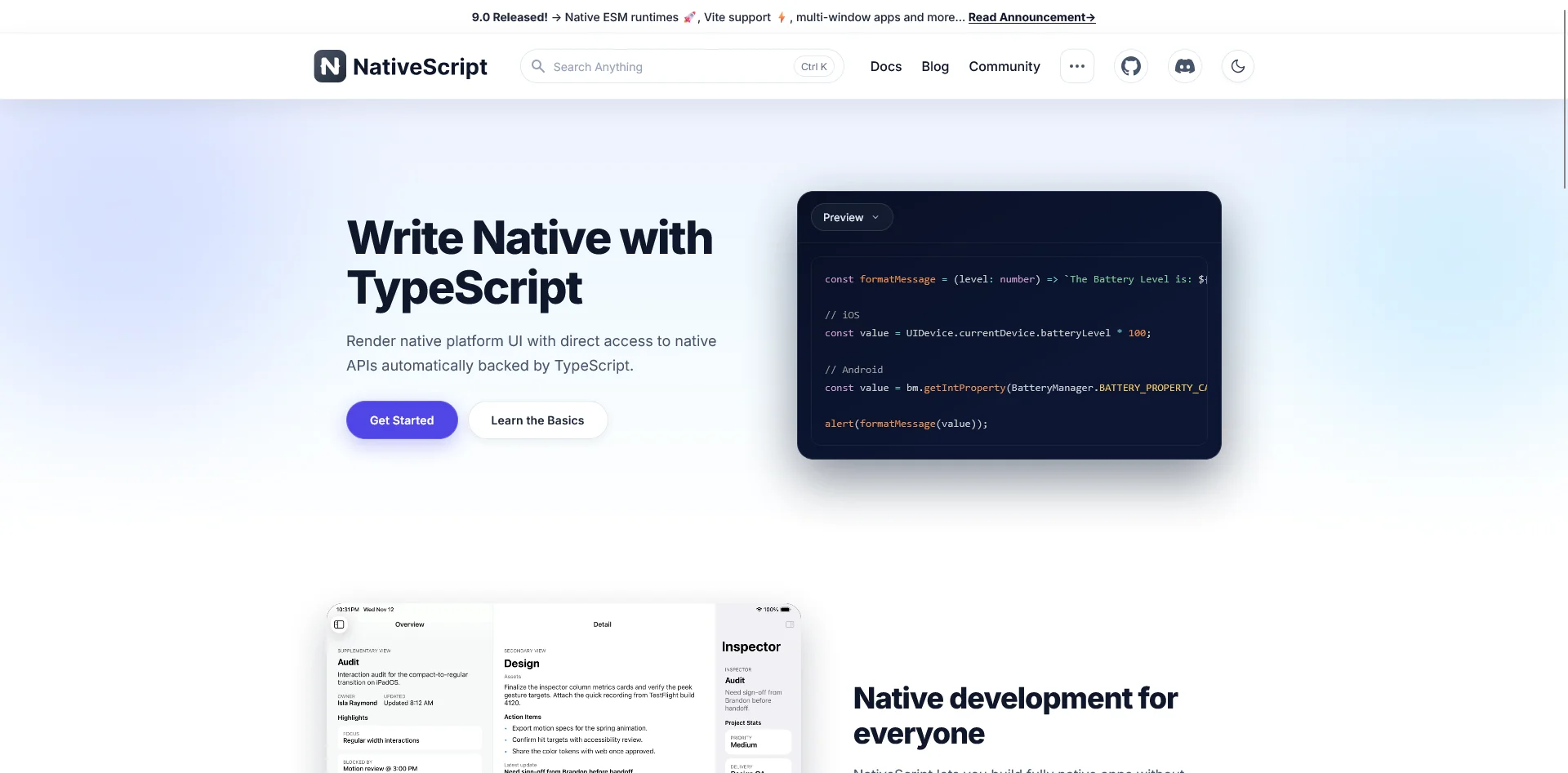
NativeScript takes a unique approach among JavaScript frameworks: it provides direct access to native platform APIs without requiring plugins or bridges. You can call any iOS or Android API directly from JavaScript or TypeScript code. This means you are not limited to the features that a plugin author has chosen to expose.
The framework uses native UI rendering (not WebView), so the performance profile is comparable to React Native. It integrates with Angular and Vue for developers who prefer those web frameworks.
The trade-off is ecosystem size. NativeScript has a significantly smaller community than React Native or Flutter (~24,000 GitHub stars), fewer third-party packages, and less corporate backing since Progress Software transferred governance to the OpenJS Foundation. Finding experienced NativeScript developers is harder, and the long-term investment trajectory is less certain than the top-tier frameworks.
Choose NativeScript if: you need direct native API access without plugin dependency, your team knows Angular or Vue, and you are comfortable with a smaller ecosystem.
Framework7: Best for Lightweight Prototypes
Framework7 is an open-source framework for building iOS and Android apps with HTML, CSS, and JavaScript. It includes a rich set of pre-built UI components that mimic native iOS and Android design patterns, making it useful for rapid prototyping and lightweight apps.
The limitation is that Framework7's UI theming comes from the framework itself, not the operating system. If a user changes their OS theme or an OS update shifts the design language, your app will not reflect those changes. This makes Framework7 better suited for prototyping and internal tools than customer-facing production apps.
Choose Framework7 if: you need a fast prototype or lightweight MVP with a native-like feel, and you do not need deep native integration.
Apache Cordova: Legacy Option (Consider Capacitor Instead)
Apache Cordova (formerly PhoneGap) was one of the first hybrid app frameworks. It pioneered the approach of packaging web apps inside a native WebView container with plugin-based access to device features.
Cordova is still functional, but it is declining. Adobe discontinued PhoneGap in 2020, and the Cordova ecosystem has seen falling download numbers and fewer plugin updates. Capacitor (from the Ionic team) is the direct successor and is actively maintained with a modern plugin architecture, better TypeScript support, and improved native API access.
If you have an existing Cordova app, migrating to Capacitor is straightforward. Capacitor supports most Cordova plugins and provides a clear migration path.
If you are starting a new project, use Capacitor instead of Cordova.
Detailed Framework Comparison
| Criteria | Flutter | React Native | Ionic + Capacitor | KMP | .NET MAUI |
|---|---|---|---|---|---|
| Language | Dart | JS / TS | HTML / CSS / JS | Kotlin | C# / XAML |
| Rendering | Custom engine | Native bridge | WebView | Native per platform | Native controls |
| Code Sharing | 90-95% | 80-90% | 95-100% | 50-70% | 80-90% |
| UI Customization | Full control | High (native widgets) | Moderate (web-based) | Full native | Native controls |
| Animation Performance | Excellent (60 FPS) | Good (New Arch) | Limited | Native-level | Good |
| Learning Curve | Moderate (Dart) | Low-moderate (JS) | Low (web skills) | High (native + Kotlin) | Moderate (C#) |
| Community Size | 174K+ stars | 120K+ stars | 50K+ stars | Growing fast | 22K+ stars |
| Backed By | Meta | Ionic (Drifty Co.) | JetBrains | Microsoft | |
| Platforms | iOS, Android, Web, Desktop | iOS, Android, (Web partial) | iOS, Android, Web, Desktop | iOS, Android, Web, Desktop | iOS, Android, Windows, macOS |
| Hot Reload | Yes (fast) | Yes (Fast Refresh) | Yes (live reload) | Partial | Yes (.NET Hot Reload) |
How to Choose the Right Hybrid App Framework
The right framework depends on your team's skills, your app's requirements, and your budget. Here is a scenario-based decision framework:
If your team writes JavaScript or TypeScript and you want a native-feeling app, start with React Native. The ecosystem is the largest, the talent pool is the deepest, and the New Architecture has closed the performance gap with Flutter for most use cases. Apps like Instagram, Discord, and Shopify prove the framework scales.
If your app needs rich, custom animations and a unique visual identity, choose Flutter. The custom rendering engine gives you pixel-level control that no other framework matches. Google Ads, BMW, and Alibaba demonstrate what Flutter can do with complex interfaces.
If your team primarily builds web applications and you want to distribute through app stores, use Ionic + Capacitor. You get to use your existing web skills and share nearly 100% of your code between web and mobile. For content apps, dashboards, and form-driven interfaces, this approach ships fast with minimal ramp-up.
If you are an Android-first team adding iOS support and native quality matters, look at Kotlin Multiplatform. Sharing business logic in Kotlin while writing fully native UI for each platform is the most uncompromising approach to platform fidelity. Netflix and Cash App use it for exactly this reason.
If your organization is built on Microsoft technologies, .NET MAUI is the natural fit. C# developers can build mobile apps without learning a new language, and the integration with Azure and Visual Studio is tight.
If you need to call native APIs directly without waiting for plugin support, NativeScript gives you unmediated access to every native API from JavaScript. The trade-off is a smaller community.
What About Team Size and Budget?
The framework you choose affects more than the technology stack. It also affects who you need to hire and how much the project costs.
Flutter and React Native have the largest talent pools, which means easier hiring and more competitive rates. Kotlin Multiplatform requires developers with native mobile expertise in addition to Kotlin, which narrows the hiring pool. .NET MAUI developers need C# skills and mobile experience, a combination that is less common than JavaScript + mobile.
For a rough comparison: experienced React Native developers typically command $80-$150/hr in the US (less with nearshore teams), while specialized KMP developers may cost 15-25% more due to scarcity.
What Does Hybrid App Development Cost?
Every framework follows the same cost pattern: complexity drives the price more than the framework itself.
| Project Complexity | Typical Cost | Timeline | Annual Maintenance |
|---|---|---|---|
| Simple app / MVP | $10K-$50K | 2-4 months | $5K-$15K/yr |
| Mid-complexity app | $50K-$150K | 4-8 months | $15K-$40K/yr |
| Complex / enterprise app | $150K-$500K+ | 8-14+ months | $40K-$100K+/yr |
These ranges apply across all major frameworks. The cost differences between frameworks come from developer rates (Dart and Kotlin specialists cost more than JavaScript generalists), development speed (Ionic ships faster for simple apps because it reuses web code), and the maintenance burden (custom rendering engines like Flutter require framework-version upgrades that can be time-consuming).
The cost that surprises most teams is maintenance. Plan for 15-25% of your initial build cost annually to cover OS updates, framework upgrades, dependency patches, and feature iteration. An app that costs $100K to build will likely cost $15K-$25K per year to maintain. That adds up fast over a multi-year lifecycle.
Developer rates also vary significantly by geography:
- US / Western Europe: $100-$200+/hr
- Eastern Europe / Latin America: $40-$100/hr
- South / Southeast Asia: $20-$60/hr
Nearshore teams (Eastern Europe, Latin America) are the most popular compromise between quality and cost for hybrid app projects.
For a deeper breakdown of app development costs, see our complete cost guide.
When You Don't Need a Framework
Frameworks are for building apps from scratch. They assume you are writing new code, designing new screens, and creating something that does not exist yet.
That makes sense for plenty of projects. But if your business already has a website that works well on mobile, building a separate app from scratch may be the wrong approach entirely.
Consider what Ionic + Capacitor actually produces: a native app built from web code, with push notifications, app store distribution, and access to native device features.
Now consider that many businesses already have that web code. Think about an ecommerce website. They have a mobile-responsive website, with their product catalog, checkout flow, user accounts, and content already built and working.
MobiLoud is a managed service that takes that existing website and extends it into native iOS and Android apps. You get the same end result that Ionic would produce (web code running as a native app with native features), without needing a development team to build it.
The practical difference matters. With a framework, you need developers to write the app, testers to QA it, and ongoing engineering resources to maintain it.
With MobiLoud, the app mirrors your website. When you update your website, your app updates automatically. There is no second codebase, no separate deployment pipeline, and no duplicate maintenance.
For ecommerce brands in particular, this changes the math. Brands like John Varvatos, and Bestseller (Jack & Jones) use MobiLoud because they already invested in building a high-quality website. Rebuilding that same experience in Ionic or React Native would cost tens of thousands of dollars (minimum) and months of development time, with no guarantee of a better result.
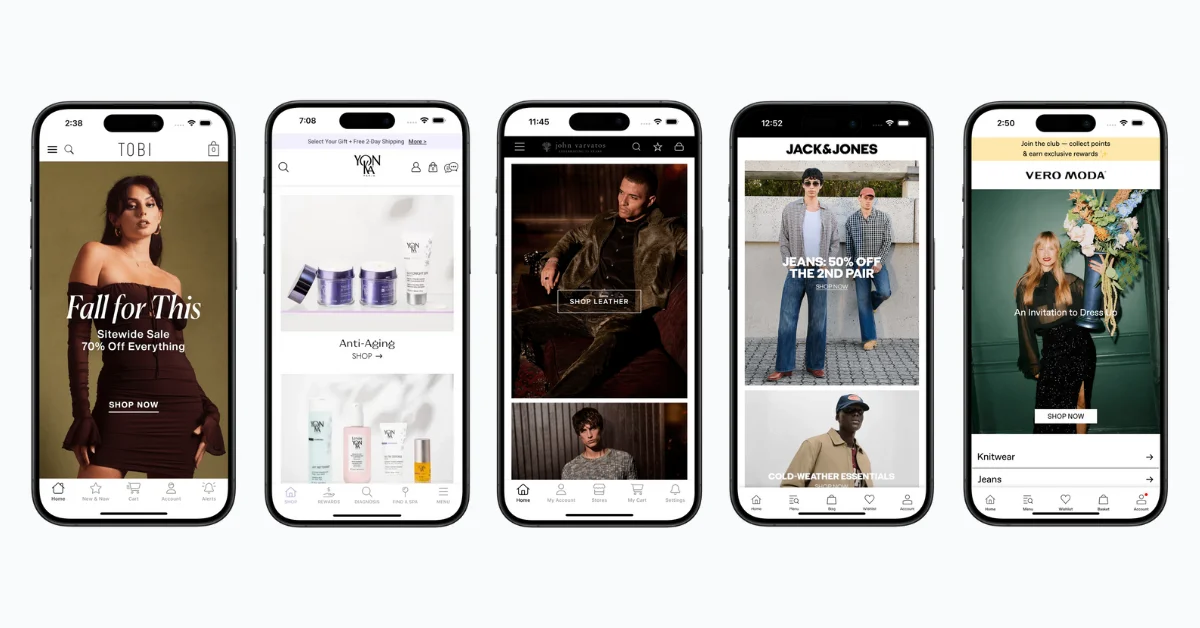
Want to learn more about how MobiLoud works, and what’s possible? Check out these case studies of successful MobiLoud users, and book a free consultation if you’re ready to discuss your project in more detail.
Framework vs MobiLoud: When to Use Which
To say one approach is universally best, for any kind of mobile app, would be foolish. Each framework has their place - and so do more efficient, managed approaches like MobiLoud.
Use a framework (Ionic, Flutter, React Native, etc.) when:
- You are building a brand-new app with functionality that does not exist on your website
- Your app needs custom interactions that go beyond what a website can do (AR experiences, complex gesture-driven interfaces, real-time collaboration, hardware integrations like Bluetooth or NFC)
- You have an in-house or outsourced development team ready to build and maintain the app long-term
- Your product is the app itself (a SaaS tool, a game, a utility app)
Use MobiLoud when:
- You already have a website that works well on mobile and want a native app in the App Store and Google Play
- Your app's core functionality (browsing, purchasing, account management, content consumption) already lives on your website
- You want push notifications, a home screen icon, and native navigation without building a separate app from scratch
- You don’t want to maintain two separate codebases or hire a mobile development team
- You want to launch in weeks, not months
The distinction is your starting point.
If you’re starting from zero, you need a framework. If you already have a working website and want to extend it into a native app, MobiLoud skips the framework entirely and gets you to the same destination faster.
Final Thoughts
The hybrid and cross-platform framework landscape in 2026 is more capable than ever.
- Flutter and React Native handle the vast majority of mobile app projects (though technically, one might not consider them “hybrid”).
- Ionic + Capacitor remains the fastest path for web teams.
- Kotlin Multiplatform offers a genuinely new approach for teams that refuse to compromise on native UI quality.
- The declining frameworks (Cordova, Framework7) have clear successors.
Choosing a framework comes down to three questions: what does your team already know, what does your app need to do, and what is your budget for building and maintaining it?
If you already have a website that does what your app needs to do, you may not need a framework at all.
MobiLoud extends your website into native apps with push notifications, app store presence, and native navigation, without the development overhead that comes with every framework on this list.
If you want to see what’s possible, get a free preview of your app and our team will walk you through everything.