Native app features
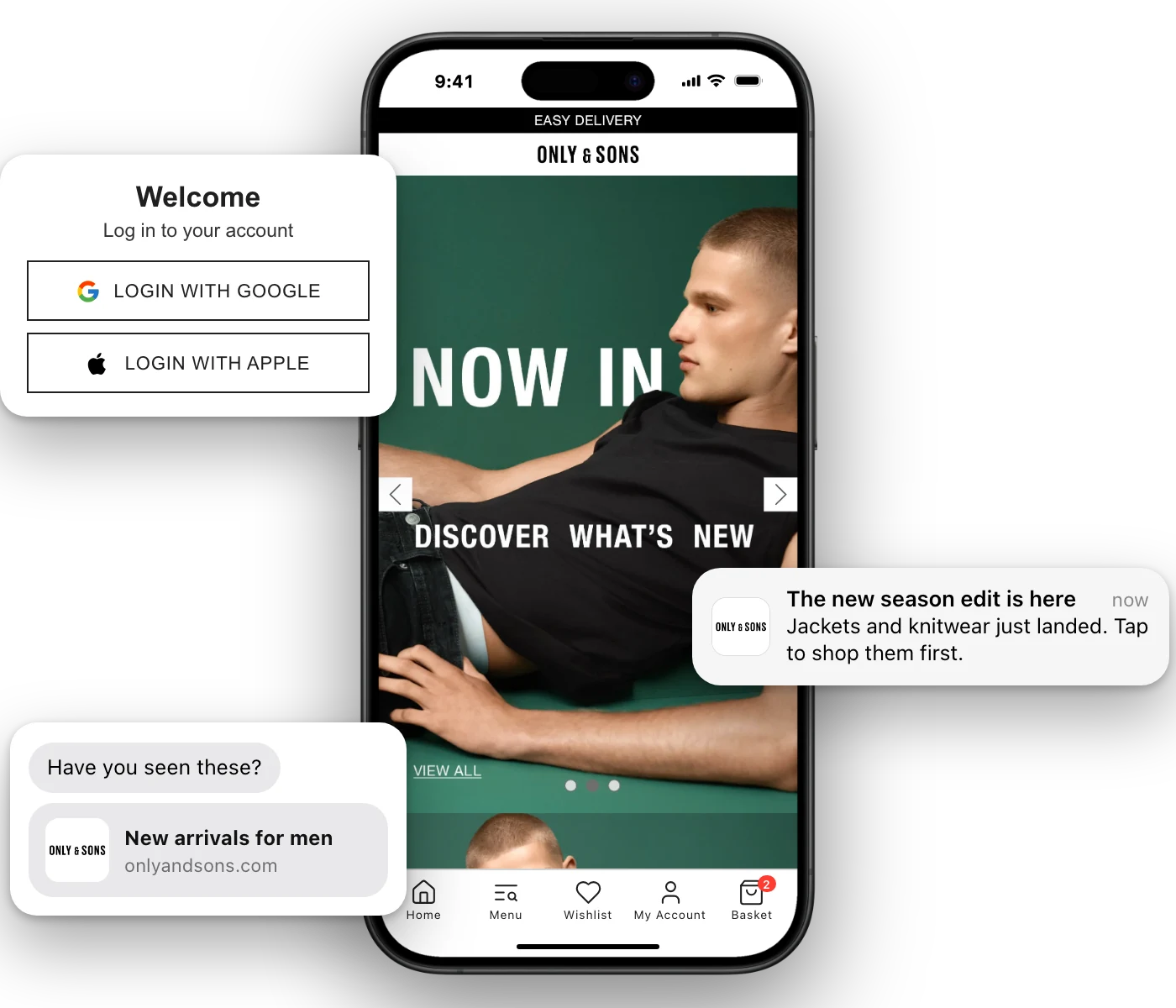
Your MobiLoud app is a native iOS and Android app, built on top of your store. It comes with native navigation, your own icon and splash screen, links that open the app and push notifications, and our team can build anything more you need.
2,000+ apps published since 2013








Your customers use the best apps in the world every day, and they expect yours to work the same way. Native features make shopping with you faster and easier, and that’s what keeps your app on their phone.
Your icon sits on your customers’ home screens, so coming back to shop takes one tap instead of a search.
A native tab bar keeps your shop, cart and account a thumb away on every screen.
Customers browse, sign in and pay without leaving your app, using your store’s own checkout.
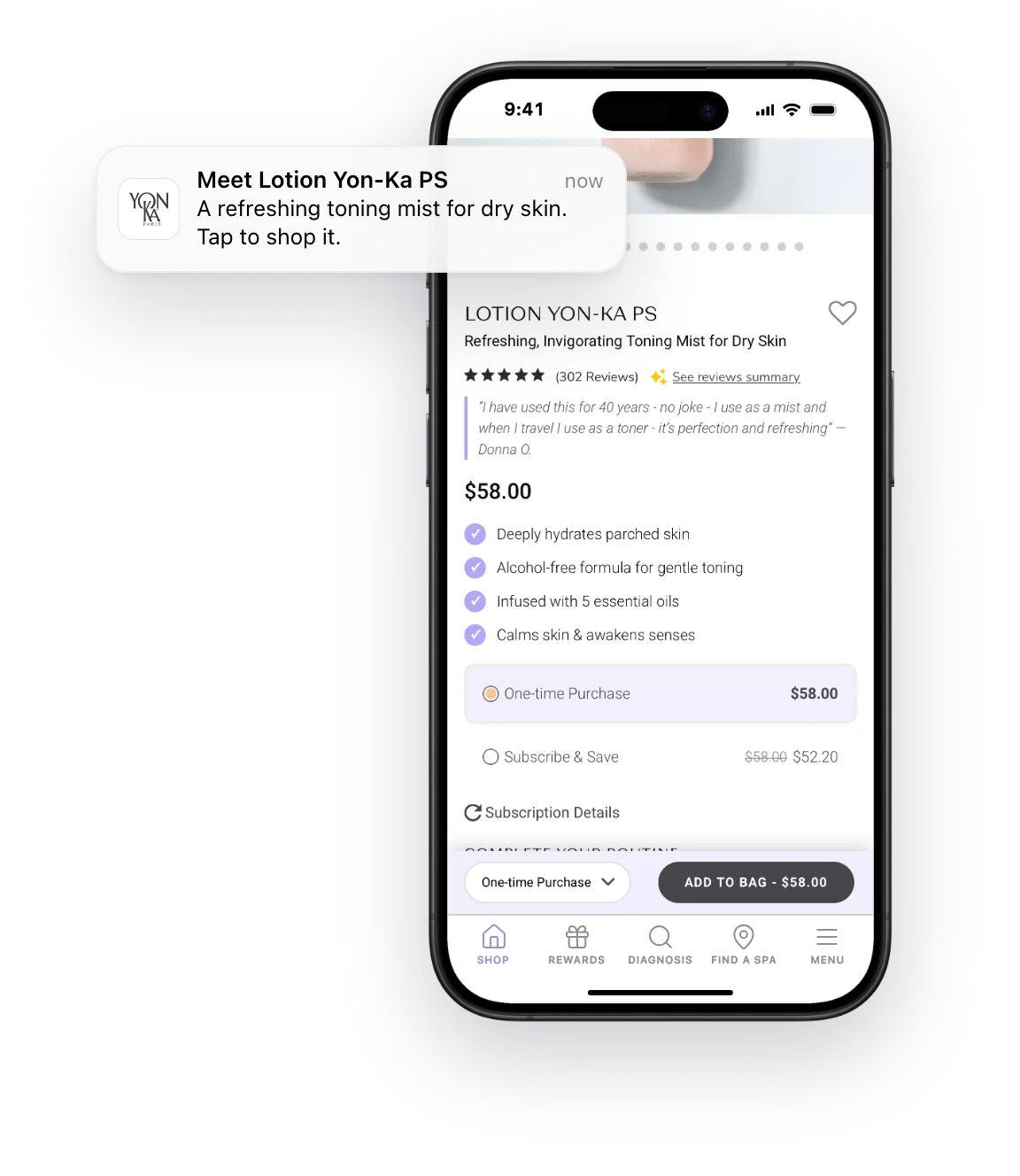
Push notifications and links that open the app bring customers straight to the products you want them to see.
Every MobiLoud app comes with the native features customers know from the apps they use every day. Here’s what comes with yours.
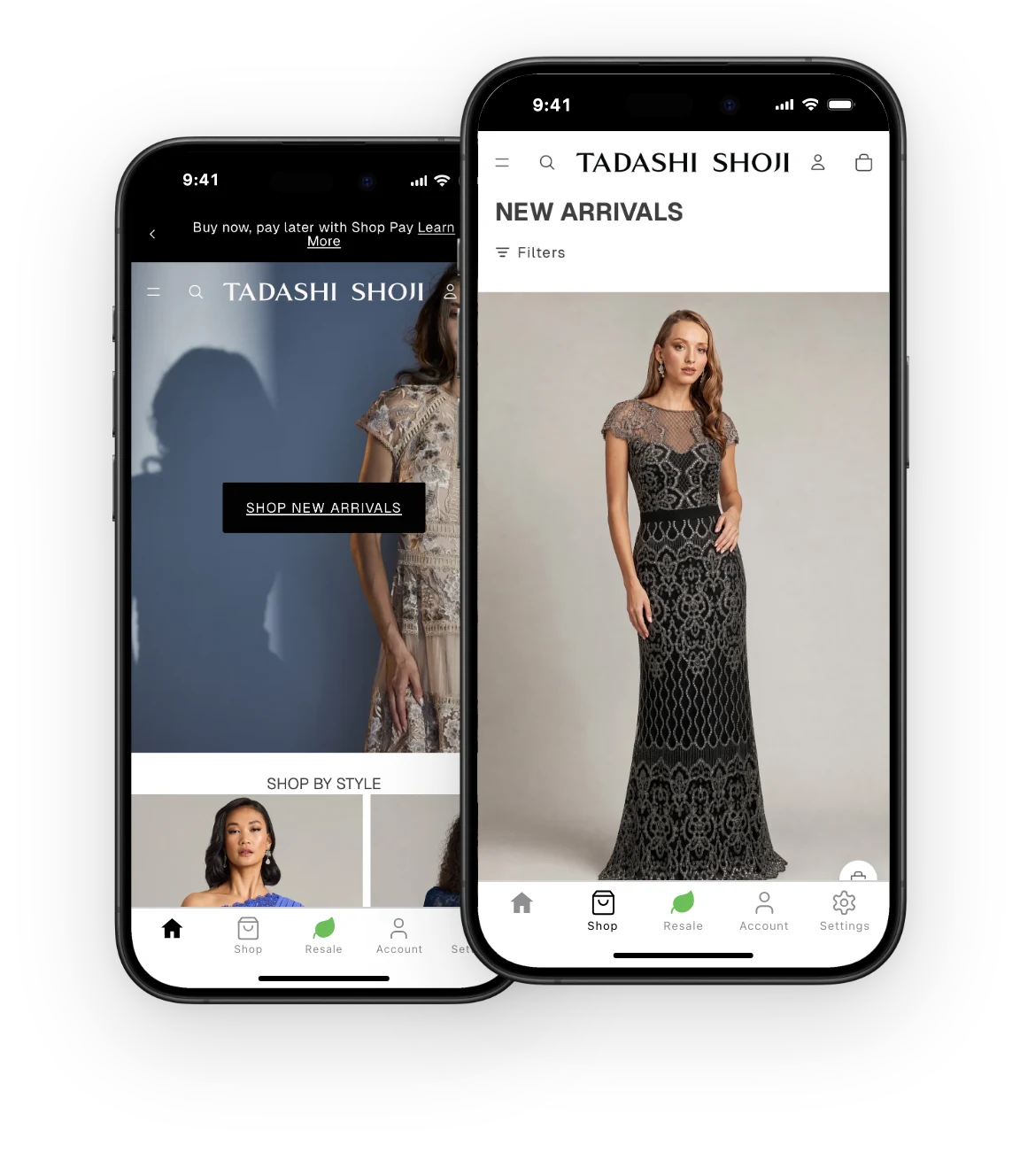
Your app gets a native tab bar, so your most important pages are one tap away from every screen. You choose the tabs, icons and colors, and can change them any time from our dashboard.
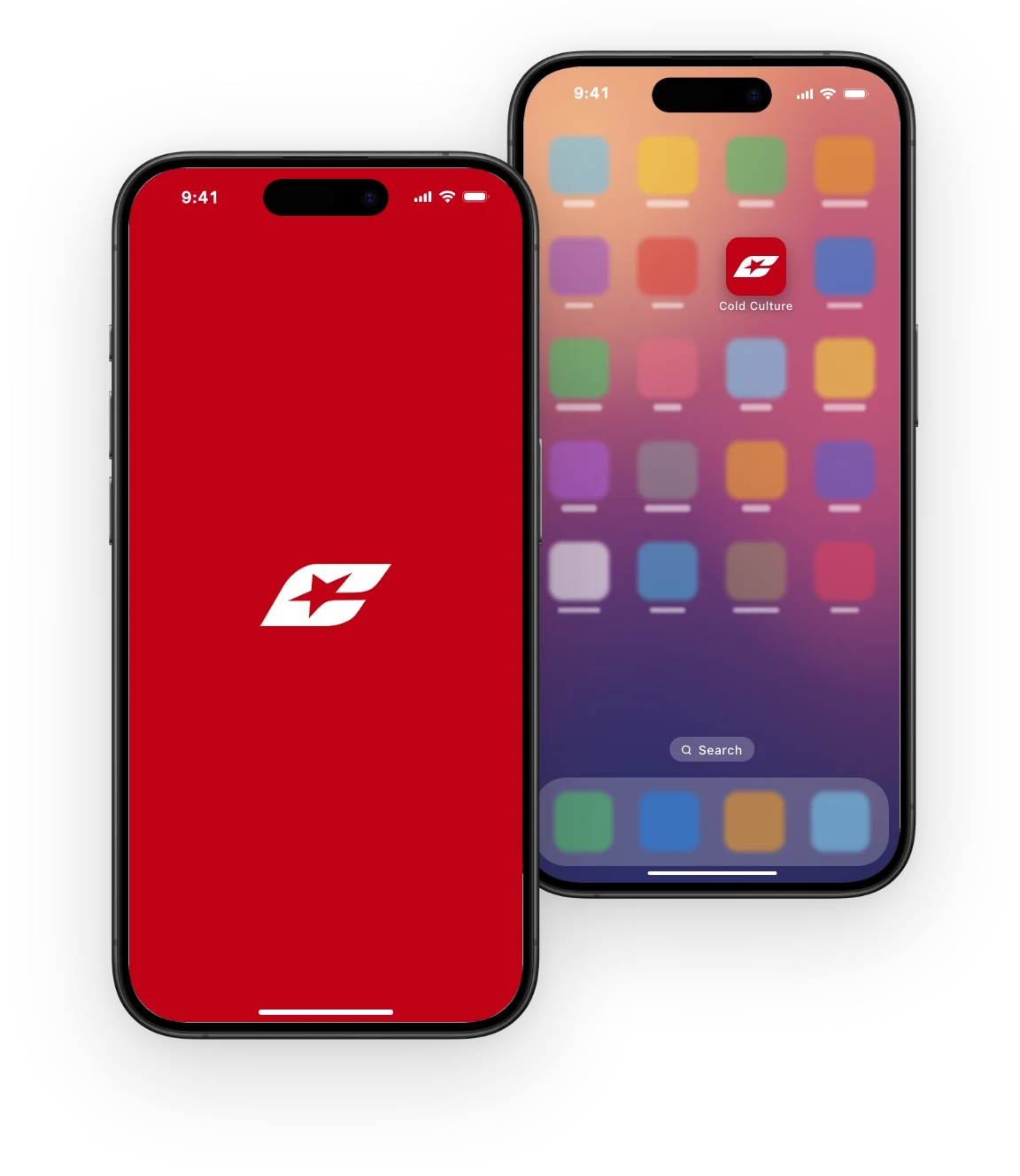
We design your app icon, splash screen and store listings to match your brand, so your app looks like yours from the moment it’s installed.
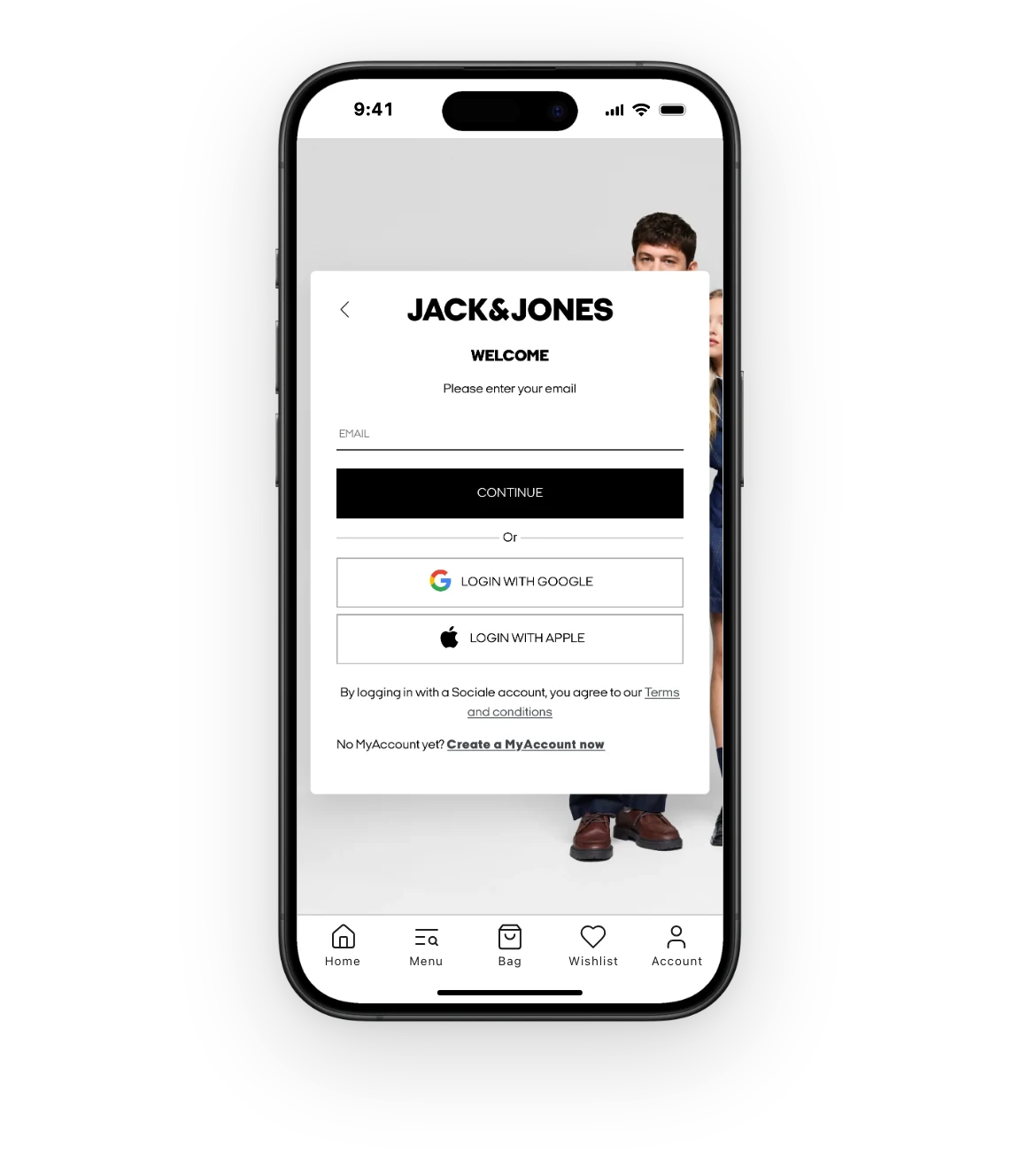
Customers sign in with the account they have on your site. If your store offers Apple, Google or Facebook login, that works in your app too, and you choose whether to ask for sign-in when the app opens or only when it’s needed.
When customers tap a link to your site in an email, a text or a social post, it opens straight in your app if they have it installed. Customers without the app land on your site as usual.
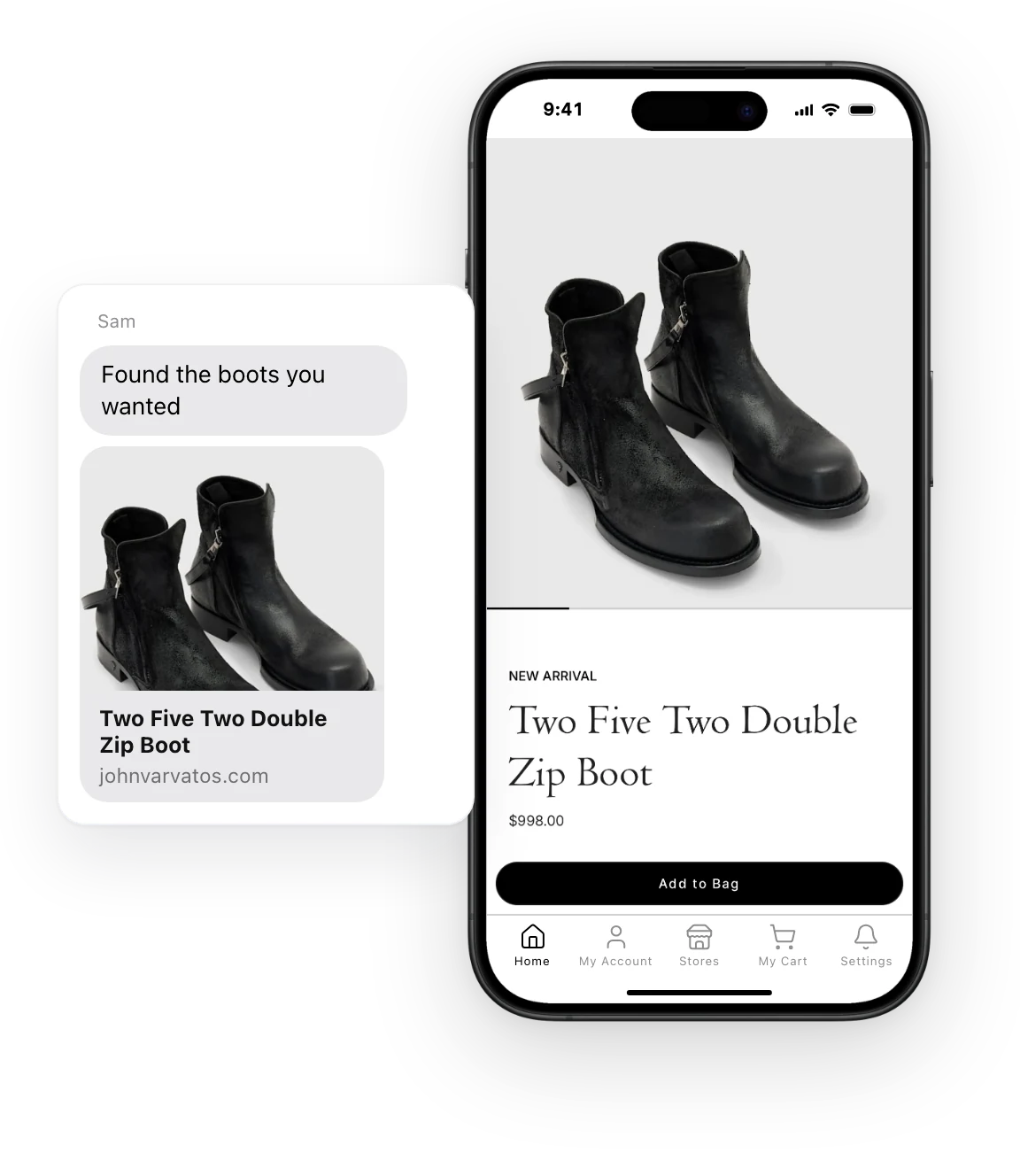
Every MobiLoud app comes with native push notifications on iOS and Android. Send campaigns and automated messages, and each one opens the exact page you choose.
The small details customers notice in the best apps come with yours too. Your developers can trigger them from your site with a few lines of JavaScript.
Every app comes with the features above. When your store needs something more, our team builds it into your app as a native feature, so you get a custom app without hiring an app team.
Tell us what your app needs. We scope the feature, price it for your approval and build it into your app.
When a service you use has a native SDK, MobiLoud can integrate it into your app on Enterprise, so it works the way the vendor intended.
Custom features are looked after with the rest of your app, through every iOS and Android update.
From our customers
"I liked the fact that you guys were able to duplicate the website into an app, and actually make it look like an app, with real app features. That was what made me choose MobiLoud."
 Raphael Faccarello Head of Ecommerce at Yon-Ka Paris
 "Because we’re using an app, we have the ability to leverage native device features and capabilities that are not available to a web browser."
 David Chamberlin Lead Developer at Tadashi Shoji
 "We got something that looks as professional as any other native app."
 Roberto Artavia Cuadra General Manager at Givi Enterprise Gifting
 Have any more questions we didn't answer? Book a 30-minute call or send us a message to clear it all up.
Book a callA MobiLoud app is a native iOS and Android app, published in the App Store and Google Play. It has native navigation, push notifications and the other features on this page, and it’s built on top of your existing store, so there’s nothing to rebuild.
Yes. Our team designs app-specific home screens, navigation, product pages and cart layouts, while everything behind them keeps running on your website.
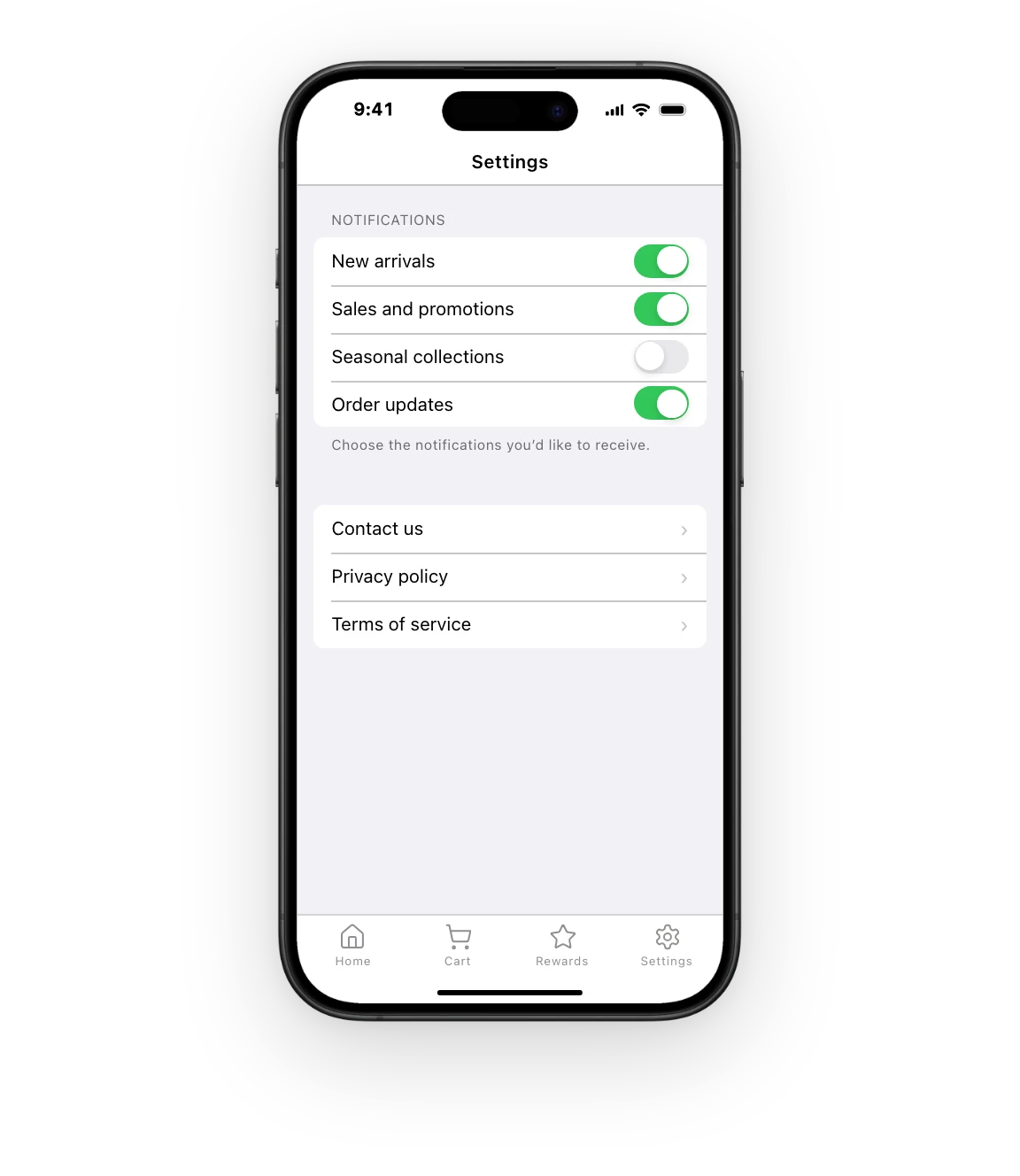
Every MobiLoud app comes with a native tab bar, your own app icon and splash screen, a welcome screen for first-time customers, sign-in with your site’s accounts, links that open the app, push notifications and a native settings screen. Your developers can also trigger native touches like haptic feedback, cart badges and the push permission prompt from your site.
You can change your app’s tabs, icons and colors at any time in the MobiLoud dashboard. Changes reach your app without an App Store update, and customers see them the next time they open the app.
Customers can sign in with Apple, Google or Facebook in your app when your store offers those options on your site. They can also sign in with the account they have on your site, and see the same order history and account details.
Links to your website open in your app for customers who have it installed, on both iPhone and Android. Our team sets this up as part of your build. Customers who don’t have the app see the page on your site as usual.
Our team designs your app icon, splash screen, welcome screen and App Store screenshots to match your brand, as part of building your app.
Our team can build native features your app needs beyond the standard set, and integrate native SDKs from your vendors. We scope and price that work for your approval before it starts, and maintain the feature with the rest of your app.
Getting your app approved by Apple and Google is part of our work: we handle the submissions and any feedback from their review. MobiLoud has published more than 2,000 apps in the App Store and Google Play since 2013.
Your developers can trigger native features from your site with MobiLoud’s native functions, a small JavaScript API built into every app. They can use it for haptic feedback, cart badges, tab refreshes, the push permission prompt and more, without touching native code.
See how your store would look and feel as a mobile app, before deciding whether to build.
No credit card required.

