Smile.io in your mobile app
MobiLoud builds a custom iOS and Android app on your store, with all your site’s apps and tools working in it by default. Everything from your Smile.io program carries over, giving you a VIP loyalty hub that lives in your customer’s pocket.

2,000+ apps published since 2013








A rewards program pays off when members come back to spend their points. Your app keeps those points in view and tells members when there’s something to spend.
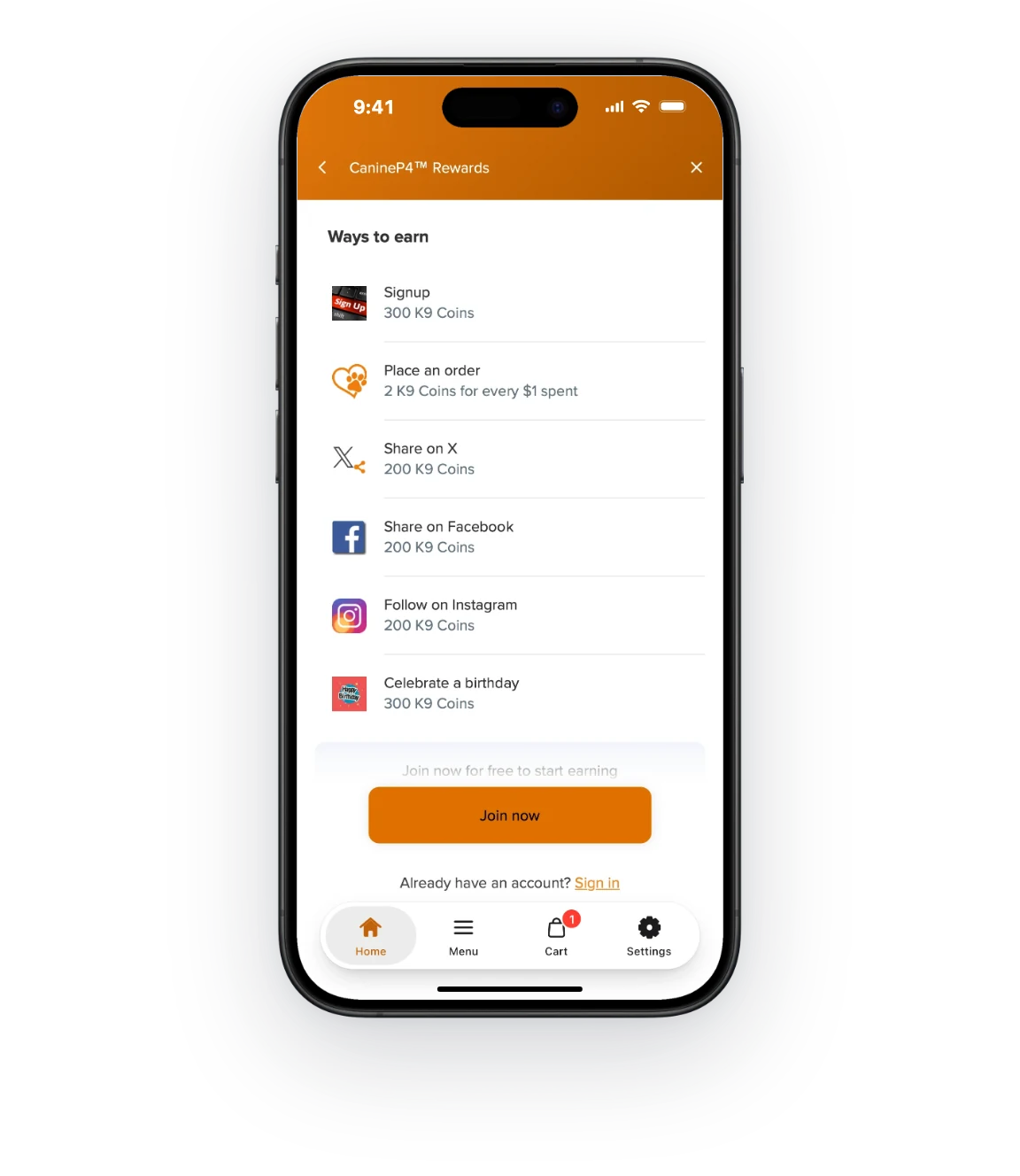
A tab opens your Smile.io panel directly, so members check their points without looking for the launcher.
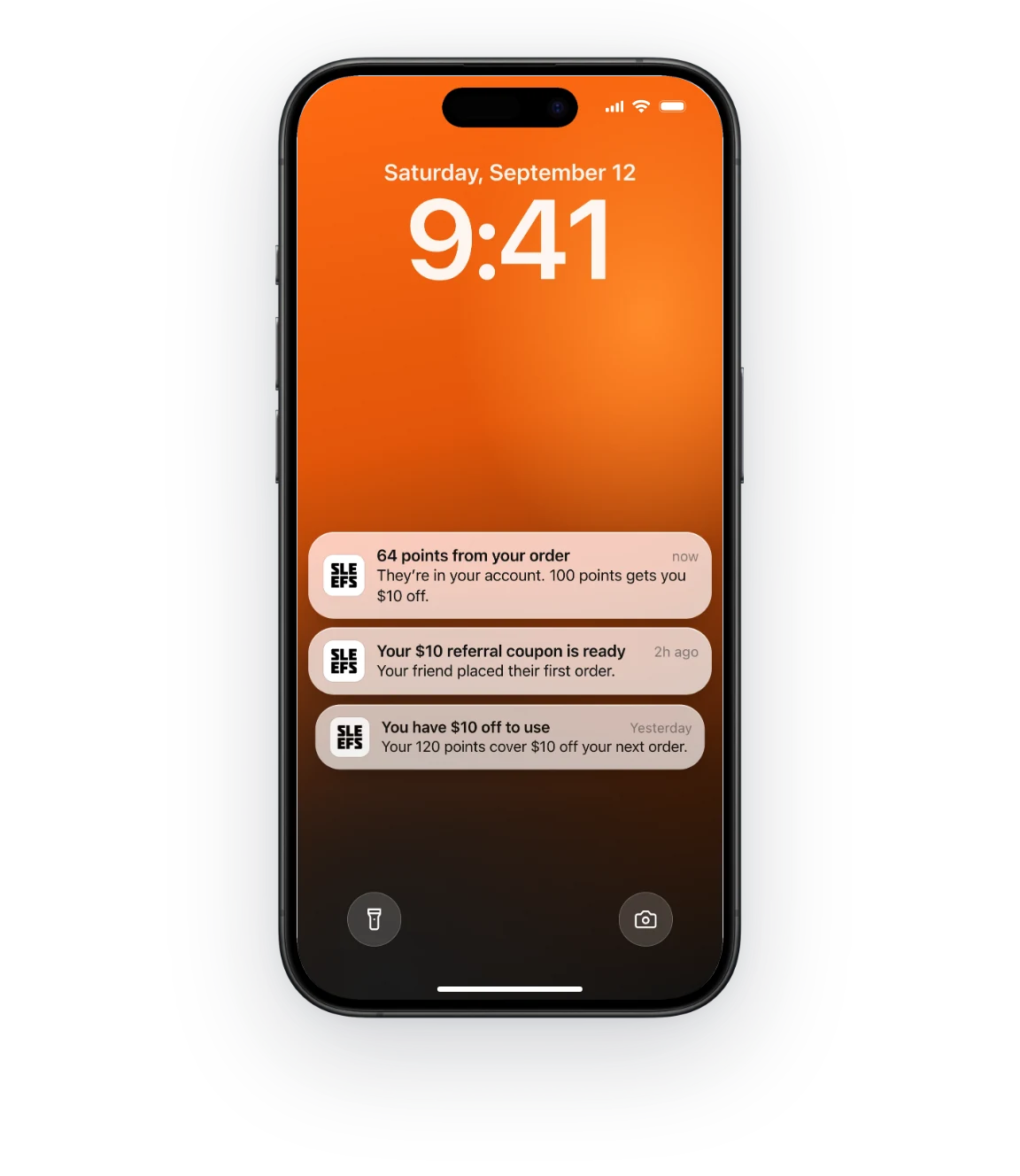
A push notification tells members when they earn points, a referral pays off or a reward is about to expire.
Extra points on orders placed in the app give your regulars a reason to shop there.
Your Smile.io launcher and rewards panel run in the app just as they do on your store, and members earn and redeem with one account across both.
Members open the same Smile.io panel in the app as on your store, to see what they’ve earned, how to earn more and what they can redeem.
Smile.io’s deep links can open the panel from any link, so we can give it a tab of its own.
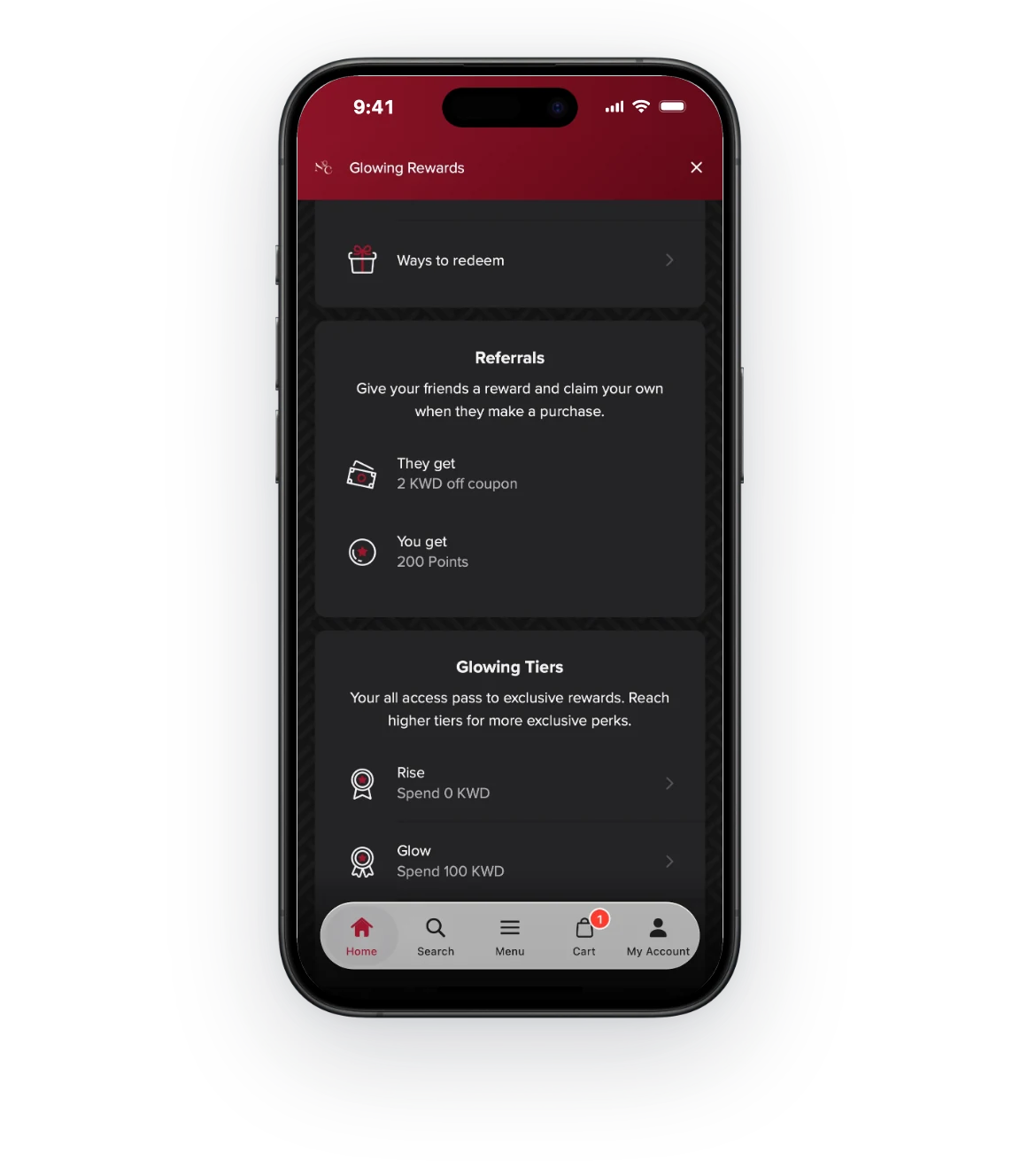
Each member’s referral link and VIP tier sit beside their points. Sharing the link from a phone takes a couple of taps.
The friend gets a reward to use on their first order, and the member gets theirs once that order comes in.
Smile.io sends loyalty events to Klaviyo, from points earned on an order to a completed referral or a new VIP tier. A Klaviyo flow can turn each one into a push notification that opens the rewards panel.
Case studies
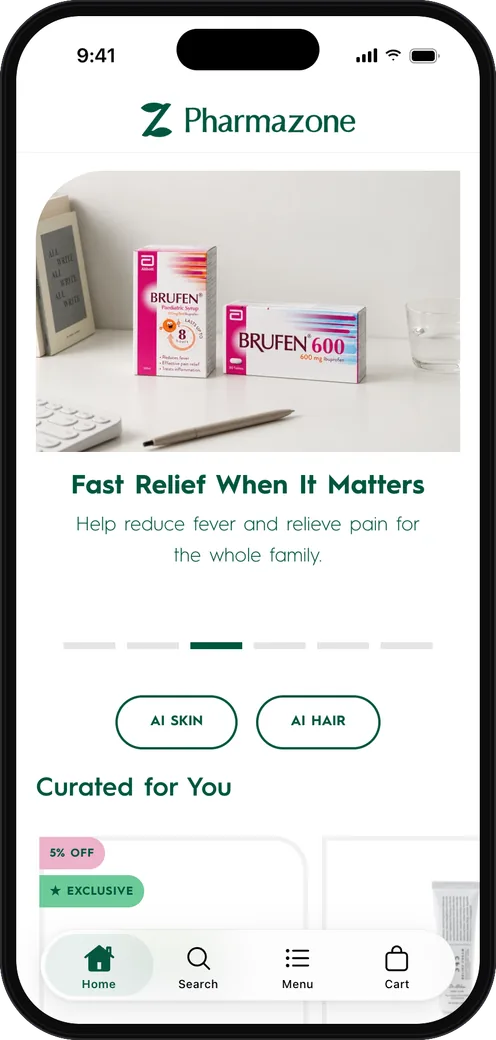
These brands turned their stores into custom apps with MobiLoud, and each app now brings in at least a fifth of the brand’s online sales.
Pharmazone
Online pharmacy Shopify
63% of Online Revenue
70,000
App Users
22%
Abandoned Cart Conversion Rate
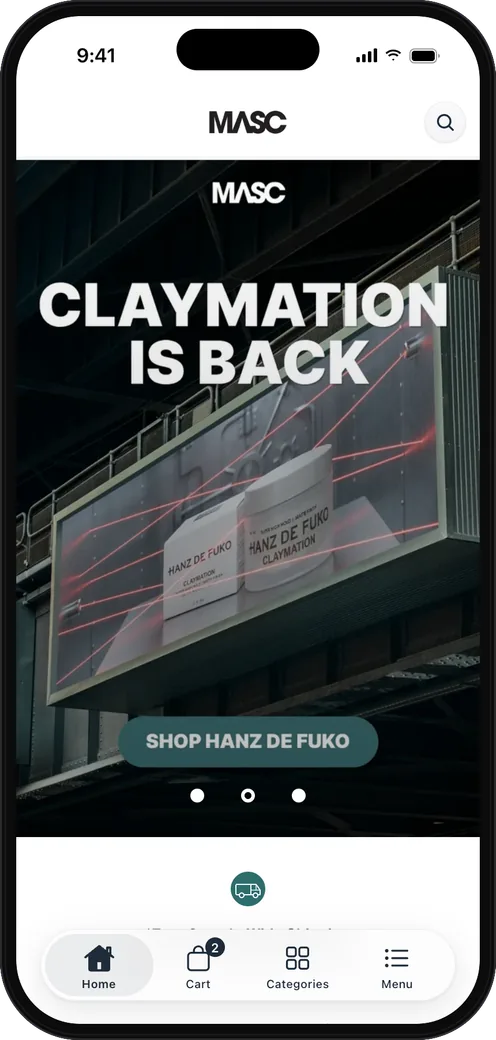
MASC
Men’s grooming Shopify
20% of Online Revenue
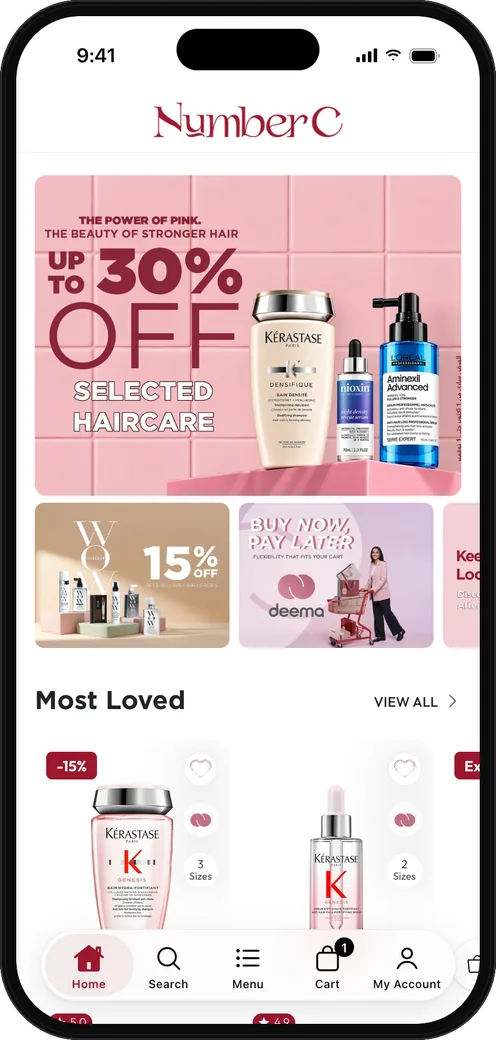
NumberC
Health and beauty Shopify
20-30% of Total Sales
Setup
Points, rewards and tiers stay in your Smile.io admin. Our team builds the app around them.
Your launcher, rewards panel and referral links work in the app from launch, with nothing to connect.
We add a tab that opens your Smile.io panel, and point loyalty push notifications to it.
With Smile.io connected to Klaviyo, its loyalty events can start flows that send push notifications.
MobiLoud transforms your website into a custom app, so the tools you run on your site work in it too, from reviews and loyalty to subscriptions, support and payments.
...And every other app on your site. See all integrations
Have any more questions we didn't answer? Book a 30-minute call or send us a message to clear it all up.
Book a callYour Smile.io program works in a MobiLoud app with no separate integration to connect. The app is built on your store, so your launcher, rewards panel, referrals and VIP tiers are all in it.
App builders rebuild your store in their own platform, so Smile.io appears only through the connector they’ve built, with the parts that connector supports. A MobiLoud app is built on your store, so your Smile.io panel is in the app exactly as you’ve designed it, with your branding, rules and rewards.
A tab in your app can open the Smile.io panel directly, using Smile.io’s deep links. Members reach their points, rewards and referral link in one tap, from any screen.
Members have one Smile.io account across your app and your website, so points earned in one can be spent in the other.
Extra points for app orders are set up in Shopify Flow. The MobiLoud Shopify app tags customers who sign in through the app, and a flow checks that tag on each order and awards the bonus with Smile.io’s Shopify Flow action, which comes with Smile.io’s paid plans.
Loyalty updates can go out as push notifications through Klaviyo on our Business and Enterprise plans. Smile.io sends events like points earned, referral completed and VIP tier achieved to Klaviyo, so a flow can send a push notification for each one. On every plan, you can also send rewards campaigns through OneSignal.
The Smile.io launcher works in the app, since it runs on your store. A rewards tab gives members a second way to reach it, from the bar they use to move around the app.
See how your store would look and feel as a mobile app, before deciding whether to build.
No credit card required.