Klaviyo integration
MobiLoud builds a custom iOS and Android app powered by your store, with Klaviyo push on Business and Enterprise. Your onsite tracking runs in the app, and push notifications join email and SMS in the flows and campaigns you already run.

2,000+ apps published since 2013








Why an app
Email gets skimmed and SMS costs more with every send. App push lands on the lock screen of your most engaged customers, and on MobiLoud Business and Enterprise it comes from the same Klaviyo account as everything else.
Push notifications land where customers look hundreds of times a day, instead of competing in a crowded inbox.
Email, SMS and push sit in the same flows and campaigns, so you plan every message from one account.
People who install your app are your best customers. Push gives you a direct line to them.
Klaviyo in your app
Klaviyo works in your app in two ways. Your onsite tracking runs in the app with no changes, and on Business and Enterprise, we connect app push to your Klaviyo account.
On Business and Enterprise, MobiLoud’s Klaviyo integration lets you run your email, SMS and push workflows all in one place, for a truly unified approach to retention marketing.
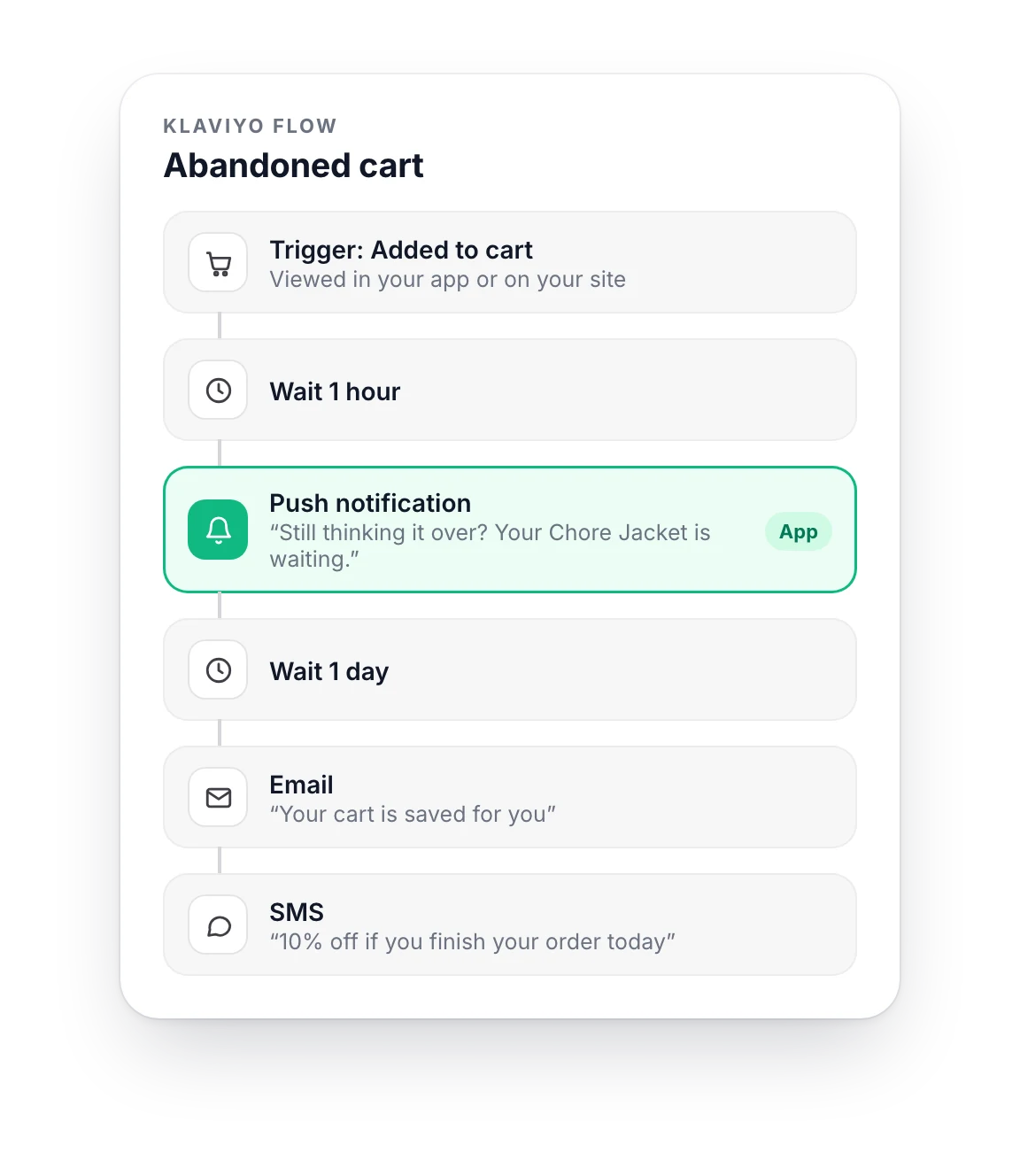
Add a push step to your abandoned cart, browse abandonment or back-in-stock flows, or send push as a campaign of its own.
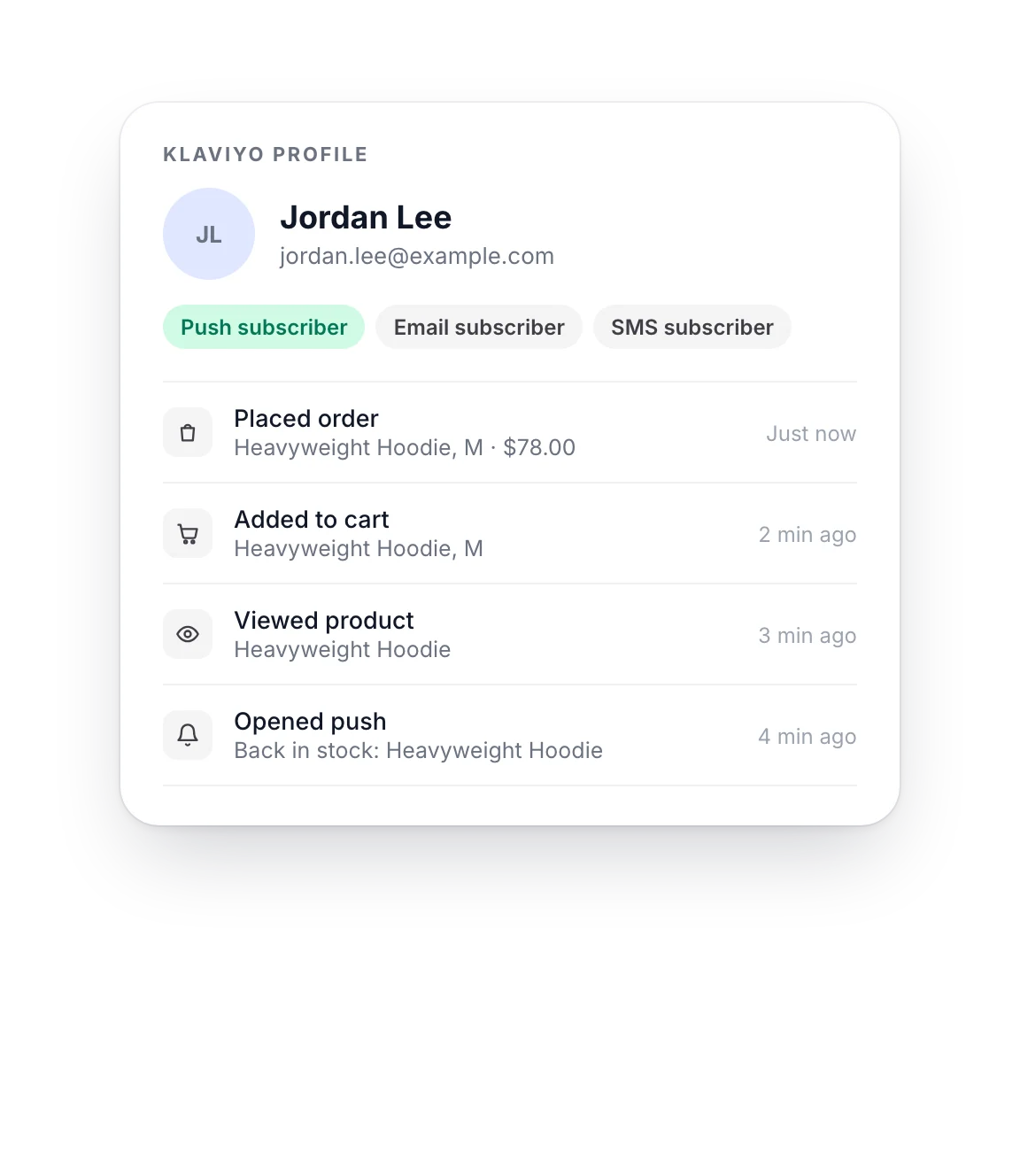
Klaviyo’s onsite tracking runs in your app, so product views, carts and orders from the app feed the same profiles, segments and flows as your website.
We can also merge each customer’s app and web profiles, so one person stays one profile.
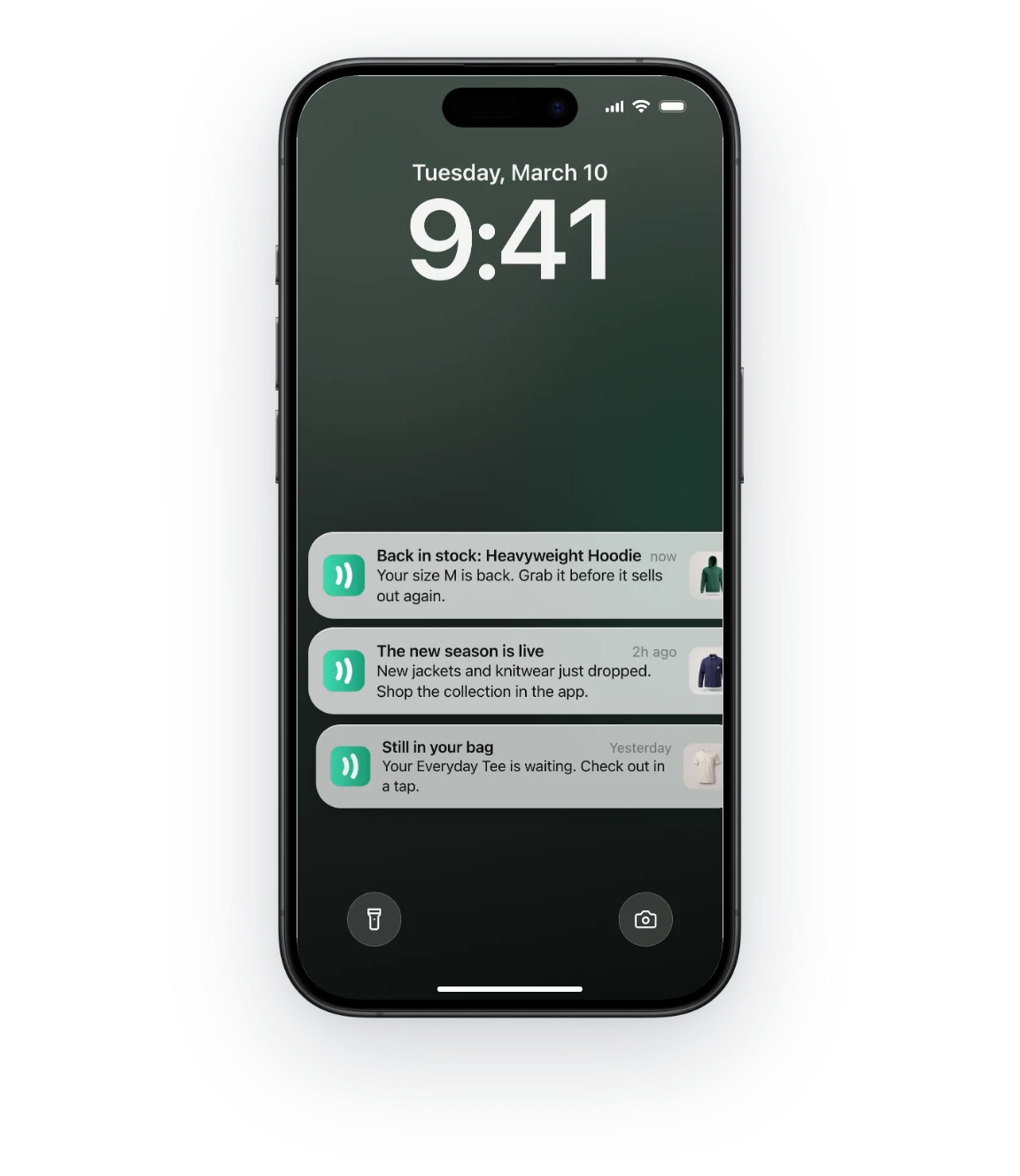
Back-in-stock alerts, new collections and cart reminders land on the lock screen and open the right page in the app.
For transactional messages like order and delivery updates, on Business and Enterprise your developer can trigger push through Klaviyo’s API when the event happens on your store.
Klaviyo in live apps
These stores run Klaviyo, so its tracking feeds their profiles and flows from inside their MobiLoud apps too.
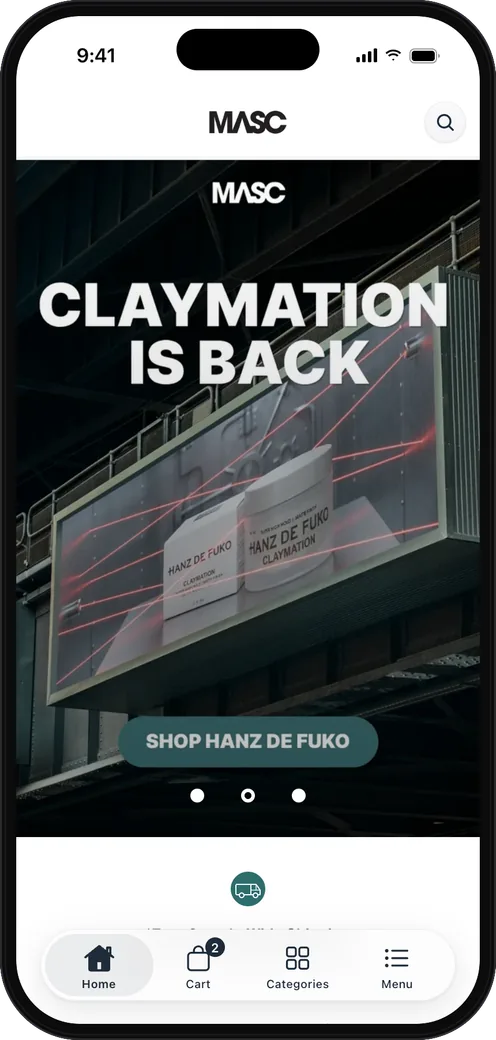
MASC
Men’s grooming Shopify
20% of Online Revenue
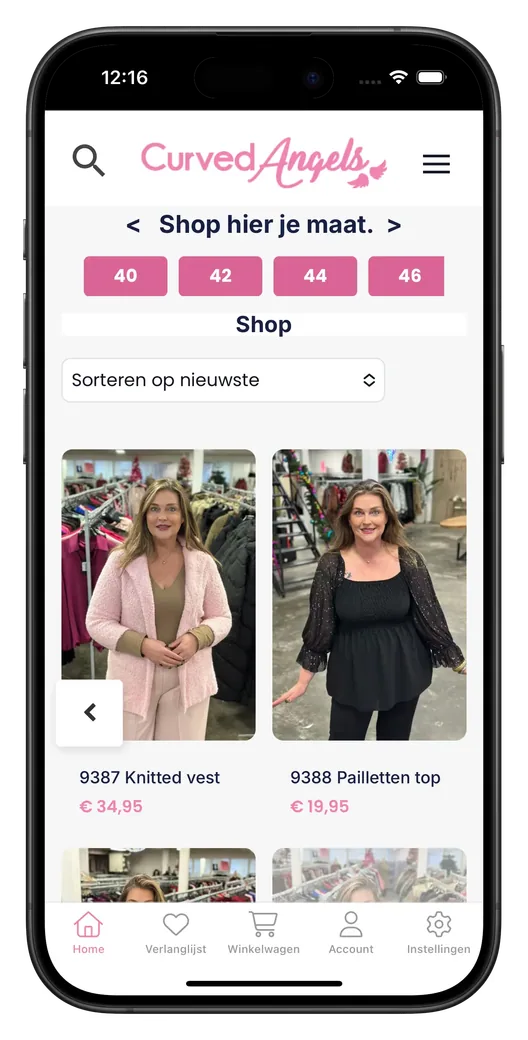
Curved Angels
Plus-size women’s fashion WooCommerce
Setup
Push becomes one more channel in the account you already use. Our team handles the app side.
Connect your Klaviyo account from the MobiLoud app in your Shopify admin. It takes a minute, and MobiLoud only reads your account ID.
On Business and Enterprise, our team sets up Klaviyo push in your app, so every notification can open the page you choose.
On Business and Enterprise, build flows and campaigns in Klaviyo as you do today, with push right next to email and SMS.
Have any more questions we didn't answer? Book a 30-minute call or send us a message to clear it all up.
Book a callKlaviyo works with MobiLoud apps in two ways. Klaviyo’s onsite tracking runs in your app with no changes, and on Business and Enterprise, MobiLoud connects app push notifications to your Klaviyo account, so you send push from your flows and campaigns.
On Business and Enterprise, you can send push notifications from any Klaviyo flow. Add a push step next to your emails and texts, and choose the page it opens in your app.
App activity shows up in the same Klaviyo profiles as your website activity. Product views, carts and orders from the app feed your segments and flows, and each customer’s app and web profiles can be merged into one.
On Business and Enterprise, you send push to people who have it turned on with a Klaviyo segment. Klaviyo can segment everyone who can receive mobile push, so campaigns reach only customers with notifications enabled.
You can send order and delivery updates as push notifications. On Business and Enterprise, your developer triggers them through Klaviyo’s API when the event happens on your store, and the push goes to that customer’s app.
MobiLoud can only see your Klaviyo account ID. It doesn’t read or store your profiles, lists or customer data through the connection, and you can disconnect it at any time.
You can use OneSignal instead of Klaviyo for push. OneSignal is available on every plan, while Klaviyo push is available on Business and Enterprise. Your app sends through your own account, with your segments and automations.
See how other tools work in your app, or look up any tool.
See how your store would look and feel as a mobile app, before deciding whether to build.
No credit card required.