Recharge integration
MobiLoud builds a custom iOS and Android app powered by your Shopify store, so your Recharge subscription options, checkout and customer portal are part of it from day one. Push reminders and a subscriptions tab then give subscribers a faster way to manage every order.

2,000+ apps published since 2013








Why an app
Subscribers are your most valuable customers, and most of your relationship with them happens between orders. Your app puts your brand on their home screen and your reminders on their lock screen.
Your app icon sits beside the apps they use every day, one tap from their account and their next order.
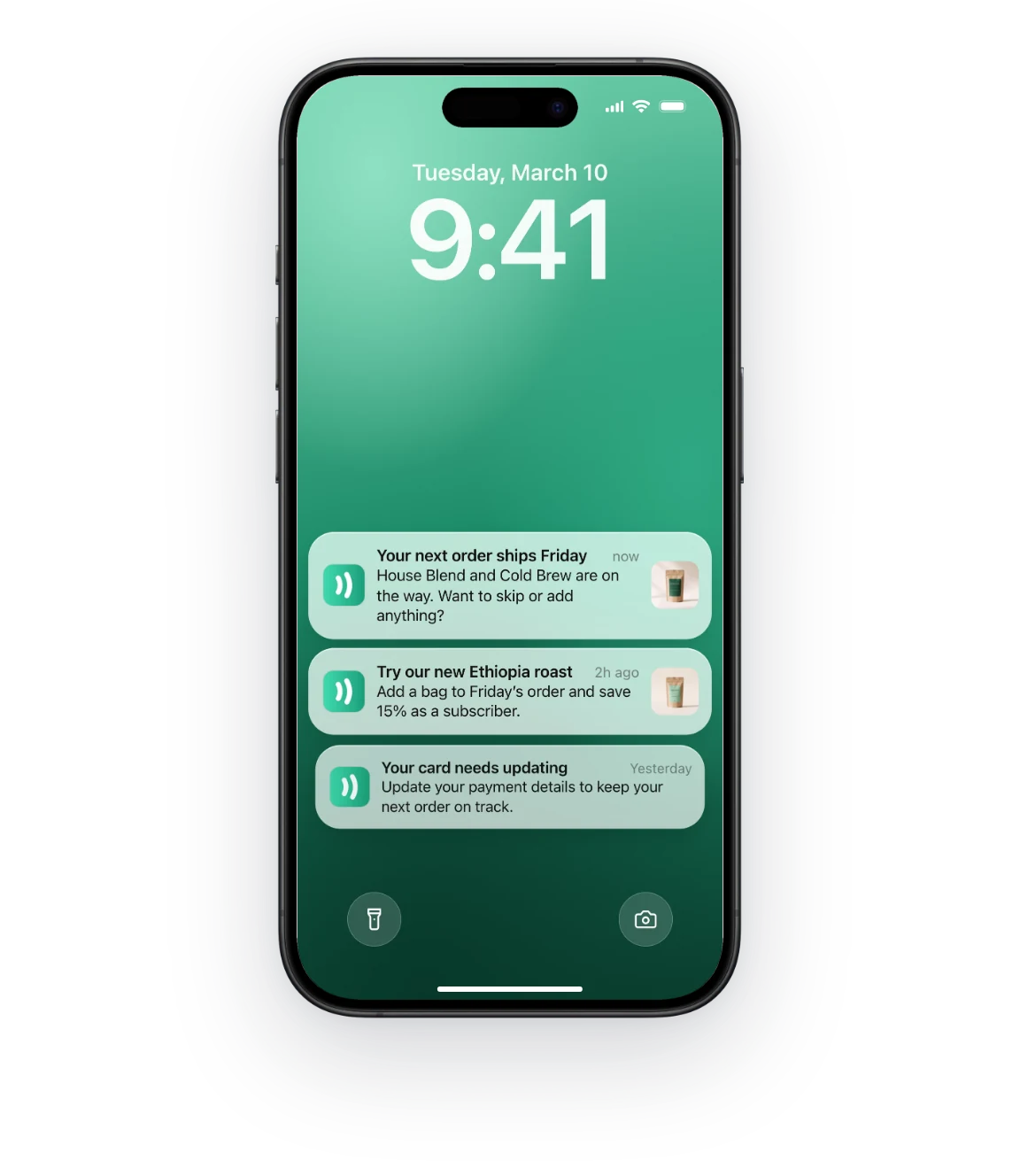
A push notification before each order lands on the lock screen, instead of an inbox where renewal emails get skimmed or missed.
Skipping or swapping takes seconds, so a subscriber who needs a break can change one order instead of cancelling.
Recharge in your app
Recharge runs in your app with no extra setup, because your app is powered by the same code as your store. Here’s what your subscribers get.
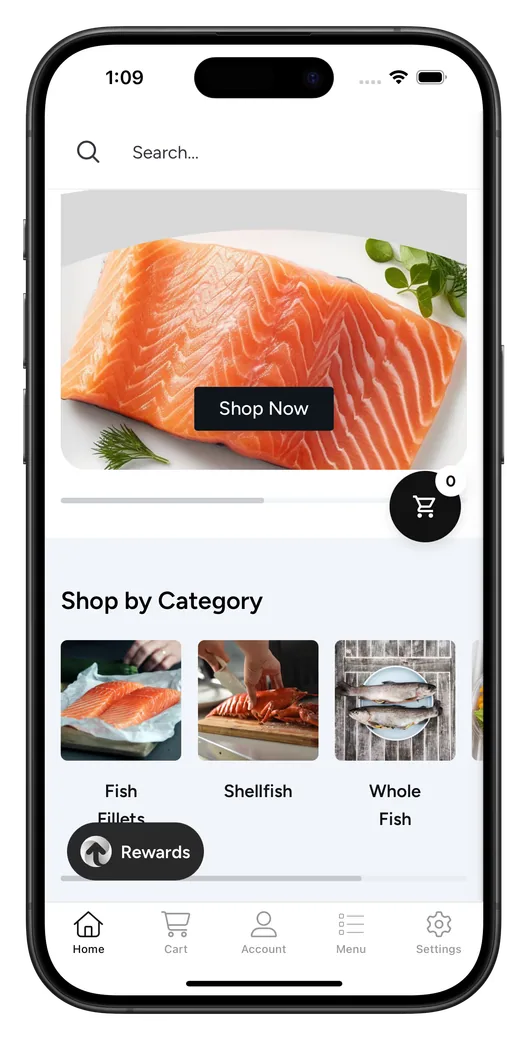
Your Recharge subscription options show on your product pages in the app, with the discounts and delivery frequencies you set up in Recharge. Subscribers then check out through your Shopify checkout, with the payment methods it already offers.
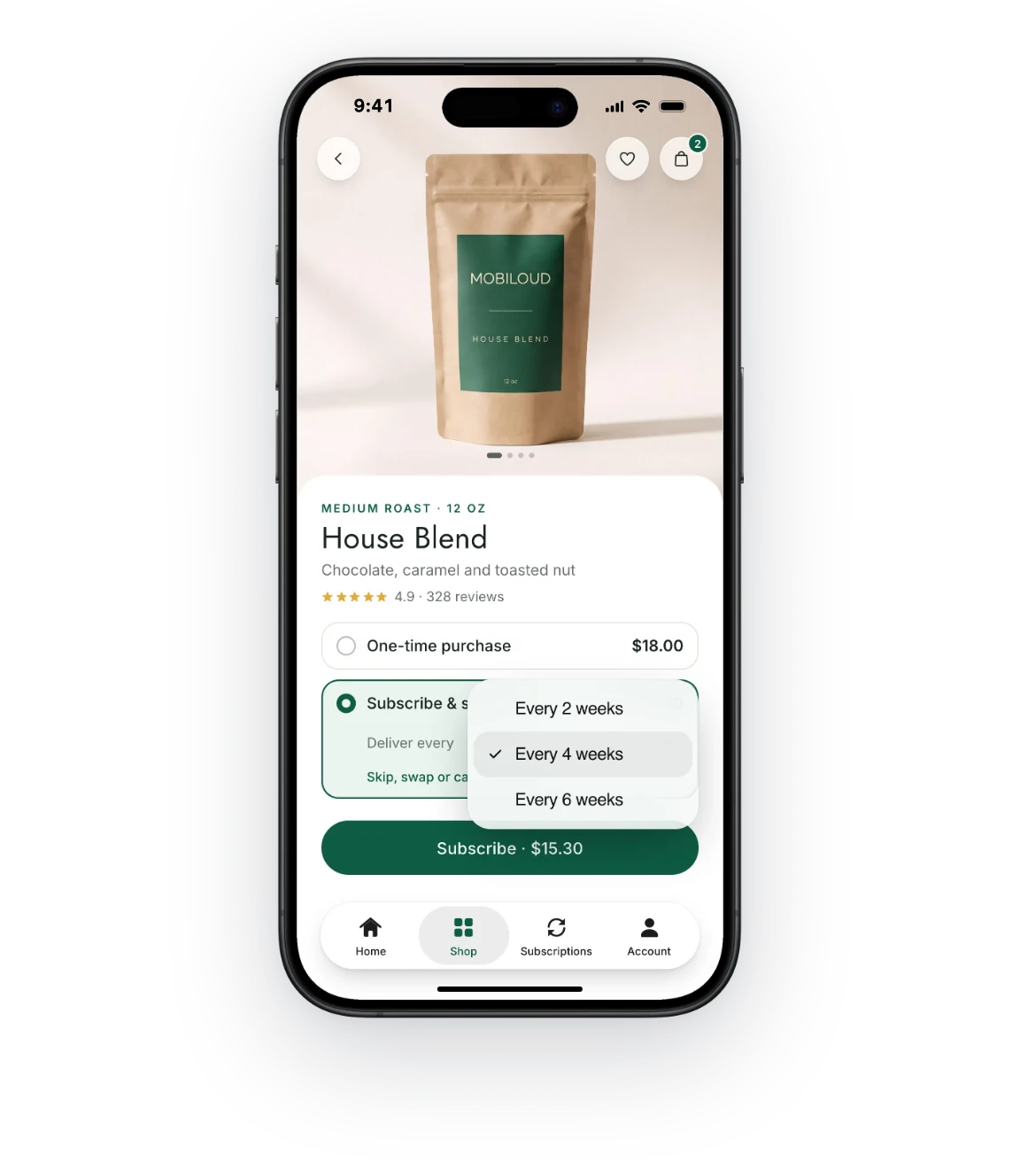
We can put your Recharge customer portal in your app’s tab bar, so subscribers find it in one tap instead of digging for a login link in an email.
From there they skip an order, swap products, change their delivery date or update payment details, signed in with the same account they use on your store.
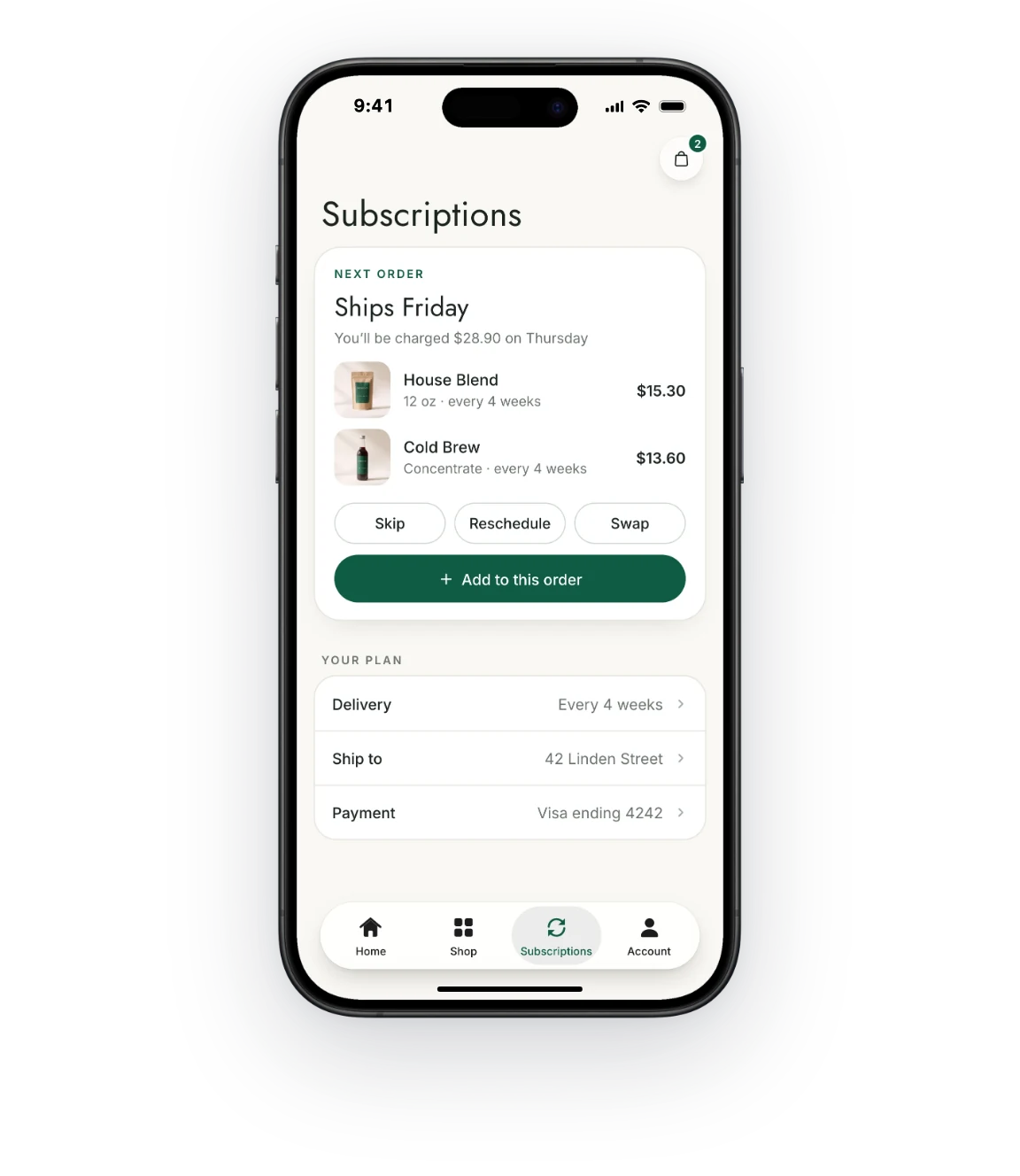
On Business and Enterprise, when Recharge is connected to Klaviyo, the flows you run for upcoming orders and failed payments can send push notifications through your app too, each one opening the right page.
If you use OneSignal instead, your developer can trigger the same reminders from your store when a subscription event happens.
Recharge in live apps
These stores run Recharge, so their subscribers subscribe, check out and manage orders inside their MobiLoud apps.
Setup
Your subscriptions keep running in Recharge. Our team builds your app around them.
Your Recharge widgets, checkout and customer portal come with your store, with no API work and no second subscription setup.
We add your subscriptions page to the app’s navigation and set up push links that open it, so every reminder leads straight to the next order.
Plans, discounts and bundles stay in Recharge. Change them there, and your app shows the change right away.
Have any more questions we didn't answer? Book a 30-minute call or send us a message to clear it all up.
Book a callRecharge works with MobiLoud apps with no extra setup. Your app is powered by your live Shopify store, so Recharge’s subscription options, checkout and customer portal run in it without a separate integration.
You don’t need to change anything in Recharge for your app. Your plans, discounts, bundles and portal settings stay as they are, and any change you make in Recharge shows in the app right away.
Subscribers can manage their subscriptions in the app through your Recharge customer portal. They can skip or reschedule an order, swap products, add one-off items and update payment details, and we can link the portal from your app’s tab bar.
Subscription checkout works in the app through your Shopify checkout. Customers pay with the payment methods your checkout offers, and Recharge handles the recurring orders as usual.
You can send subscription reminders as push notifications. On Business and Enterprise, when Recharge is connected to Klaviyo, the flows it triggers, like upcoming order reminders, can send push through your app. With OneSignal, your developer can send targeted push from your store when a subscription event happens.
You can offer subscribers app-only perks, like an extra discount for subscribing in the app. Your store can show content and offers only to app users, so you decide what appears in the app.
Other subscription apps work in your app the same way Recharge does. Skio, Appstle, Loop and similar apps run on your store, so their subscription options and portals run in your app too.
See how other tools work in your app, or look up any tool.
See how your store would look and feel as a mobile app, before deciding whether to build.
No credit card required.