Your Shopify theme stopped being a template a long time ago. Your team has built features into it that the store runs on: a bundle builder, a product quiz, size guides pulled from your product data, a free-gift bar in the cart. Customers use them every day, and you’ve tested and tuned them to sell more.
Now you want a mobile app, as a channel of its own for your best customers. The worry is what happens to all that work. Most ways of getting an app start from scratch, and you don’t want to lose what you’ve built, or pay to build it all again.
You don’t have to. We’ll show you how to keep your theme in your app, and how we improve on it there. We’ll also break down what’s in a custom theme, why most Shopify mobile app builders don’t use it, and what it takes to launch your app.
Can You Keep Your Custom Theme in a Mobile App?
You can launch a mobile app without losing your custom theme. That’s how we build apps at MobiLoud.
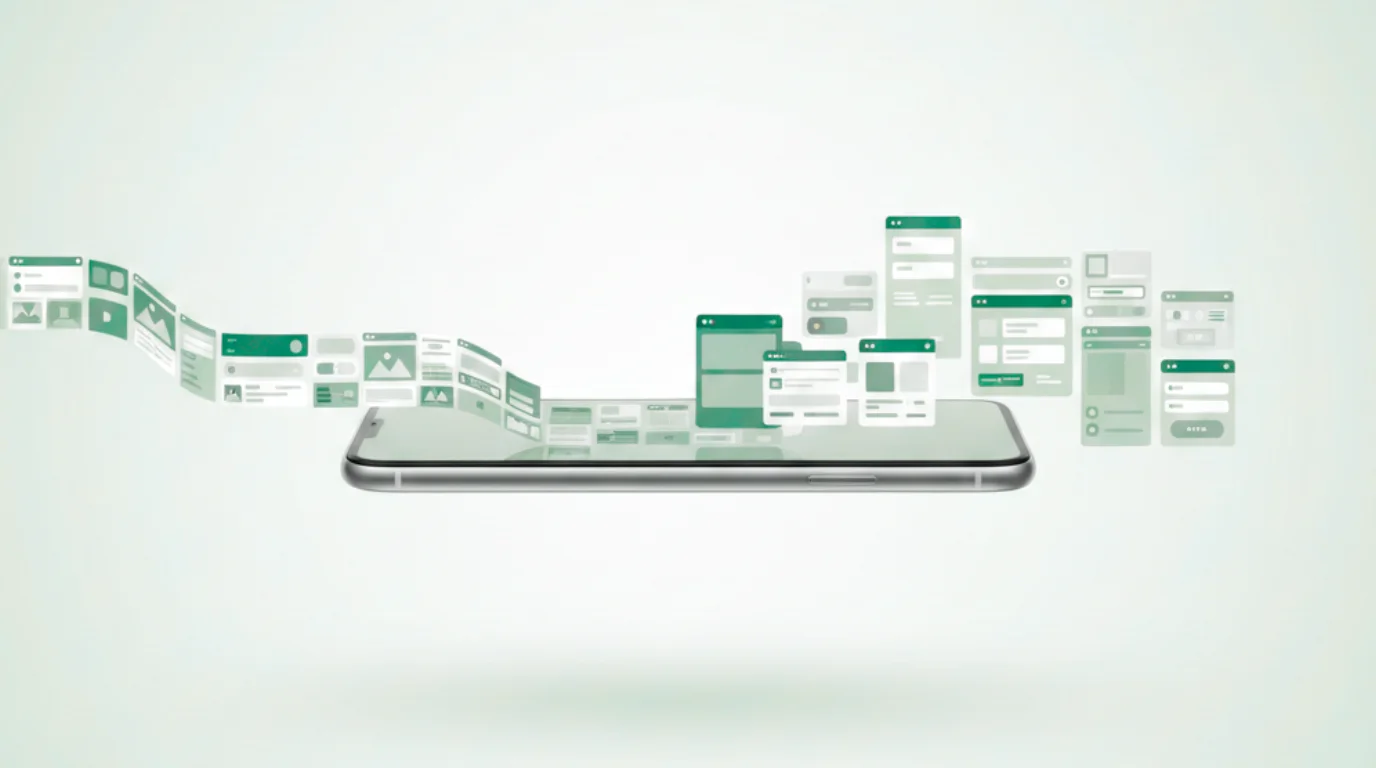
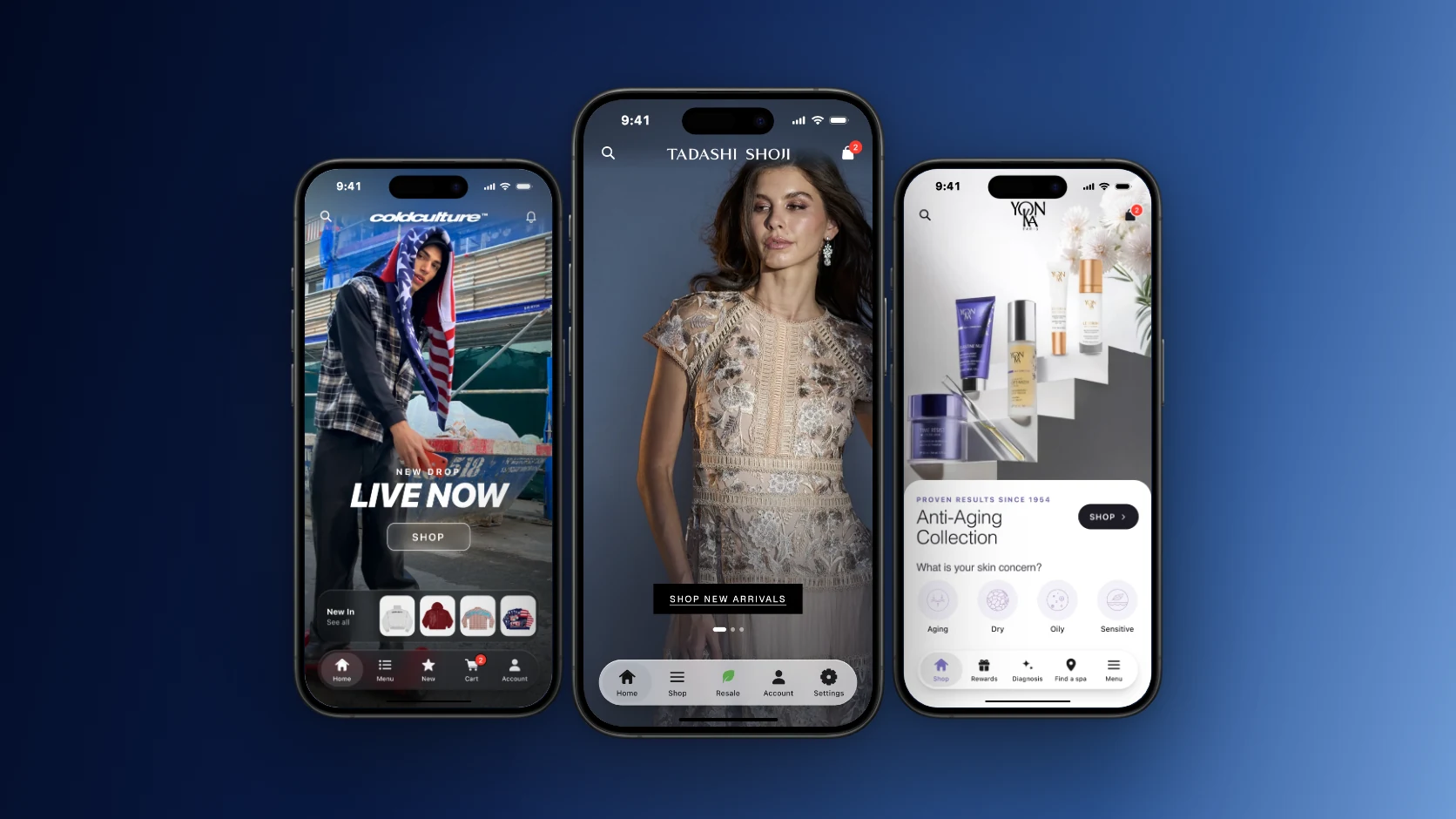
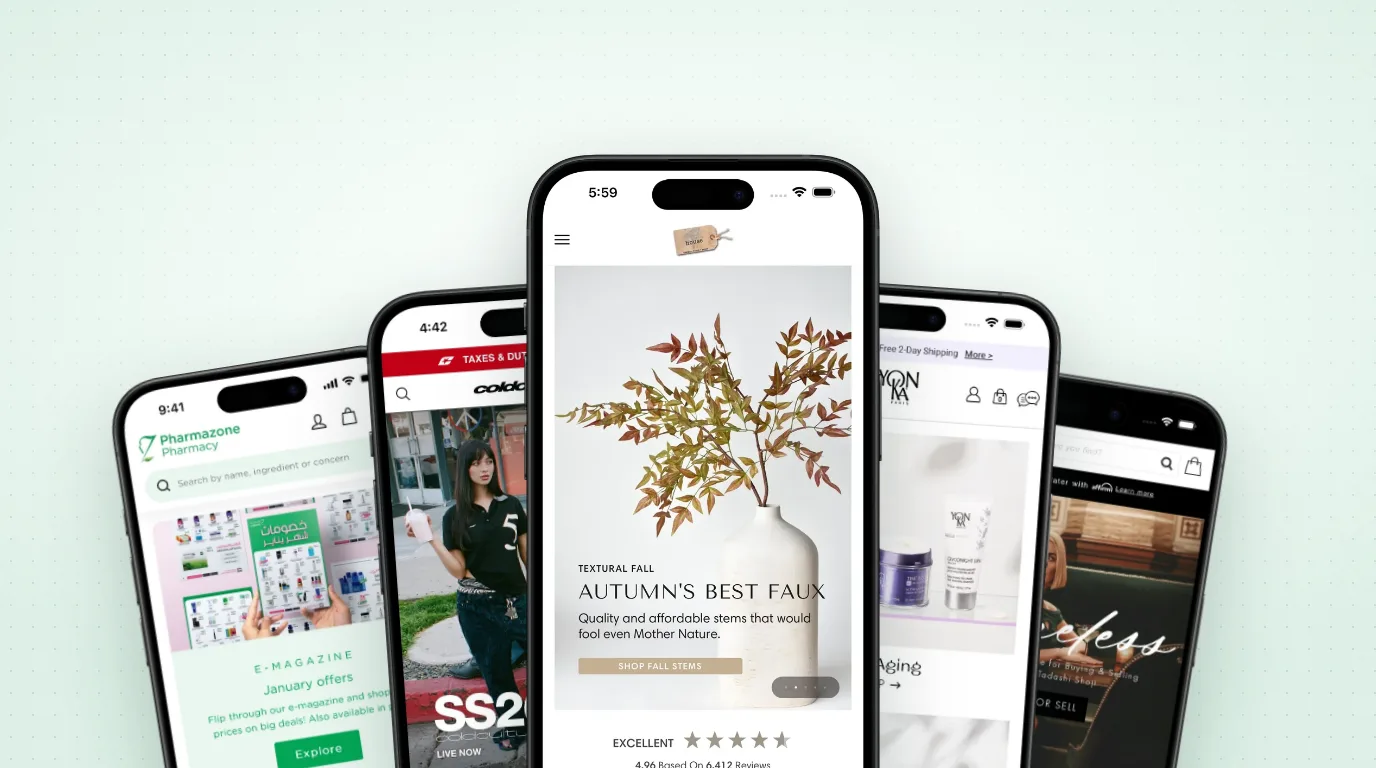
MobiLoud builds your app on top of your website, not alongside it - meaning everything from your website carries over to your app.
Most app builders work the other way. They take your products from Shopify and put them into their own theme, so the custom work and everything else from your theme gets stripped away.
MobiLoud’s approach integrates your theme, your apps, and all the other work you’ve put into your site, into your mobile app. You’re not starting from zero, you’re working on top of everything you’ve already put so much work into.
When your team changes something in your theme, the change shows up in your app too. There’s nothing to rebuild, and nothing to update twice.
Most Shopify mobile apps don’t work this way, so it’s worth knowing what you’d lose before you choose one. That starts with what’s actually in your theme.
What’s Actually in Your Custom Theme
A Shopify theme is more than the look of your store. It’s the code behind every page, and it decides what customers can see and do there. A heavily customized theme usually holds four kinds of work:
- Sections and code your team or agency wrote in Liquid, Shopify’s theme language, which is where fully custom features live
- Features from the Shopify apps you’ve installed, which they add to your theme, such as a reviews widget on your product pages or a loyalty button in the corner of every page
- Content from metafields, the custom fields you add to products, such as ingredient lists, size charts and care instructions, which your theme displays on the page
- Your cart, and anything you’ve added to it, such as upsells or a progress bar toward free shipping
Each of these is something customers rely on, and each one depends on your theme to show up.
Say you run a skincare brand. Your product pages have a “build your routine” bundle from a bundles app, which takes 15% off any three products. Your agency coded a skin quiz into the theme that recommends a routine and adds it to the cart. Every product page has an ingredient panel, pulled from metafields. And your cart shows how close a customer is to a free travel-size cleanser, which they get on orders over $75.
Those four features are part of how your store sells. We’ll follow them through each way of getting an app.
Why Most Shopify Mobile Apps Leave Your Theme Behind
Most mobile apps for Shopify stores are built separately from your website, either with an app builder or as a custom build. Both take your products, collections and cart from Shopify and show them in screens of their own, so anything you’ve built into your theme has to be built again for the app.
Then every one of those features has to be kept in step with your website for as long as you have both. We’ve seen many brands build apps that became too much to maintain next to their site for exactly that reason. You end up running a second version of your store.
App Builders Give Your App Their Theme
A Shopify mobile app builder gives you an editor and a set of pre-built blocks, such as banners, product grids and carousels. You design your app’s screens from those blocks and set its look in the builder’s own brand settings. It’s a quick way to get a clean, simple app, but it’s their theme with your products in it.
Your custom features aren’t part of that theme, so each one becomes a question for the builder. For the skincare store, it goes something like this:
- The routine bundle comes from a Shopify app. If the builder has an integration with that bundles app, you set it up again in their editor. If not, a developer rebuilds it as a custom block in the builder’s own system, or you show that page from your website inside the app.
- The skin quiz is your agency’s own code, so no builder has an integration for it. It has to be rebuilt, or shown as a page from your website.
- The ingredient panels come through if the builder’s product screen can show your metafields and you set them up there.
- The progress bar toward the free cleanser lives in your theme’s cart. The app uses the builder’s cart instead, so the bar is gone unless the builder offers something like it.
Then, six months later, you change the routine offer to 20% off any four products. On your website, that’s one change to your theme. In the app, it’s a second job in the builder, and if the routine bundle was rebuilt as a custom block, it’s a job for a developer.
A Custom Build Recreates Your Store From Scratch
A mobile app built from scratch, natively for iOS and Android or with a framework like React Native, gives you full control. But it leaves your theme behind too. It gets your products and cart from Shopify’s Storefront API, and your developers build every screen around them.
Shopify is clear about what that leaves out. Hydrogen is their own framework for building a storefront without a Shopify theme, and their documentation says the sections and app blocks that Shopify apps add to a theme don’t appear in it. They’re built in Liquid, which only a Shopify theme can display. A native app is in the same position.
For the skincare store, that means:
- The ingredient panels are data, so your developers can fetch them and design them again for the app.
- The routine bundle disappears, because the bundles app added it to your theme. Your developers rebuild it using the bundles app’s API, if it has one. Many apps don’t.
- The skin quiz and the gift bar are code in your theme, so your developers write both again for the app.
Every change after that happens twice: once in your theme and once in the app’s code. And every update to the app goes out as a new version through the App Store and Google Play.
How a MobiLoud App Carries Over Your Theme (and Everything Else from Your Site)
We build your app on top of your Shopify website, so everything you’ve built into your store comes with it. The app runs on the same code as your website, adapted to look and work like an app.

For the skincare store, all four features are in the app the day it launches. The routine bundle, the skin quiz, the ingredient panels and the gift bar work the way they do on the website, because the app runs on your theme and they’re part of it. Nobody rebuilds them, and nobody checks them against a list of supported integrations.
The same goes for everything else on your site, including:
- Pages made with page builder apps, and any other custom pages
- The other features your Shopify apps add, such as reviews, subscriptions and loyalty, with no integration to wait for
- Your checkout, with Shop Pay, your discounts and your checkout apps
- Customer accounts, so shoppers see their order history and loyalty balance
- Shopify Markets, so customers in each country see their own currency and language
Because the app and your website share one theme, your team keeps working the way it does now. When the skincare store changes the routine offer to 20% off four products, they make the change once, in the theme, and it’s on the website and in the app the same day. The same is true when you publish a new section or install a new Shopify app. There’s no second editor to learn and no second store to update.
Keep Your App Identical to Your Store, or Make It More
Your store is the baseline for your app, not the limit. If you want your app to look and work exactly like your store, it can. If you want it to be more than your store, it can be that too.
Your theme was built for everyone who lands on your website, many of them seeing your brand for the first time. Your app is for the people who already know you and come back to buy again, so it can be built around them. Here’s what we change for the app, and what it could look like for the skincare store.

A Native Interface Built Around Your Theme
We design your app’s navigation and tab bar around how your customers shop on their phones, so the pages they use most are one tap away. Your store’s pages sit inside that native interface, so the app feels like an app while every feature on them keeps working. Customers stay signed in between visits, too.
For the skincare store, the tab bar might have Home, Shop, Build Your Routine and Account. A regular who wants to restock their routine gets there in one tap, instead of finding it in a website menu.
On our Business plan, we go further, with custom layouts and home screens designed just for the app. The skincare store’s home screen could open on new launches and app-only offers, rather than the banner built to introduce the brand to new visitors.
Less Clutter Than Your Mobile Site
Your store has things a website needs and an app doesn’t. On the skincare store’s website, first-time visitors get a pop-up offering 10% off for their email address, and every page ends in a long footer of links. In the app, everyone already knows your brand, so the pop-up only gets in the way, and the tab bar does the footer’s job. We can hide both in the app, while your website keeps them as they are.
Your theme can also tell when it’s running in the app, so your team can show, hide or change anything for app customers in the code they already work in. For example, they could add a banner to product pages announcing app-only offers, and it would only ever appear in the app.
Pages, Offers and Push Just for App Customers
Your app can also have things your website doesn’t. You can create pages, products and collections that only appear in the app, and discount codes that only work there. You set them up in Shopify, like everything else.
The skincare store could launch a new serum in the app a week before it reaches the website. App customers could also get a code like APP15 that doesn’t work anywhere else, and a page of routine guides just for them. Perks like these give customers a reason to download your app and keep using it, and make them feel like VIPs.
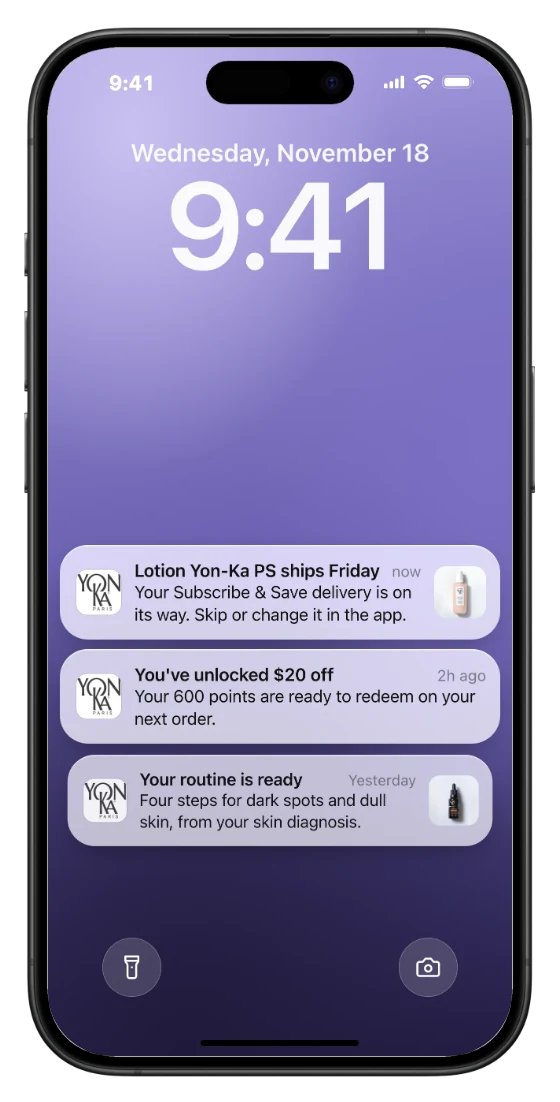
Then there are push notifications. They land straight on your customers’ phones, with no inbox to get lost in and no cost per message. When the serum launches, every app customer can hear about it the moment it goes live.
What It Takes to Launch Your App
Launching a MobiLoud app typically takes 2 to 4 weeks, and very little of your team’s time. Here’s how it goes:
- You see a free, interactive preview of your store as an app, so you can check your theme’s features in it before you commit.
- We design the app with you: the navigation and tab bar, what to hide, and what’s just for the app.
- We build the iOS and Android apps, submit them to the App Store and Google Play, and handle the review process.
- After launch, your team keeps working on your theme as it does now, and the app keeps up. We keep the app up to date with every new version of iOS and Android, and with Apple’s and Google’s rules.
When you want to change the app itself, ask our team. On our Business plan, your team can also make changes with their own AI agents, connected through MobiLoud MCP.
MobiLoud starts at $639 per month on a 12-month term, or $799 month to month, with no revenue share on what your app sells. The Business plan, with custom layouts, home screens and MobiLoud MCP, is $1,199 per month on a 12-month term.
Final Thoughts
Your theme is the work that makes your store yours: the features you’ve built, tested and paid for, and that your customers use every day. Most ways of getting an app leave it behind, so you build it all again and keep two versions in step for as long as you have both.
A MobiLoud app is built on top of your website instead, so it keeps your theme. It has everything you’ve built from the day it launches, and every change your team makes reaches it the same day. Then it’s up to you how far it goes, from an app that’s identical to your store to one built around your best customers.
Your store is where your app starts, not where it stops.