Shopify Mobile App Development: How to Build a Mobile App for Your Shopify Brand

If you're looking to launch a mobile app for your Shopify store, there are different ways to do it. Most rebuild your store as a separate channel, which becomes a second storefront to manage. MobiLoud is different: turning your Shopify store into an app that's fully synced with your website, carrying over all the complexities of your website into a full-featured mobile app.
If you're looking to launch a mobile app for your Shopify store, there are different ways to do it. Most rebuild your store as a separate channel, which becomes a second storefront to manage. MobiLoud is different: turning your Shopify store into an app that's fully synced with your website, carrying over all the complexities of your website into a full-featured mobile app.
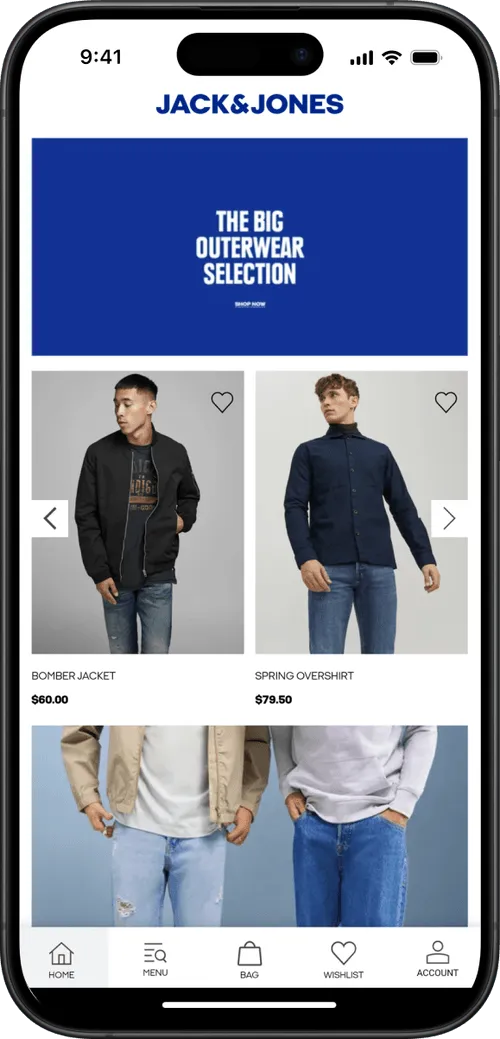
Mobile apps should be on the radar for any serious Shopify brand. The business case writes itself: app users come back more often, spend more per order, and cost less to reach than customers stuck on mobile web.
The question isn't whether to build one. It's how.
This guide breaks down everything you need to know about Shopify mobile app development. It’s the full primer you need to make the right strategic decisions with your mobile app, and launch the best mobile app possible, as efficiently as possible.
Why Your Shopify Brand Needs a Mobile App
Once your store gets past the initial growth phase, you’ll find that acquisition alone is no longer enough.
It gets you to a certain point. But eventually, you’ll need to invest in retention. Repeat customers who generate sales at higher profit margins, and who cost less to sell to.
An app is the direct line to those customers.
The idea isn’t a replacement for your website. An app extends your brand’s presence beyond your website, into a channel where your best customers already live.
Let’s expand now. Here are four concrete reasons to build a mobile app:
The retention power of a home screen icon
Your app icon lives on the customer’s home screen, as a daily reminder of your brand, putting you in the same headspace as Amazon, Instagram, and TikTok.
Customers open it without being prompted. Return visits stop depending on email opens and retargeting spend, and happen organically instead.
App shoppers spend more per visit (and over their lifetimes)
App users consistently post higher AOV and higher annual spend than mobile web shoppers.
Part of that is self-selection - your most engaged customers are those who are most likely to install your app.
The rest is the experience. Faster checkout, saved account details, one-tap payment, and navigation built for the phone instead of adapted to it.
Push notifications reach customers directly at zero cost per send
A mobile app lets you send native push notifications: the highest-ROI channel in ecommerce.
Messages land directly on your customer's lock screen, with virtually 100% visibility and no cost per send.
Email rates are in decline, and SMS comes with a cost (and some regulatory concerns). Push gives you a third channel to add to your retention marketing mix, and one that gives you more reliable access to your best customers.
Behavioral pushes recover revenue the mobile web can't
Abandoned cart, back-in-stock, and price-drop notifications reach customers the moment it matters.
The instant nature of these automated notifications make them convert at super high rates; and furthermore, builds habitual engagement that drives value far beyond an individual sale.
"Having an app just helps with social proof and validation. The app makes us look more serious, more real."
- Isaac, Director of Sales and Business Development, Country Life Natural Foods
Rebuild or Convert? The First Decision in Shopify Mobile App Development
Every way to build a Shopify mobile app falls into one of two camps: rebuild or convert.
Most operators don’t grasp the difference; or how important it is.
Before asking yourself “what’s the best way to build an app”, or “what’s the best Shopify mobile app builder”, you first need to decide whether you want to rebuild your website, or convert what you already have.
Rebuild
Most Shopify app builders and custom development agencies rebuild your store as a native app.
Whether it’s a custom-coded build, or a no-code build with drag-and-drop templates; the result is a second storefront.
Backend data is synced with your store via Shopify’s API. But product pages, collection pages, navigation, and account screens all get rebuilt in native code or the builder's template system.
You’ve got two channels to maintain. Two design systems. Two integrations for every third-party tool. All managed separately.
"We went with one company because they promoted how heavily they were involved in Shopify and how simple it would be. In some regards, it's simple, but there were still issues because we essentially had to maintain two different storefronts."
-- Eric Lowe, Director of Ecommerce, XCVI
Convert
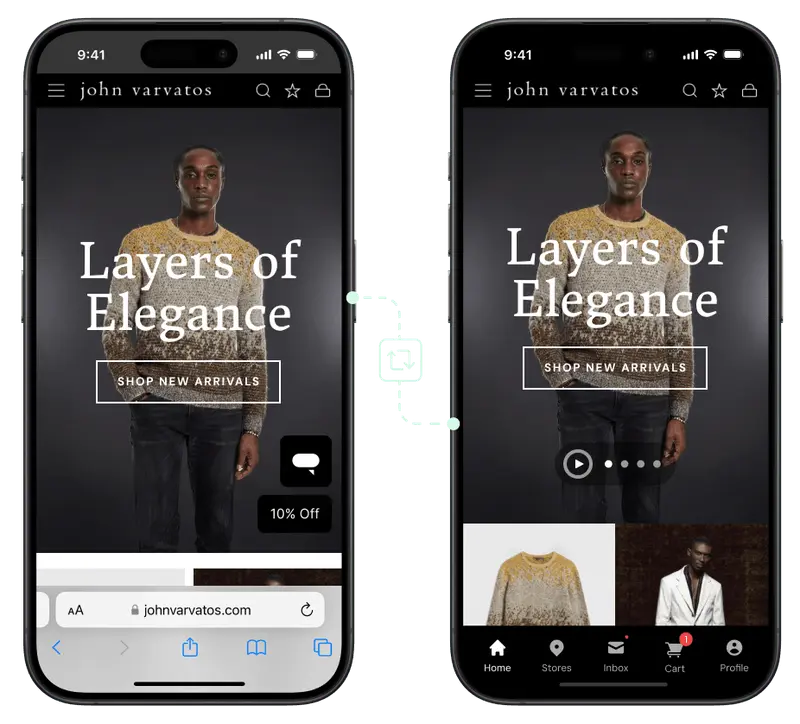
Convert means you extend your existing Shopify site into a native app.
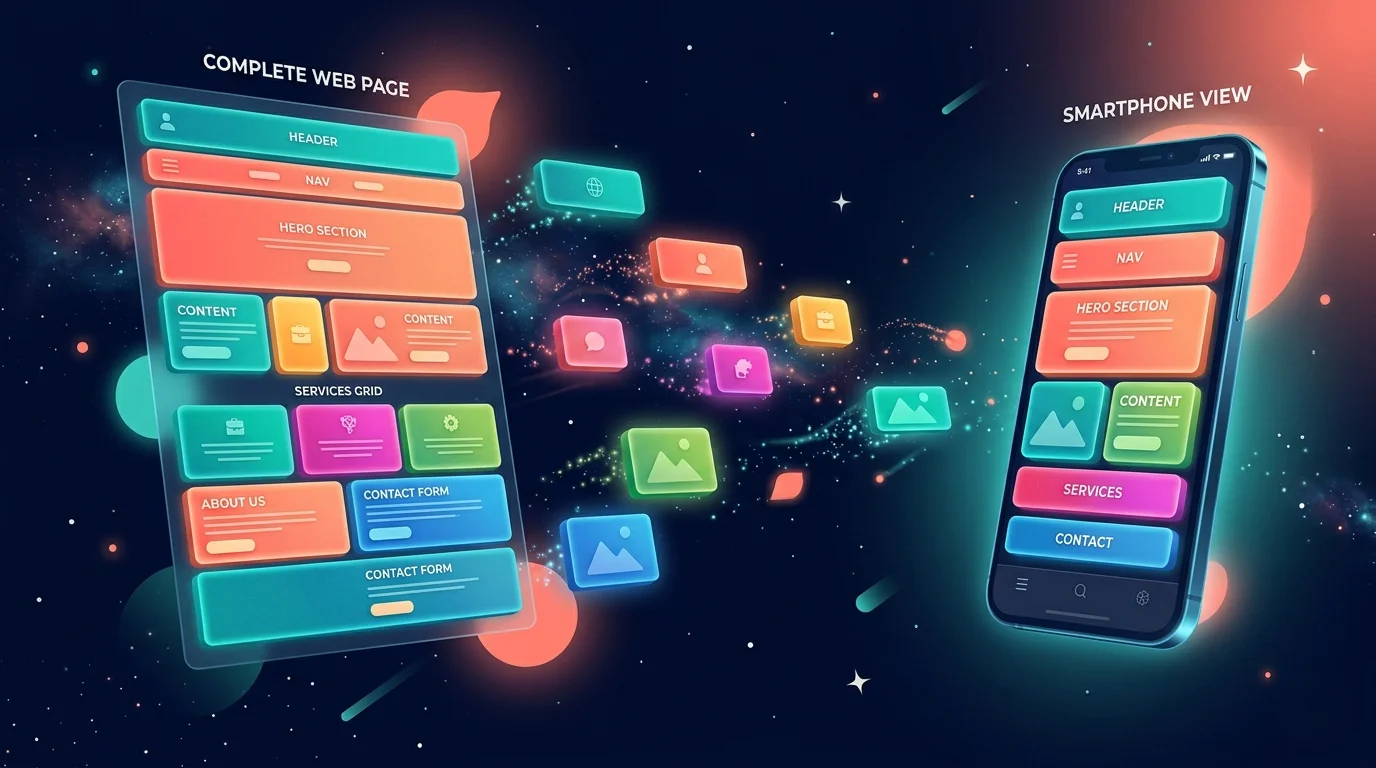
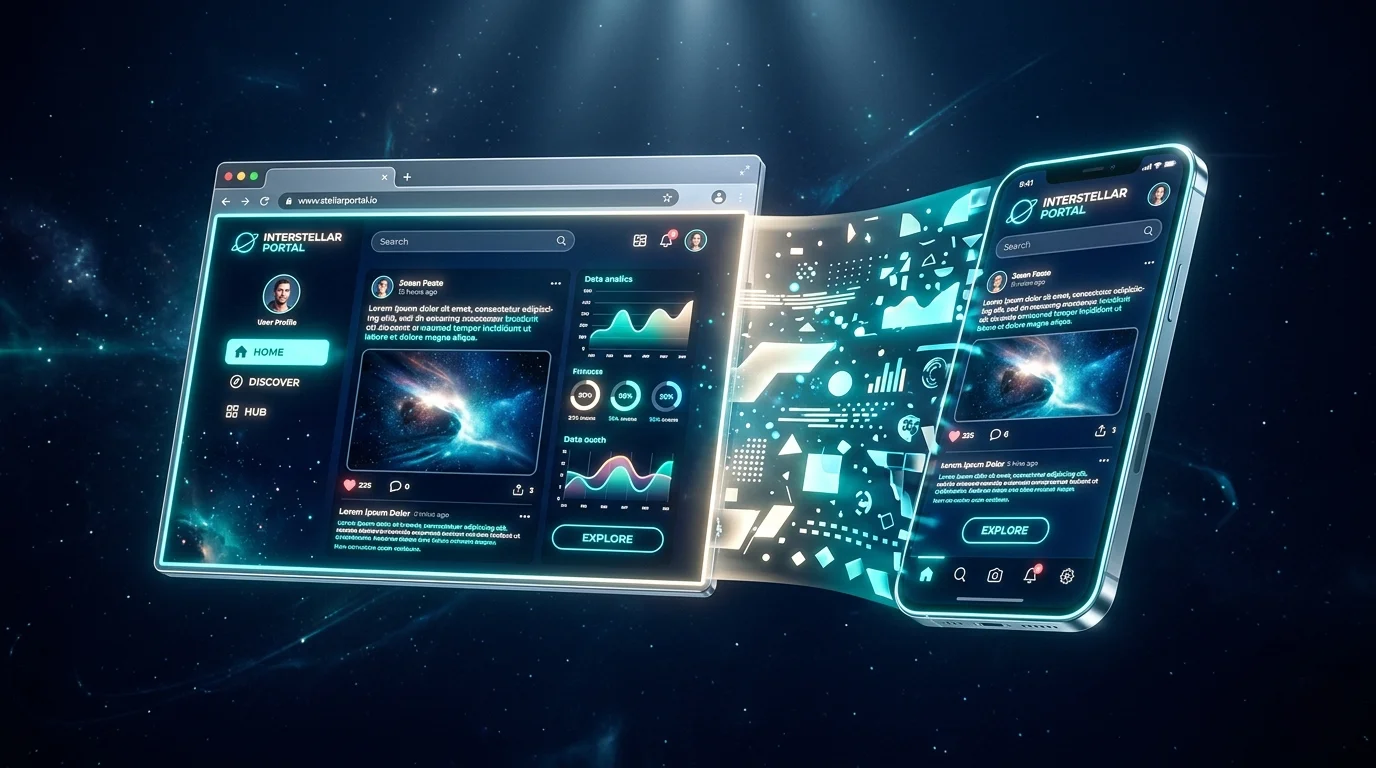
Instead of building from the ground up, your starting point is your existing website. You build native experiences on top of that, with native UI elements, app-exclusive experiences and screens, deep links, app store distribution, a home screen icon, and push notifications.
The content, all the features are managed through your website. You get two channels, running from one codebase.
Why The Difference Matters
The choice between rebuild and convert influences how you build your store’s app, and determines everything downstream:
- Cost. Rebuild means paying to build a second version of your store. Convert means paying for the native layer only.
- Time. Rebuild is months of development and QA before launch. Convert is weeks.
- Sync. Rebuild apps drift from the website over time: every feature added to the site has to be ported to the app. Convert apps inherit every site change automatically.
- Maintenance. Rebuild apps carry a permanent dev overhead. Convert apps carry the same maintenance as the website, plus a thin native layer.
- Feature parity. Rebuild apps start with a subset of your site's features and work toward parity. Convert apps start at parity on day one.
In short: converting your Shopify store into an app means less work, upfront and ongoing, and an end product that’s guaranteed to be consistent with your website.
"It's great to have an app, but realistically, you can't really be managing your website and your app separately."
-- Patrick Levesque, Co-founder, MASC
What Your Shopify Mobile App Needs (and What It Doesn't)
Most brands exploring mobile apps for the first time miss one thing: your Shopify store already does almost everything your app needs to do.
- Your mobile site already has the catalog, product pages, search, cart, and checkout.
- It processes payments through Shop Pay, Apple Pay, and Google Pay.
- It runs your loyalty program, reviews, subscriptions, personalization, and merchandising rules.
- It integrates with Klaviyo, Attentive, Recharge, Yotpo, Okendo, LoyaltyLion, and whatever else lives in your stack.
That took years to assemble and tune. Everything works well on mobile, and there’s nothing fundamentally different about how someone buys on your app vs on your website.
What an app adds on top is a native layer:
- A home screen icon so customers can reach you without typing a URL or searching an inbox
- Push notifications, both broadcast (sales, new drops) and behavioral (abandoned cart, back in stock, price drop)
- Native navigation chrome: tab bars, native transitions, gesture handling that feels like an app rather than a browser tab
- Deep linking and attribution so marketing links open the right product inside the app
- App store presence on iOS and Google Play
That's the layer worth paying for. Everything else, the part that makes your store your store, already exists on your site.
“Our apps never had any functionality or usability beyond the web experience. The reason to have an app is not to have something that isn’t on the website, but for people who prefer that way to access Rainbow content.”
-- David Cost, VP of Ecommerce, Rainbow Shops
Your app should feel like an app, and it should be customized so it doesn’t feel like a website in a box. But it doesn’t need to be a fundamentally different experience from your website.
What It Takes to Build a Shopify Mobile App
Here’s an idea of what you’re looking at investing to build a mobile app, in terms of cost, time and more.
Cost
- Custom native development typically costs $150,000 to $500,000+ for a launched v1, depending on scope, plus $50,000 to $150,000 per year in ongoing maintenance. You're paying for two apps (iOS and Android), a backend, design, QA, and project management.
- DIY app builders' cost varies greatly, from as low as $50 per month, to $1,500+, depending on what kind of features and integrations you need. They may come with revenue share on top (commonly 0.5% to 2% of app-generated revenue).
- MobiLoud’s done-for-you service runs on a subscription model with a one-time setup fee (which covers design, configuration, integrations, and app store submission). The monthly cost starts at $1,499 per month (with no revenue share). The cost is a little higher than a DIY app builder - but with less effort attached (since it’s a full-service model).
Time
- Custom development: expect six to twelve months to launch v1, often longer once integrations and QA stretch.
- DIY builders: it can take a few weeks to configure at the template level, longer as you hit the edges of what the builder supports.
- MobiLoud: six to eight weeks from kickoff to app store launch (with everything handled by the MobiLoud team).
Team effort
Here’s the important part that often gets missed.
With custom development, you need a product manager, designers, iOS and Android engineers, a backend team to integrate with Shopify, and QA.
Most Shopify brands don't have that team in-house and hire an agency, which adds overhead and translation cost on every decision.
DIY builders need a dedicated in-house operator to configure, maintain, and optimize the app. You're running the tool yourself.
MobiLoud, as a managed service, needs very little team effort on your side. The team handles the build, testing and app store submission for you, so the human capital is close to zero.
Ongoing maintenance
First-time builders also tend to underestimate this part: an app isn't a one-time project.
iOS and Android ship major platform updates every year, Shopify updates its APIs, new versions of the apps in your stack roll out, and app store policies shift.
Every update is work. With a rebuild-based app, that work sits on your team or your agency bill. With a convert-based app, most of it is inherited from the website updates you'd already be making, and the platform handles native-layer changes.
The Best Way to Build a Shopify Mobile App (for Most Brands)
For most Shopify brands, the best approach is to convert your existing site into a mobile app rather than rebuild it.
The logic is simple: if the app should do most of what your website already does, and for the vast majority of Shopify brands it should, rebuilding that same work in a second environment is duplicated effort you pay for in cost, time, and ongoing divergence.
In that category, MobiLoud is best way to build your app.
MobiLoud converts your existing Shopify storefront into native iOS and Android apps. The project is managed end to end by MobiLoud's team.
Your site is the single source of truth, so every change you make (to your theme, checkout, integrations, or merchandising) flows automatically into the app.
Launch takes around 6-8 weeks, on a flat subscription, with no revenue share. MobiLoud handles app store submission, QA, and ongoing platform maintenance throughout.
.webp)
Here’s why this works perfectly for Shopify brands:
- No duplicated work. Everything you do on the web carries over to the app.
- Every integration already works. Klaviyo, Yotpo, Recharge, LoyaltyLion, Gorgias, and whatever else you run on the site works in the app.
- Launch in weeks, not quarters. The app is live in the stores before most custom builds finish their discovery phase.
- No ongoing dev team required. MobiLoud handles native-layer maintenance; you focus on running the store.
- Predictable cost. Flat subscription, no revenue share eating your margin as the app scales.
For mid-market brands and higher, an app can easily be a $1M+ revenue channel.
At 20% of your revenue coming through the app, (which is about average, per our Mobile App Benchmark Report), a brand doing $10M or more annually will be looking at $2M+ in app revenue.
For a channel that costs a little over a thousand dollars a month, that math is a no-brainer.
And since you’re building on top of what already works, with minimal operational overhead, it’s essentially zero risk. Only upside.
When MobiLoud Doesn’t Make Sense
It would be nice to say that MobiLoud is the best choice for every brand. It is for some - but not in every case.
First, whether to launch an app in the first place. If your store is in a lower revenue bucket (doing less than roughly $500K/year in revenue), your customer base is likely not large enough to justify an app.
We generally advise brands to focus on acquisition and getting their website fully optimized up until around $1M in revenue, then revisit an app.
Second: if you want a fundamentally different user experience in the app, something your website doesn't do and shouldn't do, the convert approach isn't the right fit.
You’re better off rebuilding; generally through a mobile app builder like Tapcart, Appmaker, Appbrew, etc.
These tools are built to create differentiated app experiences, with more freedom of customization. So if you want to tinker and invest more time in creating something that exists separately from your site, these tools are the way to go.
Mobile Apps for Shopify vs Shopify Plus: Does It Matter?
The core decision doesn't change, depending if you're on Shopify or Shopify Plus. But the argument for converting instead of rebuilding gets stronger.
If you’re on Shopify Plus, you probably have a more custom setup. Some combination of:
- Checkout extensions
- Shopify Scripts
- Flow automations
- Custom Liquid logic
- B2B permissions
- Markets for international commerce
- Custom pricing rules
- Tiered loyalty
- Multi-warehouse inventory
On the rebuild path, implementing all of this in your mobile app gets tricky (or expensive).
That’s a lot of complexity to rebuild. Many mobile app builders can’t handle it. And a custom development project is going to run up a significant bill (and not a one-time bill either).
When you convert your Shopify store into an app with MobiLoud, your app inherits every bit of complexity from your website.
Because the app runs on your existing Shopify storefront, Shopify Scripts, Flow, custom Liquid, checkout extensions, B2B logic, and Markets already work. The app is as sophisticated as your site, automatically.
That's why the convert case gets stronger as your Shopify setup gets more complex, not weaker.
For more on this, and how to launch an app that measures up to your Shopify Plus store, see our Shopify Plus mobile app development guide.
Ready to Turn Your Shopify Store into a Mobile App?
Launching a mobile app is the right call for most successful Shopify brands.
But the real question is: does your app need to do something fundamentally different from your website?
If the answer is no, and for the vast majority of Shopify and Shopify Plus brands the answer is no, converting beats rebuilding on cost, time, feature parity, and ongoing maintenance.
“Shopify is already very mobile responsive and well structured, so using MobiLoud to just mirror our Shopify site was for me the best option in terms of money and time.”
-- Ahmed Yousef, Director of Ecommerce, Pharmazone
MobiLoud is built for that decision. It converts your existing Shopify store into native iOS and Android apps, handles the build and submissions end to end, and keeps the app in sync with your site automatically. You can launch in around 6 weeks, and gives you a dedicated channel for your best customers, customized completely to your brand.
If you’re ready to explore launching your own branded mobile app, get in touch with us and get a free preview of your app. We’ll show you what’s possible, walk you through the process and the options, and help you understand the best way to create a mobile app for your Shopify store.
FAQs

Convert your website into a mobile app