If you use Claude to write, research or think through ideas, you may have wondered whether it could build the app you’ve had in mind. It can. With Claude Code, Claude writes the code for a real iPhone and Android app, one you can publish in the App Store and Google Play.
Building an app this way is a lot like building it yourself, except that Claude does the writing and you direct it. You decide what the app should do, check what Claude builds and ask for changes. Working this way is what people call vibe coding.
This guide walks you through building an app with Claude, from setting up Claude Code to trying the app on your phone. It then covers what launching takes beyond the code, from developer accounts and app review to what the whole project costs. It also shows how to check an app when you can’t read its code.
Can Claude Build a Mobile App?
Claude can build a mobile app through Claude Code, which writes the same code a developer would, using the same tools. What you end up with is an ordinary app that works the same way as one a developer built by hand.
Claude Code works differently from the Claude chat you probably use already. The chat makes artifacts: documents, web pages and small interactive tools that run inside Claude, not apps for the App Store or Google Play. Claude Code is an agent, meaning an AI that carries out tasks rather than only replying to you. It works in your app’s files, writes the code, runs it and fixes what breaks.
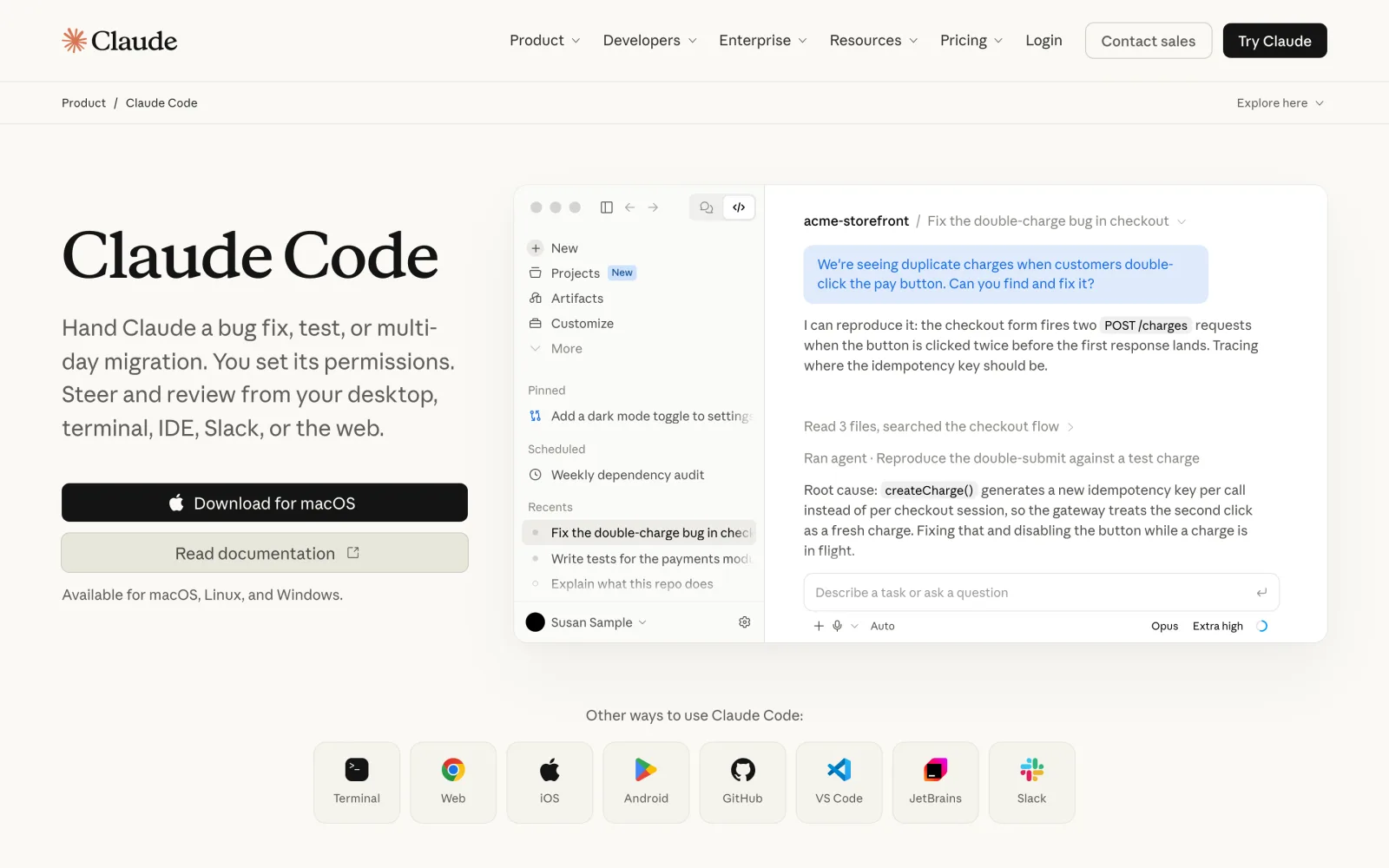
Professional developers use Claude for the same work in their own tools. In February 2026, Apple added Claude Agent to Xcode, their tool for building iPhone apps. The code Claude writes for you is the same kind of code it writes for them.
How Building an App With Claude Works
Building an app with Claude is a loop: you describe what you want, Claude writes the code, you check the result, and you go around again until the app does what you need. These five steps take you from an idea to an app running on your phone.
- YouDescribe what you wantA screen, a feature or a change, in plain words.
- ClaudeWrites and runs the codeIn your app’s files, fixing what breaks as it goes.
- YouCheck the resultOn the simulator or your phone.
- YouAsk for changesUntil the app does what you need.
Then around again, one feature at a time.
1. Set Up Claude Code
Claude Code comes with Claude’s desktop app on a paid plan such as Pro, so once you’re on one, you don’t need to install it separately.
You don’t need a Mac to build an iPhone app. Expo, which comes up in the next step, can build iPhone apps in the cloud. A Mac only matters in step 5, if you want Claude to test the app in Apple’s iPhone simulator.
2. Choose What the App Is Built With
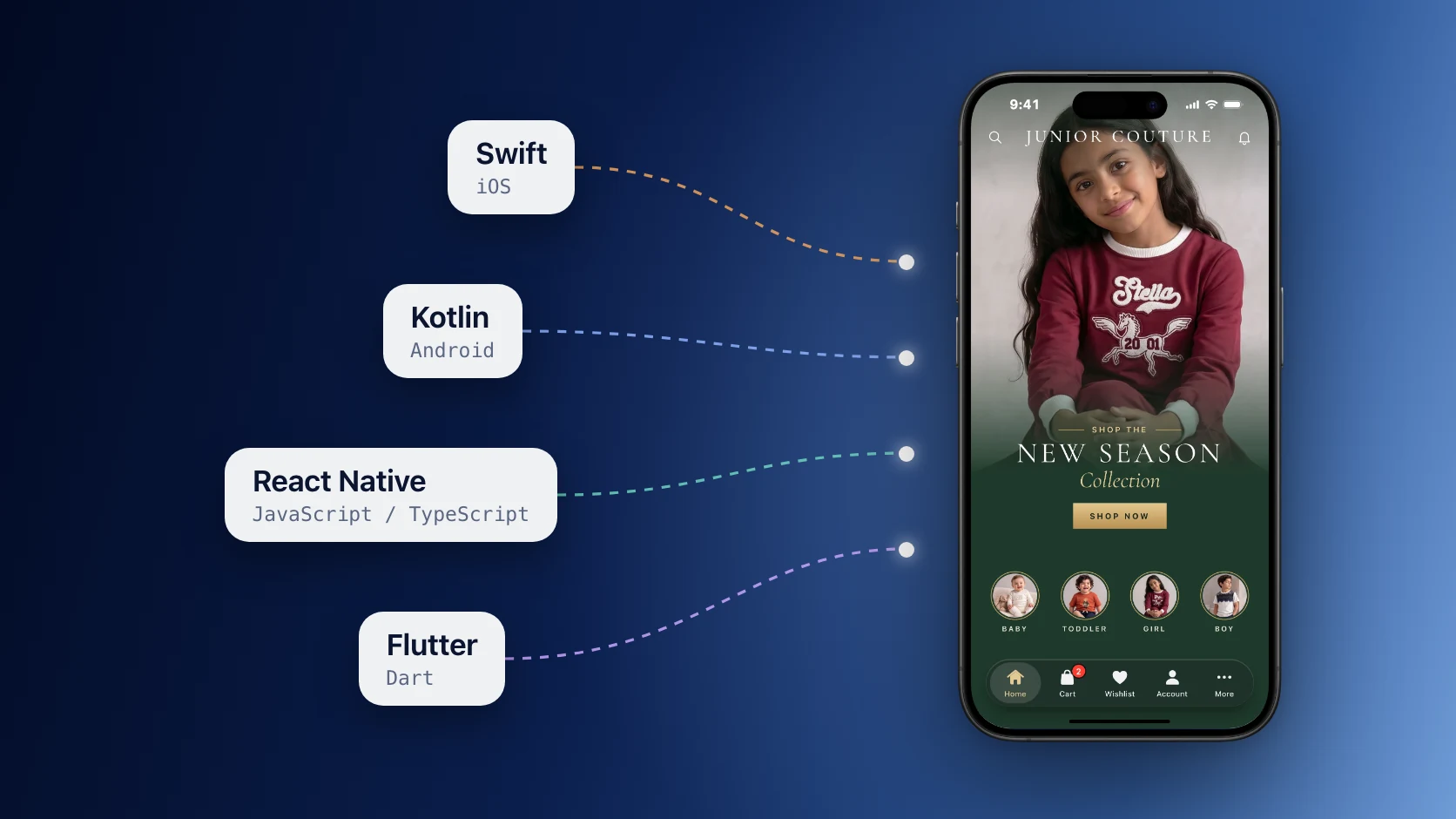
React Native with Expo is the usual starting point for a beginner, because it gives you an iPhone app and an Android app from one set of code. React Native’s docs recommend starting a new app with a framework, a ready-made foundation that handles the setup and common building blocks for you. Expo is the framework they name.
Expo also works well with Claude. They have an official Claude Code plugin, an add-on that teaches Claude how Expo projects are put together, so Claude follows Expo’s conventions from the start.
You’ll also come across Swift and Kotlin. With Swift you build for iPhone only, and with Kotlin for Android only, so you’d need two separate apps to reach both. For a first app, tell Claude you want to use React Native with Expo, and it can set the project up for you.
3. Describe the App and Let Claude Ask the Questions
You don’t need a detailed plan, or spec, before you start. If you’re not sure exactly what you want, Anthropic’s advice is to “ask Claude to interview you instead.” Claude might ask who the app is for, what each screen needs to show or what should happen when someone signs up. Your answers fill in the details you hadn’t thought about yet.
Once the interview is done, have Claude write the plan to a file in your project and build from that. You and Claude then work from the same plan, and you can come back to it later, or hand it to a fresh Claude session.
4. Build One Feature at a Time
Ask Claude to build one feature at a time, such as the sign-up screen first and a product list next, rather than the whole app in one go. A small step is easier to check: you can see whether that one thing works before Claude builds anything on top of it.
Small steps are also easier to undo. Claude Code can roll back the code, the conversation or both to an earlier point, so when a change breaks something, you can go back to the last version that worked and try again.
5. Test It on a Simulator and on Your Phone
A simulator is a stand-in phone that runs on your computer’s screen. On a Mac with Xcode installed, Claude Code’s desktop app can run your app in Apple’s iPhone simulator and tap through it while you watch. Claude reads the screen to check its own changes.
Claude can’t control a real iPhone, though, so it’s up to you to try the app on your own phone as you go. Expo recommends developing on a real device, since that’s how you see exactly what your users will see.
What Else It Takes to Launch Your App
Getting your app into the App Store and Google Play, and keeping it there, takes accounts, approvals and upkeep that are yours to handle, whoever writes the code. Claude can write the app, but the accounts are in your name, and Apple’s and Google’s rules apply to every app.
| What it takes | Who does it |
|---|---|
| Writing the code | Claude |
| Running it and fixing what breaks | Claude |
| Testing it in the iPhone simulator, on a Mac with Xcode | Claude |
| Deciding what the app does, and checking it on your phone | You |
| Apple and Google developer accounts, in your name | You |
| App review, including a privacy policy and account deletion if people sign up | You |
| A backend for accounts and data | You |
| Updates when Apple and Google raise their requirements | You |
Apple and Google Developer Accounts
You need a developer account with both Apple and Google to publish in their stores, and each one is tied to your identity. Apple charges $99 a year for their Developer Program, and Google Play charges a one-time $25 fee and checks your identity before you can publish.
One Google requirement is easy to miss. If you open a new personal account, you have to run a closed test with at least 12 testers for 14 days before you can launch the app to everyone. A closed test means the app goes only to people you invite, so you’ll need to line those testers up well before launch day.
Getting Through App Review
Apple reviews every app before it goes into the App Store, and they turn many away. In 2025, Apple rejected 2.09 million of the 9.1 million app submissions they reviewed. The most common reason, according to Apple, is that the app isn’t complete: it crashes, still shows placeholder content or is missing information.
Two of Apple’s rules are worth building in from the start. Every app needs a link to a privacy policy, and if people can create an account in your app, they must be able to delete it from inside the app too. Both are simple to add, so put them in the plan Claude writes in step 3.
A Backend for Accounts and Data
If people sign in to your app or it saves anything, the app needs a backend: a server and database that live online rather than on the phone. The app on someone’s phone is the part they see and use. Their account, the things they save and anything shared between users, like messages or reviews, live on the server.
You don’t have to run that server yourself. Services such as Supabase provide one, with a free tier to start on and paid plans as your app grows.
If you want to send push notifications, you’ll also need to set them up through Apple’s and Google’s own notification services.
Keeping the App Up to Date
Apple and Google raise their minimum requirements over time, so an app that’s live today has to be rebuilt to keep releasing updates. Since April 2026, Apple only accepts apps built with Xcode 26 or later. Since August 2026, Google requires new apps and updates to target Android 16, meaning they have to be built for Android 16 or later.
When the next requirement comes, someone has to update the app’s tools and rebuild it. With an app built with Claude, that someone is you, directing Claude, so it pays to keep an eye on what Apple and Google announce.
How Much It Costs to Build an App With Claude
The bills for building an app with Claude are low: a Claude plan, two store fees, and free tiers for the rest while your app is small.
| Cost | Price |
|---|---|
| Claude Pro (includes Claude Code) | $20 a month, or $17 a month billed annually |
| Apple Developer Program | $99 a year |
| Google Play developer account | $25 once |
| Building in the cloud without a Mac (Expo) | Free tier, or $19 a month plus usage |
| Backend (Supabase, for example) | Free tier, or from $25 a month |
The table leaves out two costs that are harder to put a number on: your own time, and a developer to review the code if you decide to bring one in.
What Can Go Wrong When You Can’t Read the Code
Claude can hand you an app that looks finished and isn’t, so if you can’t read the code, you need other ways to check it.
Anthropic’s own guidance for Claude Code is open about this risk. Claude stops when the work “looks done”, and if it has nothing to run that tells it whether the work really is done, “that makes you the test suite.” A test suite is the set of automatic checks developers use to prove their code works. Without one, a mistake stays in the app until you, or one of your users, happens to notice it.
The mistakes that slip through are usually one of three kinds. The app works when you try it but fails in a case nobody tried, like a weak connection or a form left empty. Secret keys (the passwords that let your app talk to other services) or people’s data end up where anyone could reach them. Or the code works but gets harder to change as it grows, until fixing one thing breaks another.
The problem isn’t limited to beginners’ apps. When Veracode, a security company, tested code written by AI, they found security flaws in 45% of cases.
None of these mistakes is a reason not to build. What matters is knowing what Claude has actually built, and a few habits help you find out:
- Ask Claude for evidence, such as a screenshot of the feature working or the output of a check it ran, rather than taking “done” on trust.
- Have a fresh Claude session review the code. It hasn’t seen your conversation, so it isn’t swayed by the reasoning that produced the code.
- Keep secret keys out of the app. Anyone who downloads your app can get at what’s inside it, so keys belong on your server.
- Have someone who reads code look it over before launch. A developer can spot problems you wouldn’t know to look for.
With checks like these, you don’t need to read every line yourself to build a great app with Claude.
Building on an Established Platform Instead
Instead of having Claude build your app from scratch, you can build on an established app platform. Claude still works on the app, while the platform keeps it running, so you get the speed and flexibility of AI along with the reliability of a platform.
This works through MCP, short for Model Context Protocol, an open standard from Anthropic for connecting AI tools to other systems. When an app platform has an MCP server, you can connect Claude Code, or whichever agent you use, and it works on your app through the platform. You describe what you want, and the agent makes the change.
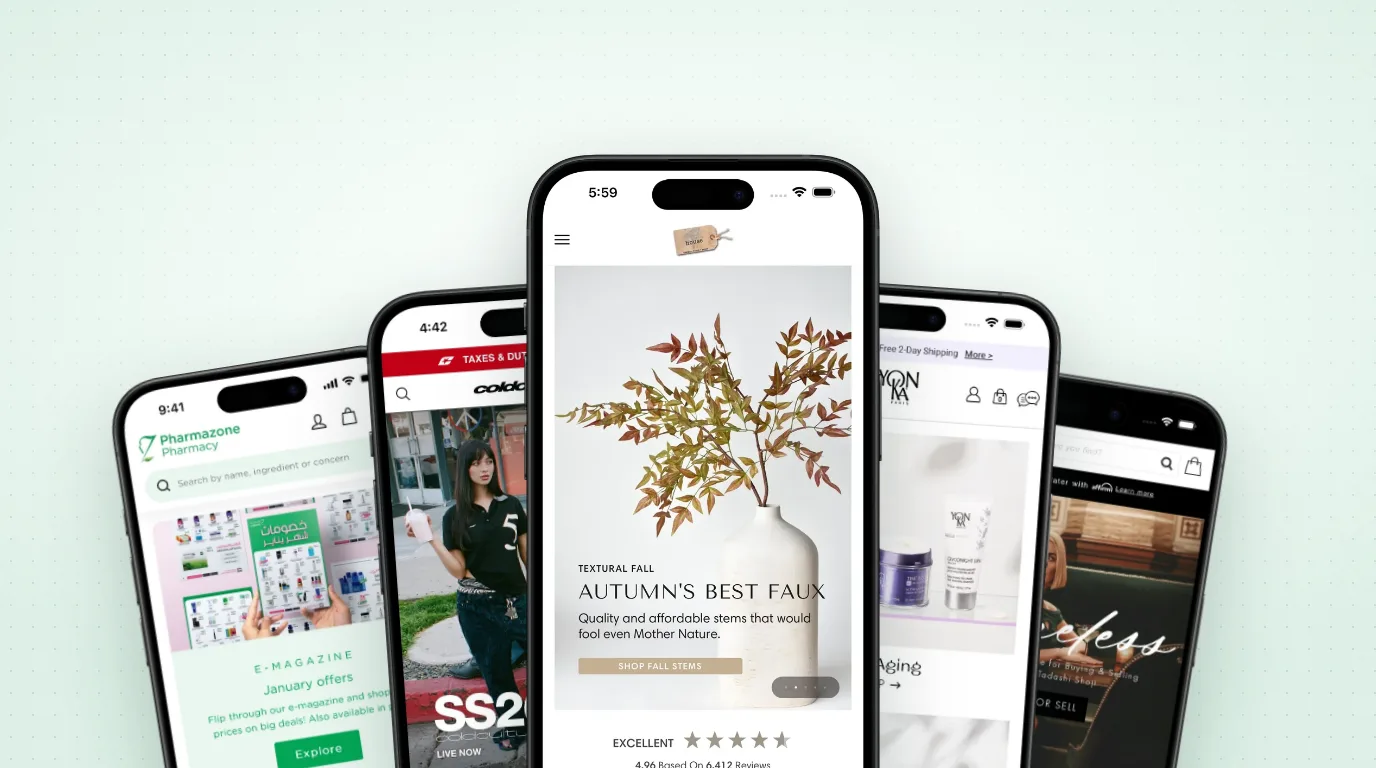
MobiLoud is one example. We’re a platform that turns an online brand’s website into a custom native app. With MobiLoud MCP, you manage the app through your own coding agent, and our team takes care of the things Claude can’t, like the build, store submissions and updates.
Final Thoughts
You can build a real mobile app with Claude, without knowing how to code. Claude writes the same code a developer would. Your job is to direct it: decide what the app should do, check each feature as it’s built, and ask for changes until it works.
The code is only part of the project, though. Developer accounts, app review, a backend if people sign in, and the updates Apple and Google require over time are yours to handle, whoever writes the code. If you’d rather not look after that side yourself, building on an established platform lets Claude work on your app while the platform keeps it running.
With a few habits for checking what Claude builds, you can take an app from an idea to the App Store and Google Play for little more than a Claude plan and the store fees.