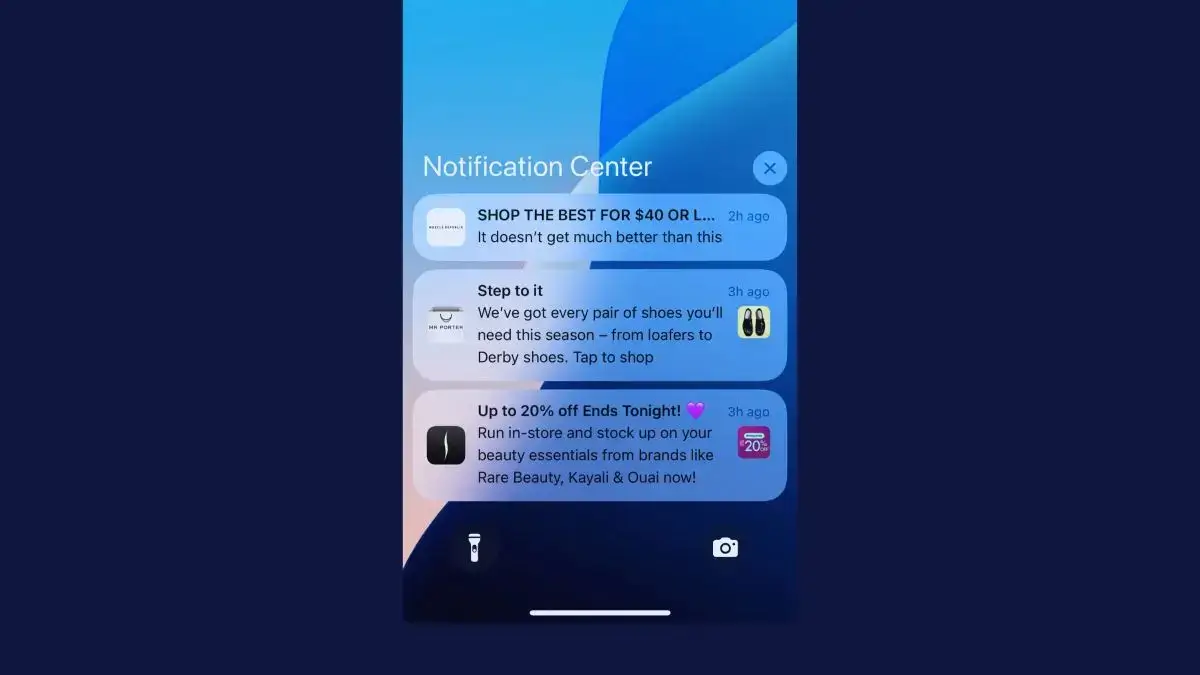
A push campaign earns its money on the day you send it. Someone picks the products, writes the copy and presses send, and next week the work starts again.
Automated push notifications keep working after you build them. A welcome offer greets every new app user, a cart reminder goes out an hour after someone leaves and a restock alert reaches the people who were waiting, at any hour of the day.
Set up the right flows once, and push becomes a steady source of revenue that doesn’t depend on anyone’s calendar.
This guide covers what automated push notifications are, the 12 flows every online store should run, which ones to set up first and how to build them in your push platform.
What Are Automated Push Notifications?
Automated push notifications are messages your push platform sends by itself when something happens, like a customer abandoning a cart, a product coming back in stock or an order shipping.
Each one is a flow you set up once: a trigger, a short wait, the message and the rules for who gets it. From then on, it runs for every customer who sets it off, with nobody pressing send.
| Automated flows | Campaigns | |
|---|---|---|
| Sent by | A trigger, like something the customer does or a date | Your team, on a schedule |
| Goes to | One customer at a time, when they trigger it | A segment, or everyone with your app |
| Work after setup | Checking results and refreshing copy now and then | Planning, writing and scheduling every send |
| Best for | Welcomes, carts, restocks, order updates and win-backs | New arrivals, sales, launches and brand stories |
Most stores need both. Campaigns give customers a reason to open your app each week, and flows catch the moments a calendar can’t predict, like the minute someone leaves a full cart.
Why Automate Your Push Notifications?
Automated pushes are some of the most profitable messages a store can send, because each one reaches a customer when the message matters most to them.
Push is still one of the most underused channels in ecommerce, and automation is where it pays off fastest. Once a flow is running, each message costs nothing to send and takes no time to write.
Triggered messages also get far more attention. In Batch’s 2025 benchmark of 800 billion messages, push campaigns triggered by an action or a set time averaged a 14.4% open rate, compared with 4.19% for generic campaigns sent to a broad group.
Email shows the same pattern. In Klaviyo’s 2026 benchmarks, automated flows made up just 5.3% of email sends but earned nearly 41% of email revenue.
We’ve seen it with push in our benchmark report, too. One wellness brand turned on push near the end of the first quarter of 2025, and in April alone earned over $31,000 from it, nearly half from its automated abandoned cart push.
12 Automated Push Notification Ideas That Work
These are the 12 automated push notifications that matter most for an online store, in the order a customer usually meets them.
| Flow | Trigger | When to send |
|---|---|---|
| Welcome | A new app user allows notifications | Within minutes, and again a day later if they haven't ordered |
| Browse abandonment | A product viewed but not added to the cart | A few hours later, once |
| Abandoned cart | Items left in the cart with no order | About an hour later, then a reminder or two |
| Back in stock and low stock | A product they wanted restocks or runs low | As soon as it happens |
| Price drop | A product they viewed or saved gets cheaper | As soon as the price changes |
| Shipping updates | An order is confirmed, shipped or delivered | At each stage |
| Feedback request | An order is delivered | A few days later |
| Post-purchase recommendations | An order is delivered | One to two weeks later |
| Replenishment | Time since their last order of a consumable | Just before they're likely to run out |
| Loyalty updates | Points earned, a new tier or rewards about to expire | When it happens |
| Birthday and anniversary | A date on the customer's profile | A few days before the date |
| Re-engagement | No app open for a while | After 14 to 30 days, then again with an offer |
Welcome Notifications
A welcome push thanks a new app user and gives them a reason to place their first order in the app, often a discount code or free shipping. Send it within minutes of someone allowing notifications, while they’re still exploring.
It also sets expectations. A friendly first message tells customers what your notifications will bring, which makes them more likely to notice the next one and less likely to switch them off.
Getting a push out early matters for retention. App users who got at least one push notification in their first 90 days had about a third higher retention than those who got none, according to Airship’s 2023 benchmarks.
Culture Kings leads with a first-order code, while Farfetch introduces its network of brands and boutiques.
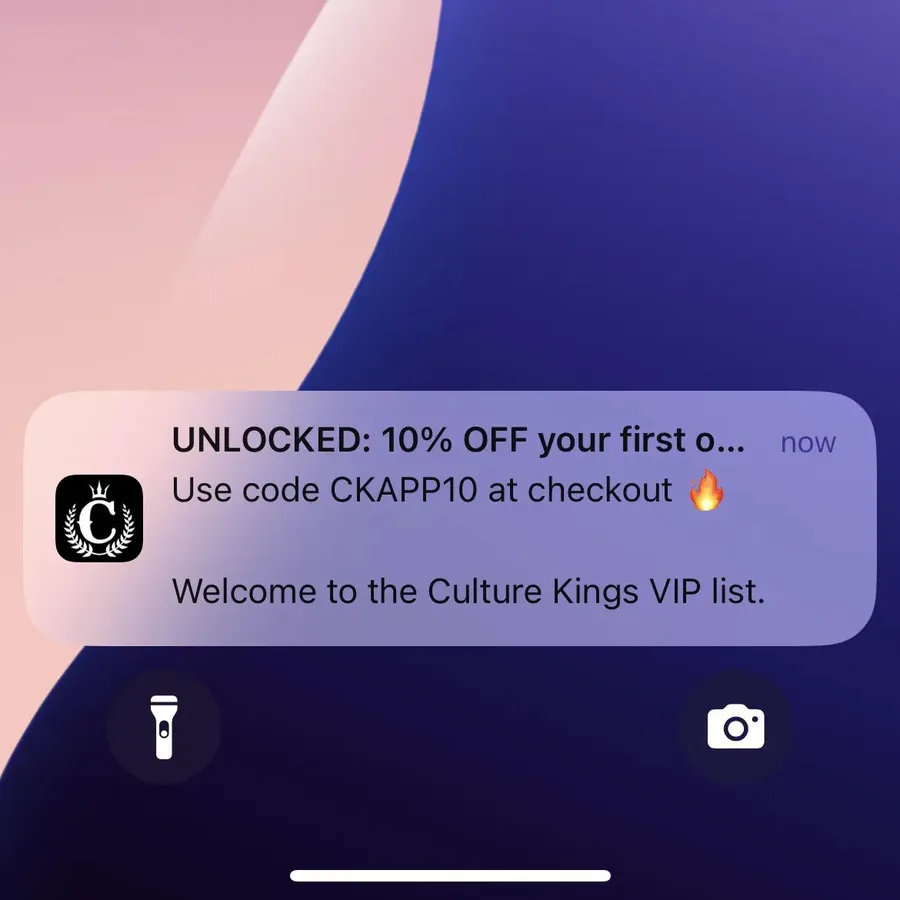
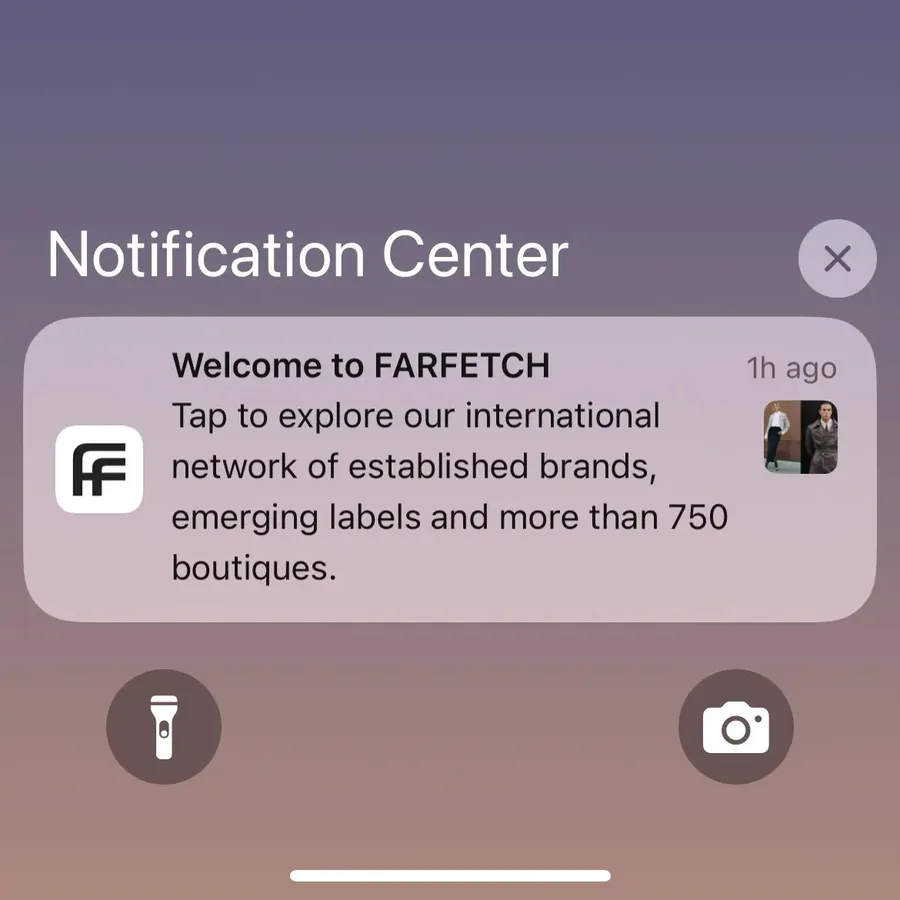
If someone hasn’t ordered a day later, a second push that repeats the offer catches the people who got distracted.
Browse Abandonment Notifications
Browse abandonment notifications go to shoppers who viewed a product, or several in one category, and left without adding anything to their cart.
If someone looked at a product for a while, there’s a good chance they’re interested. A gentle reminder a few hours later may be all it takes to bring them back to buy it.
Send one, and show the product they looked at. Pretty Little Thing pairs its reminder with a code.
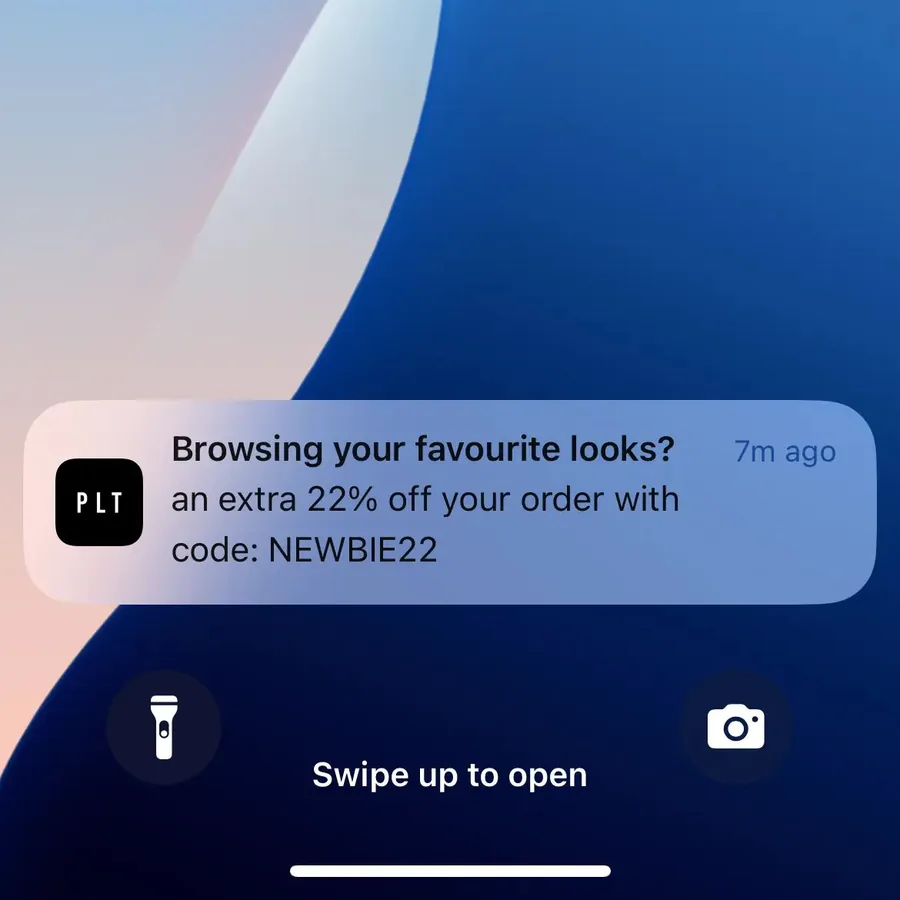
Leave out anyone who has since added the item to their cart, so your cart flow can take over.
Abandoned Cart Notifications
Abandoned cart notifications remind shoppers about the items still in their cart, and they’re usually the most profitable automated push a store runs.
Carts get left all the time. Baymard Institute’s average across 50 studies puts cart abandonment at about 70%, and in many cases the shopper just got distracted before checking out.
Send the first reminder about an hour after they leave, link straight to the cart and stop the flow as soon as they buy. For brands we studied for our benchmark report, abandoned cart push alone brought in $10,000 to $200,000+ over a 30-day period.
Back-in-Stock and Low-Stock Alerts
Back-in-stock alerts tell customers that a product they viewed, saved or asked about is available again. They go to people who already wanted to buy, which makes them some of the easiest sales push can bring in.
Back-in-stock alerts are best suited to products that sell out often, like limited drops and bestsellers. Add a “notify me” button to sold-out products so customers can sign up, and send the alert as soon as stock lands, before it sells out again.
Low-stock alerts work the same way for products in a customer’s cart or wish list. Only send them when stock really is low, or customers will stop believing them.
Price Drop Alerts
Price drop alerts tell a customer that something they viewed, saved or left in their cart now costs less. They answer the one thing that may have stopped the shopper buying.
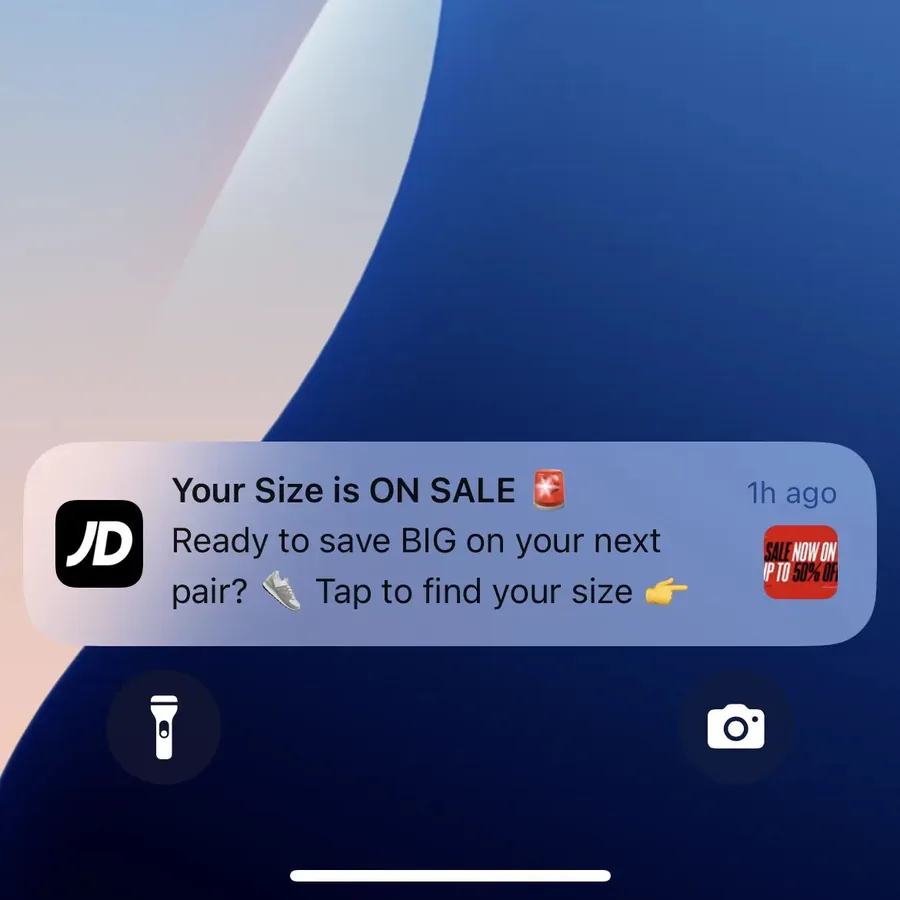
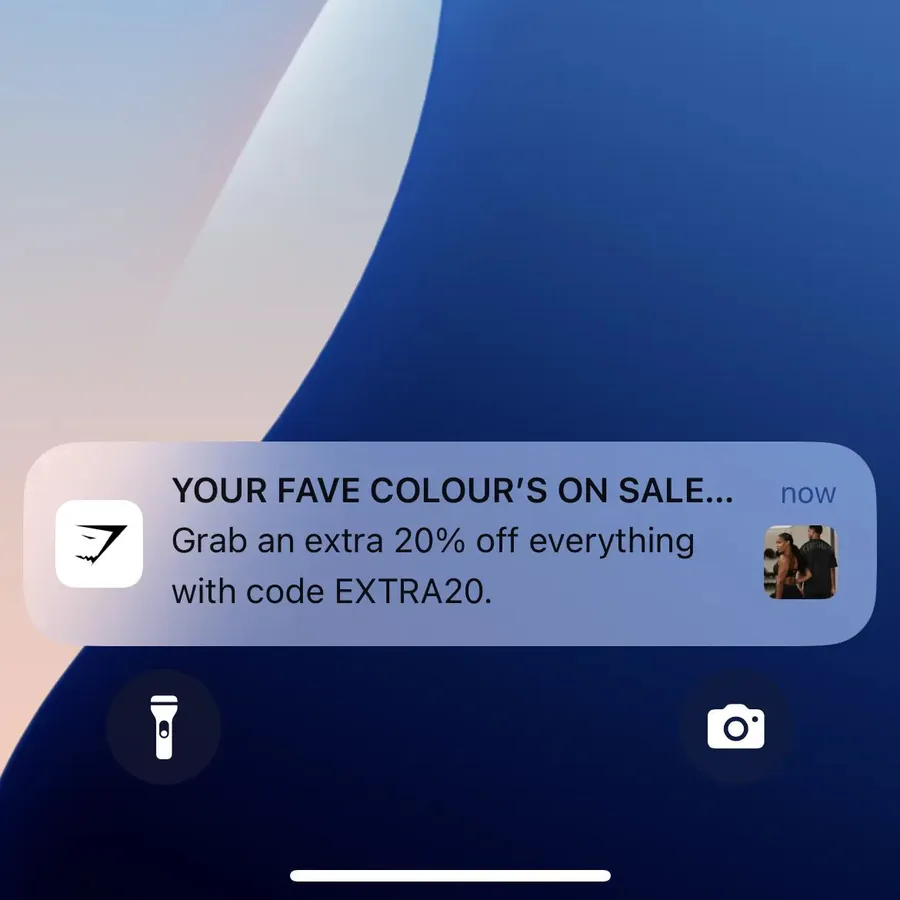
Name the product and the new price, and add a photo if you can. JD Sports tells shoppers when their size is on sale, and Gymshark tells them when their favorite color is.
Shipping Updates
Shipping updates keep customers posted as their order is confirmed, shipped, out for delivery and delivered. They’re the pushes customers want most, and each one saves a “where’s my order?” email your team would otherwise answer.
They don’t sell anything directly. But a smooth delivery experience makes customers much more likely to come back and buy from you again.
Send one push for each real change in status, and link it to the order tracking page.
Feedback Requests
A feedback request asks for a review a few days after the order arrives, once the customer has had time to try it.
Reviews give you social proof for your product pages, and asking shows customers you care how their order went. Link straight to the review form for that order, so leaving one takes a tap.
Hold the request back if the customer has an open support ticket or a return in progress.
Post-Purchase Recommendations
Post-purchase recommendations suggest products that go with what a customer just bought, like a belt for new jeans or a refill for a starter kit.
Send them a week or two after delivery, once the first order has been worn or used. They work best when they’re personalized to the order, because one product name makes the message feel picked by hand.
Replenishment Reminders
Replenishment reminders go out when a customer is likely to be running low on something they buy again and again, like supplements, skincare, coffee or pet food.
Time each one from the customer’s last order and how long the product lasts, such as 25 days after a 30-day supply. Link to the same product, ready to reorder.
This flow is ideal for stores that sell consumables, because it catches the repeat order before the customer shops somewhere else.
Loyalty Program Updates
Loyalty updates tell members about points they’ve earned, a new tier, rewards waiting to be used and points about to expire.
Push and loyalty programs go well together. Regular updates keep the program top of mind, which keeps members taking part and coming back to buy.
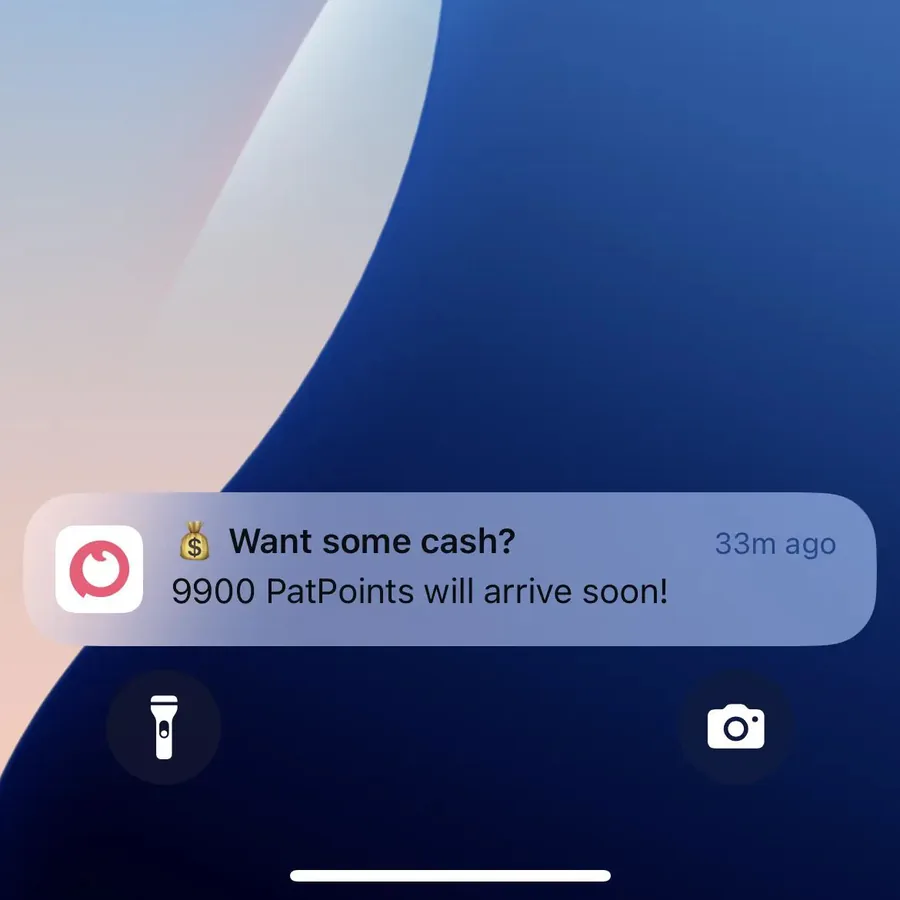
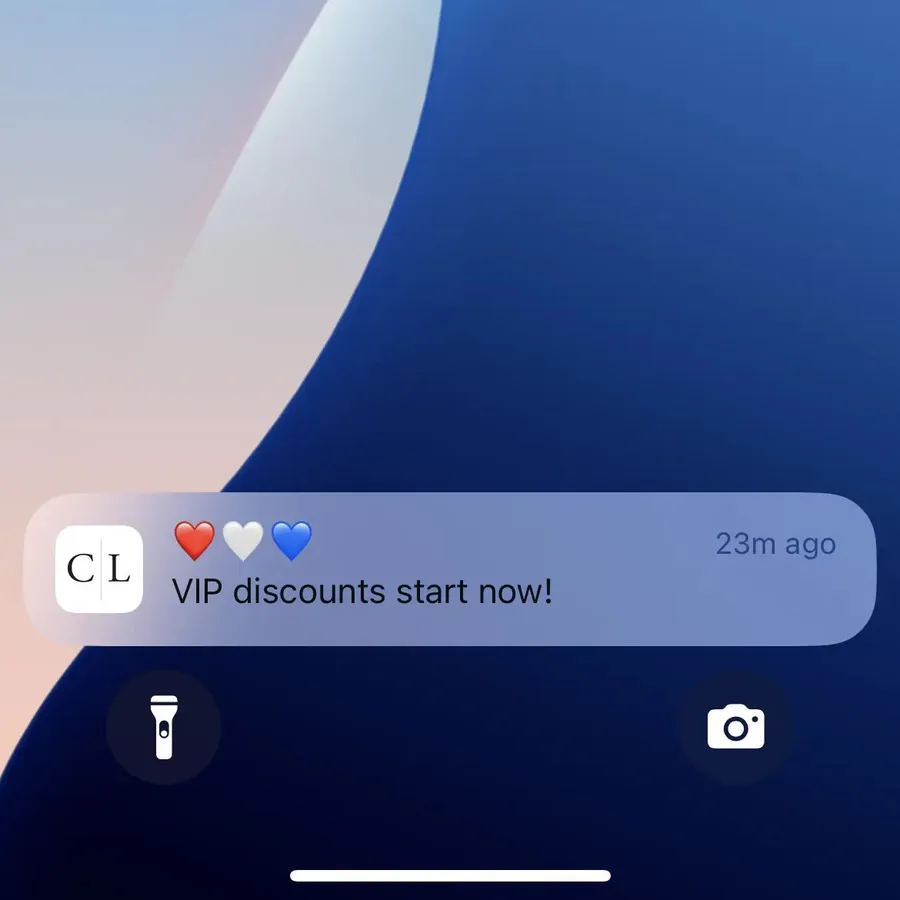
PatPat tells customers when new points are on the way, and Caden Lane tells its VIP members when their discounts start.
Birthday and Anniversary Messages
Birthday and anniversary messages are date-triggered pushes that celebrate a customer, often with a small gift or offer.
Ask for a birthday at sign-up or in your app’s preferences, and send the push a few days early, so there’s time to use the offer. The anniversary of a first order works too, and you already have that date for every customer.
Automatic Re-Engagement Notifications
Re-engagement notifications go to customers who haven’t opened your app or ordered in a while, to bring them back before they forget about you.
Start with a reminder of what’s new after 14 to 30 days without an open, and add an incentive in a second push if they don’t come back. Motel Rocks’ “we miss you” push does both at once, with news of weekly new arrivals and a 15% code.
Stop the flow as soon as they open your app, and don’t train customers to drift away just to get a discount.
How to Automate Your Push Notifications
Automating push takes an app that can receive notifications, a push platform connected to your store’s data and a flow for each trigger.
What Do You Need to Automate Push Notifications?
Your push platform needs to know what customers do in your store. Events like viewed product, added to cart, started checkout, placed order and fulfilled order are what start each flow.
In Klaviyo, push is a step you add to the same flows you already run for email and SMS. A conditional split sends the push to customers who can receive it, and email or SMS to everyone else.
OneSignal runs flows as Journeys, started by events your store or app sends it, like an abandoned checkout. Whichever platform you use, link each app user to their customer account, so every flow knows who bought what.
Which Automated Flows Should You Set Up First?
Start with the flows that earn the most for the least work: welcome, abandoned cart, back-in-stock and shipping updates. Together they cover a customer’s first visit, their first order and the products they’re waiting for.
Then add browse abandonment and price drops. Loyalty, replenishment, birthday and re-engagement flows come next, as your app and your customer base grow.
How Do You Keep Automated Push From Feeling Spammy?
Automated push stays welcome when every message still makes sense at the moment it arrives. A few rules make sure it does:
- Stop a flow as soon as it’s done its job, so nobody gets a cart reminder after they’ve bought.
- Cap how many automated pushes one customer can get in a day, since several flows can fire at once.
- Send in each customer’s time zone, and hold messages that aren’t urgent until morning.
- Don’t repeat the same message on every channel. If a push brought the customer back, skip the email and the text.
- Link each push to the exact product, cart or order it mentions.
Most automated messages sit on top of your weekly campaigns, because each customer only gets the ones they trigger.
How Do You Measure Automated Push Notifications?
Judge each flow by the orders and revenue it brings in per person who receives it, not only by taps. Watch opt-outs too, since a flow that annoys people costs more than it earns.
For your biggest flows, hold back a small share of customers who don’t get the message. Comparing the two groups shows how much the flow really adds.
Then check in on each flow every month or two, and test new copy or timing to keep improving it.
Use MobiLoud to Build an App and Drive Engagement on Autopilot
Automated push notifications need an app to come from. If you don’t have one yet, MobiLoud can get you there.
MobiLoud transforms your website into a custom native app, powered by the same underlying code as your site. We build, publish and maintain your app, helping you go live in a few weeks.
Some of the most valuable flows come ready to run. Abandoned cart reminders are built into your app, and at Pharmazone, a pharmacy chain in Kuwait, they convert at 22%. On Shopify, our app also sends order and shipping updates automatically.
Once your app is live, our team works with you to make your push campaigns a success, helping you set up the rest of your flows in OneSignal on every plan, or Klaviyo on Business and Enterprise.
Final Thoughts
Automated push notifications turn your app into a channel that works around the clock. Each flow reaches one customer at the moment a message helps most, and costs nothing to send.
Start with welcome, abandoned cart, back-in-stock and shipping updates, since they pay off fastest. Add the rest as your app grows. Keep every flow relevant and capped, and check what each one earns.
Do that, and a few hours of setup will keep bringing customers back long after you’ve moved on to your next campaign.