“Best mobile app builder” is a loaded term.
It can mean a ton of different things. “Mobile app” can mean a ton of different things too.
So whether you’re looking for a mobile app builder for:
- A hobby or side project
- A budget customer-facing mobile app
- A complex mobile app for internal company use
- A tool to turn your ecommerce website into a mobile app
…there’ll be a different set of tools to look at.
Luckily for you? We’ve got everything you need right here.
We’ve been in the mobile app business for over 10 years, building over 2,000 apps, so we know all the players, and the best tools for whatever mobile app project you’re planning.
There’s never been a better time to launch a mobile app, with mobile app usage skyrocketing, and so many great tools and services available to help you launch the perfect mobile app - without the traditional cost of mobile app development.
So keep reading, feel free to skip ahead to the section that applies for you - and start building!
The Different Kinds of Mobile App Builders
We’re looking at the best tools for simple side projects or small business apps, to mid-market and enterprise ecommerce apps, to internal business apps or for AI, vibe-coded mobile apps.
Here’s a quick rundown of the different categories of mobile app builders we’re going to cover.
Budget-Friendly, Drag-and-Drop Mobile App Builders
These tools let you build an app from scratch using a visual editor. You design and compile your screens, configure workflows, and add features without writing code.
These are user-friendly, particularly for non-technical users, and tend to be quite affordable, with many tools letting you build a mobile app for less than $50 per month (some even for free!)
“Website-to-App” Platforms
These take an existing website and deliver it as a native iOS and Android app.
These are designed for businesses that already have a website they're happy with and want to extend it into a native app without rebuilding anything.
Ecommerce Mobile App Builders
Almost all ecommerce stores, above a certain point in revenue, should have their own mobile app.
These app builders make it easy, built specifically to help ecommerce brands launch native shopping apps (without dropping $100K+ on a custom build).
AI App Builders (Prompt-to-Code)
AI is changing the world of software development - and that includes mobile apps. With these tools, you describe what you want in natural language, and the AI generates the app: code, UI, database, and deployment. This is a fast-moving space, maturing quickly, particularly when it comes to mobile apps.
Internal Tool Builders
These build mobile apps for employees, not customers. Field teams logging inspections on their phones. Warehouse staff scanning inventory. Sales reps updating a CRM between meetings.
The apps are distributed internally (through a company mobile player or direct install), not through the public App Store.
Key Differences That Matter
Here are a few things to consider when evaluating any mobile app builder - some of which will matter more or less, depending on the type of app you’re looking to build.
- Cost: Costs can range greatly, from just a few dollars per month to thousands. This matters more if you’re a small business or hobbyist, or you’re building an MVP. For real commercial use cases (like ecommerce), the revenue potential of your app means you can afford a more mature tool.
- Technical lift: Not all app builders are easy to use if you have no technical background. AI app builders for example - great as long as things go well, but you really need to understand the actual code eventually.
- Flexibility & limitations: The tradeoff for ease of use (for many app builders) is a lack of flexibility. Consider what’s important; a simple drag-and-drop app builder, or something with more freedom to customize.
- Platform integrations: If your business is running on other platforms (most notably, an ecommerce brand with an existing website), you need to ensure the app integrates smoothly with other platforms or tools. This is a non-negotiable.
These are the most important things you need to know about, if you’re looking for a mobile app builder.
Now that we’ve covered this - let’s get into the best app builders out there right now.
Quick Comparison
| Use Case | Top Picks | Price Range |
|---|---|---|
| Budget / Side Projects | Glide, Bravo Studio, Adalo | Free - $45/mo |
| Website to Native App | MobiLoud, Median | $490/yr - $1,499-mo+ |
| Ecommerce | MobiLoud, Tapcart, Shopney | $149/mo - $1,499/mo+ |
| AI App Builder (Native) | Rork, Dreamflow | From $20/mo |
| Internal / Employee Apps | AppSheet, Power Apps, Glide | Free - $20/user/mo |
Best Budget Mobile App Builders
Glide (free), Bravo Studio ($16/month), and Adalo ($45/month) are the most accessible mobile app builders for side projects, hobbies, MVPs, and small businesses that need a functional app without spending hundreds per month.
What to look for here: You want something easy and affordable. Maybe you're experimenting with an idea on weekends, prototyping an MVP to test with users, or running a small business that needs a basic app presence.
You're not going to pay $500/month for this. Performance and polish matter less than getting something working and learning what resonates.
The tradeoff at this price point is usually customization: you'll work within templates or constrained editors, and the apps won't feel as polished as what a custom developer or premium service would produce. That's fine for many use cases.
Glide
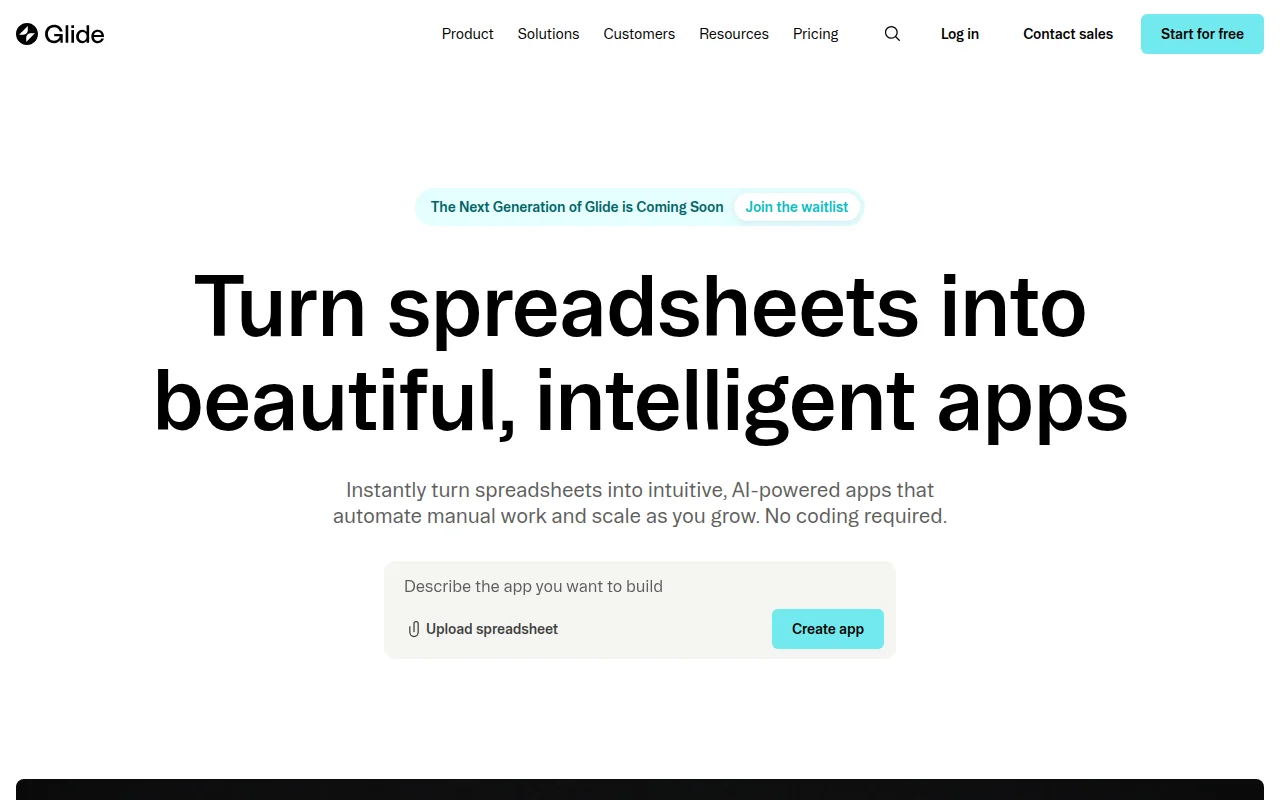
Glide turns a Google Sheet or Airtable base into a working app in minutes. You model your data in a spreadsheet, then use Glide's visual editor to design screens, add logic, and connect actions.
It's one of the fastest paths from "I have an idea" to "I have a working prototype" among app builders.
Pricing: Free tier (10 users, 25,000 rows). Paid plans start at $19/month.
What you need to know:
- Works from spreadsheets you probably already have
- Free tier is generous enough for personal and small projects
- Produces web apps and PWAs, not native App Store/Google Play apps
- Great for dashboards, directories, simple tools, and MVPs
Glide's biggest limitation is that it doesn't produce native mobile apps. We’ll still call it a mobile app builder, because you can build something designed specifically for mobile, which looks and feels like a mobile app - but just keep in mind that you can’t publish these to the App Store.
Bravo Studio
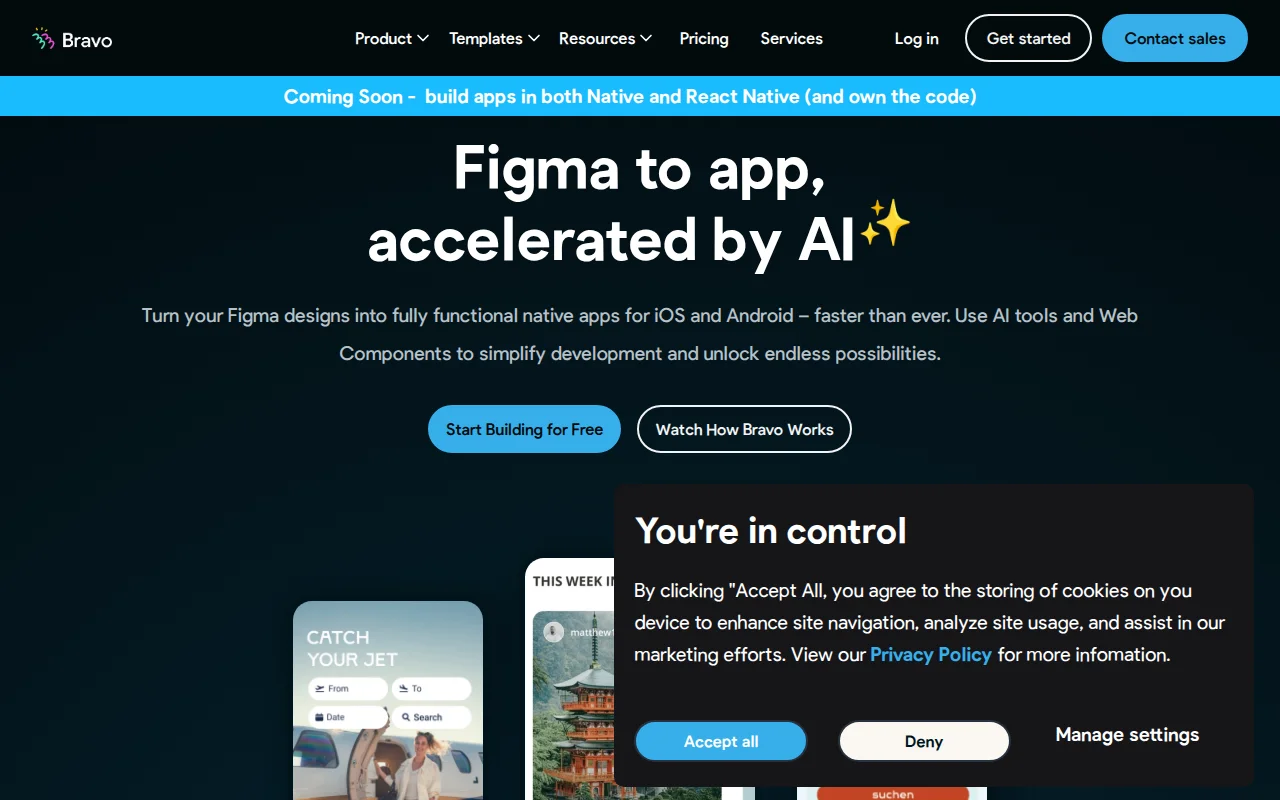
Bravo Studio takes a unique approach: you design your app in Figma, then connect it to Bravo to turn those designs into a native iOS and Android app. If you're a designer (or work with one), this gives you pixel-perfect control over your app's look and feel without writing code.
Pricing: Free tier (preview only). Publishing starts at $16/month annually.
What you need to know:
- Design in Figma, publish as native iOS and Android
- Cheapest path to a published native app on both platforms
- 15 screens per project on the free/starter plan
- Requires a separate backend (Firebase, Airtable, REST APIs, etc.)
- Team plan jumps to $333+/month (10-seat minimum), so this is mainly a solo or small-team tool
The Figma requirement is both a strength and a limitation. Designers love it. Non-designers may find it frustrating compared to drag-and-drop builders.
Adalo
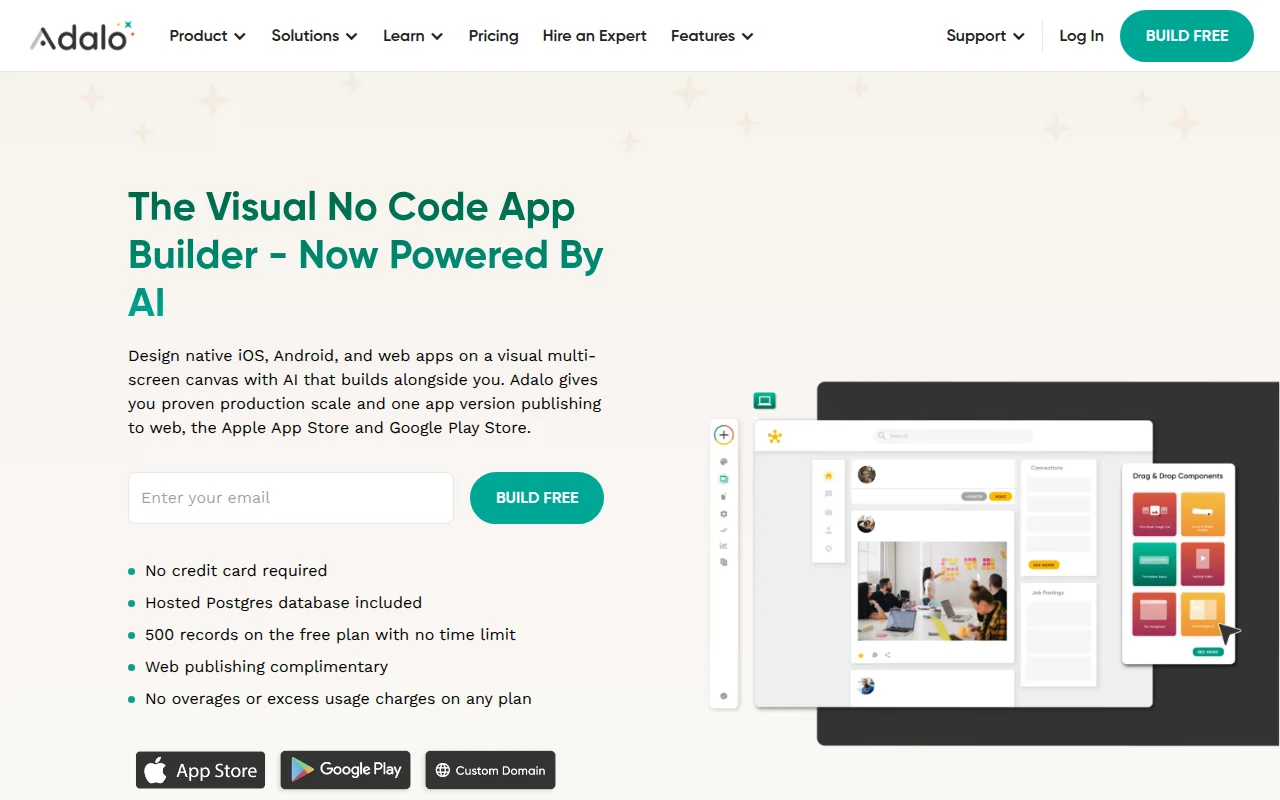
Adalo is a drag-and-drop builder that produces native iOS and Android apps. It's one of the more straightforward platforms for non-technical users who want a real app in the App Store. The editor is visual, templates are plentiful, and the learning curve is manageable.
Pricing: Free tier (200 records, preview only). Publishing starts at $45/month (1 published app).
What you need to know:
- True native apps published to both app stores
- Drag-and-drop editor, no coding required
- AI-assisted layout generator for faster prototyping
- 200-record limit on free tier is restrictive for anything beyond testing
- Action limits on higher plans (30K/month on Professional)
At $45/month, Adalo is slightly more expensive than Bravo Studio but doesn't require Figma or backend setup. You trade design control for simplicity.
Also worth a look: Kodular is completely free and builds native Android apps with a block-based editor (Android only, no iOS). Thunkable builds cross-platform apps with block-based logic ($37/month to publish). GoodBarber is strong for content apps and media outlets with push notifications ($70/month for native publishing).
What Is the Best Way to Turn a Website Into a Native App?
MobiLoud is the best “app builder” (to use the term broadly) for turning websites into apps (though it’s a managed service, doing much more than a typical mobile app builder). Median (formerly GoNative) is a self-service alternative to consider.
fully managed website-to-app service, while Median.co is the leading self-service option. If you already have a website you've invested in, rebuilding it from scratch inside an app builder doesn't make sense.
What to look for here: These tools take what you've already built and deliver it as a native iOS and Android app. The whole point of this approach is preserving what you already have.
Your checkout, integrations, theme customizations, and third-party tools should all carry over to the app without rebuilding, while the app should have the core native capabilities customers expect: push notifications, app store presence, and native navigation.
With these mobile app builders, you’re literally turning your website into an app. The goal should be to minimize the differences between both platforms, and minimize the lift required to launch.
MobiLoud
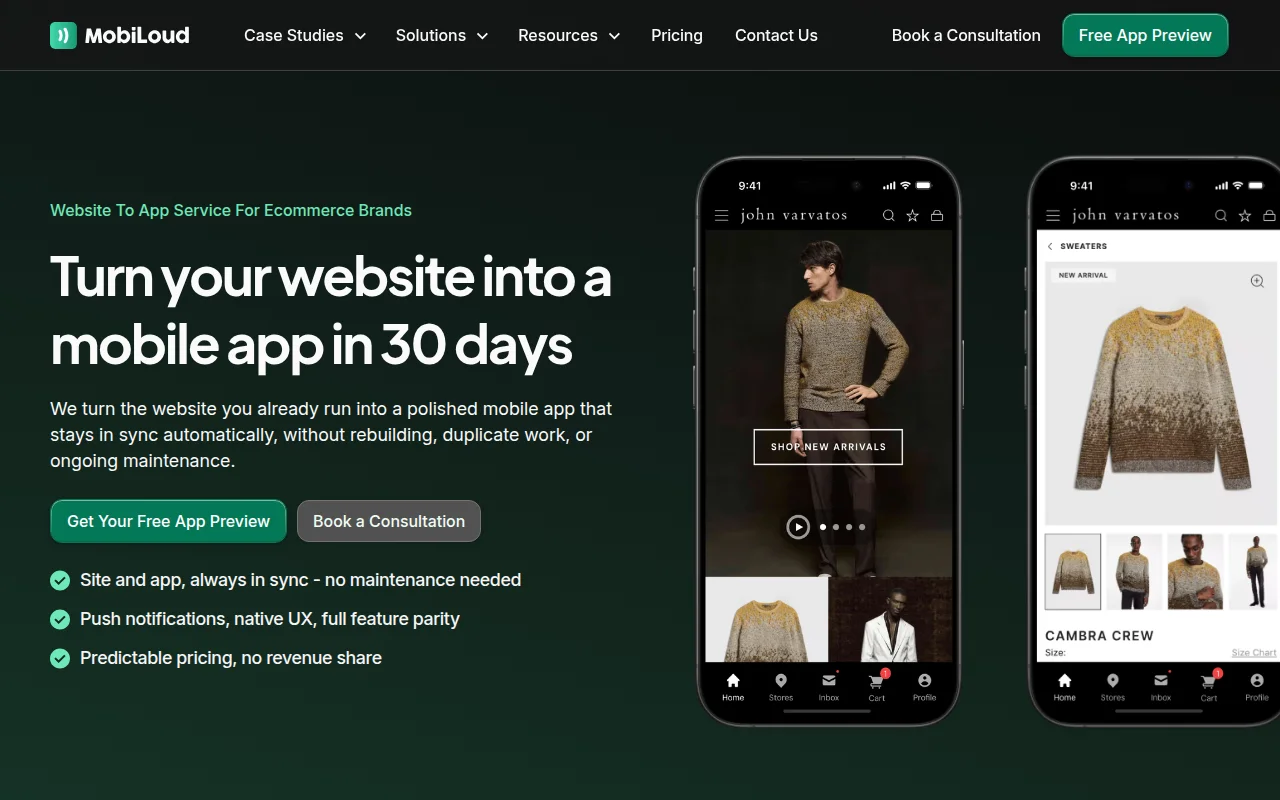
MobiLoud isn’t really an “app builder”. This term implies a SaaS tool, with a dashboard you log into and figure out yourself, fiddling away to try and get the app how you want it to look.
MobiLoud doesn't work that way. It’s a fully managed service that extends your existing website into native iOS and Android apps.
Your website's content, design, checkout flow, and integrations all carry over. When you update your site, the app updates automatically. MobiLoud's team handles the build, app store submissions, and ongoing maintenance.
For all intents and purposes, it still fits in the “mobile app builder” conversation. It fits in the same bracket in terms of cost (more expensive than your entry-level app builder, but roughly the same as you'd expect from a full-featured mobile app builder), and lets you launch with zero technical lift.
But understand that you’re getting more than a typical SaaS; you’re getting a partner to handle everything for your mobile app - from build to testing to launch to ongoing technical maintenance and growth support.
Pricing: Starting at $1,499/month. MobiLoud is a fully managed platform, aimed at delivering a premium result.
What you need to know:
- Fully managed: MobiLoud's team builds, submits, and maintains the app
- Full website parity, including checkout, accounts, and third-party integrations
- Push notifications, deep linking, native navigation
- Works with any web platform (Shopify, WooCommerce, custom builds, etc.)
- No duplicate content management; your website is the single source
MobiLoud is a premium service, and the pricing reflects that. It's built for established brands generating meaningful revenue from their website, not for hobbyists or early-stage startups.
Brands using MobiLoud typically see higher average order values, longer sessions, and stronger repeat purchase rates from app users compared to mobile web.
Median
Median (formerly GoNative) converts a mobile-optimized website into native iOS and Android apps. Unlike MobiLoud's managed service approach, Median is primarily self-service. You configure your app through their dashboard, customize native features, and manage the process yourself.
Pricing: $790 one-time license + $490/year per app (self-serve). Full-service starts at $7,200.
What you need to know:
- Self-service website-to-app conversion
- One-time license fee plus annual subscription per app
- Native features added via configuration dashboard
- Full-service option available at a significantly higher price point
- Best for technically comfortable teams who prefer DIY
Median works well for teams with some technical capacity who want to handle the process themselves. The upfront license plus annual fee structure means lower ongoing costs than a monthly subscription, but you're also managing more of the process in-house.
What's the Best Mobile App Builder for Ecommerce?
Mobile apps are a core asset for ecommerce brands. Surprisingly few brands have their own apps right now (considering how easy it is to launch one). But as time goes on, we’re going to see the mobile app become as important as a brand’s website.
There is a growing market for ecommerce mobile app builders. Too many to run through in this article (we went deep on the ecommerce app builder market here). So for this article, we’ve narrowed it down to three options that will work for the majority of ecommerce brands.
What to look for here: Stable integration with Shopify, WooCommerce, Magento or whatever platform you're running. Ease of use for your team (ecommerce businesses are unlikely to have a deep technical team in-house). All the features you need to ship a real, professional shopping app.
MobiLoud (Website-to-App)
MobiLoud shows up again here because it's one of the strongest options for ecommerce brands looking to launch a mobile app.
Most brands don’t need a brand new, unique user experience in their app. They just need an extension of what they’ve already built for the web, and that’s where MobiLoud shines.
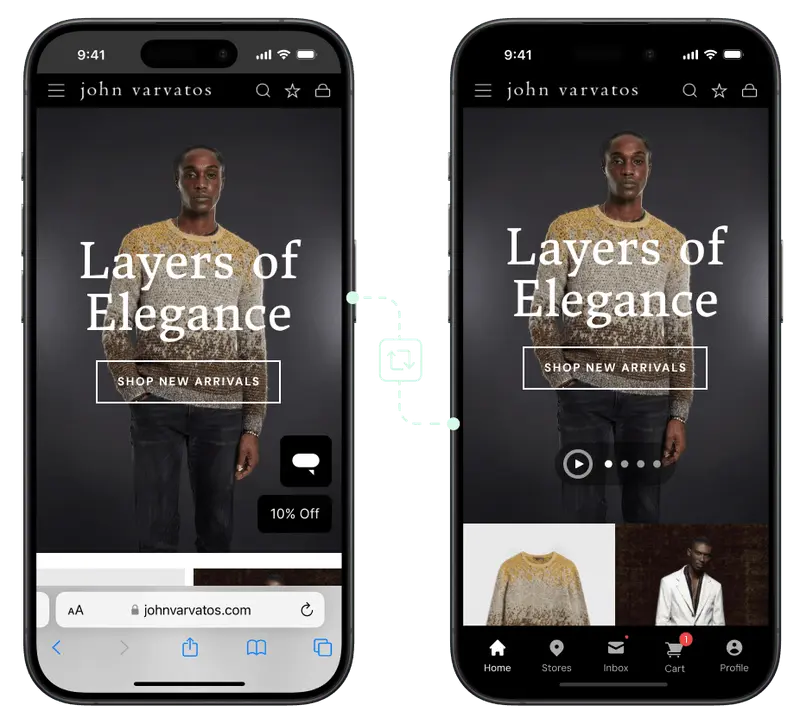
With MobiLoud, everything from your website carries over to your app. Your checkout flow, product pages, reviews, loyalty program, upsell widgets, product configurators, subscription flows, site search, collection pages… everything works in your mobile app, with the added benefit of automatic sync between your store and app.
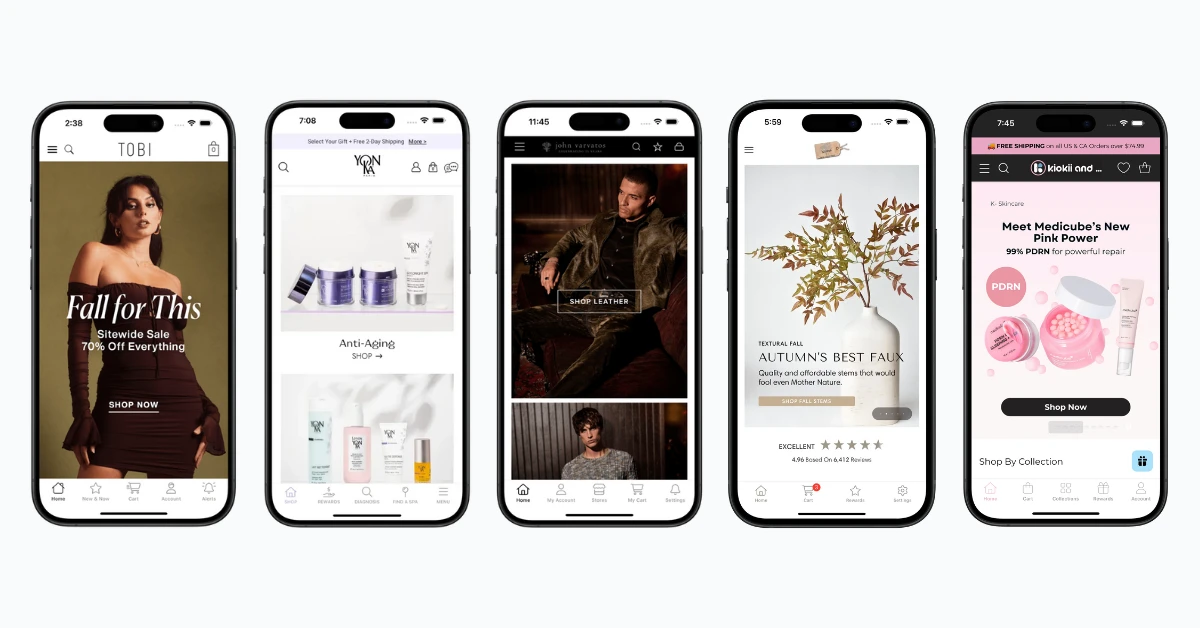
MobiLoud has one more major advantage for ecommerce brands: it works with any site, on any platform.
Most ecommerce mobile app builders are built just for Shopify. They run on the Shopify API, so there’s no way for it to work with any other ecommerce platform.
MobiLoud works with Shopify stores; it also works perfectly if you’re on Magento, BigCommerce, Salesforce Commerce Cloud, Commercetools, Alokai, Centra, Kibo… you name it, MobiLoud works with it.
There are two cases against MobiLoud:
- It’s more expensive than the lower tiers of many ecommerce mobile app builders (you can find a lot that are usable for $250/mo and under). It’s designed for mid-market and enterprise brands, not SMBs. Recommended for brands doing a minimum of $2M in annual revenue.
- It’s a little more limited than other app builders when it comes to customizing your app’s UI and UX, separately from your website. The app inherits the bulk of its content and design from your website; in some ways, this is an advantage, because it means less work to set up and manage your app. But if you’re looking for the freedom and customization of a drag-and-drop app builders, you may want to look at one of the options below.
Pricing: Starting at $1,499/month, plus a one-time setup fee
Tapcart
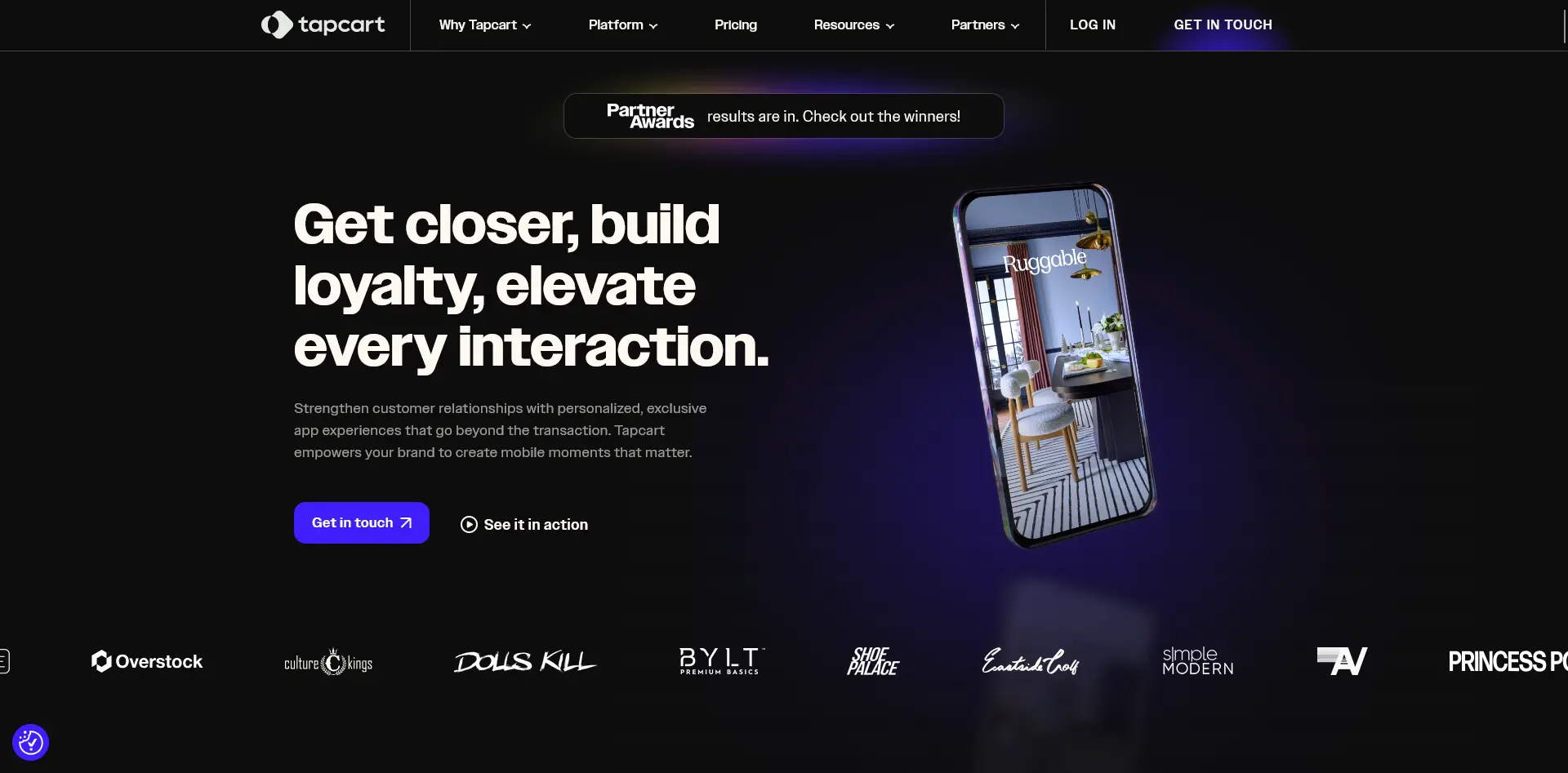
Tapcart is one of the most widely used Shopify app builders. It connects to your Shopify store via API and lets you build a custom native app experience using a block-based visual editor.
You design the home screen, collection pages, product layouts, and cart, then Tapcart handles the native build. The integration catalog is one of the broadest in the Shopify app builder space, covering a number of popular loyalty, reviews, subscriptions, and marketing automation apps.
Pricing: Core plan starts at ~$250/month; Ultimate ~$500/month; Enterprise custom. All plans include additional performance-based charges.
What you need to know:
- Shopify-only (won't work with WooCommerce, Magento, etc.)
- Block-based editor for designing custom app layouts
- 100+ Shopify-native integrations
- Custom Blocks (React-based) for developers on higher tiers
- You're building and maintaining a separate experience from your website
Tapcart is a strong pick for Shopify stores that want a custom, mobile-first app experience that's different from their website. The tradeoff is that you're now managing two experiences: anything you change on your website needs to be separately updated in Tapcart's editor.
Shopney
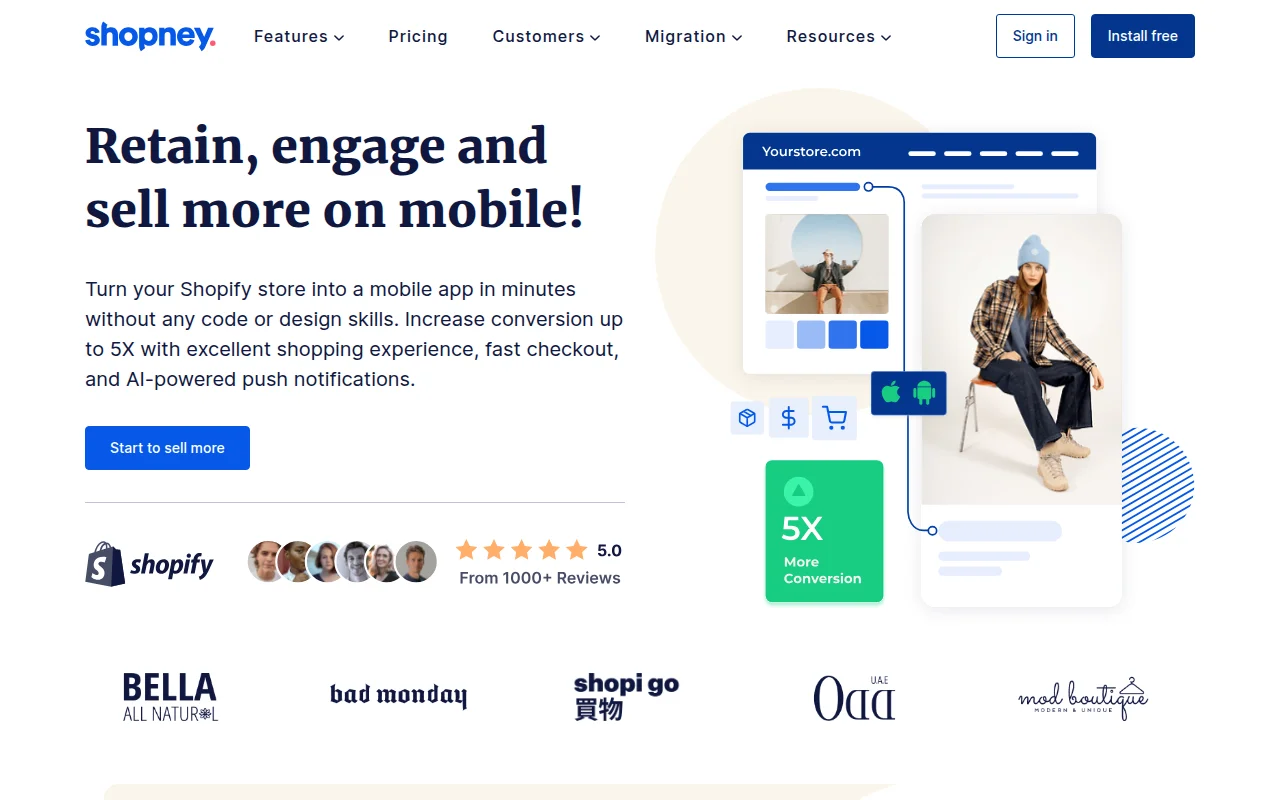
Shopney is another popular Shopify app builder that offers drag-and-drop design, push notifications, and all the standard quirks of an ecommerce app builder.
It covers the core features most stores need (product browsing, cart, checkout, push campaigns), starting at a lower price point than Tapcart, making it a practical option for smaller Shopify stores testing out a mobile app channel.
Pricing: Silver plan at $149/month; Gold $299/month; Platinum $599/month; Enterprise 1,299/month.
What you need to know:
- Shopify-only
- Drag-and-drop editor with multiple layout templates
- In-app live chat built in
- Push notification campaigns and automation
- Fewer third-party integrations than Tapcart
- Good entry point for Shopify stores under $5M/year in revenue
Shopney gives you most of what Tapcart does at a lower price, with some tradeoffs in customization depth and integration breadth. But overall, it’s a solid tool that can give you a high-quality mobile app, if you want to go down the drag-and-drop route.
Best AI Mobile App Builders
AI is changing the development world - and that extends to mobile apps. AI mobile app builders let you describe what you want in plain English and get a working app back. No dragging, no dropping, no visual editors.
You type "build me a recipe app with a favorites list and grocery calculator" and the AI generates the code, designs the UI, sets up the database, and deploys it.
What to look for here: There's an important distinction in this category. Most of the big names you've heard of (Lovable, Bolt, v0) generate web apps only. They're excellent for web-based MVPs and internal tools, but they can't produce native iOS or Android apps you can ship to the App Store.
If you specifically need a native mobile app, the options are newer and more niche, but they exist (we’re going to share a few here). If you do your own research, make sure you verify that the “AI app builder” or “vibe coding super platform” you choose actually lets you build a mobile app.
What to keep in mind: AI mobile app builders, perhaps counterintuitively, are actually the type of app builder that likely requires more technical knowledge. That’s because most of the tools generate real app code, and if you’re building anything halfway complex, you really need to understand what that code does. Otherwise, you’re at the mercy of AI; you could find yourself with a sloppy mess under the hood (or worse - an insecure app that goes viral for the wrong reasons).
With all that in mind, let’s take a look at some options for AI mobile apps.
Rork
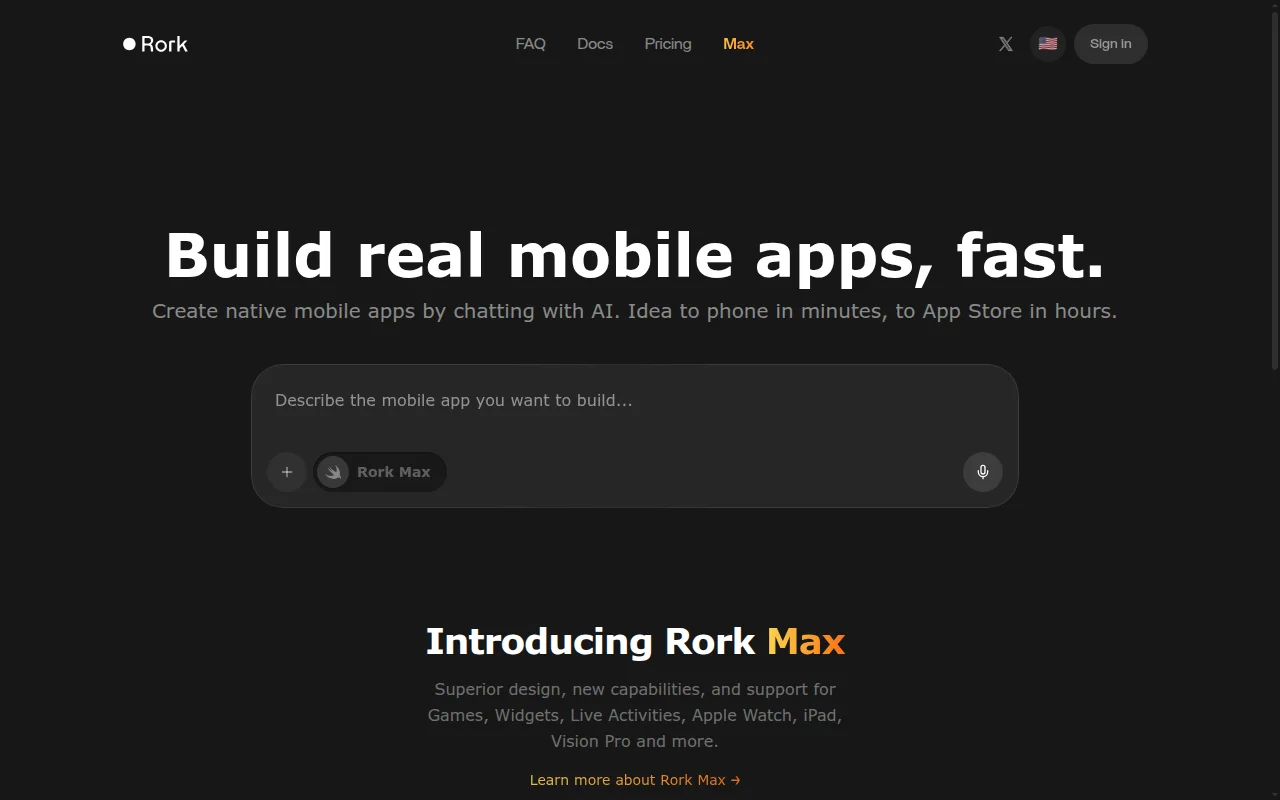
Rork is one of the first AI app builders focused specifically on native mobile apps. You describe your app in a prompt, and Rork generates a React Native/Expo app you can deploy to both the App Store and Google Play. It also recently launched "Rork Max" for generating native Swift apps for iOS. The focus on mobile-first sets it apart from the web-centric tools.
Pricing: From $20/month. No free tier.
What you need to know:
- Prompt-to-native-app (React Native/Expo)
- Deploys to both iOS and Android app stores
- Mobile-first, unlike web-focused competitors
- Best for technical users comfortable iterating on generated code
- Still early stage; output quality varies by app complexity
Dreamflow
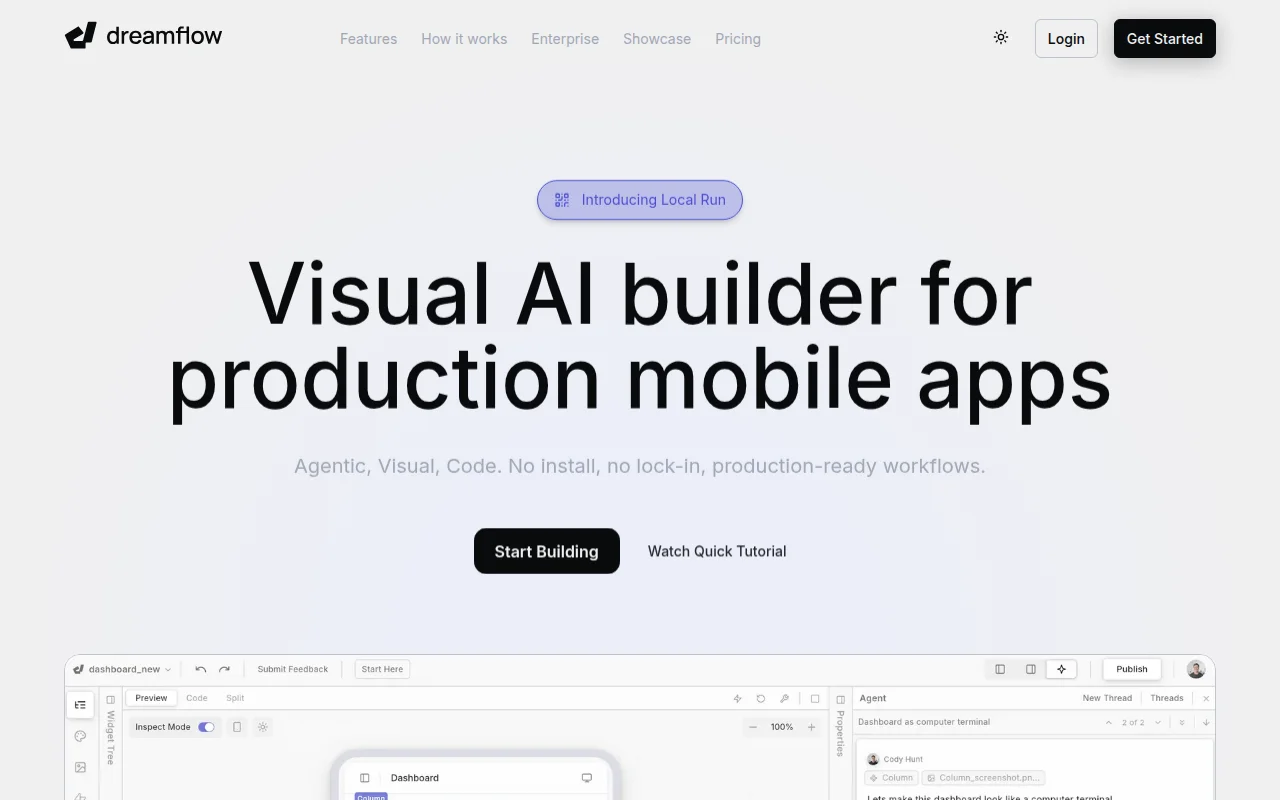
Dreamflow comes from the team behind FlutterFlow and uses Flutter as the underlying framework. The key difference from other AI builders is the hybrid approach: you can generate an app from a prompt, then refine it using visual editing tools. This "AI generates, you polish" workflow makes it more practical for getting to a production-quality result.
Pricing: From $20/month. Paid plan required for App Store deployment.
What you need to know:
- Prompt-to-app built on Flutter (cross-platform native)
- Hybrid AI + visual editor for refinement
- Backed by FlutterFlow's infrastructure and experience
- Can export code for continued development outside the platform
- More polished output than pure prompt-to-code tools
For Web Apps: Lovable, Bolt, and v0
If you want to broaden the definition of “mobile app” to include mobile-optimized web apps, we can add a lot more mature tools to the list, including:
- Lovable ($20/month) is the market leader, generating React + Supabase web apps. Used by companies like Klarna and Uber for internal tools and prototypes.
- Bolt.new (free tier available) generates multi-framework web apps in a browser-based IDE. Open source, uses Claude for code generation.
- v0 ($20/month) from Vercel focuses on React/Next.js with best-in-class UI output and one-click deployment.
These are powerful tools, but they produce web apps that run in a browser. Keep that in mind - if you want your app to be distributed via the App Store, you’ll need something else.
What's the Best App Builder for Internal Business Tools?
Glide, Noloco, and Microsoft Power Apps are the top platforms for building internal tools like CRMs, dashboards, and approval workflows. Not every app is customer-facing, and if you need something for your team, you don't need a consumer app builder.
What to look for here: Connection to your existing data sources (Google Sheets, Airtable, SQL databases, APIs). Role-based access control so different team members see different things. Workflow automation for approvals, notifications, and status changes. And ease of maintenance, because the person updating this app will probably be an ops manager, not a developer. You're also not publishing to the App Store; these are web apps accessed through a browser or a company portal.
Glide (for Internal Tools)
Glide shows up again here because it's genuinely strong for internal tools. Connect it to Google Sheets or Airtable, design a few screens, and your team has a custom CRM, inventory tracker, or project dashboard. The spreadsheet-as-database approach means operations teams can build and update tools themselves.
Pricing: Free tier (10 users). Business plan at $25/month annually with additional per-user fees.
What you need to know:
- Spreadsheet-powered (Google Sheets, Airtable, SQL)
- Fast to build and easy for non-technical teams to maintain
- Per-user pricing on Business plan ($5-6/month per additional user beyond 30)
- Web app, not native mobile, but works well on mobile browsers
- Great for CRMs, directories, inventory tools, and task management
Noloco
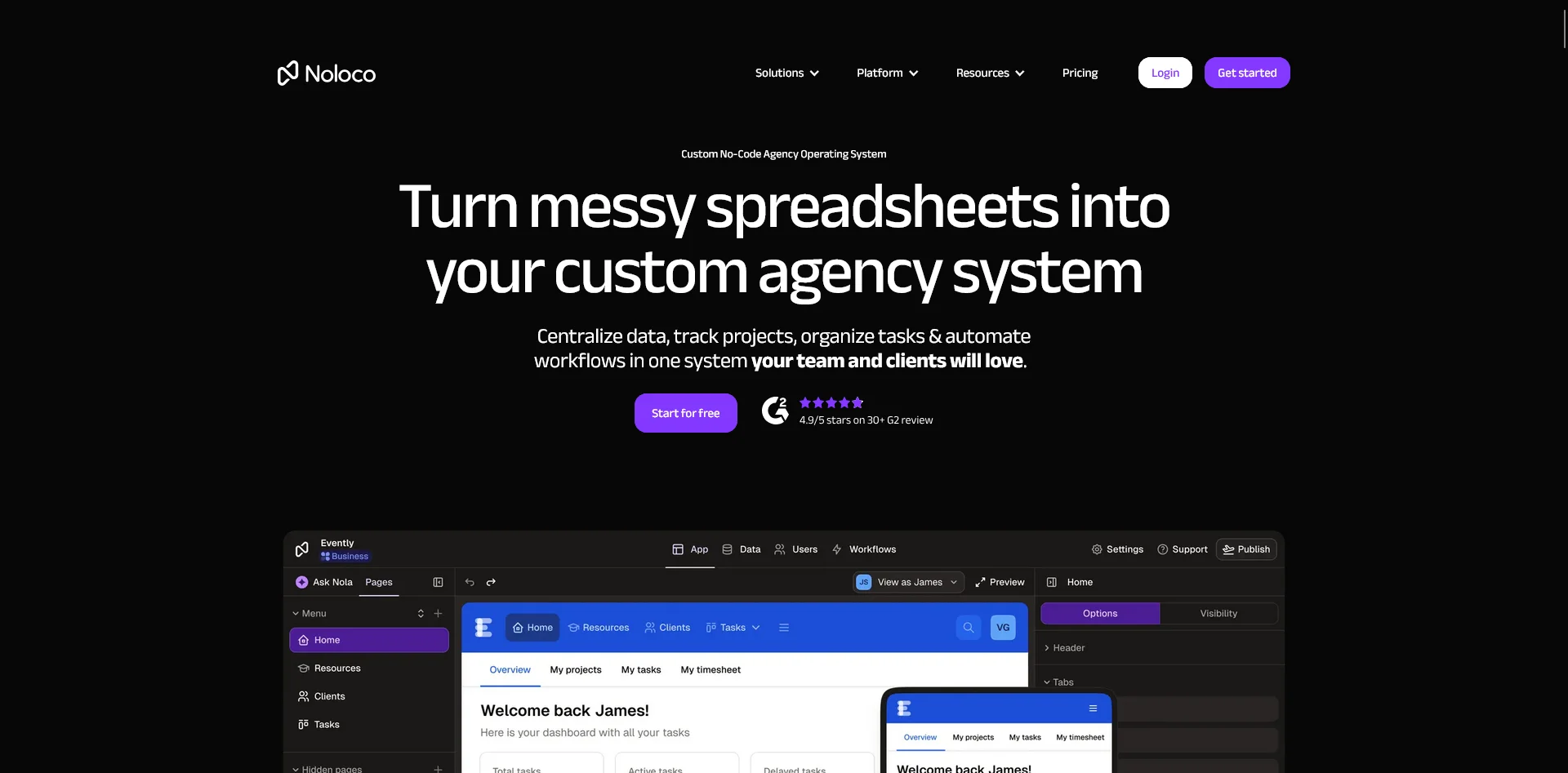
Noloco is built specifically for internal tools and client portals. It connects to your existing data sources (Airtable, Google Sheets, PostgreSQL, MySQL, REST APIs) and lets you build dashboards, approval workflows, and admin panels without coding.
Pricing: Free tier (3 team seats, 2,000 rows). Paid plans start at $39/month annually.
What you need to know:
- Purpose-built for internal tools, not consumer apps
- Deep data source integrations (databases, spreadsheets, APIs)
- Role-based permissions, audit trails, approval workflows
- AI assistant for generating app layouts
- Web-based (no App Store publishing)
Noloco is more structured than Glide for complex internal workflows. If your internal tool needs role-based access control, multi-step approvals, or connections to production databases, Noloco handles that out of the box.
Microsoft Power Apps
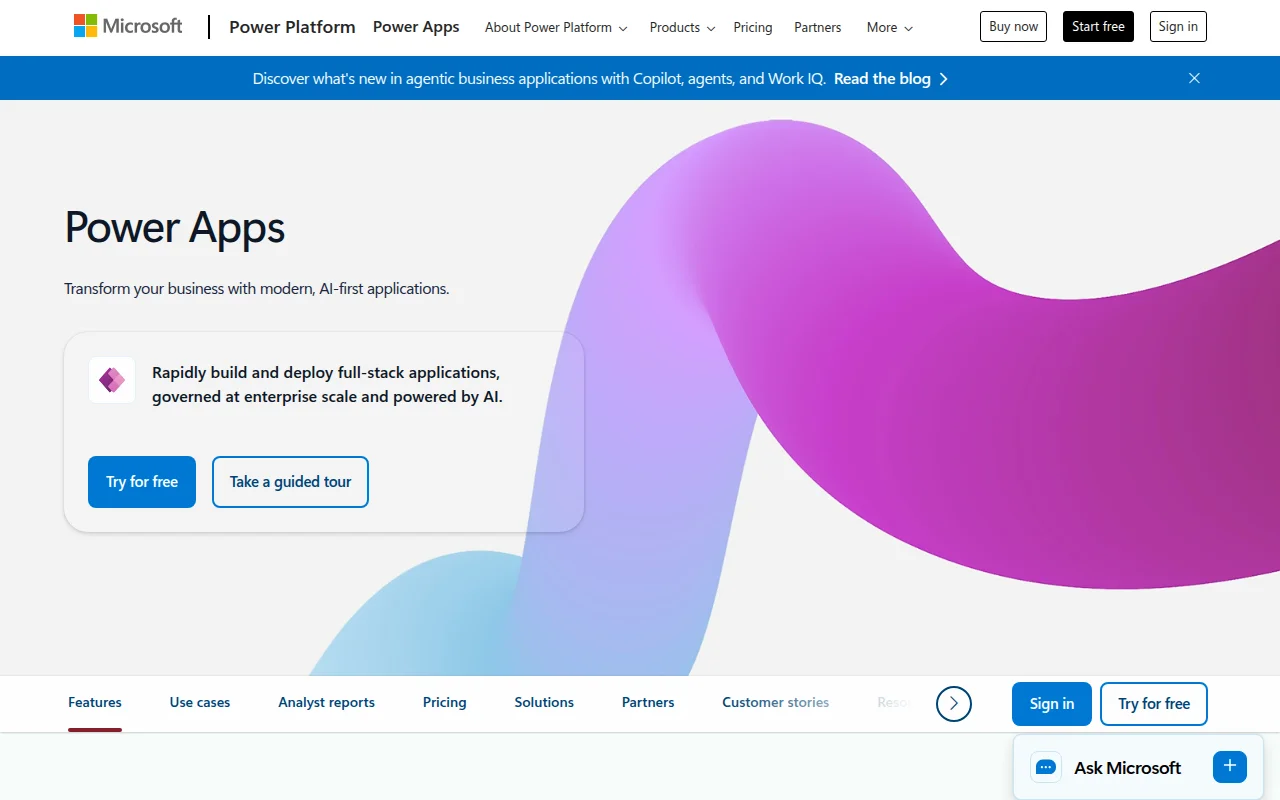
Power Apps is the enterprise option. If your organization runs on Microsoft 365, Power Apps integrates tightly with SharePoint, Teams, Dataverse, and the rest of the Microsoft ecosystem. It's the most powerful internal tool builder on this list, but also the most complex and expensive at scale.
Pricing: Developer plan free (non-production only). Premium at $20/user/month. Volume discounts at 2,000+ users.
What you need to know:
- Deep Microsoft 365 and Azure integration
- Power Automate for workflow automation
- Distributes through Teams and the Power Apps mobile player, not consumer app stores
- Per-user pricing scales quickly (100 users = $2,000/month)
- Add-ons for AI, automation, and storage increase costs further
- Significant learning curve compared to Glide or Noloco
Power Apps is powerful but complex. If your team already lives in the Microsoft ecosystem and you need enterprise governance, it makes sense. For smaller teams, Glide or Noloco will get you there faster and cheaper.
What’s the Best Mobile App Builder For You?
Hopefully one of the categories above stood out to you while reading this article. Perhaps you’re looking for a low-cost, visual-based tool to play around with and compile an app in your spare time.
Perhaps you’re running an ecommerce store, and want to launch a mobile app for your store.
Or you’re looking to build something to use internally in your company, or an AI tool to boost your dev team’s productivity.
Whatever the project, one of the tools we’ve mentioned above should fit the bill.
Disclaimer: we run MobiLoud. So of course we think it’s great (that’s why we built it). We think it’s the best way for most ecommerce brands to launch their own mobile apps, by converting everything that already exists and already works on your website.
If you’re keen to learn more, book a free consultation and we’ll discuss your project, show you some examples, and give you an honest assessment of whether MobiLoud is right for you, or if the best mobile app builder is something else (on this list or otherwise).