























What Squarespace teams actually need to know
An app channel for Squarespace sites, without leaving the editor
Apps and push are now one of the highest-engagement retention channels for Squarespace sites, reaching customers and readers in a channel email and search rankings cannot match. The question is not whether a mobile app makes sense for your Squarespace site. It is how to launch one without leaving the editor you have already invested in.
Push reaches customers where email and search cannot
Email open rates have fallen for years, and the promotions folder eats a large share of what does get delivered. Search traffic compounds in volatility with every algorithm update. Social referral is a rented audience that disappears the moment a platform changes its mind. The retention-channel ceiling for Squarespace sites that depend on these sources sits well below where it used to.
Mobile apps change the shape of the channel. An icon on the home screen, persistent login, push notifications direct to the lock screen, and the install itself as a signal of your most engaged customers and readers. Push reaches the user where email and search cannot, and app users are already opted in by definition.
Across the ecommerce category, app users convert at 3-7x mobile web rates, spend 10-50% more per order, and deliver roughly 3x the lifetime value. MobiLoud customers in DTC commerce show the same pattern: Sleefs delivers 3x revenue per app user and 30% higher AOV; Country Life Natural Foods reports 15x revenue per app user; Pharmazone drives 63% of online revenue through the app, with abandoned cart push converting at 22%.
Every other path rebuilds your site from scratch
The other routes to a Squarespace mobile app all ask the same thing: rebuild your site in a separate codebase. Custom native (Swift, Kotlin, React Native) means replicating every Squarespace template, every section, every product, every blog post, every member area, and every Acuity flow your team has wired in, in a different language and on a different release cycle. The team then carries the duplicated work going forward: every editor change, every new product, every theme tweak ships twice.
The cost is real (custom-native runs $500K-$1M+/year fully loaded for an enterprise build), but the deeper problem is the duplication itself. You picked Squarespace because the editor is the right tool for the job. A custom-native app gives up that advantage on the mobile side, paying to maintain a second version of your site separate from the one your team chose to work in.
Your stack stays the source; our team owns the iOS and Android side
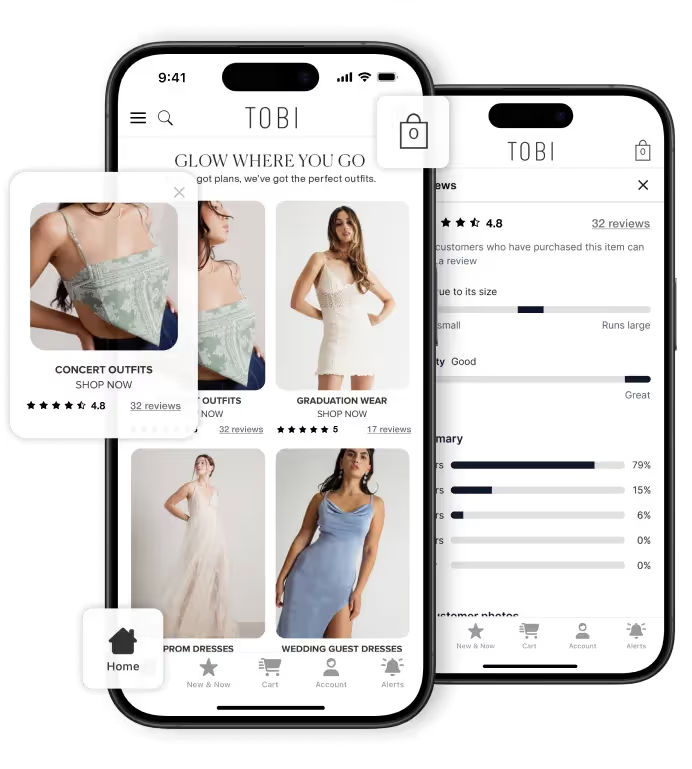
MobiLoud is the combination of a native platform and a service team. The platform bridges your live Squarespace site to an iOS and Android app and brings the features a native app needs built in: push notifications via OneSignal or Klaviyo, deep links into any page or product, persistent login, native navigation, smart banners, in-app payments, and analytics tied into GA4, Firebase, or your existing tooling. The native integrations you would otherwise build once-per-app are built into the platform once.
Together, your existing Squarespace site plus our platform is a custom mobile app experience, built on the site you already operate, not a second one you rebuild from scratch. Every edit in the Squarespace editor, every new product, every new blog post, every member area change, and every Acuity update that ships on the site shows up in the app automatically.
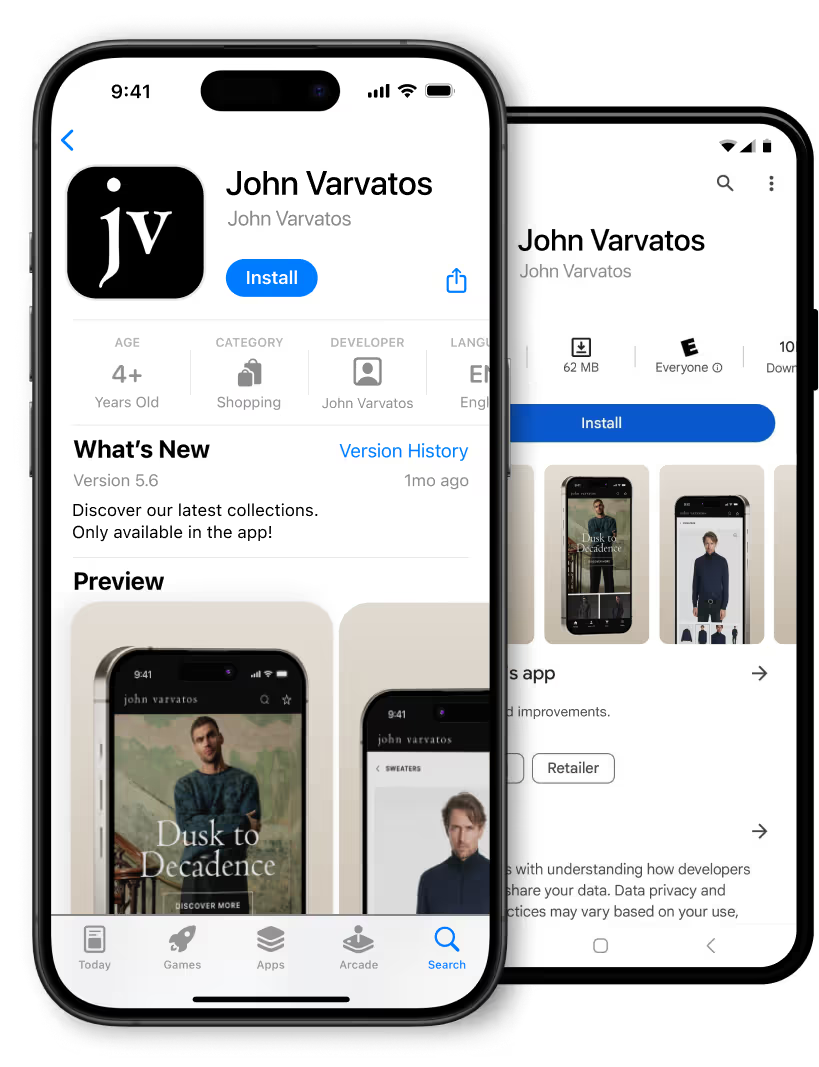
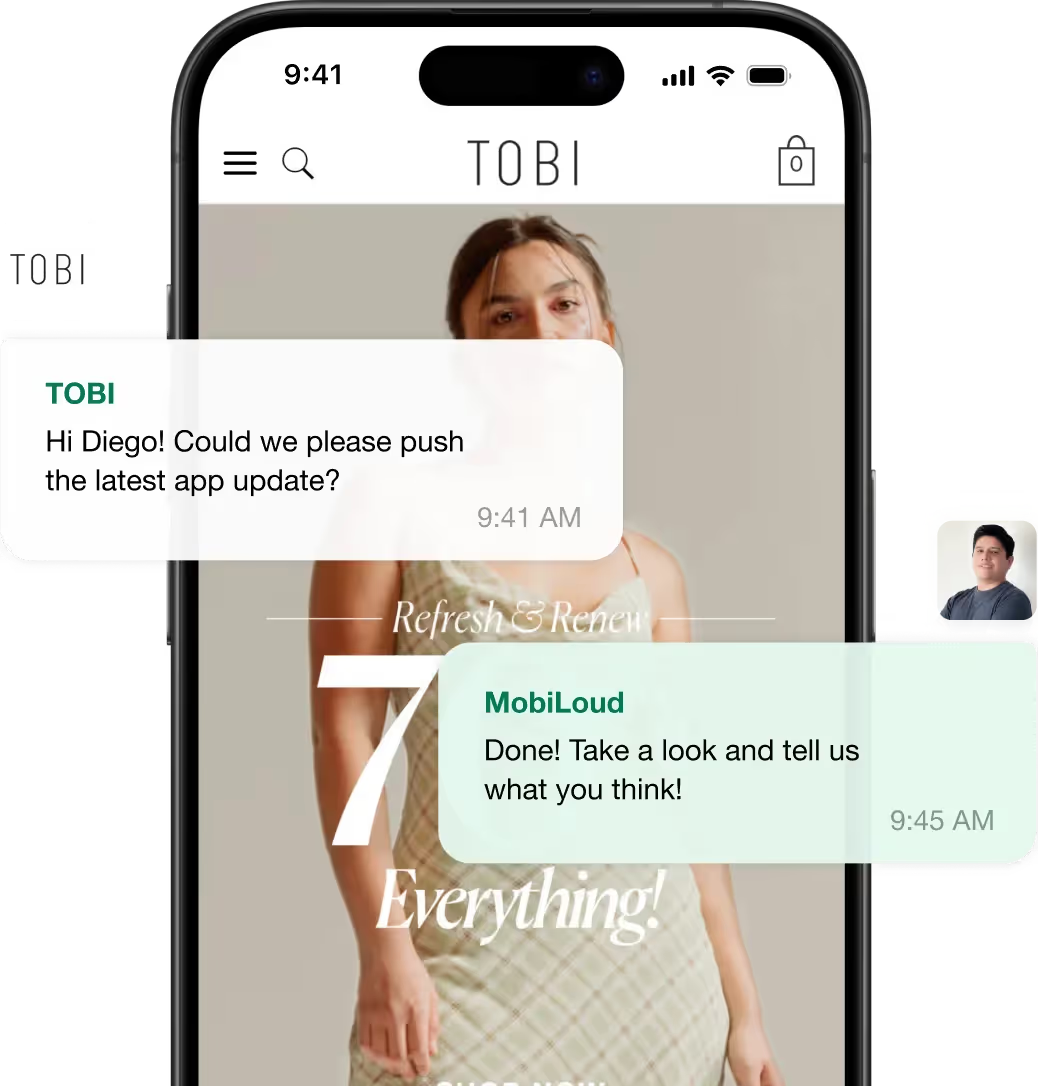
You keep working in Squarespace the way you already do. Our team guides on the app-specific patterns and applies direct customizations to the app experience when something needs to look or behave differently in the app. The native SDK integrations that come up infrequently (custom payments, native analytics) we handle from our side, and we run the iOS and Android operational track: builds and submissions under your developer accounts, OS update cycles, certificate renewals, and store policy.
"The expense isn't that big, and operationally, there's not that much we have to do for the app. It's a no-brainer."
David Cost, when VP of Ecommerce & Marketing at Rainbow Shops, on the operational reality of running their mobile app on MobiLoud during their time as a customer.
After launch is where the channel actually compounds
We are focused on the results we see Squarespace customers achieve regularly. The launch playbook is where we start: install prompts on your site, smart banners on mobile web, QR codes, email announcements to your existing customer base, and an app-user incentive to drive the first wave of installs. The push strategy gets built into the integration we set up (new content, drops, abandoned cart for commerce stores, member alerts for member sites), all running directly in your existing OneSignal or Klaviyo account.
On Enterprise, the work does not stop at setup. Your customer success manager runs monthly performance checkpoints against peer Squarespace sites in your category, builds analytics dashboards on the app channel, reviews what is working in your category, and proposes what to try next. The push strategy gets refined as the channel grows.
MobiLoud has served 2,000+ brands. The results above are not exceptional. They are what the channel delivers when it is launched and run properly. The fastest way to know whether it works for your business is the free preview: we build a working version of your Squarespace mobile app from your live site in roughly 5 to 7 working days, so you can see exactly how it looks and feels before you commit to anything.