Mobile apps powered by Laravel
Get native iOS and Android apps built on your Laravel app, with nothing to rebuild. Every update you deploy shows up in the app too.
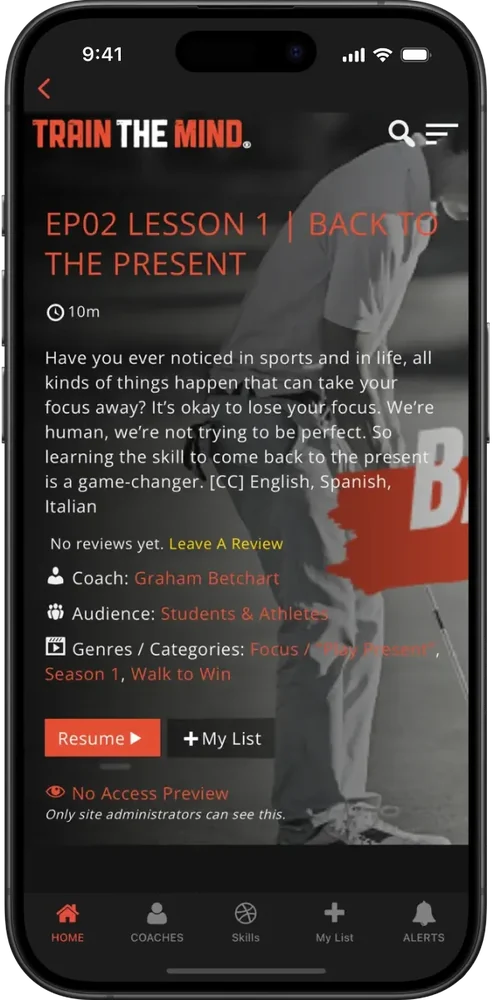
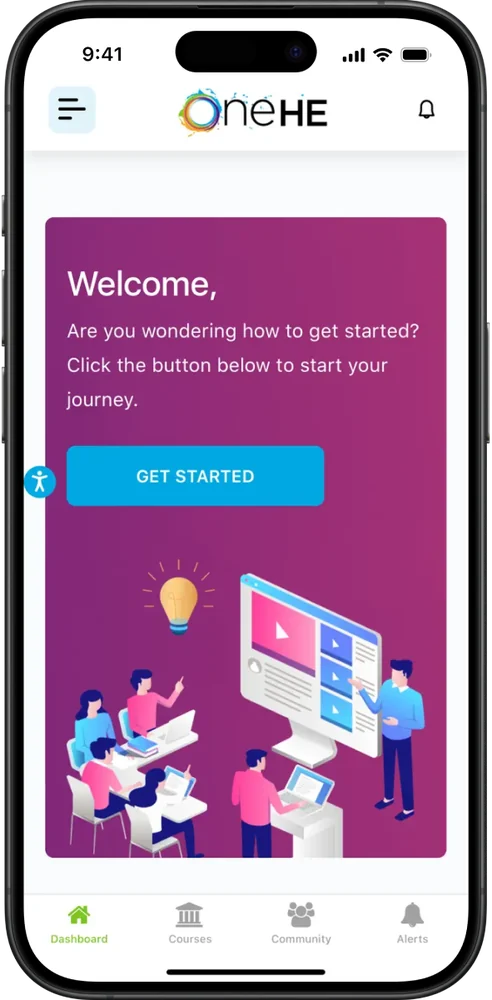
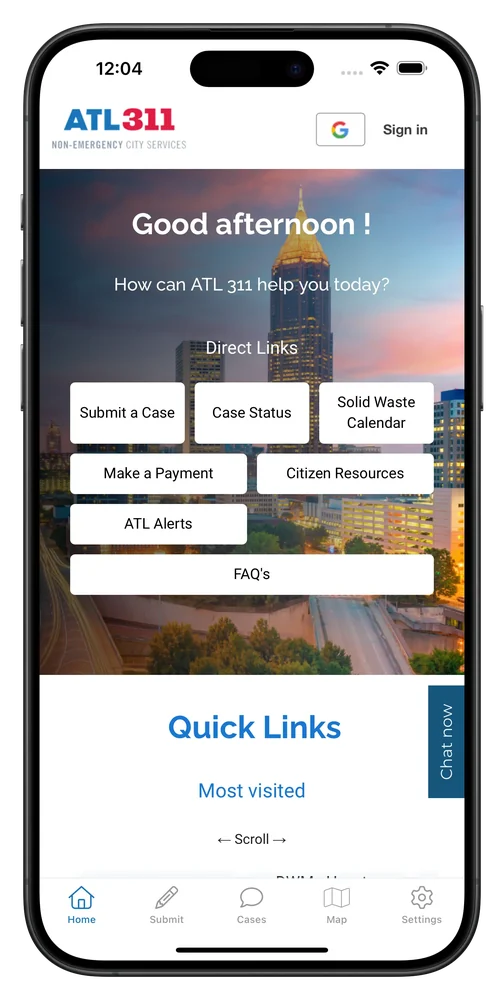
2,000+ apps published since 2013








Everything carries over
The mobile app runs on the Laravel app you deploy today, so your pages, logins, data and notifications all work in it. There's no second app to build or keep in sync.
Blade, Livewire or Inertia pages look and work in the app just as they do on the web.
Every route you have today works in the app, with native navigation on top.
People stay signed in through the same sessions, whichever auth package you use.
Every screen reads the same database through the same code, so there's no second copy on the phone.
The notifications and queued jobs you already send can reach app users as push through OneSignal.
Real-time updates arrive in the app just as they do in the browser.
Tailwind, Alpine and whatever else you build with look the same in the app.
Deploy with Forge, Vapor, Laravel Cloud or your own pipeline, and the app shows each release as soon as it goes live.
For your developers
Your Laravel app can tell when someone opens it in the mobile app, so you can change what app users see or add pages just for them. This middleware makes that check once and shares it with every view.
Use @if ($inApp) or @unless ($inApp) anywhere, from layouts to Livewire components, to change what app users see.
Link each device to the user's ID after login, then send push through OneSignal from your queued notifications.
Register app-only pages, like onboarding or member offers, with your usual controllers and middleware.
Close the app's login screen after a successful login and bring it back on logout, whichever auth package you use.
<?php

namespace App\Http\Middleware;

use Closure;
use Illuminate\Http\Request;
use Illuminate\Support\Facades\View;

class DetectMobileApp
{
    public function handle(Request $request, Closure $next)
    {
        // The MobiLoud app adds "canvas" to its user agent
        $inApp = str_contains(
            strtolower($request->userAgent() ?? ''),
            'canvas'
        );

        // Any Blade view can now check $inApp
        View::share('inApp', $inApp);

        return $next($request);
    }
}
MobiLoud vs the alternatives
NativePHP puts a separate copy of your app on every phone. The API route means writing a new app from scratch in Flutter or React Native. Either way, you end up with two apps to maintain. MobiLoud builds on the Laravel app you already run.
MobiLoud
NativePHP
Sanctum, then Flutter or React Native
The operating model
Your team keeps building in Laravel, the same way as today. We build the iOS and Android apps, keep them up to date with each new OS version, and look after everything app-specific.
Your team
Stays in Laravel
Our team
Builds, ships and updates the apps
Getting live
Your team is needed at two points: the kickoff and the sign-off. The native work between them is ours.
Week 1
Your developers walk us through the app: which routes belong in the tab bar, which auth package you use and what app users should see differently. Then you invite us to your Apple and Google developer accounts.
Weeks 2 to 3
Working from your production URL, we set up the tab bar, push notifications and deep links for your named routes. A test build is on your phone in week two.
Week 4
We test logins, forms and Livewire interactions on real devices, fine-tune the splash screen and back button, and connect GA4 and Firebase before sign-off.
Weeks 5 to 8
Submission goes out from your developer accounts. Review by Apple and Google usually takes one to two weeks, and we handle any questions. From then on, deploying Laravel updates the app.
We can deliver everything your legal, security and finance teams will ask for:
Have any more questions we didn't answer? Book a 30-minute call or send us a message to clear it all up.
Book a callNo. NativePHP puts a separate copy of your Laravel app on each phone, with its own SQLite database that syncs through an API, and since version 4 its screens are built from NativePHP's native components. MobiLoud builds native apps on your live Laravel app, with your existing views and one database.
Yes. Livewire components, Inertia pages with Vue or React, and plain Blade views all work, including real-time updates over Reverb or Pusher.
No. The app loads the pages Laravel already renders, so your routes, controllers and session auth work as they are. You only need an API if you want one for something else.
Yes. Breeze, Jetstream, Fortify and custom guards work because the app uses your normal web sessions, and users stay signed in between visits. For Google sign-in, we set up the native handling Google requires.
Through your own OneSignal account, or Klaviyo on the Enterprise plan. After login, one JavaScript call links the device to the user's ID, so your notification classes and queued jobs can send push through OneSignal's REST API.
Yes. Your views still come from Laravel, and we add what makes it an app: a native tab bar and navigation, push notifications, persistent login, deep links, a splash screen and haptic feedback, with details like the back button tuned for mobile.
Yes. App store review is part of our job: we've taken more than 2,000 apps through it since 2013. The native navigation, push notifications and persistent login we add meet what Apple expects, and we reply to the reviewers for you.
The Business plan is $1,499 a month, or $1,274 a month billed annually, plus a one-time fee to build and publish the apps, with up to 10,000 monthly active users. Enterprise, with native SDK integrations, a dedicated success manager and an SLA, is custom-priced. Neither plan takes a share of your revenue.
Most teams are live in 6 to 8 weeks: four weeks to build, test and approve the apps, then one to two weeks of app store review. Your team can keep deploying the whole time.
You do. The listings are under your own Apple and Google developer accounts, and your Laravel code is yours alone. MobiLoud owns the intellectual property in the platform that builds the native apps, and if you ever leave, you keep your listings and your users.
We'll build a free, interactive preview of your app, so you can see how your Laravel app looks and works on iOS and Android.

