



















How to Turn Your Umbraco Site Into a Native Mobile App

Umbraco is a great tech choice - but how do you convert an Umbraco site into a native mobile app? There are a few options, some more easier than others.

Umbraco sites don't come off a shelf. They're built by agencies and development teams, piece by piece. 

Custom document types, tailored content workflows, integrations with CRMs and ERPs, member portals, multi-language content trees. Whether it's a corporate site for a global brand, a content platform, or an ecommerce operation running Umbraco Commerce, there's serious development work behind what your users see.

Now you want a native mobile app. Maybe it's to give customers a better mobile experience. Maybe it's to reach members or subscribers through push notifications. Maybe you already have an app that's fallen behind the website and costs too much to keep updated.

Whatever the driver, you're probably assuming it means a major new project. A separate codebase. A mobile agency. Months of development to rebuild what already exists on the web.

It doesn't have to work that way.

Can You Build a Mobile App with Umbraco?

Not out of the box. Umbraco is a content management system, not a mobile app platform. It powers websites exceptionally well, but there's no built-in way to generate a native iOS or Android app from your Umbraco site.

Here's what Umbraco does offer:

Umbraco Heartcore (headless CMS)

Umbraco Heartcore is a SaaS headless CMS that delivers content via REST and GraphQL APIs. 

In theory, you could use Heartcore as the content backend for a custom mobile app.

In practice, that's a full custom development project. 

Heartcore gives you content APIs, but you still need to design, build, and maintain the entire app frontend in Swift, Kotlin, React Native, or Flutter. Every piece of functionality on your website (navigation, forms, search, member areas, ecommerce, personalization) has to be rebuilt from scratch. 

Heartcore is a content delivery tool, not a mobile app builder.

No app builder ecosystem

Unlike WordPress or Shopify, which have large plugin and app marketplaces, Umbraco's ecosystem is focused on website development. 

The Umbraco Marketplace has packages for SEO, forms, media, and developer tools, but nothing that turns your site into a mobile app.

This isn't a gap in Umbraco. It's a reflection of how the platform is used: as a flexible CMS for custom-built websites. The .NET ecosystem in general has far fewer pre-built mobile app tools compared to PHP or JavaScript-based platforms.

Responsive web is the standard approach

Most Umbraco sites are built with responsive design, so they work on mobile browsers. That covers basic access, but it doesn't give you App Store presence, push notifications, or a home screen icon.

 You're depending on users to remember your URL or find you through search every time.

Your Options for Launching a Mobile App

For organizations running Umbraco sites, the realistic paths to a native mobile app come down to two options.

Custom native or cross-platform development

You can build a native iOS and Android app (or use React Native or Flutter) that pulls content from Umbraco via APIs, either through Heartcore or the Content Delivery API.

This is the traditional route. You engage a mobile development agency, go through discovery, design, build out every screen and interaction, integrate with your existing systems, test, and deploy.

The challenge is you're rebuilding your entire web experience in a new technology. Your Umbraco site isn't a simple template. It has custom document types, tailored navigation, possibly member areas with authentication, forms, search, personalization through Umbraco Engage, and maybe ecommerce through Umbraco Commerce. 

None of that transfers to a mobile app automatically. You're starting from scratch.

For a mid-complexity Umbraco site, custom app development typically runs $100,000 to $300,000 for the initial build, with $30,000 to $75,000 per year in maintenance to keep up with OS updates, app store requirements, and feature parity with your website. 

Complex builds with member portals, ecommerce, and multi-language support can go higher.

Then you have two separate experiences to maintain. Every content update, every new page template, every UX improvement needs to happen twice. 

Most organizations eventually start prioritizing one over the other. The app falls behind the website, the experience degrades, and you've spent six figures on something your team no longer has bandwidth to keep current.

Custom development makes sense if your app needs to do things your website fundamentally can't, like offline-first functionality, hardware integrations, or a completely different mobile UX. For most Umbraco sites, the goal is simpler: deliver the web experience you've already built as a native app.

Website-to-app with MobiLoud

There's a better path: take your existing Umbraco site and extend it into a native mobile app, with MobiLoud.

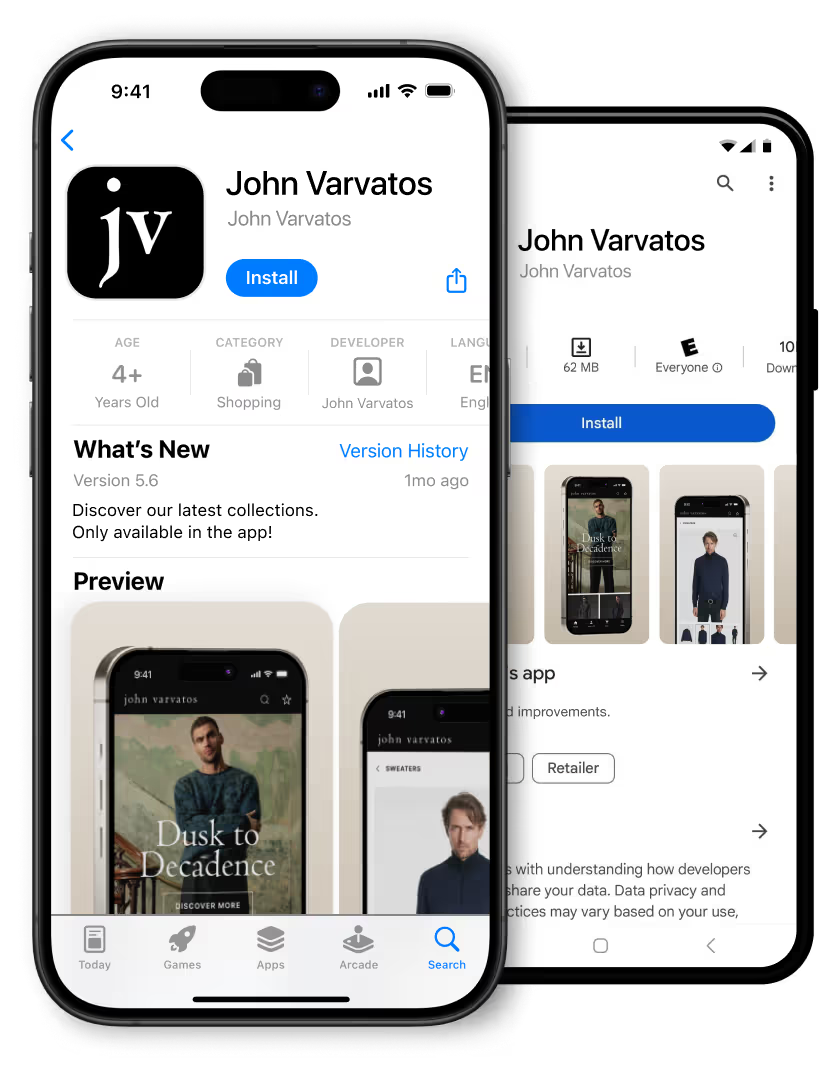
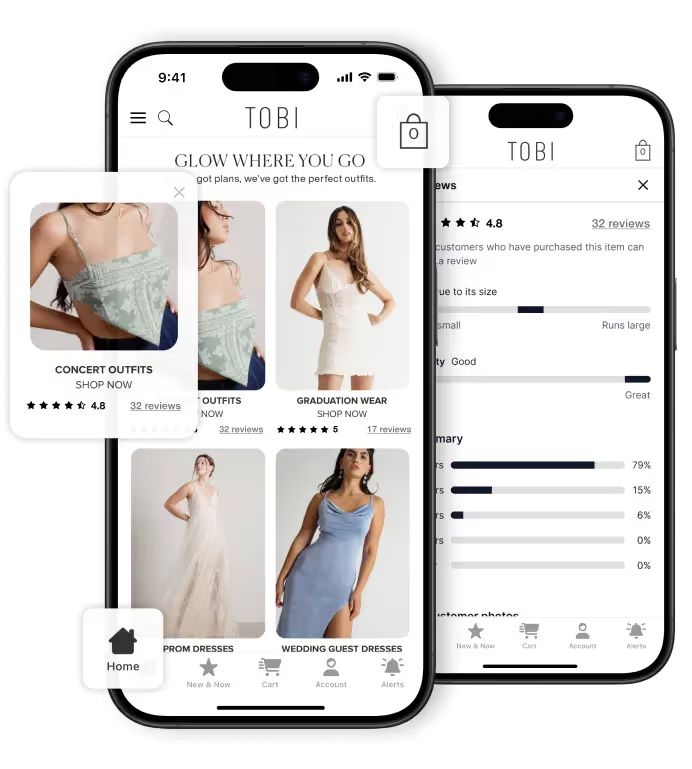
MobiLoud takes the website you've already built and delivers it as a native iOS and Android app. Your site is the app. Everything your users see on the web (content, navigation, member areas, forms, commerce, search) carries over automatically.

On top of that, MobiLoud adds native capabilities: push notifications, native navigation, deep linking, app icon, splash screen, and full App Store and Google Play presence.

The cost is a fraction of custom development. The launch timeline is weeks, not months. And because the app renders your live website, every content update and design change is immediately reflected in the app. No duplicate work.

Why MobiLoud is the Best Way for Umbraco Sites to Launch an App

MobiLoud converts your existing Umbraco website into native iOS and Android apps.

It's dramatically more efficient than building a custom native app, yet the end result is the same: a real, native app in the App Store and Google Play that delivers your full web experience.

Here's why this approach is a natural fit for Umbraco users:

Your entire custom site becomes the app

This matters because Umbraco sites are bespoke. Your agency or development team built something tailored to your organization: custom document types, content workflows, navigation structures, design system, member areas, search. None of that is generic or template-driven.

With a custom native app, every one of those custom elements has to be rebuilt. With MobiLoud, they all carry over automatically because the app delivers your existing site. If your users can access it on the web, they can access it in the app.

Works across every type of Umbraco site

Umbraco powers a wide range of sites, and MobiLoud works with all of them:

  • Corporate and brand sites with complex content hierarchies and multi-language support
  • Content platforms and publishers with articles, media, and dynamic content
  • Member portals with authentication, gated content, and user-specific experiences
  • Ecommerce sites running Umbraco Commerce with product catalogs, checkout, and order management
  • Multi-site setups managed from a single Umbraco instance

You don't need different solutions for different site types. MobiLoud works with whatever your users see on the web.

Every integration and add-on carries over

Your Umbraco Engage personalization, your forms, your search, your CRM integration, your payment gateway: whatever you've wired into your site works in the app automatically. There's no compatibility list to check. No APIs to reconnect. If it works on the web, it works in the app.

Push notifications for content, commerce, and member engagement

For publishers and content-driven sites, push notifications are how you bring users back. New article published? Send a push. For ecommerce, it's abandoned cart reminders, product launches, and sale alerts. For member portals, it's updates, reminders, and communications.

Native push notifications have significantly higher opt-in rates than browser-based notifications. That's the difference between actively reaching your audience and hoping they come back on their own.

The .NET ecosystem finally has a practical mobile path

If you've looked for mobile app solutions in the .NET world, you know the options are thin. Most app builders, plugins, and integrations are built for WordPress, Shopify, or JavaScript-based platforms.

Umbraco agencies often end up telling clients that a mobile app means a full custom build.

MobiLoud changes that. Because it works with the rendered website, not with a specific CMS API or technology stack, it works with Umbraco the same way it works with any platform. Your .NET stack isn't a limitation.

No new codebase to maintain

When your team updates the site, the app reflects it automatically. New content, new pages, new design elements: they're live in the app the moment they're live on the web.

You're not coordinating releases across web, iOS, and Android. You make changes in one place and they're live everywhere.

Launch in weeks, not months

A custom Umbraco mobile app takes 4-8+ months to build. MobiLoud apps typically launch in about 4 weeks. And you already know what you're going to get, because the app is a direct reflection of what already works on your website.

Fully managed service

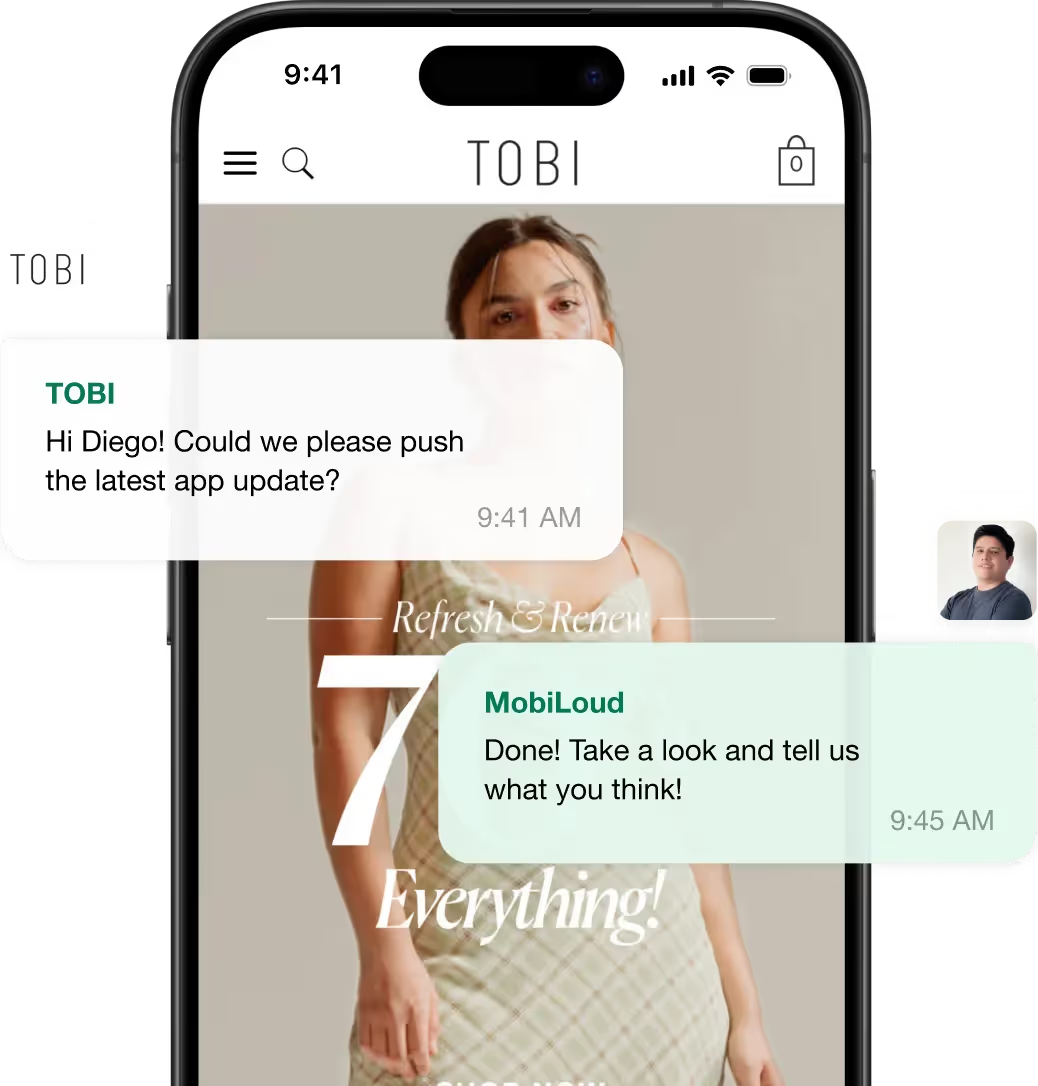
MobiLoud handles everything: the build, app store submission (Apple and Google), ongoing maintenance, and support. Your team stays focused on the website and the CMS. We handle everything to do with your app.

How It Works

The process is straightforward, and it doesn't require your development team to take on a new project.

  1. Get a free consultation. We'll put together an interactive preview so you can see exactly what your Umbraco site looks like as a native app before committing to anything.
  2. App build. Once you give the go-ahead, we put your apps together. Native layer with push notifications, native navigation, app icon, splash screen, deep linking, and any extras needed to meet your requirements.
  3. Testing and QA. We run comprehensive tests across iOS and Android devices. You test on your own devices and provide feedback.
  4. App store submission. MobiLoud handles Apple App Store and Google Play submission, including all compliance requirements and metadata.
  5. Launch and ongoing support. Your app goes live. MobiLoud handles OS updates, app store policy changes, maintenance, and support on an ongoing basis. You keep working on your Umbraco site.

Your Umbraco setup doesn't change. Your CMS, hosting, integrations, and content workflows keep running exactly as they do today. You just gain a new, native channel to reach your audience.

Next Steps

If you're running an Umbraco site and you want to extend it to a native app, MobiLoud is the single best way to make it happen.

The cost could be less than 1% of what it takes to build a custom mobile app. And you don't need to wait months for a development team to rebuild what you already have.

Your website already works. Your content is live. Your integrations are in place. Your users are already accessing it on mobile browsers.

Why rebuild all of that from scratch when you can turn it into an app directly?

Ready to see what your Umbraco site looks like as a native app? Book a free consultation to talk through whether this is the right fit for your organization.

FAQs

FAQ open/close button.
Type
CMS
Website
http://umbraco.com
Need help?

Convert your website into a mobile app

Schedule a 30-minute call with the MobiLoud team to explore when a mobile app makes sense for your business and how brands use it as an owned channel to strengthen engagement, retention, and repeat revenue.
Jack & Jones logo.Bestseller's logo.John Varvatos logo.